
Countdown to Christmas 2025 with festive games & activities in a virtual village
 4.80
4.80
Designed to delight, impress and energize your festive spirit every single day
4.4
Daily lessons from A Course in Miracles with scheduled reminders
4.80
Spirit Communicator is a real paranormal ghost hunting app with many fun modes.
3.90
Get the news, events and savings that matter to you with AARP Now.
4.80
Celebrate the holidays with Advent Calendar: daily surprises and festive fun!
4.0
Subwoofer school’s in session! You’ve now enrolled into KICKER U.
3.80
The App can control Roborock vacuum cleaners from anywhere with rich features.
4.60
Vehicle ownership simplified. Get the myChevrolet® app today.
4.60
A unique and customizable watch face which rotates its layout every minute.
4.80
Make money, get paid cash rewards & gift cards for every survey. Earn today!
4.60
Retro animated weather with hourly forecast Watch Face for Wear OS
4.60
The all-new Cync app. The simple, connected app for Cync and C by GE.
4.50
PARAVOX 4 is a professional ITC paranormal research application.
4.50
Zodiac & Horoscope Launcher: Daily Sign Predictions & Astrology
4.40
Smart controls for your Ember Smart Mugs
4.10
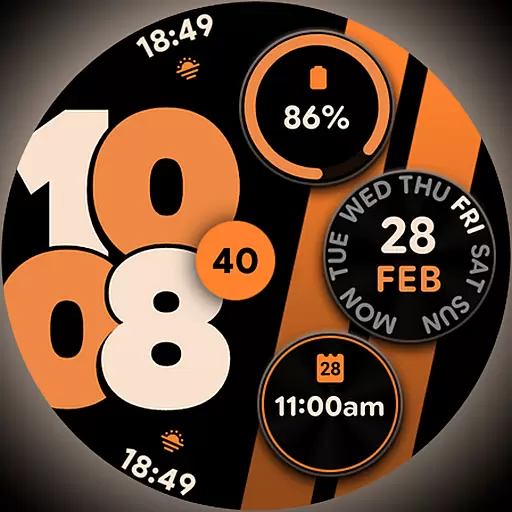
Unique BIG BOLD TIME with amazing colors and customisations.
3.70
Big bold weather watch face with dynamic backgrounds and 3 complications
4.3
Duo Watch Face (animated)
4.1


