


ComicScreen is a versatile comic reader and manager designed for comic enthusiasts. This application supports various compressed file formats including zip, rar, cbz, cbr, and pdf, making it easy to access your entire comic library. With support for multiple image formats such as jpg, png, gif, bmp, tiff, webp, and avif, users can enjoy high-quality visuals without compatibility issues.
The app offers smooth image scrolling, bookmark previews, and quick zip file viewing, ensuring an uninterrupted reading experience. Its horizontal and vertical view modes provide flexible reading options, while the automatic page resort feature keeps your comics organized. ComicScreen also includes practical functions like folder and file management, USB-OTG drive support, and network connectivity through SMB and FTP protocols.
Whether you're managing a large collection or simply enjoying your favorite comics on the go, ComicScreen provides all the tools necessary for easy organization and optimal display of your digital comics.
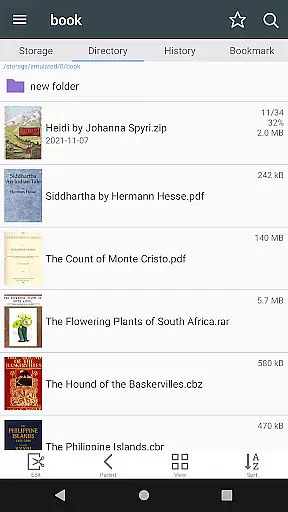
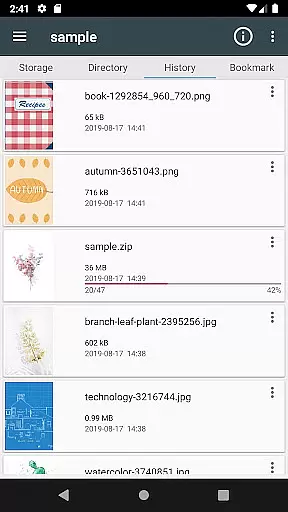
ComicScreen stands out with its comprehensive set of features tailored for comic readers. The integrated Folder and File Explorer allows users to efficiently manage their files by enabling search, rename, and delete functionalities. Additionally, the app's support for USB-OTG drives and network protocols like SMB and FTP ensures seamless access to comics stored across different devices and locations.
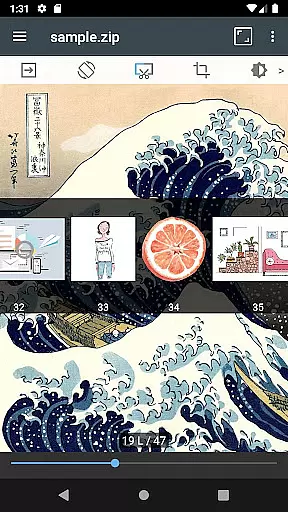
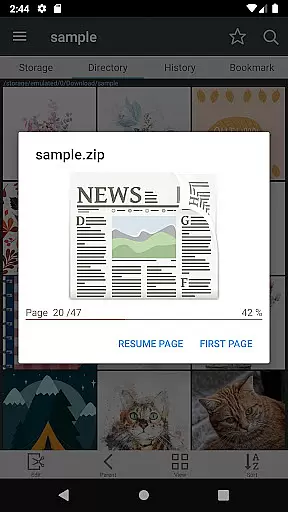
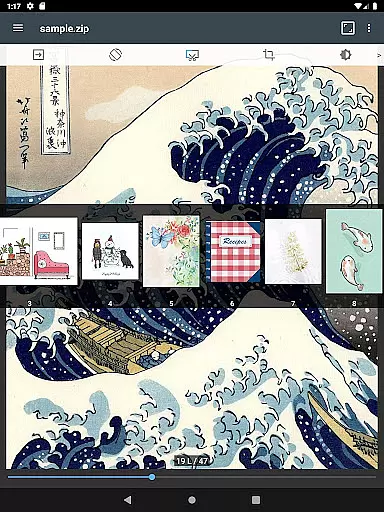
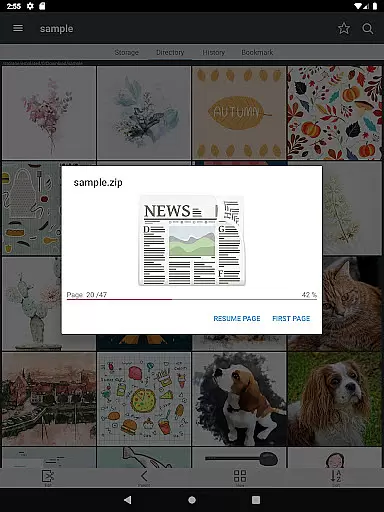
One of the key highlights is the smooth image scrolling feature, which enhances the reading experience by allowing users to effortlessly navigate through pages. The bookmark preview function lets readers quickly jump to their last viewed page, while the zip file quick view enables instant access to compressed files without full extraction. Furthermore, ComicScreen offers both horizontal (2 pages) and vertical (1 page) view modes, catering to individual preferences.
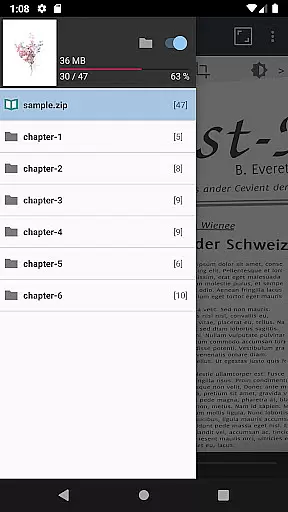
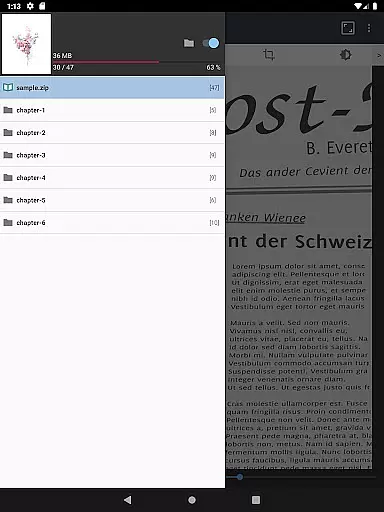
Additional notable features include automatic page resorting, chapter drawers for folders within zip files, margin cutting for optimized viewing, and hardware key navigation for page movement. These thoughtful additions make ComicScreen not just a viewer but a complete management solution for digital comics.
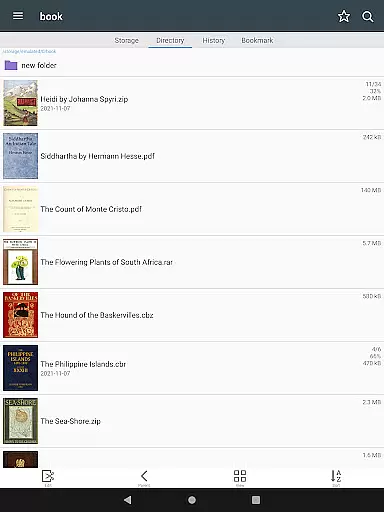
ComicScreen offers an extensive and versatile comic library experience by supporting multiple compressed file formats including zip, rar, cbz, cbr, and pdf. This ensures users can access a wide range of comic collections regardless of the original file format.
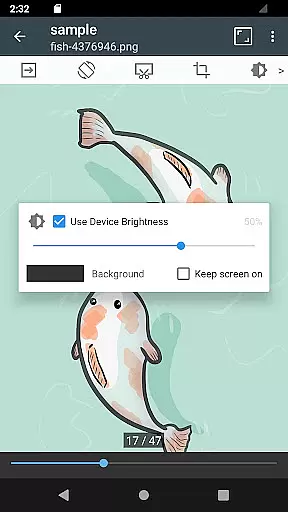
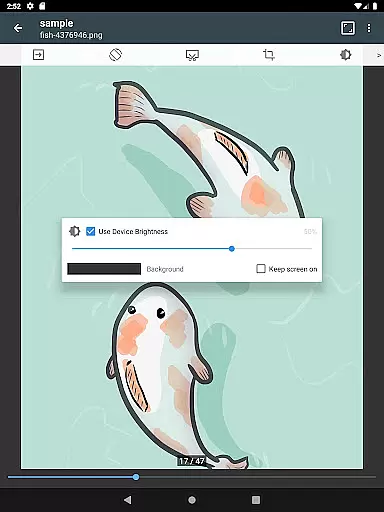
In addition to diverse file compatibility, the app supports various image types such as jpg, png, gif, bmp, tiff, webp, and avif. This comprehensive image support allows users to enjoy comics with different visual styles and qualities, enhancing their reading experience.
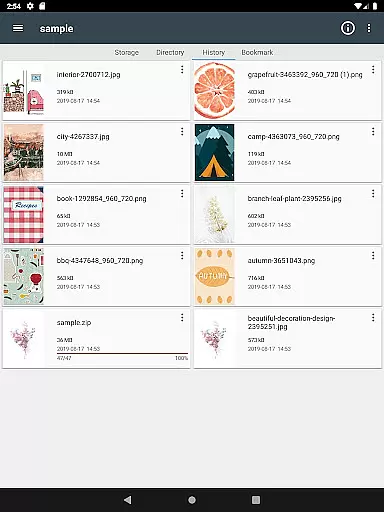
The application's folder and file explorer features enable users to efficiently manage their comic library. With functions like search, rename, and delete, organizing and maintaining a personalized collection becomes effortless and intuitive.
While ComicScreen doesn't provide images or compressed files directly within the app, it emphasizes content authenticity by allowing users to manage and view their legally acquired comic files. This approach respects copyright laws and promotes legitimate comic consumption.
The app's support for chapter drawers in zip files demonstrates its commitment to proper content organization. This feature helps maintain the integrity of comic series, ensuring readers can follow storylines as intended by creators without any mixing or misplacement of chapters.
By focusing on user-managed content and providing tools for easy navigation and management, ComicScreen creates a platform where users can safely and legally enjoy their personal comic collections while respecting intellectual property rights.
User-friendly interface
Extensive format support
Advanced file management
Smooth scrolling experience
Flexible viewing modes
No cloud sync option
Limited social features
Occasional bugs reported
Heavy on storage
Ads in free version

The most powerful and fast image/comics viewer.
 4.10
4.10
AsuraScans read manga, manhua, manhwa, and webtoon
3.90
Pose Tool 3D for the Artists, create any human figure pose quickly for your art.
4.00
Experience the largest selection of DC comics anywhere with DC UNIVERSE INFINITE
3.40
from HipComic: Value Your Comic Book Collection with Just the Snap of a Photo.
3.80
Read official webcomics, webtoons, Korean manga & webnovels
3.70
Read webcomics & webnovels
4.20
Read comics & manga
4.70
Read comics, manhwa, manga & novels Official webtoons with daily updates
4.30
Catalog your collection. Just scan covers with your device camera. (US $20/yr)
4.80
Instant access to over 30,000 Marvel comics with new issues added every week.
4.70
Dive into creative online comics, short video, graphic novels and web novels!
4.60
Manga reader for manga, manhua, manhwa & webtoon, online & offline, update daily
4.50
Read your favorite mangas for free
4.50
Pocket Toons: Free Webtoons, Comics, & Manga - New Chapter Drops Everyday
4.30
Become a real PKM Card Maker, create or custom any Poke TCG cards and share them
4.10
Comic Scanner - Book Value - Identify and sell your comic collection with AI.
3.80
Hot-blooded / Romance / Science Fiction All themes, Smart Recommendation + HD Reading
3.10
Get the latest manga chapters daily, released simultaneously with Japan.
3.10


User Reviews