
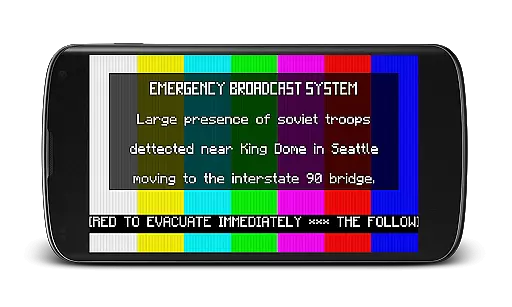
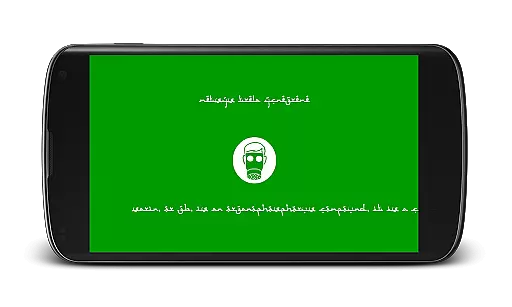
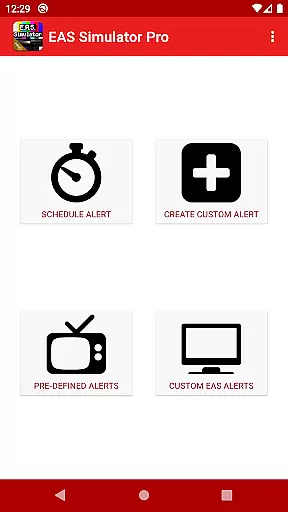
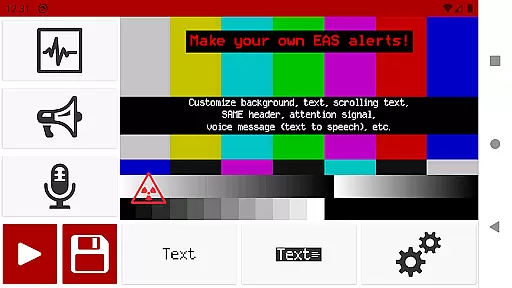
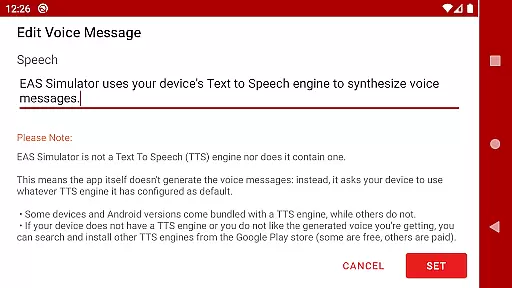
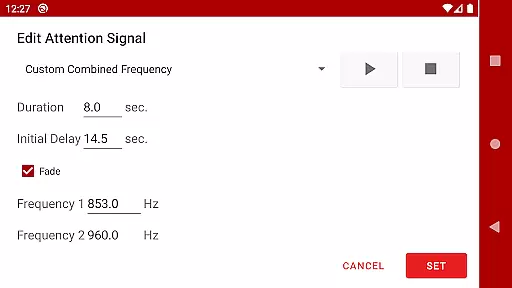
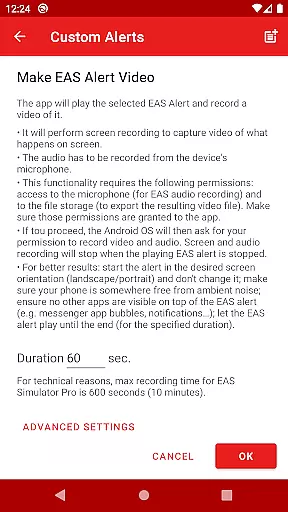
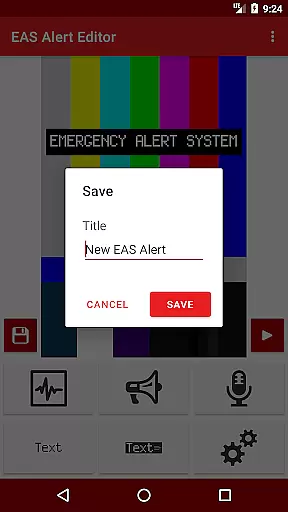
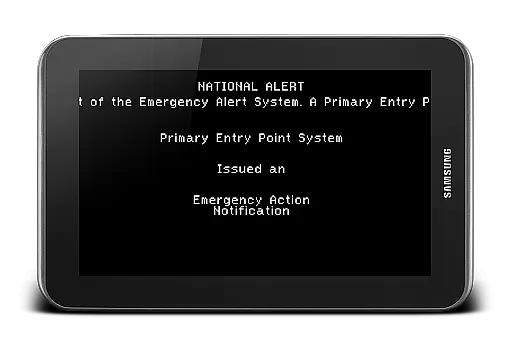
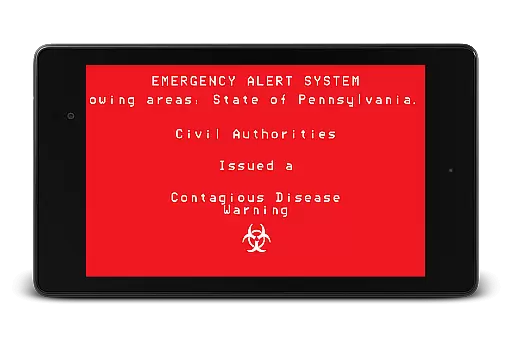
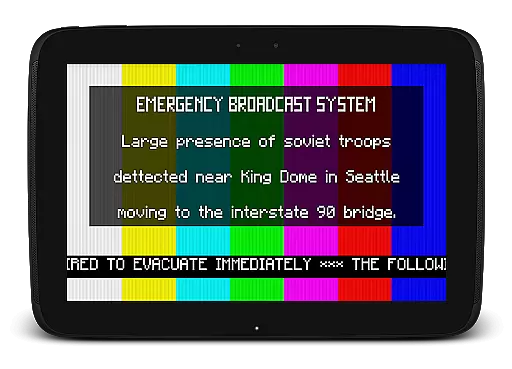
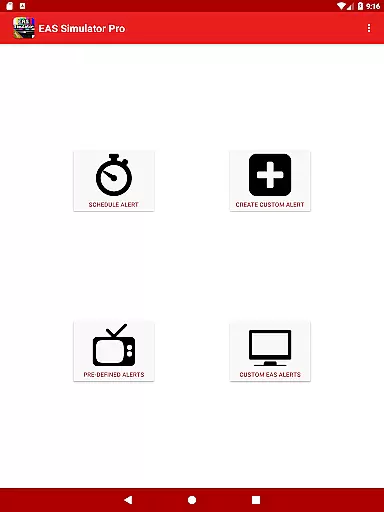
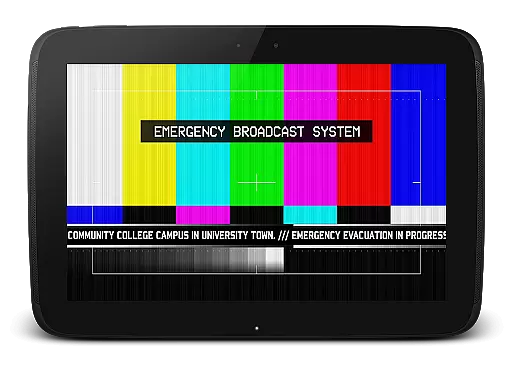
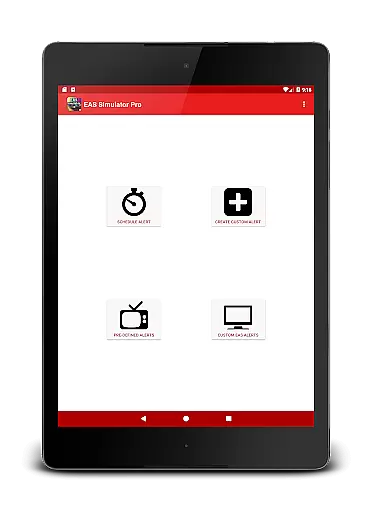
EAS Simulator Pro is an innovative entertainment app that allows users to create and experience realistic Emergency Alert System (EAS) simulations on their Android devices. The app offers a comprehensive EAS alert editor, enabling users to craft custom alerts with various features such as SAME headers, attention signals, and voice messages generated by the device's Text to Speech engine.
With its robust functionality, users can simulate real-life emergency scenarios like natural disasters or thrilling fictional events including zombie apocalypses. The app supports video conversion of alerts, scheduled playback even when the device is locked, and comes pre-loaded with numerous predefined alerts for diverse emergency situations.
This application is particularly useful for emergency preparedness drills, creative role-playing, or simply exploring "what if" scenarios in a controlled environment. Its realistic presentation and customizable options make it a valuable tool for both educational purposes and entertainment.
The app boasts an array of sophisticated features designed to provide an authentic EAS simulation experience. Users have full access to the alert editor, allowing them to create unlimited custom alerts with options like scrolling texts, static or blinking messages, and realistic backgrounds similar to TV alerts.
One standout feature is the ability to schedule alerts for automatic playback at specific times, making it ideal for drills or pranks. Additionally, the app facilitates exporting and importing alerts as files, ensuring easy sharing and backup. The inclusion of pre-defined alerts covering real natural disasters and fictional scenarios adds depth to the user experience.
Advanced functionalities include video conversion of alerts using screen recording and microphone audio, as well as integration with the device's TTS engine for voice messages. These features collectively enhance the realism and versatility of the simulations, catering to a wide range of user preferences and needs.
In the realm of digital entertainment, content variety and freshness are paramount to maintaining user engagement. EAS Simulator Pro excels in this area by offering a wide array of pre-defined alerts that cater to various interests and scenarios. From simulating real-life natural disasters like flash floods and tornadoes to thrilling fictional emergency situations such as a North Korean nuclear attack or zombie virus pandemics, the app ensures users have access to diverse and engaging content.
Moreover, the ability to create and save custom alerts without limitations adds another layer of personalization and creativity. Users can craft unique Emergency Alert System messages using features like scrolling texts, SAME headers, and attention signals. This flexibility not only enhances replay value but also keeps the content feeling fresh and relevant over time.
The app's integration with the device's Text to Speech engine allows for dynamic voice messages, further enriching the variety of content. Additionally, scheduled alerts ensure that users can experience these simulations at their convenience, whether for drills, pranks, or role-playing activities. By continuously updating its library with new and exciting scenarios, EAS Simulator Pro guarantees that users always have something novel to explore.
User engagement duration and retention are critical metrics for any entertainment application, and EAS Simulator Pro addresses these aspects effectively through its comprehensive feature set. The app offers an immersive experience by allowing users to simulate realistic Emergency Alert System messages, which captivates their interest and encourages prolonged usage sessions.
One key factor contributing to sustained user engagement is the app's scheduling functionality. Users can plan alerts to play at specific times, even if the device is locked. This feature is particularly useful for conducting drills or orchestrating pranks, ensuring that users remain engaged with the app over extended periods. Furthermore, the ability to export/import alerts as files facilitates sharing among friends who also use EAS Simulator Demo or Pro, fostering a sense of community and collaboration.
Additionally, the inclusion of both real-life and fictional emergency scenarios caters to different user preferences, enhancing overall satisfaction and encouraging repeat usage. With high-quality visuals and sound effects, including background themes reminiscent of TV alerts and authentic attention signals, EAS Simulator Pro creates an engaging environment that retains user interest. These elements combine to make the app a compelling choice for those seeking an interactive and entertaining simulation experience.
User-friendly interface
Highly customizable alerts
Realistic simulation options
Ad-free experience
Comprehensive feature set
Requires TTS engine
Video export issues
Android 10 compatibility
Paid version only
Permissions needed

Exclusive creator communities
 4.70
4.70
Classic dynamic pixel art from Mark Ferrari.
4.70
Create melty bead designs by numbers, photos or your imagination
4.40
The JBL Portable app works with JBL portable Bluetooth speakers.
4.60
Come and watch short dramas, reels with diverse genres!
4.40
Experience the video editing experience brought by our intuitive interface
4.10
Unleash Your AI Imagination
4.60
Companion app for Elden Ring to track quests, bosses, progress and more.
4.70
Watch TV shows, movies, and stream Live TV channels without a subscription!
3.80
Catalog & tracker of your DVD, Blu-ray & Digital Movie and TV Collection Library
4.80
Stream Live TV, News & Documentaries. Watch Full Seasons with PBS Passport.
4.80
The Xbox app keeps you connected to your gaming community.
4.50
Himnario LLDM - Fast and Easy to read , updated Hymnal 2019 Edition Official
4.20
Browse popular images and videos from Reddit on Android TV!
3.90
Real ghost box scanner with echo, reverb, EMF, & multi-stream channels.
3.80
Alice Box is an Instrumental Trans Communication app.
3.80
Fool your friends & Family with Fake ultrasound test report
3.60
Watch whatever you want, whenever you want, wherever you want.
3.30
Disney Stickers: Zootopia 2
4.1


User Reviews