
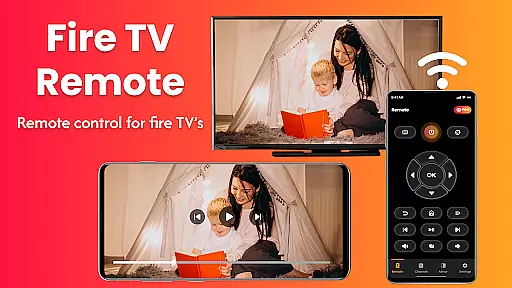
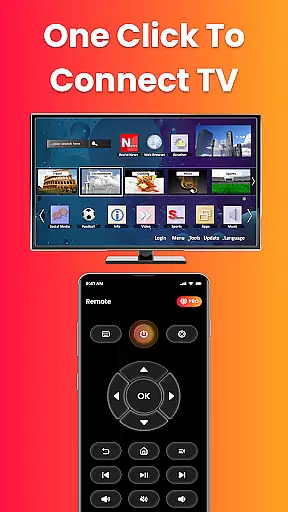
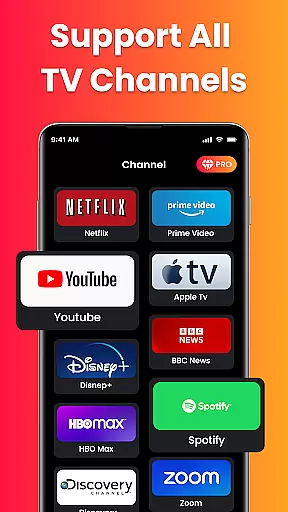
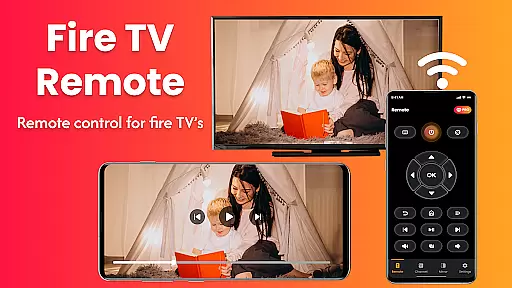
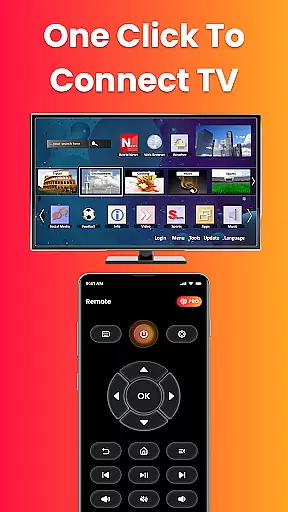
Fire Remote TV Control is a dedicated application that transforms your Android phone into a versatile remote control for Fire TV and Fire Stick devices. The app offers complete navigation, playback controls, volume management, and screen mirroring capabilities without the need for pairing codes or complex setups. Designed exclusively for Fire TV users, it ensures fast and reliable performance while providing an intuitive interface for seamless interaction with your streaming device.
With its specialized design for Fire TV products including Fire TV Stick, Fire TV Cube, and Fire TV Edition smart TVs, this app stands out as a must-have tool for anyone seeking effortless control over their entertainment system. Whether you're managing media playback or sharing content from your phone to the big screen, Fire Remote TV Control delivers both functionality and convenience in one streamlined package.
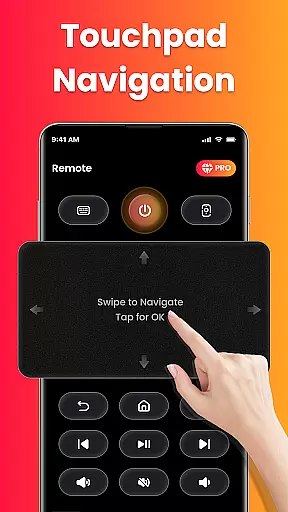
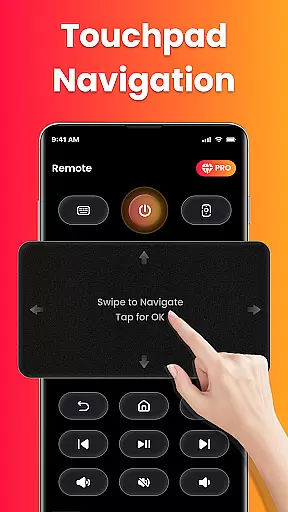
The Fire Remote TV Control app boasts an array of features tailored specifically to enhance user experience with Fire TV devices. It provides full remote functionalities such as menu navigation using directional pads and touch controls, volume adjustments, mute/unmute options, power control where supported, and comprehensive playback commands like play, pause, rewind, fast forward, and stop.
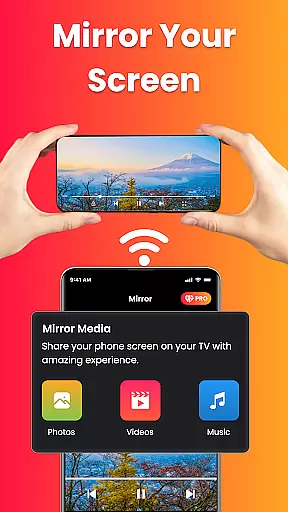
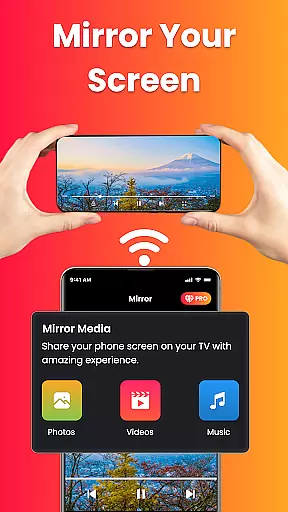
A standout feature is its on-screen keyboard which facilitates quick typing and searching within apps. Additionally, the app supports screen mirroring allowing users to cast their phone's display directly onto their television effortlessly. This makes it ideal not only for enjoying mobile videos on a larger screen but also for presentations or photo slideshows. All these features are accessible instantly over Wi-Fi without requiring any login or registration process making it exceptionally user-friendly.
In the context of smart home management, ensuring the authenticity and accuracy of connected devices is crucial. Fire Remote TV Control excels in this area by providing users with a reliable connection to their Fire TV and Fire Stick devices.
The app guarantees that every listed device is an authentic Fire TV product, verified through Wi-Fi network compatibility checks. This verification process ensures that users can trust the app to work seamlessly with their specific Fire TV models, including Fire TV Stick (all versions), Fire TV Stick 4K / 4K Max, Fire TV Cube, and Fire TV Edition smart TVs.
By focusing exclusively on Fire TV products, the app maintains a high standard of authenticity and performance. Users can be confident that the remote control functions, screen mirroring, and other features will operate as intended without compatibility issues.
This commitment to device authenticity not only enhances user experience but also simplifies the setup process, eliminating pairing codes or complex configurations. The result is a trustworthy tool that delivers exactly what it promises - complete control over your Fire TV ecosystem.
Effective home management extends beyond just controlling devices; it involves creating a seamless ecosystem where all components work together harmoniously. Fire Remote TV Control demonstrates exceptional capabilities in this regard, offering comprehensive home entertainment management features.
The app provides complete navigation controls, allowing users to effortlessly manage their Fire TV interface from their mobile device. With intuitive touch controls and a directional pad, users can browse menus, adjust volume, mute/unmute, and even control power settings where supported.
Advanced media management features enable precise playback control, including play, pause, rewind, fast forward, and stop functions. The integrated on-screen keyboard facilitates quick typing and searches, streamlining content discovery and access.
Perhaps most notably, the app's screen mirroring capability revolutionizes how users interact with their home entertainment system. This feature allows for wireless sharing of mobile content - from photos and videos to presentations - directly to the big screen, enhancing both personal entertainment and professional use cases.
User-friendly interface
No pairing code required
Fast and reliable performance
Comprehensive remote functions
Screen mirroring capability
Limited to Fire TV ecosystem
No support for other streaming devices
Dependent on Wi-Fi connection
Third-party app risks
Occasional connectivity issues

Map-based search app for apartments and homes for rent.
 4.60
4.60
Universal TV remote Control for Roku TV brands via WiFi remote
4.1
Tailored Care Guides For Houseplants, Indoor Plants, Garden Plants & Flowers.
4.60
Our app allows Sunrun customers to monitor systems, pay bills, and get support.
3.80
Convert your Phone to HiSense Smart TV Remote Control
4.70
AI floor creator to design your dream house, plan rooms & style your home
4.00
Apartment finder for apartments for rent. Compare prices, amenities & rentals.
4.50
3D House Design and AI Room Planner - from floor plans to full interior design.
4.40
Connect with reliable pros for maintenance services, plumbing, and home design!
4.80
Real estate app to find homes for sale or rent in the right neighborhood for you
4.70
Download today to join the community to help bring lost pets home faster.
4.70
A Smarter Home in Seconds
4.70
Night Owl Protect helps you secure, protect, and connect your world!
4.60
Control the scent and ambiance of your home and car, right from your phone.
4.50
AI Home Designer & Room Planner: Decorate your interior space with AI
4.40
Set up your devices, customize settings, and monitor your home—from anywhere
4.40
The official app for Home Assistant. Control your home anywhere in the world.
4.30
Control your thermostat, comfort, and home monitoring from your phone
4.30
An awesome mobile app for Home Security Surveillance - uses ZoneMinder
3.20


User Reviews