
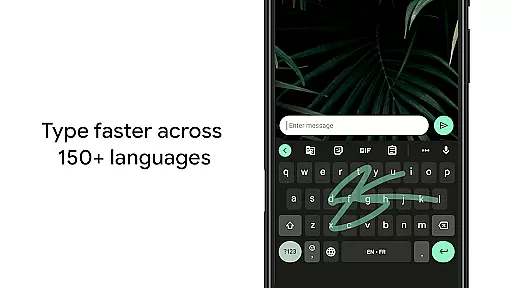
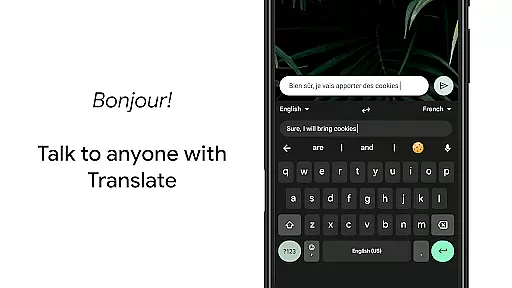
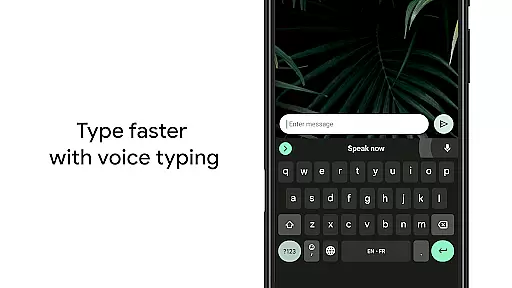
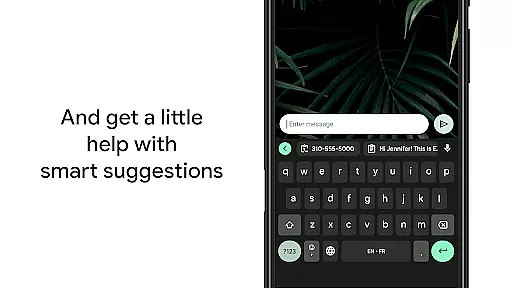
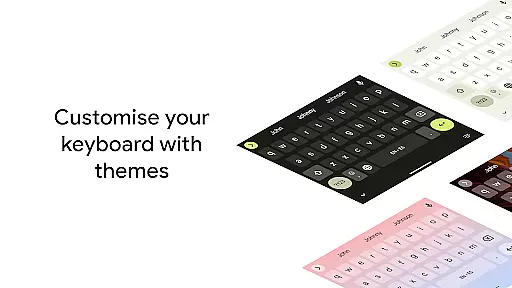
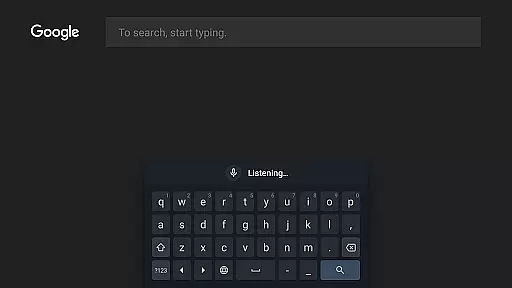
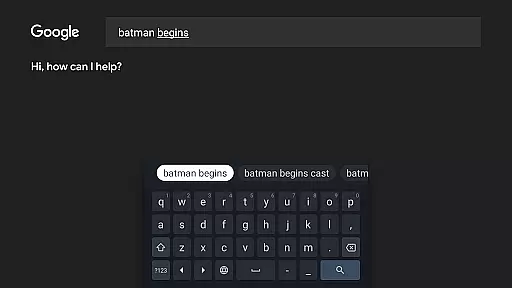
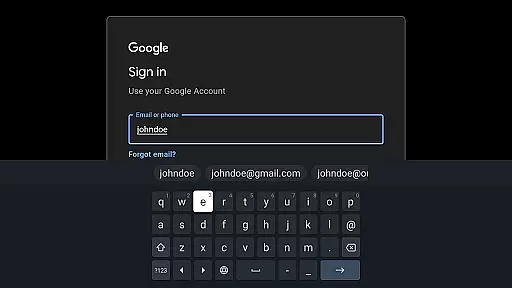
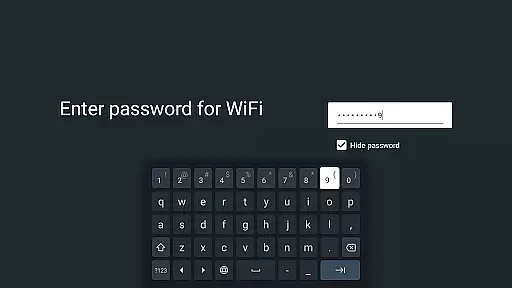
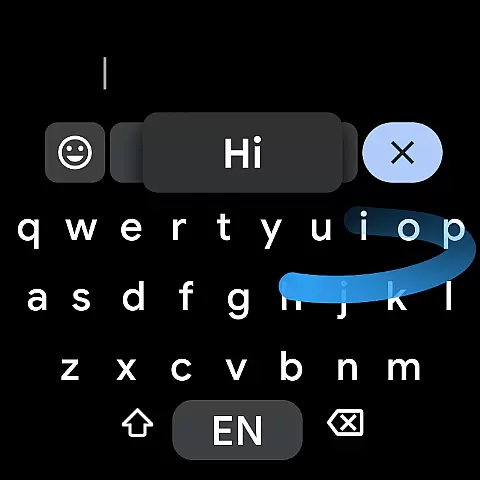
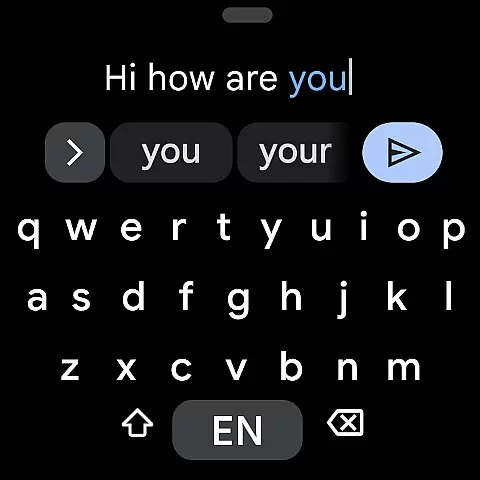
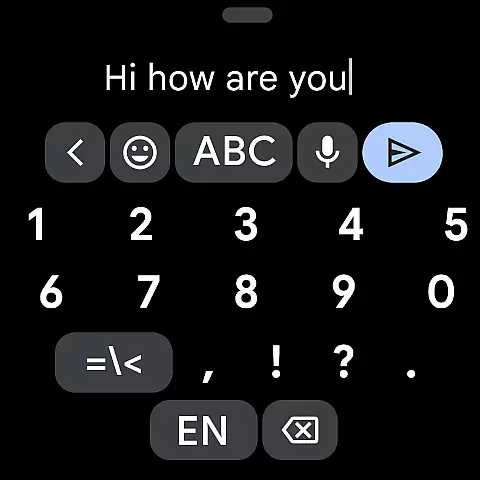
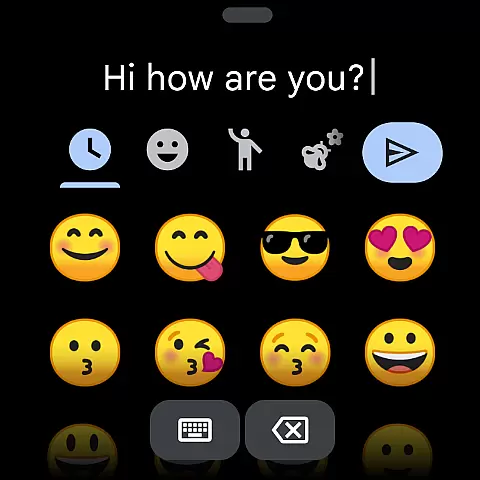
Gboard is a versatile keyboard application designed specifically for Android devices, including Wear OS. It combines speed and reliability with innovative typing features that enhance user experience. The app supports Glide Typing, allowing users to type faster by sliding their finger across the keyboard, as well as voice typing for hands-free text input. Additionally, Gboard offers handwriting recognition, multilingual typing, and built-in Google Translate functionality.
One of the standout features of Gboard is its extensive language support, covering hundreds of language varieties from Afrikaans to Zulu. This makes it an ideal choice for users who communicate in multiple languages or need specialized language options. Whether you're using a smartphone or a smartwatch, Gboard provides a seamless typing experience that adapts to various device sizes and user preferences.
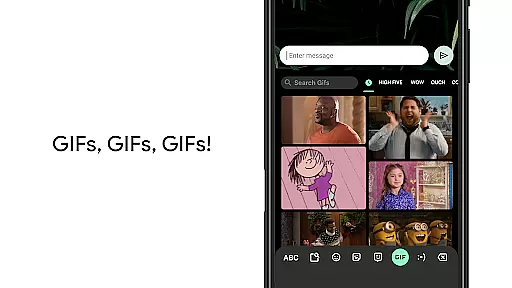
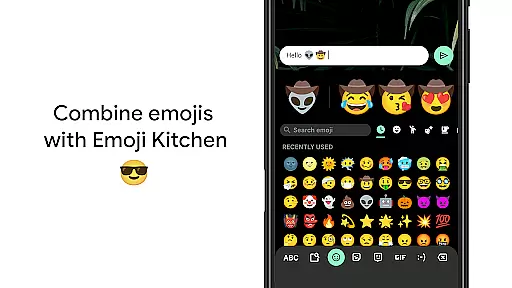
The practical applications of Gboard extend beyond basic typing. Its ability to translate text directly within the keyboard and provide quick access to emojis and GIFs makes it invaluable for both personal and professional communication. Users can also customize their typing experience through various settings, such as gesture controls and one-handed mode, making it adaptable to different usage scenarios and individual preferences.
Gboard stands out with its comprehensive feature set tailored for efficient and customizable typing. One of its key innovations is Glide Typing, which allows users to input words by sliding their finger across the keyboard, significantly speeding up the typing process. This feature is complemented by advanced voice typing capabilities that enable accurate dictation on the go, making it perfect for situations where hands-free operation is necessary.
Beyond basic input methods, Gboard incorporates several advanced features. The handwriting recognition function supports both cursive and printed letters, while the multilingual typing capability automatically corrects and suggests words from multiple enabled languages without requiring manual switching. Additionally, the integrated Google Translate feature allows users to translate text directly as they type, breaking down language barriers in real-time communication.
The application also excels in customization options. Users can personalize their experience through various settings, including gesture-based cursor control, quick deletion gestures, and optional number rows. These features, combined with support for hundreds of languages and specialized functions for Wear OS devices, make Gboard a powerful tool for both casual and professional communication across different platforms and devices.
Gboard offers seamless companion app integration, ensuring that your typing experience is consistent across all devices. This means you can sync your personalized settings, such as language preferences and custom dictionaries, from your smartphone to your Wear OS device effortlessly.
The synchronization between the mobile app and its Wear OS counterpart allows users to enjoy features like Glide Typing, Voice Typing, and access to an extensive library of emojis and GIFs directly on their smartwatch. This connectivity provides a fluid user experience, whether composing messages on the go or using voice commands in a hands-free environment.
By leveraging the power of Google's ecosystem, Gboard ensures that updates and new features are simultaneously available on both platforms. This guarantees that users always have access to the latest improvements and functionalities without any additional setup or configuration.
Overall, this companion app integration enhances productivity by providing a reliable and efficient typing solution tailored for both handheld and wearable devices, making communication faster and more intuitive regardless of the device in use.
Gboard is meticulously designed to ensure maximum compatibility with Wear OS and a wide range of devices. The keyboard supports hundreds of language varieties, including less common ones, which makes it versatile for users worldwide. Whether you're speaking Afrikaans, Chinese, or Zulu, Gboard has got you covered.
In addition to linguistic diversity, Gboard also caters to various device specifications. It operates smoothly on different screen sizes and resolutions, adapting its interface for optimal usability. This includes one-handed mode for larger smartphones and a compact layout specifically optimized for smartwatches.
Furthermore, Gboard incorporates several accessibility features, such as gesture cursor control and gesture delete, which enhance the user experience on Wear OS devices. These gestures allow users to navigate text fields easily and correct mistakes swiftly, streamlining the interaction process.
With comprehensive support for numerous languages and adaptive design elements, Gboard stands out as a highly compatible and user-friendly keyboard solution for both Android and Wear OS devices, ensuring that every user can communicate effectively regardless of their chosen platform.
Fast and reliable typing experience
Extensive multilingual support
Innovative Glide Typing feature
Built-in Google Translate functionality
Customizable interface options
Limited features on Android Go
Occasional voice recognition errors
Handwriting recognition limitations
Large app size for some devices
Complex settings for beginners

Christmas Theme Watch Face for Wear Os
 5.00
5.00
Christmas - Festive - Christmas Village - Winter - Christmas lights
5.00
Beautiful, colorful and practical watch face. For Wear OS devices.
5.00
Bold, Modern Hybrid Watch Face for Wear OS. 10 Colors, Rich Info Display.
4.30
Ideal for surviving in the wasteland left after nuclear fallout
4.50
Hyperlocal rain alerts by MyRadar using patent-pending technology, radar & more
4.80
The #1 source of faces for your smartwatch!
4.00
Real-time results, stats, schedules and player profiles for all leagues
4.60
Start and succeed with PAP
4.10
Be an elegant and classy secret agent, with this carefully detailed watch face
4.70
Deck out your Wear OS Watch face with a beautifully decorated pine wreath!
4.50
Current temperature, weather hourly, weather radar by the weather forecast app
4.40
Reliable phone calls with spam protection, caller ID and more helpful features
4.40
Christmas watch face. For Wear OS devices.
4.30
Elegant animated Christmas tree with multiple customization options
4.20
Snowflake Rose Gold Watch Face - Digital, modern, & sleek with GYRO effect.
4.10
sleep, alarm, snoring, stress, healing, focus, sound therapy, circadian rhythm
4.10
A full-featured Amazon Alexa voice assistant that can show you things.
3.70
an Analog Watch Face for winter season with freeze winter background for Wear OS
4.0


User Reviews