
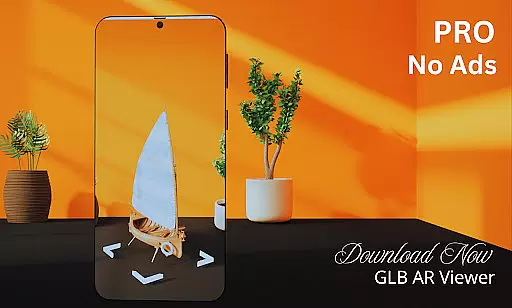
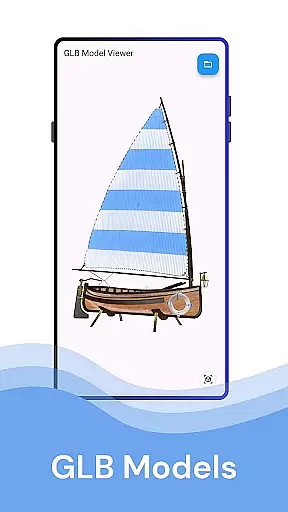
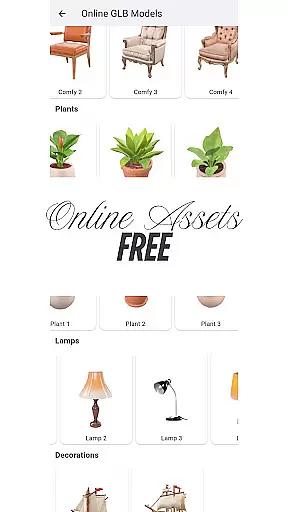
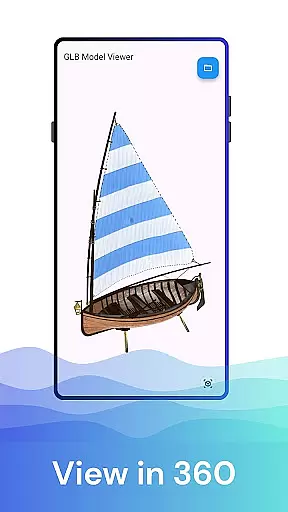
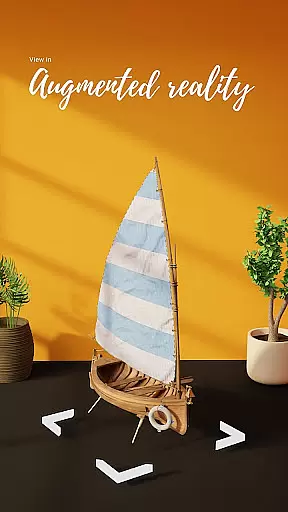

GLB AR Viewer 3D PRO is a cutting-edge application designed for users to seamlessly view and interact with 3D GLB models. The app supports both standard 3D viewing and immersive Augmented Reality (AR) experiences, making it an ideal tool for professionals and enthusiasts alike. Whether you're a 3D artist, developer, or educator, this app allows you to load GLB files directly from your device and visualize them in real-world environments using ARCore technology.
One of the standout features of GLB AR Viewer 3D PRO is its interactive controls, which allow users to rotate, zoom, and pan 3D models effortlessly through intuitive touch gestures. Its lightweight design ensures fast performance without unnecessary bloat, while the clean user interface guarantees a smooth and hassle-free experience. This makes it perfect for showcasing artwork, testing game assets, or exploring educational content.
The ability to bring 3D models into AR provides immense value across various industries, including gaming, education, and design. By bridging the gap between digital creation and physical space, GLB AR Viewer 3D PRO empowers users to explore their creations like never before, enhancing creativity and productivity.
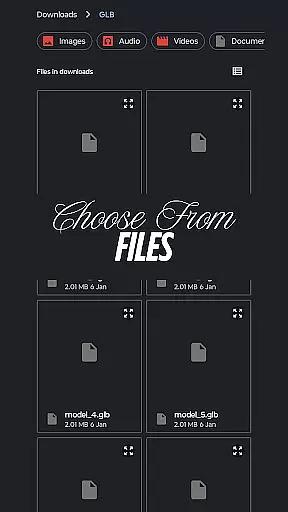
GLB AR Viewer 3D PRO stands out due to its robust feature set tailored specifically for 3D model interaction. First and foremost, the app allows users to open .glb files directly from their device storage, providing quick access to 3D models without any complicated setup. This functionality is crucial for professionals who need immediate visualization of their work.
Another key highlight is the app's Augmented Reality (AR) viewer, powered by ARCore. This feature enables users to place 3D models within their real-world surroundings, offering a dynamic way to assess scale, design, and aesthetics. Additionally, the interactive controls enhance user engagement by allowing full manipulation of models via simple touch gestures such as rotating, zooming, and panning.
The app also boasts a minimalistic and user-friendly interface, ensuring that even those new to 3D modeling can navigate with ease. Its lightweight nature means faster load times and smoother interactions, focusing solely on delivering essential tools without overwhelming the user. These thoughtful design choices make GLB AR Viewer 3D PRO an indispensable tool for anyone working with 3D content.
When it comes to viewing 3D models in augmented reality, ensuring the authenticity of the listings is crucial. GLB AR Viewer 3D PRO guarantees that every model you open and interact with is an authentic representation of the original .glb file. This means no alterations or misrepresentations when loading from your device storage.
The app employs advanced rendering techniques to preserve the integrity of the 3D assets. Whether you're a 3D artist showcasing work or a developer testing models, you can trust that what you see in standard 3D or AR mode is true to the source file.
Users benefit from this commitment to authenticity as they make informed decisions based on accurate visualizations. The peace of mind that comes with knowing the fidelity of your 3D content translates into confidence in your creative or professional projects.
GLB AR Viewer 3D PRO goes beyond just displaying 3D models; it offers comprehensive home management features tailored for an intuitive user experience. With interactive controls at your fingertips, rotating, zooming, and panning 3D models becomes second nature, allowing users to manage their virtual spaces efficiently.
The app's clean and minimal UI ensures that managing these digital environments doesn't require a steep learning curve. Its fast and lightweight nature means thereu2019s no bloat, providing smooth interactions without compromising device performanceu2014a key aspect for both casual users and professionals alike.
By integrating seamlessly with ARCore, GLB AR Viewer 3D PRO allows users to place and view 3D models within real-world settings accurately. This feature not only enhances spatial understanding but also aids educators, students, and developers in exploring or demonstrating complex 3D designs effortlessly.
Fast loading times
Easy-to-use interface
Supports AR viewing
Interactive 3D controls
Ideal for professionals
Limited file formats
No advanced editing
ARCore dependency
Few customization options
Premium version required

Use Home by ShowingTime to easily manage showings, tours, feedback and more
 3.60
3.60
Turn your phone into a wifi cam with smart features and umlimited reach.
4.20
Universal TV Remote for TV, control all Smart TVs with your mobile phone.
4.3
Control the scent and ambiance of your home and car, right from your phone.
4.50
Book your local plumber 24/7, track your service order & get exclusive coupons
4.00
WiZ smart light system
4.40
Search for Homes, Rentals, Agents & Schools
4.70
An easier way to make payments and maintenance requests from anywhere.
3.50
A Smarter Home in Seconds
4.70
Convert your Phone to HiSense Smart TV Remote Control
4.70
Your guide to apartments & rental homes. Find your next place to rent with AG.
4.60
Plan your remodel AI home renovation easily using planner 5D and home decor AI.
4.40
3D House Design and AI Room Planner - from floor plans to full interior design.
4.40
Smart AI plant care schedules, Real plant experts, support & Thriving community!
4.20
Schlage Lock Company LLC
4.00
USHUD.com helps you find the best homes for sale in your area
4.00
Technology powering many in-home services for residents across the United States
3.80
Draw house plans, floor plans 3d & house design with house plan drawing 3d app
3.60
Calculate baluster spacing with ease and precision.
4.5


User Reviews