
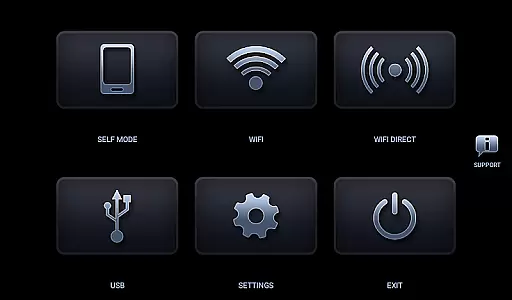
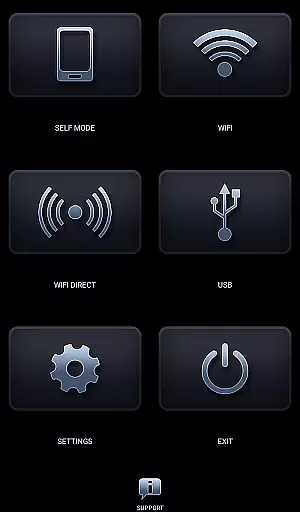
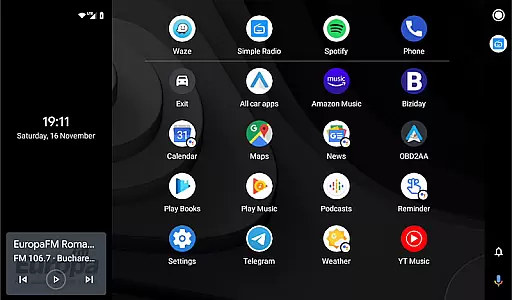
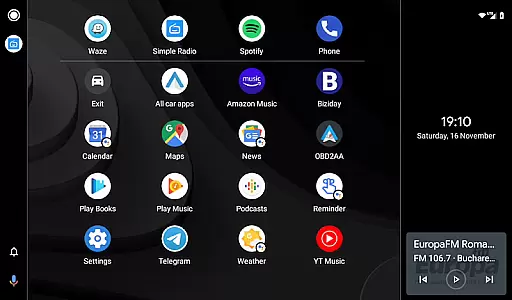
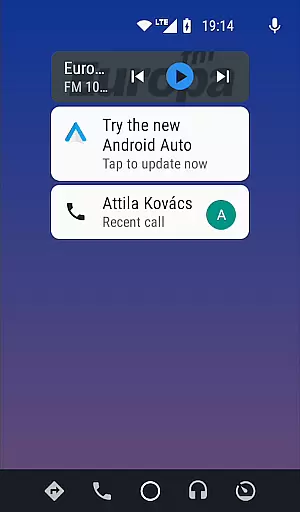
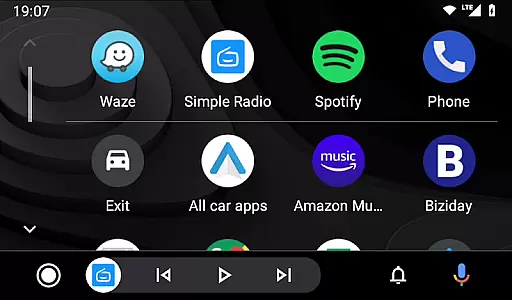

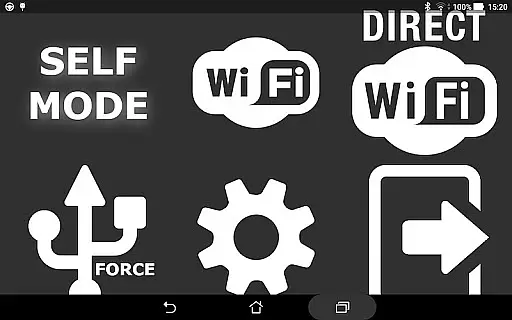
Headunit Reloaded Emulator HUR is a specialized application designed to emulate Android Auto on compatible head units. This app bridges the gap between mobile devices and car entertainment systems, allowing users to enjoy Android Auto's functionalities directly on their vehicle's display.
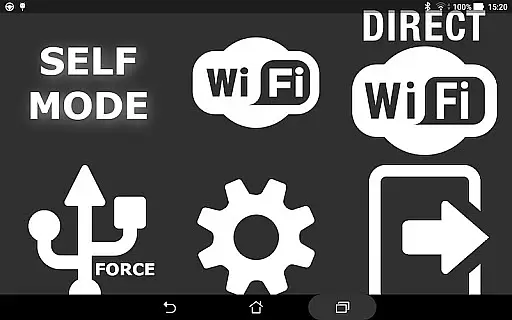
The core feature of this app is its ability to operate in multiple modes including USB Mode, WiFi, and Self Mode. In USB Mode, users can connect their device via USB or OTG cable, while WiFi mode allows wireless connectivity through a hotspot. The Self Mode enables Android Auto functionality on the same device running the emulator. These features make it versatile for various use cases and compatible with numerous head unit brands like Joying, Eonon, and Xtrons.
This app is particularly useful for drivers who want to enhance their in-car experience by integrating their smartphone's capabilities with their vehicle's infotainment system. By providing access to navigation, music, and other apps through a familiar interface, Headunit Reloaded Emulator HUR significantly improves convenience and safety while driving.
Headunit Reloaded Emulator HUR offers several notable features that set it apart from similar applications. First, its multi-mode functionality supports USB, WiFi, and Self Mode operations, catering to different user preferences and hardware setups. This flexibility ensures compatibility with a wide range of devices and head units.
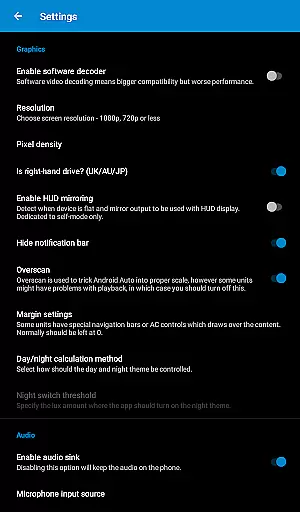
The app's compatibility extends to various popular head unit brands such as Joying, Eonon, Grom Vline, Xtrons, PX5, and PX3 units. It also works with RK3188 and RK3066 units, making it one of the most versatile emulators available. Additionally, users can customize their experience through adjustable settings, including software decoding options to address common issues like black screens.
Another key feature is its active community support and comprehensive FAQ resources. Users can find detailed troubleshooting guides and additional information on platforms like XDA Developers forum. This extensive documentation helps users resolve technical challenges and optimize their setup, demonstrating the app's commitment to user satisfaction and continuous improvement.
Map accuracy is essential for any navigation app, and Headunit Reloaded Emulator HUR excels in this area. The application provides precise mapping data that is consistently updated to ensure users have the most current information available.
The emulator supports a wide range of Android-powered head units, including Joying, Eonon, Grom Vline, Xtrons, PX5, and PX3 units. This compatibility ensures that no matter what system you are using, you will receive accurate map data tailored to your device's specifications.
Users benefit from reliable location tracking and detailed maps which allow for efficient route planning. Whether driving through urban landscapes or navigating rural roads, drivers can trust the map data provided by HUR for their journey.
Effective route planning is a core feature of Headunit Reloaded Emulator HUR, designed to provide drivers with optimal paths to their destinations. By leveraging real-time traffic updates and historical data, the app calculates the best routes, taking into account potential delays and road conditions.
In case of unexpected changes such as road closures or heavy traffic, the app dynamically adjusts its recommendations. Users can select alternative routes based on time, distance, or personal preference, ensuring flexibility during travel.
Additionally, the app offers estimated arrival times for each suggested route, allowing users to plan their trips accordingly. With clear visual cues and straightforward instructions, drivers can focus on the road while confidently following the guidance provided by HUR.
User-friendly interface
Wide device compatibility
Multiple connection modes
Active community support
Regular updates
May require technical knowledge
Occasional connectivity issues
Limited official support
Some features need additional apps
Potential compatibility challenges

OpenCPN is a full featured ChartPlotter and Navigator for Android.
 3.60
3.60
America’s largest public fast charging network, with over 500 charging stations.
4.50
Voice GPS with driving directions, offline maps navigation GPS for safe travel
4.50
Use GPS maps or search by property owner, address or parcel to view parcel data
4.30
Drive safe with real-time speed camera radar, police, and traffic alerts
3.80
Find routes fast with GPS Maps, GPS Navigation & driving directions.
4.10
ParkWhiz, an Arrive Mobility brand, part of the Arrive Network
4.30
MapQuest is your go-to app for maps, GPS, voice navigation & live traffic.
3.80
Avoid delays. Get real-time GPS navigation, safety alerts and live traffic.
4.10
Track friends in real-time and explore worldwide live cameras.
4.60
Complete offline 1:50k South Island topo map including DOC Hunting Permit Areas
4.60
The fastest and most convenient way to pay for parking on our lots.
4.40
CamSam PLUS - The speed and red light camera warning system!
4.40
Route schedules, maps, and real-time tracking of MTA buses in New York City.
4.20
Lets explore the world's famous places by using Live Cams, GPS & Satellite View.
4.20
Get route map navigation with 3D satellite view, and live earth camera streaming
3.70
Navigate via GPS Maps of GPS Voice Navigation, driving directions to find routes
3.60
Explore Earth with live GPS, satellite view & street navigation
3.60
Fully offline 1:50k New Zealand topographical map North Island
4.5


User Reviews