
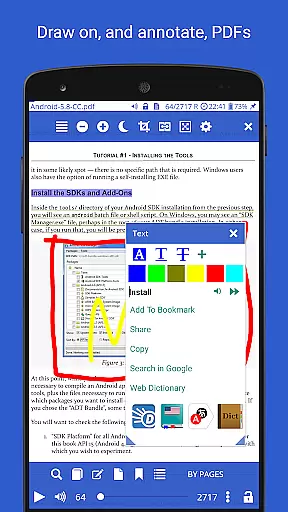
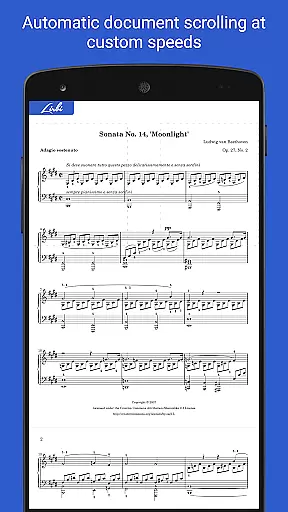
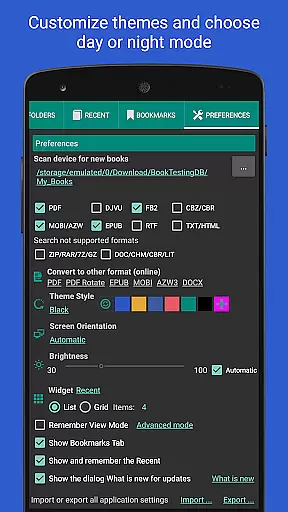
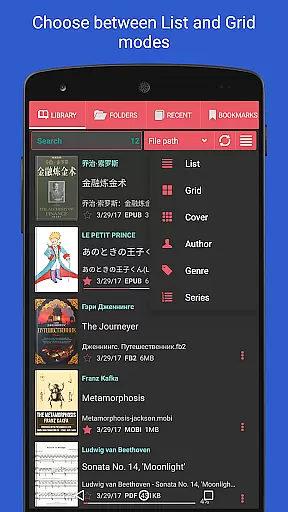
Librera PRO is a versatile and feature-rich reading application designed for book enthusiasts who require support for multiple document formats. This app supports PDF, EPUB, MOBI, DjVu, FB2, DOC, TXT, and many more, making it an all-in-one solution for digital reading. Its user-friendly interface offers both Day and Night modes, customizable reading settings, and even an innovative Musician's mode for auto-scrolling at adjustable speeds.
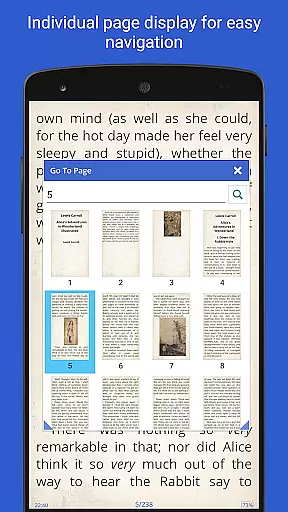
Beyond basic reading, Librera PRO provides advanced functionalities such as bookmarking, annotations, text reflow in PDFs, and integration with online translators and offline dictionaries. The app also allows users to create personalized libraries by scanning specific folders, organizing books by tags, and syncing reading progress across devices. Whether you're reading a single page or flipping through dual-page layouts, Librera PRO ensures a seamless experience tailored to individual preferences.
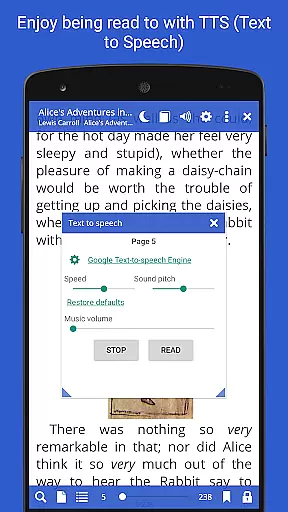
The app is particularly suited for users who value productivity and organization in their reading habits. With features like vertical-scroll lock, custom CSS for enhanced readability, and TTS read-aloud capabilities, Librera PRO caters to both casual readers and professionals who rely on extensive document management. Its ability to handle right-to-left languages further expands its usability, making it a globally accessible tool for diverse audiences.
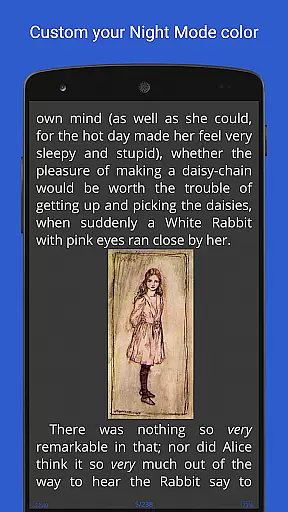
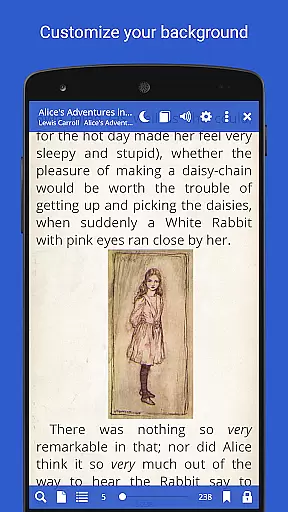
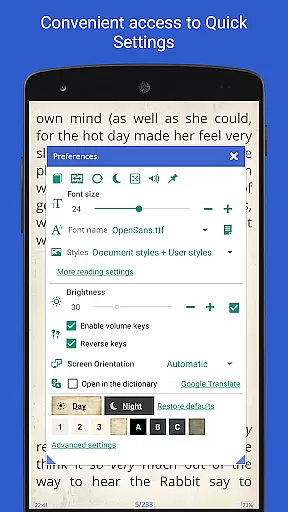
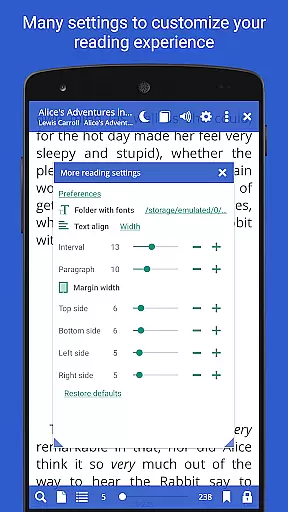
Librera PRO stands out with its extensive list of features designed to enhance the reading experience. One of its core strengths is the support for a wide array of document formats, including PDF, EPUB, MOBI, and DjVu, ensuring compatibility with virtually any digital book or document. The app's interface is highly configurable, allowing users to tailor their reading environment with options like Day/Night modes, custom backgrounds, and adjustable scrolling speeds.
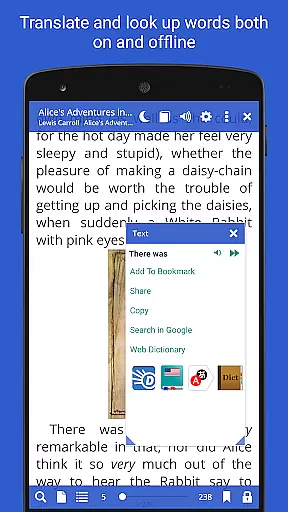
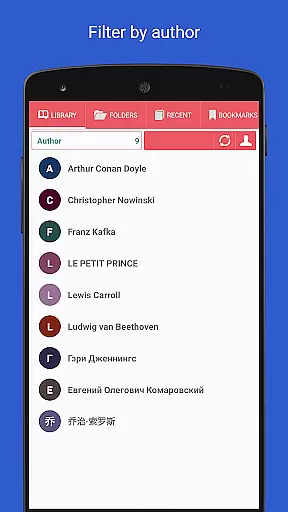
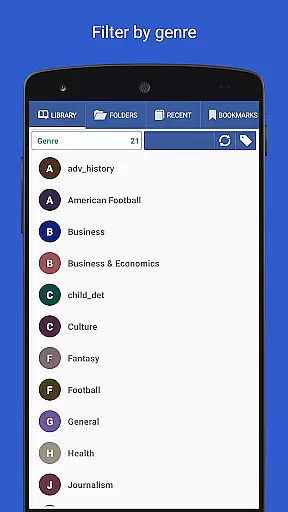
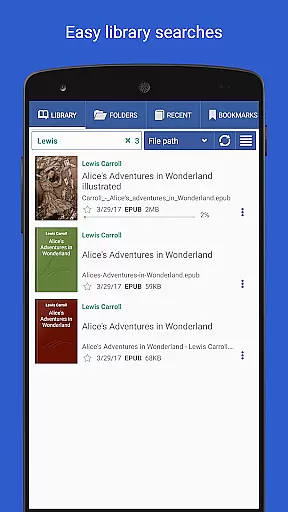
A unique aspect of Librera PRO is its Musician's mode, which enables hands-free reading by auto-scrolling text at a user-defined pace. Additionally, the app integrates advanced tools such as RSVP reading (similar to Spritz), support for online translators, and offline dictionary access. Users can also search for words within documents, convert file formats online, and organize their libraries using filters, tags, and progress tracking. These features collectively provide a comprehensive reading solution that prioritizes both convenience and customization.
For those who require productivity-enhancing tools, Librera PRO offers annotation support, text reflow in PDFs, and the ability to share excerpts via social media or other apps. The app's capability to sync reading progress and settings across multiple devices ensures a consistent experience, while its support for right-to-left languages broadens its appeal to a global audience. Overall, Librera PRO combines innovation with practicality to deliver a superior reading experience.
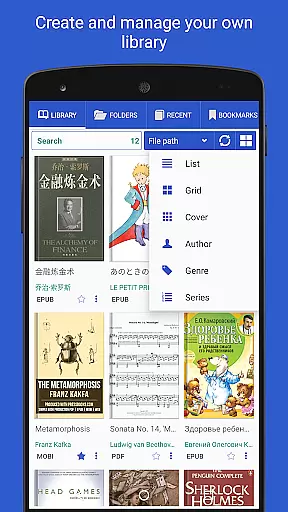
Librera PRO offers an extensive e-book library that supports a wide array of document formats including PDF, EPUB, MOBI, and more. This ensures users have access to a vast collection of reading materials tailored to their preferences.
The app's dedication to copyright authenticity is evident through its support for legally obtained documents and integration with online catalogs (OPDS) for book search and download. Users can confidently source their reading materials knowing they are accessing legitimate content.
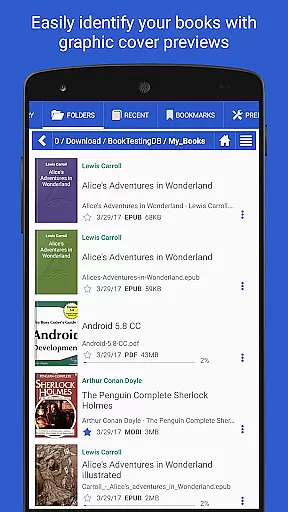
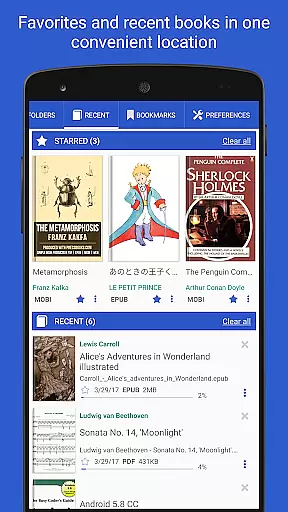
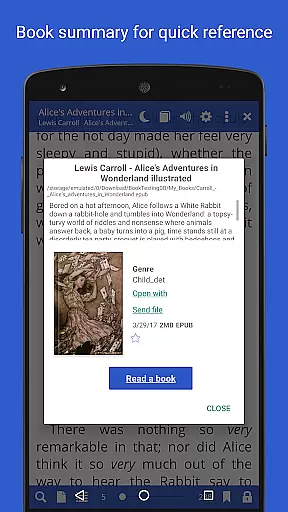
With features like auto-scan for user-specified folders and archived books support, Librera PRO makes it easy to maintain and grow a personal digital library. The ability to sync reading progress across multiple devices further enhances the convenience and accessibility of this extensive library.
One of Librera PRO's standout features is its exceptional format compatibility, accommodating over ten different document types such as DOCX, TXT, RTF, AZW3, CBR, CBZ, and HTML. This versatility allows readers to enjoy content from various sources without worrying about format restrictions.
In addition to supporting standard text formats, the app also caters to specialized needs by handling DjVu, XPS, MHT, and even right-to-left languages like Arabic and Hebrew. Such comprehensive support ensures an inclusive reading experience for diverse audiences.
Users benefit from advanced functionalities within each supported format, including text reflow in PDFs, vertical-scroll lock, and customizable CSS for enhanced readability. These features collectively make Librera PRO a top choice for readers who value both breadth and depth in format compatibility.
Multi-format support
Customizable UI
Auto-scroll feature
Offline dictionary
Cross-device sync
Complex interface
High system requirements
Limited free version
No cloud backup
Occasional bugs

Cute bedtime story for kids
 4.30
4.30
Track your Star Wars book collection across Canon & Legends
4.80
Improve your vocabulary and grammar with the 15 biggest Oxford Dictionaries.
4.30
8 Dr. Seuss short stories in 1 app!
4.70
Read books PDF, EPUB, WORD, KINDLE, MOBI! Your ebook reader among reading apps.
4.80
Read Trending Romance Stories
4.00
Build family tree & discover DNA, family history heritage, origins and ancestors
4.60
Daily Bible app: King James Version with verses and audio for studying&prayer
4.40
Follow complex state CCW permit laws and lawfully carry firearms in each state.
4.80
The favorite Christmas story comes to life!
4.80
Read and study the Bible and other content in over 1,000 languages.
4.80
Liturgy of the Hours totally off-line
4.80
A lightweight reader for comics and mangas files (.cbr, .cbz, .cbt, .pdf, ...)
4.80
F9 Cookbook Mobile App
4.60
Research your family history to explore ancestors and search for your heritage
4.50
Prime novels await! Fantasy & Romance on JoyRead. Immersive reads!
4.20
A companion for prayer, with Azan alarm, Quibla direction, and Holy Quran book
4.10
CleverBook Pro makes the popular guide for the game even better!
4.00
Sea tide predictions for all coastal U.S. locations.
4.2


User Reviews