


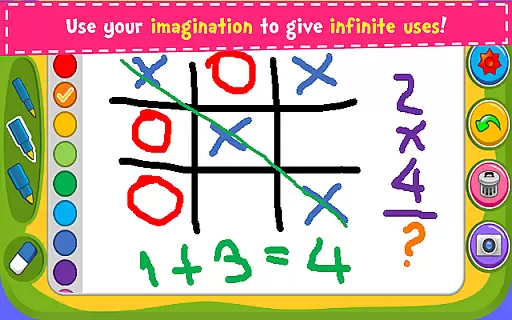

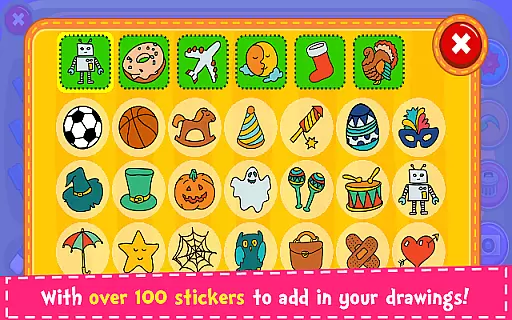
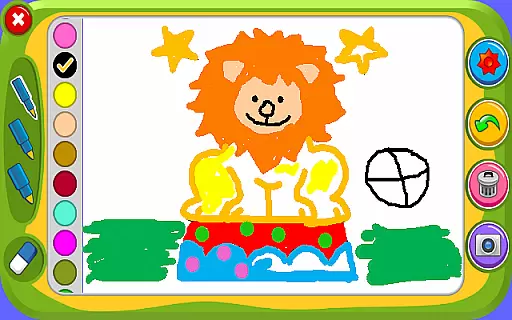



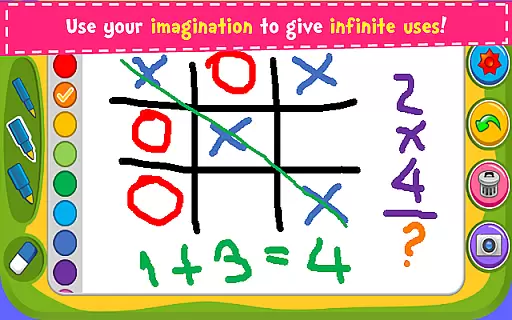

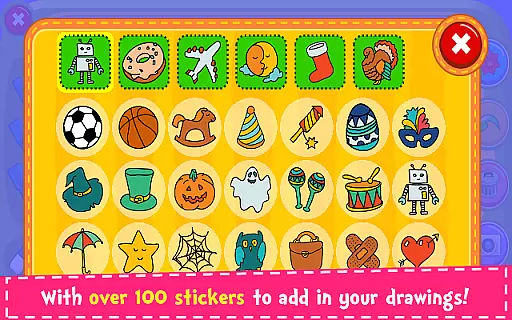
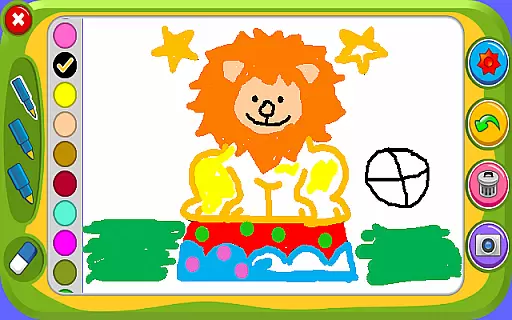



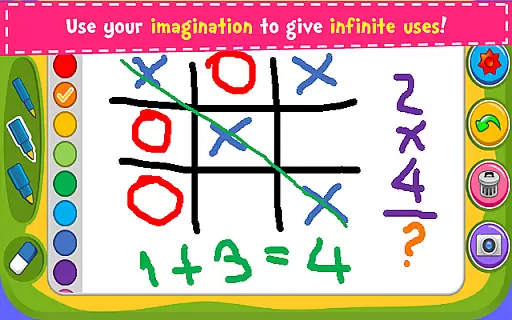

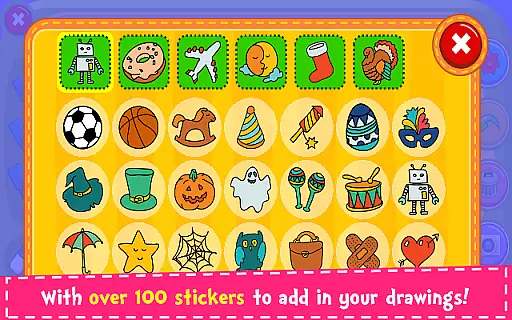
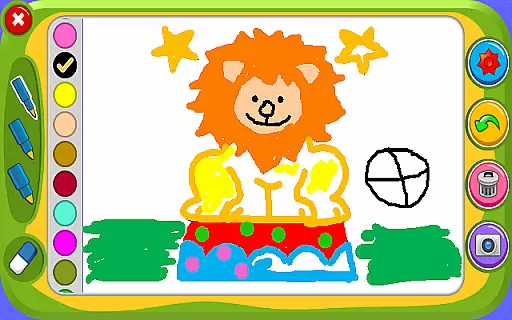

Magic Board is an engaging drawing and coloring application designed for users of all ages. This app allows you to express your artistic talents by providing realistic drawing tools and a wide array of colors. With over 100 beautiful stickers, users can further decorate their creations, making each piece uniquely personal.
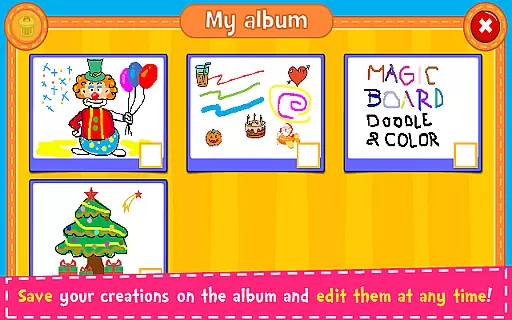
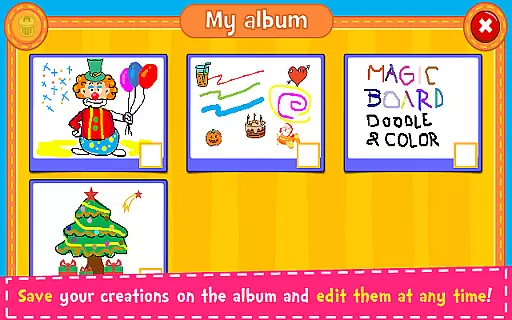
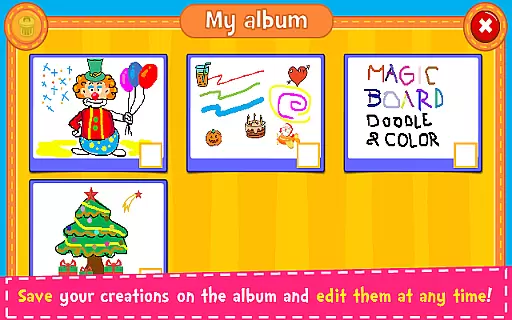
The app promotes creativity, enhances concentration, and develops fine motor skills, especially beneficial for children. Users can save their artwork in the app's album, allowing for easy editing at any time. Sharing your masterpieces with family and friends is straightforward, thanks to integration with social media platforms like Facebook, Twitter, Instagram, WhatsApp, as well as email.
Available on all smartphones and tablets, Magic Board offers a simple yet intuitive design that makes it accessible and enjoyable for everyone. Whether you're looking to unleash your creativity or help your children develop essential skills, Magic Board serves as an excellent tool for artistic expression and fun.
Magic Board stands out with its comprehensive set of features tailored for both casual doodlers and aspiring artists. The app supports multiple languages including English and Spanish, ensuring accessibility for a diverse user base. Its design is straightforward and intuitive, making navigation effortless even for young users.
Users can choose from different pencil strokes and colors, including a unique flash effect that generates dynamic random colors for endless bright possibilities. The inclusion of over 100 adorable stickers adds another layer of creativity, enabling users to personalize their artwork extensively.
Practical functions such as the eraser, 'Undo', and 'Clear All' provide users with the flexibility to experiment without fear of mistakes. Additionally, the ability to save drawings in an album within the app ensures that users can revisit and refine their work anytime. These features collectively make Magic Board a versatile and indispensable tool for nurturing creativity and enhancing artistic skills.
When it comes to parenting applications, the credibility of the content and validation by experts is crucial. Magic Board ensures that its features are not only entertaining but also beneficial for child development. The game promotes imagination, concentration, and fine motor skills, which are essential aspects of childhood learning.
The application has been designed with input from educators and child psychologists to ensure that all activities contribute positively to a child's growth. With supported languages including English and Spanish, the app caters to a diverse audience, providing reliable and culturally sensitive content.
Magic Board's dedication to being a trustworthy educational tool is reflected in its comprehensive approach to creativity. By integrating over 100 stickers and various drawing tools, the app encourages artistic expression while ensuring that these elements are appropriate and enriching for children.
Growth tracking in parenting apps allows parents to monitor their child's developmental progress. Magic Board offers an indirect way of tracking growth through saved artworks in the album feature. Each piece created by the child serves as a snapshot of their current skill level and imagination.
Parents can observe how their childu2019s drawing techniques improve over time or how their use of colors becomes more sophisticated. This form of tracking provides valuable insights into areas where children show natural talent or require additional support.
Moreover, Magic Board enhances this process by allowing easy sharing options via social media platforms like Facebook and Instagram or messaging apps such as WhatsApp. This means parents can effortlessly keep family and friends updated on their childu2019s creative journey while maintaining control over what is shared.
User-friendly interface
Variety of drawing tools
Supports multiple languages
Encourages creativity
Easy sharing options
Limited advanced features
No offline mode
Ads may interrupt
Basic color palette
Occasional bugs

GPS phone tracker: find kids on map. Location tracking and parental control.
 4.50
4.50
Fake call application designed for parents and adults to discipline their children through the children's police.
4.20
3D Baby size, Fruit comparisons, Smart Checklist, Trending Names & Training.
4.90
Limit screen time, Block Apps & Games, Monitor with Parental control app
4.20
Join over 1MM parents & professionals who've used OFW to navigate co-parenting
4.40
Track your labor contractions
4.90
GeoLog - Real-Time Location Tracker
4.40
All-In-One Pregnancy Tracker, Your Baby's Milestones, Growth Stages & Parenting.
4.90
FamilyAlbum helps you share, save, and remember your child's special moments.
4.80
Advanced baby tracking, expert sleep help & parenting support for every stage.
4.80
SENSORYSOOTHE and SENSORSAFE: Making car seats smarter and families safer.
4.70
It is a screen time management tool for games and mobile applications
4.50
App/Game blocker & GPS tracker
4.50
Cherish every beat - capture your baby's heart sounds with our app
4.30
FamilyMode helps you manage your family’s digital lives—at home or on the go.
4.30
Affirmations | Stories | Bible
4.10
Save money on diapers. Get the Pampers Rewards app.
3.90
The Baby’s Bounty App is your hub to register for our diaper banks in Nevada
3.70
A Coloring for the Whole Family! Discover the Joy of Family Love Through Colors!
3.60


User Reviews