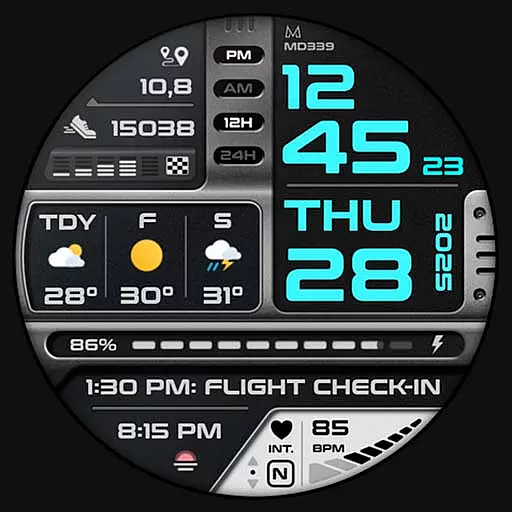

Rose gold watch face with festive lights & customizable features.
 4.60
4.60
MyNISSAN® lets you remotely control your car from your phone.*
4.50
Beautiful artistic animated digital watch face, with a customizable layout!
4.40
Artistic Digital Watchface
4.0
Ideal for surviving in the wasteland left after nuclear fallout
4.50
Your music, your playlists, and more—offline and unlimited.
4.20
Connect, create, and collaborate with Gmail, part of Google Workspace.
4.10
Simple, helpful messaging by Google
4.60
Spam call blocker and caller ID for automatic call protection!
4.40
A realistic hybrid watch face with many customization options.
4.60
Premium hybrid watch face with many customizations for Wear OS devices.
4.40
Find EV charging stations
4.30
Calming & relaxing sounds for sleeping and stress relief. Stay focused all day!
4.20
A customizable Christmas watch face for Wear OS with a countdown.
4.20
sleep, alarm, snoring, stress, healing, focus, sound therapy, circadian rhythm
4.10
Daily Weather forecast with 15 weather images for Day & Night plus Big Bold time
4.10
Get helpful reminders, take progress photos and find answers to your questions.
3.90
an Analog Watch Face for winter season with freeze winter background for Wear OS
4.5
Simple Analog-Digital Watchface For Wear OS 3.0 and Up Smartwatches
4.1


