
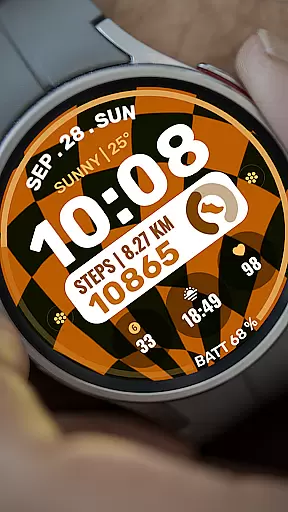
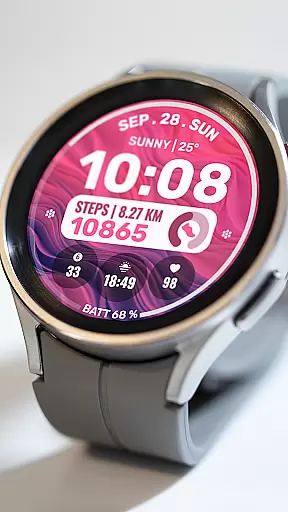
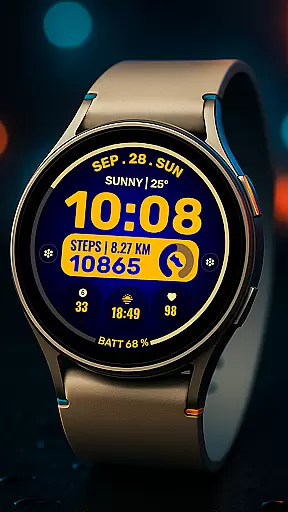
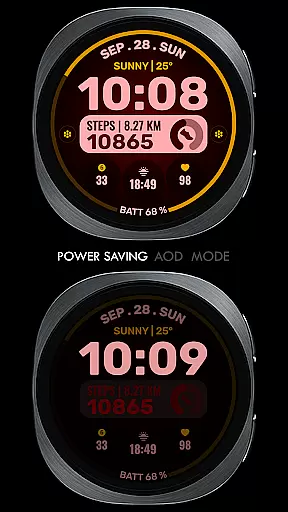
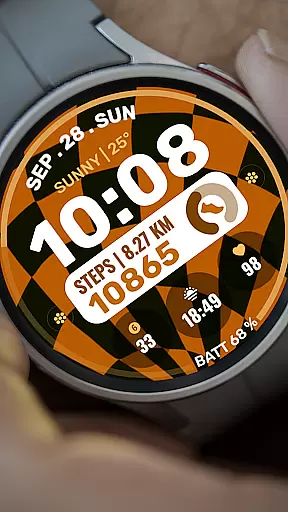
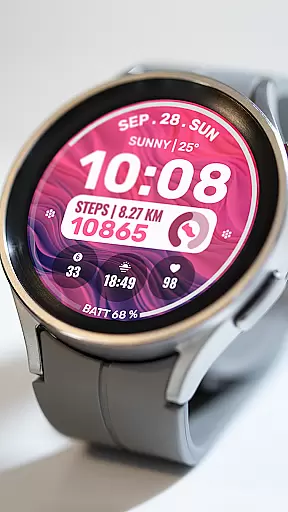
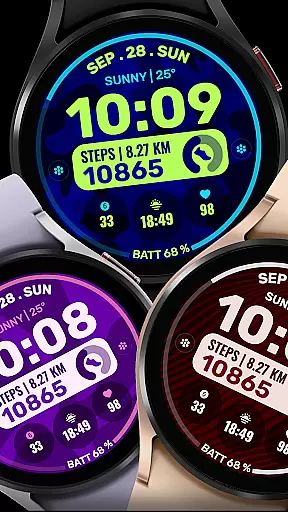
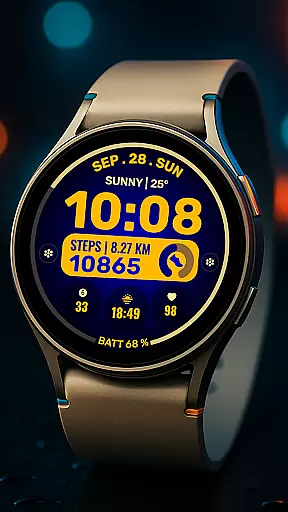
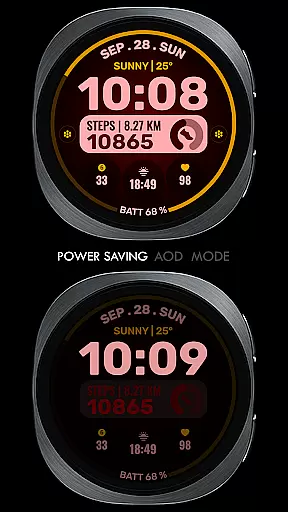
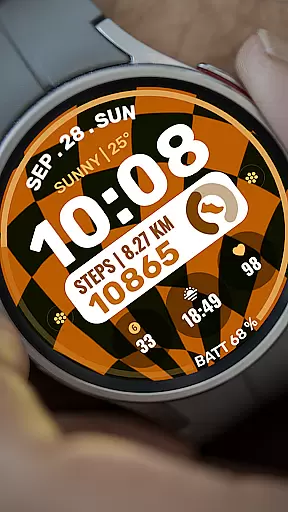
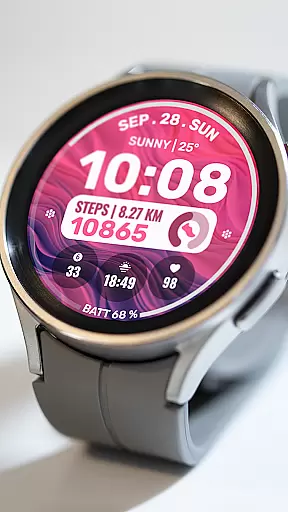
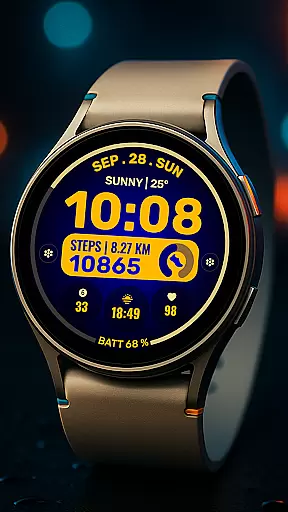
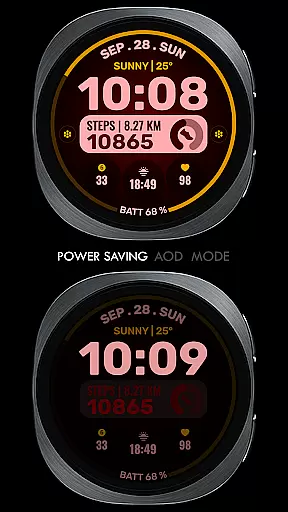
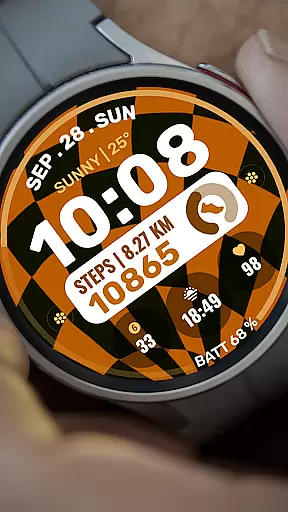
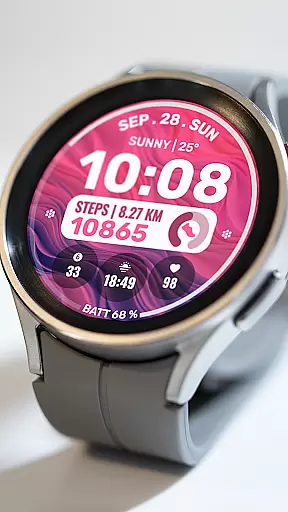
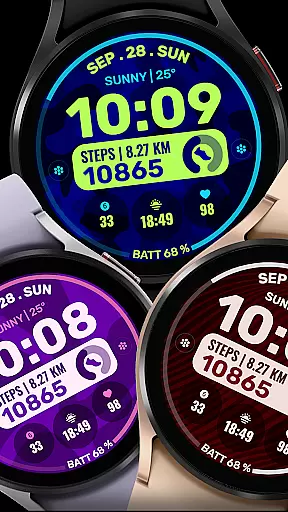
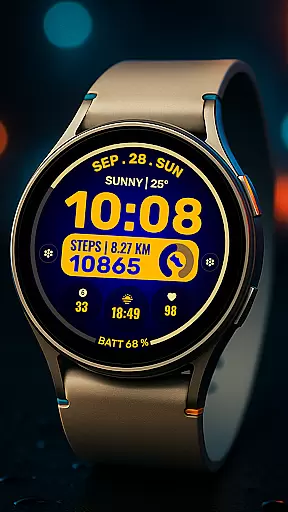
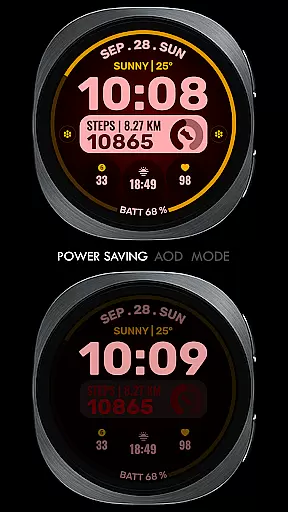
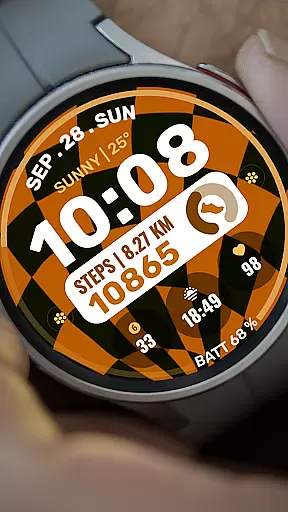
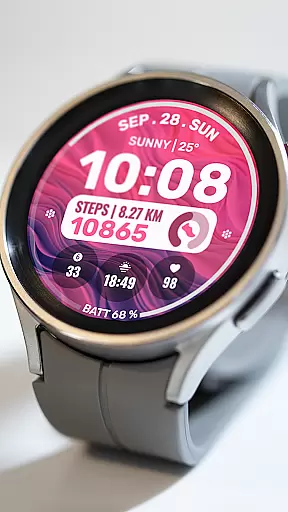
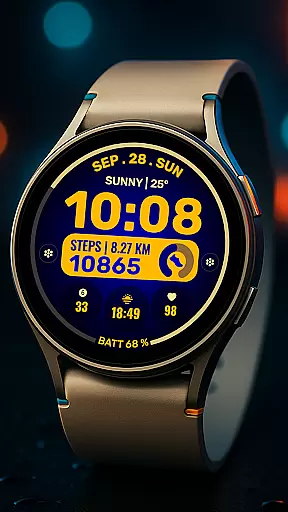
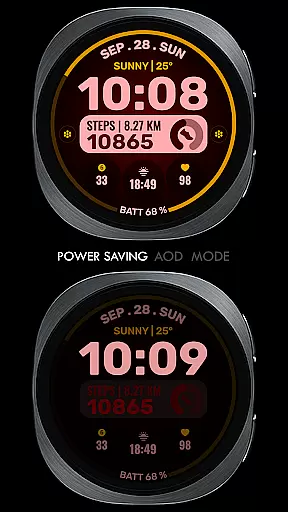
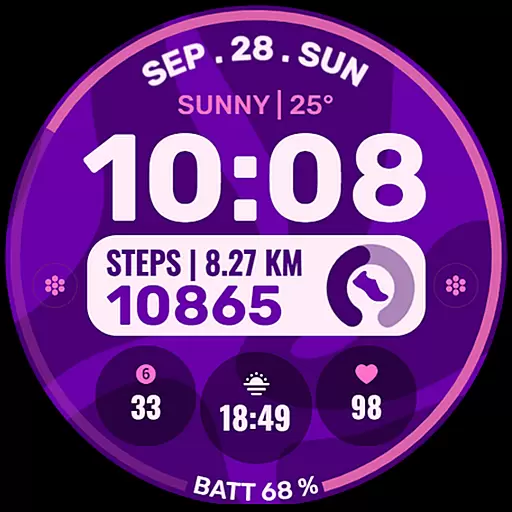
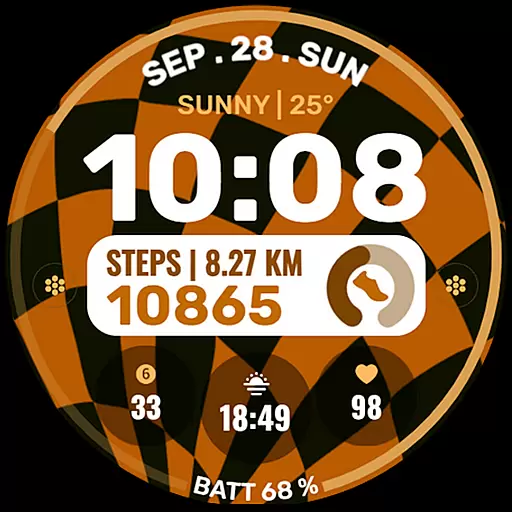
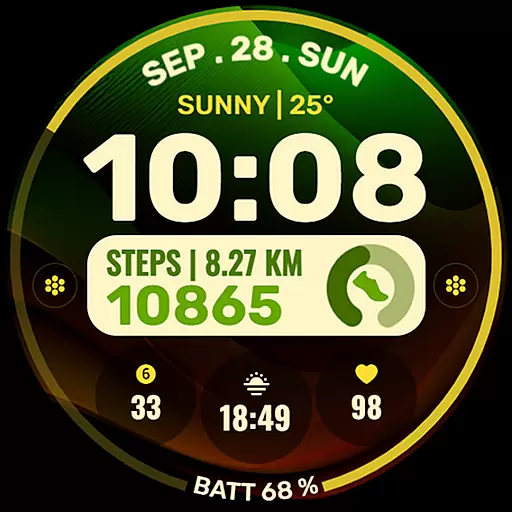
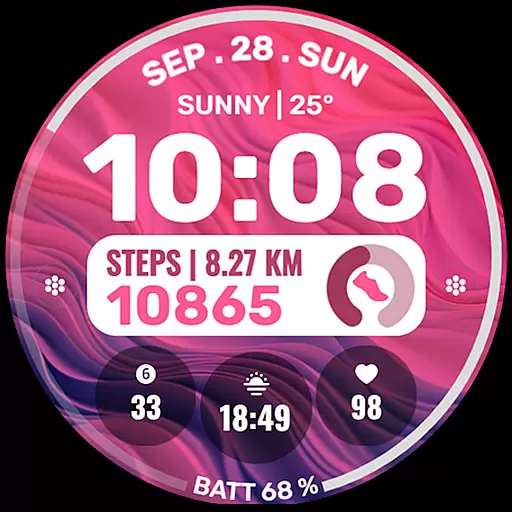
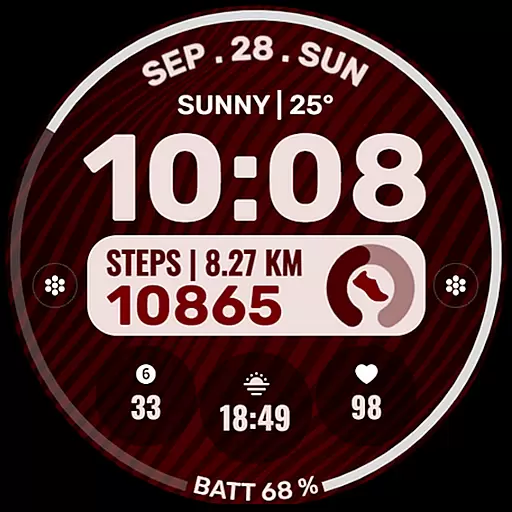
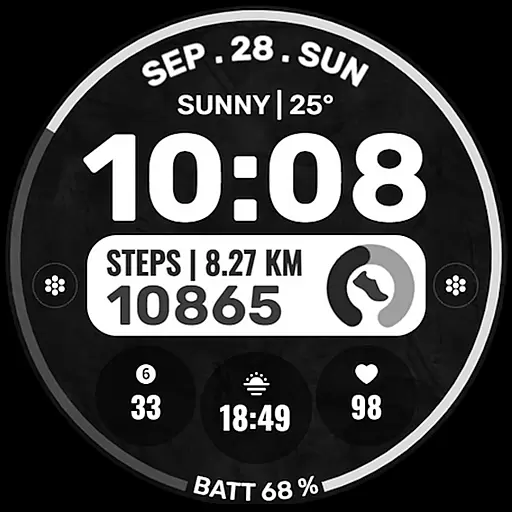
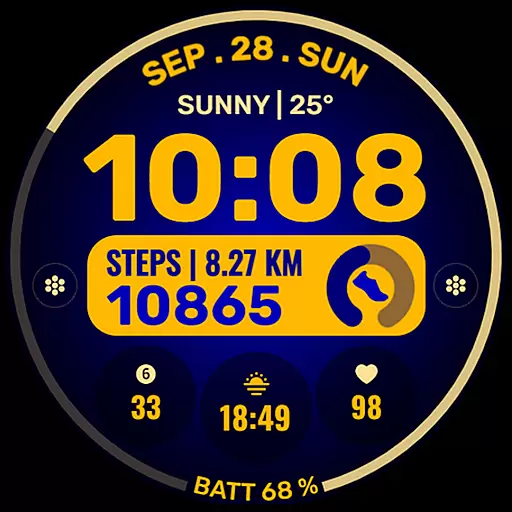
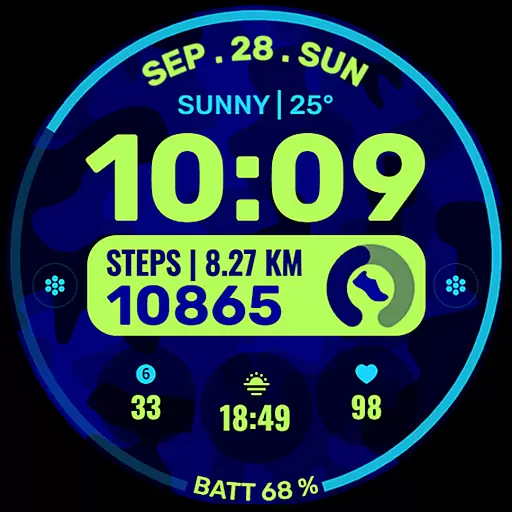
Data Dash is a feature-rich watch face designed for Wear OS devices, offering users an artistic digital clock display along with customizable shortcuts and complications. The app supports all Wear OS devices running API Level 34+ and later versions, ensuring compatibility with the latest smartwatches.
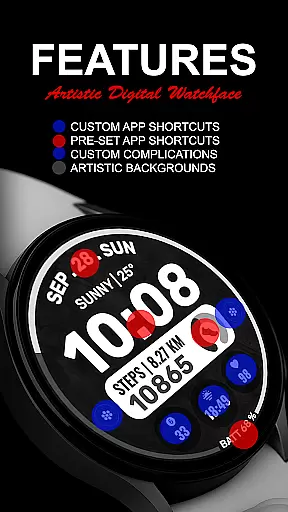
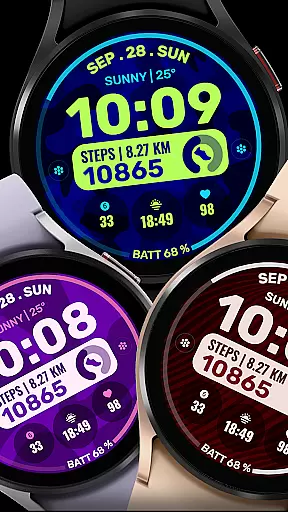
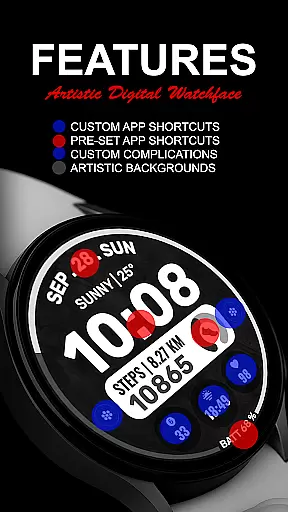
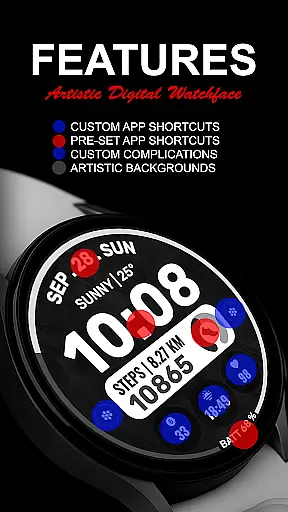
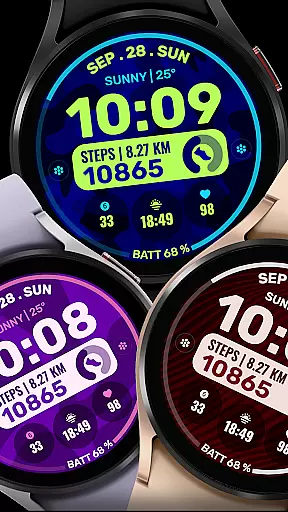
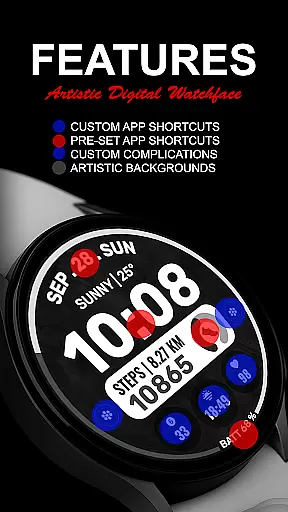
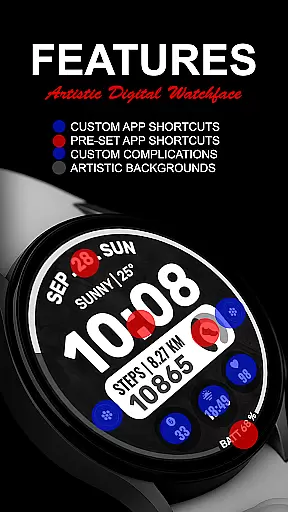
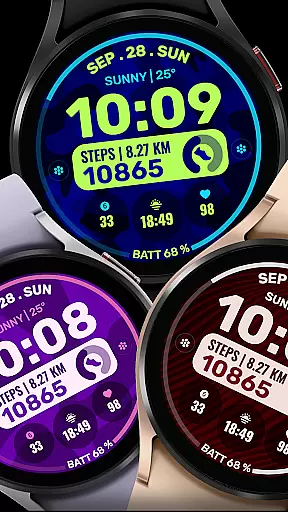
Key features include pre-set app shortcuts for essential functions like Alarm, Calendar, Battery, and Steps, as well as two custom app shortcuts and three customizable complications. Users can personalize their watch face with various data points such as Date, Weather, Steps, World Clock, and more. Additionally, Data Dash allows for custom background and color themes, providing a tailored experience that suits individual preferences.
This versatile watch face is ideal for users who want both functionality and personalization on their smartwatch. By enabling seamless integration between phone and watch, it ensures that users can access important information at a glance while enjoying a visually appealing interface.
Data Dash stands out with its comprehensive customization options. The artistic digital clock serves as the centerpiece, while pre-set app shortcuts provide quick access to frequently used functions such as Alarm, Calendar, Battery, and Steps. This ensures that users can manage their daily tasks efficiently without having to navigate through multiple apps.
One of the standout features is the ability to customize up to three complications with any data source the user desires. Whether it's monitoring weather conditions, tracking physical activity, or staying updated with calendar events, Data Dash offers flexibility that enhances the smartwatch experience. Moreover, the inclusion of custom background and color themes allows users to tailor the appearance of their watch face to match their personal style.
The installation process is straightforward but requires attention to detail. Users are advised to ensure their watch is synced with their phone using the same email address and to wait a few minutes for the transfer to complete. With proper setup, Data Dash delivers a seamless and personalized wearable experience that combines aesthetics with practicality.
Companion app integration is crucial for Android Wear applications as it ensures seamless data sharing and functionality between the wearable device and its paired smartphone. Data Dash excels in this area by providing users with a synchronized experience across devices.
The watch face automatically installs on WEAR OS watches and requires synchronization using the same email address on both the phone and wearable. This guarantees that all personalized settings and complications are accurately mirrored, creating a cohesive user environment.
Users benefit from this integration through features like pre-set app shortcuts and customizable complications. These elements allow for real-time updates and interactions, such as viewing calendar events or monitoring battery levels directly from the watch face.
This level of companion app integration enhances user convenience by reducing the need to frequently check their phones. Instead, they can access vital information and perform quick actions right from their wrist, streamlining daily tasks and improving overall efficiency.
Device compatibility is a fundamental aspect of any Android Wear application, determining its ability to function across various Wear OS devices. Data Dash boasts extensive compatibility, supporting all Wear OS devices with API Level 34+ and Wear OS 4 or later versions.
This wide-ranging support means that users with different models of smartwatches can enjoy the artistic digital clock and customization options without worrying about technical limitations. However, it's important to note that some features may not be available on certain watches due to hardware constraints.
The installation process is designed to be user-friendly, ensuring that the watch face transfers smoothly to the wearable device. After downloading, users should wait a few minutes for the transfer to complete, indicated by a notification on the watch.
By prioritizing Wear OS and device compatibility, Data Dash ensures that its innovative design and functionality reach a broad audience. This commitment to accessibility allows more users to personalize their smartwatch experience according to their preferences and needs.
Highly customizable
Artistic design
Wide compatibility
User-friendly interface
Comprehensive features
Complex setup required
Limited initial shortcuts
Potential sync issues
Third-party complications needed
Refund period too short

Wear Os Watch Face - Animated Snow Effect & Christmas Lights
 4.3
4.3
Wear Os Watch Face - Animated Snow - Sesonal for Christmas & Winter
4.2
Rose gold watch face with festive lights & customizable features.
4.60
Digital, flexibly customizable watch face. For Wear OS 5.0, API 34+ and later.
5.00
Kia Access makes getting your vehicle information easier than ever
4.60
Get helpful reminders, take progress photos and find answers to your questions.
3.90
Funny animated watch face for Thanksgiving
4.0
Premium hybrid watch face with many customizations for Wear OS devices.
4.40
Back up your contacts & access them anywhere
4.30
Gym Log & Workout Tracker | Fitness Journal, Training & Weight Lifting Planner
4.90
Highly customizable hybrid watch face for Wear OS, perfect for everyday use.
4.60
Nutrition, Macro tracker: Food, fitness & healthy diet tracking for weight loss
4.60
Real-time results, stats, schedules and player profiles for all leagues
4.60
Deck out your Wear OS Watch face with a beautifully decorated pine wreath!
4.50
Fast and smart typing with Emojis, GIFs, and more
4.50
Find EV charging stations
4.30
Viewer for Wyze/Yi/Eufy/Arlo/ONVIF/RTSP/P2P IP cams w/ adv. features & DIY DVR
4.00
A full-featured Amazon Alexa voice assistant that can show you things.
3.70
A heartwarming Christmas scene featuring a cute image of Santa and Rudolf
4.3


User Reviews