
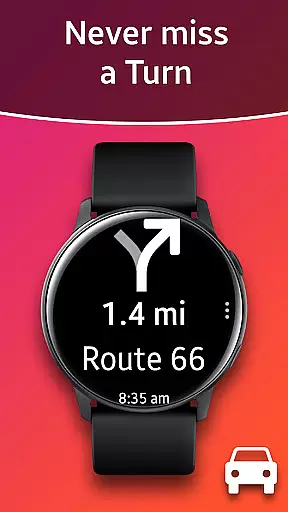
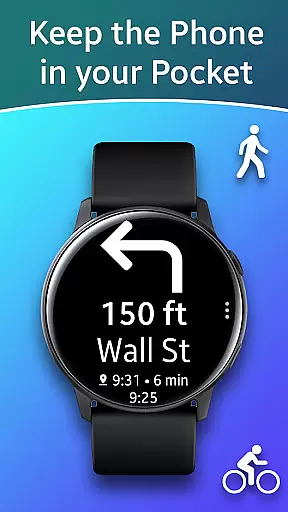
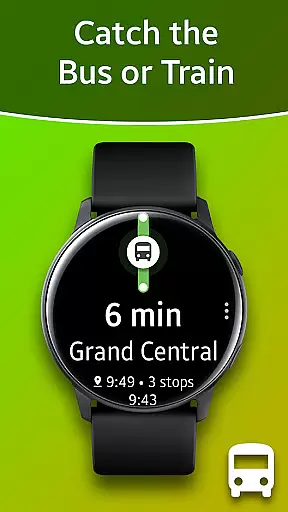
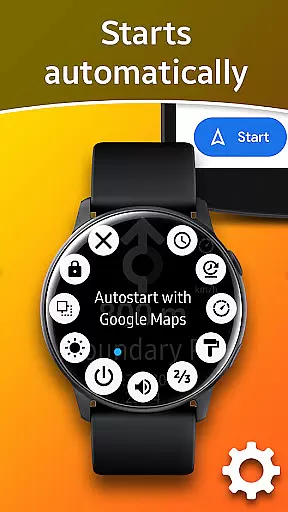
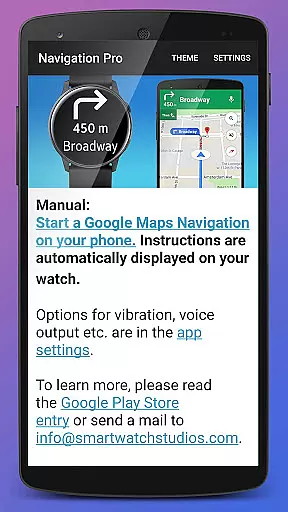
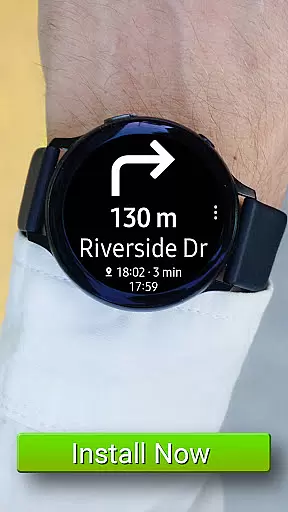
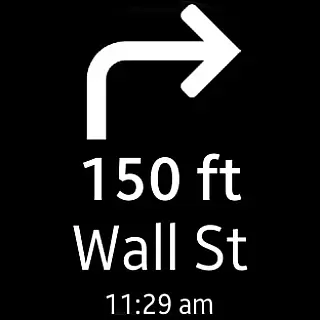
Navigation Pro is a specialized navigation app designed to display Google Navigation instructions directly on your Samsung smartwatch. This innovative solution enhances the navigation experience for drivers, cyclists, and public transport users by providing real-time directions right on their wrists. The app features an intuitive autostart function that activates with navigation, ensuring seamless operation without manual intervention.
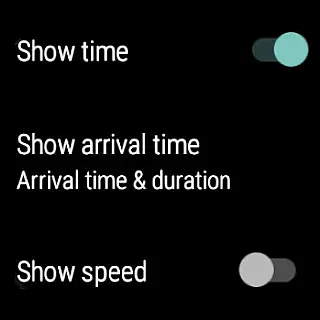
Beyond basic navigation, the app offers advanced functionalities such as voice output, customizable vibration patterns, support for 102 languages, and various themes. Users can also enjoy additional features like a speedometer. To operate, Navigation Pro requires a companion app from Samsung Galaxy Apps, establishing a reliable connection between the phone and the watch. This integration ensures that all navigation data is accurately mirrored on the wearable device, offering unparalleled convenience and accessibility.
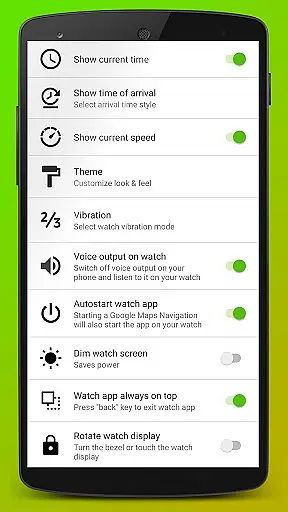
Navigation Pro stands out with its comprehensive feature set tailored for seamless navigation experiences. The app's autostart functionality automatically launches navigation on the smartwatch when initiated on the paired phone, eliminating the need for manual activation. Voice output provides auditory guidance, while customizable vibration patterns offer tactile feedback, ensuring users receive directions in their preferred mode.
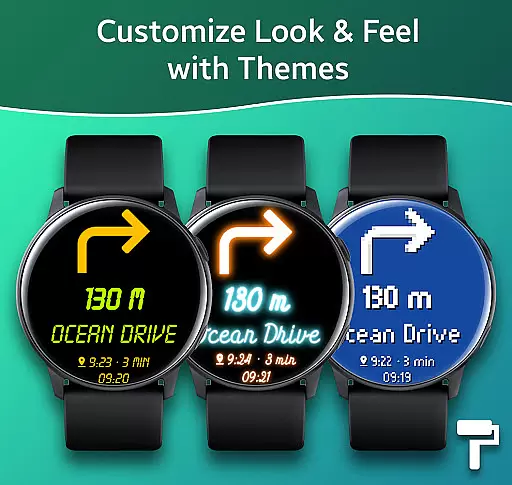
With support for 102 languages, Navigation Pro caters to a global audience, breaking language barriers for international travelers. The app also includes diverse themes to personalize the interface, alongside a built-in speedometer for real-time speed monitoring. These features collectively enhance user engagement and provide a versatile navigation tool that adapts to various preferences and requirements, making every journey more efficient and enjoyable.
Map accuracy is crucial for any navigation application, and Navigation Pro excels in this area. The app displays Google Navigation instructions directly on your Samsung watch, ensuring that the map data is both precise and up-to-date.
By leveraging Google's extensive mapping data, Navigation Pro provides users with highly accurate location information. This includes detailed street names, points of interest, and real-time updates during travel, which are essential for activities like driving, cycling, and using public transport.
The integration with Google Maps ensures that users receive the most current map data available. This means that new roads, road changes, and other critical updates are reflected promptly, enhancing the overall reliability of the navigation experience.
Effective route planning is a cornerstone of Navigation Pro's functionality. The app offers multiple route options based on real-time traffic conditions, ensuring that users can choose the best path for their journey.
With features such as autostart with navigation and customizable vibration alerts, users can rely on Navigation Pro to provide timely and relevant route suggestions. These features help users stay informed about their journey without needing to constantly check their phone.
Additionally, the app supports 102 languages, making it accessible to a global audience. Whether commuting daily or exploring new places, Navigation Pro's robust route planning capabilities ensure a smooth and efficient travel experience.
User-friendly interface
Real-time navigation
Voice guidance
Customizable settings
Multi-language support
Requires companion app
Phone dependency
Limited standalone use
Device compatibility
Premium features cost

Start your next adventure confidently using our Accurate Compass App
 3.70
3.70
The fastest and most convenient way to pay for parking on our lots.
4.40
Find trails, organize your locations and navigate with offline maps.
4.60
"Balad" is a map and navigator with a Persian voice assistant and a complete city guide
4.40
Parcel map, property lines, owner, acres, land use, zoning and more from Regrid.
4.60
NJ TRANSIT information and ticketing at your fingertips
3.70
GPS Navigation: Get map directions and find the shortest routes to avoid delays!
4.00
Ride or drive at YOUR price
4.70
Neshan: map & navigation app with 20M+ monthly active users
4.50
Get there with the Waymo Driver — The World’s Most Experienced Driver™
4.90
Turn your Android device into a real off-road GPS using off-line topo maps!
4.40
GPS navigation offers route finder, compass, translator, currency converter, etc
4.30
Find radar, speed camera, flight tracker. Use hud, location tracker, speedometer
4.20
Get real-time bus and train schedules for easy, hassle-free city transportation.
3.90
MapQuest is your go-to app for maps, GPS, voice navigation & live traffic.
3.80
Get route map navigation with 3D satellite view, and live earth camera streaming
3.70
Gas Station & Fuel Rewards Points
3.70
Explore Earth with live GPS, satellite view & street navigation
3.60
Compass is an accurate compass and a great tool for any outdoor activities
4.3


User Reviews