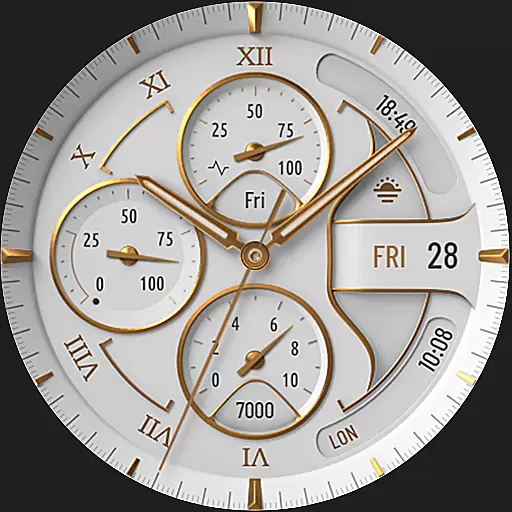

Highly customizable hybrid watch face for Wear OS, perfect for everyday use.
 4.60
4.60
Stunning modern digital watch face with 7 complications and strong contrast
4.5
Let's celebrate Thanksgiving - Wear Os watch face
4.20
Gym & home workout plans with strength training, exercise tracking, HIIT & more.
4.60
Bold weather Digital watchface with forecast & optional animated background
4.40
Premium hybrid watch face with many customizations for Wear OS devices.
4.40
Track your active life in one place and share the journey with friends.
4.40
Control your Samsung Smart TVs, appliances, and SmartThings-compatible devices
4.60
Toyota app currently supports 2010 or newer vehicles (2018 or newer for Hawaii).
4.50
Christmas Theme Watch Face for Wear Os
5.00
Period, ovulation & pregnancy tracker. Fertility insights & menstrual calendar.
4.90
Real-time weather radar with temperatures, warnings, hurricanes, and widgets
4.80
Easy Voice Recorder is your everyday companion to record important moments.
4.70
Reliable phone calls with spam protection, caller ID and more helpful features
4.40
Animated video-game inspired “secret agent” simulation, right on your wrist!
4.20
Daily Weather forecast with 15 weather images for Day & Night plus Big Bold time
4.10
Viewer for Wyze/Yi/Eufy/Arlo/ONVIF/RTSP/P2P IP cams w/ adv. features & DIY DVR
4.00
Simple Analog-Digital Watchface For Wear OS 3.0 and Up Smartwatches
4.5
3 Complications. All shadow on/off. 30 Themes color palette...
4.1


