
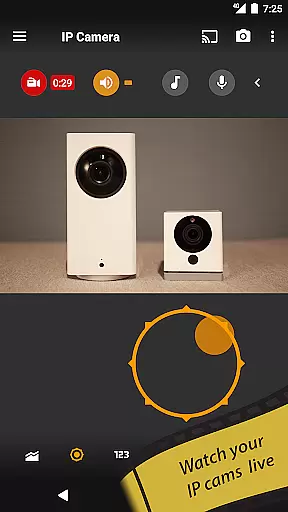
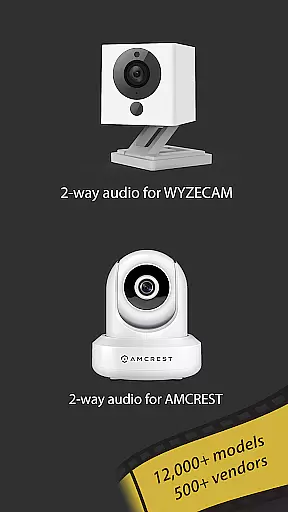
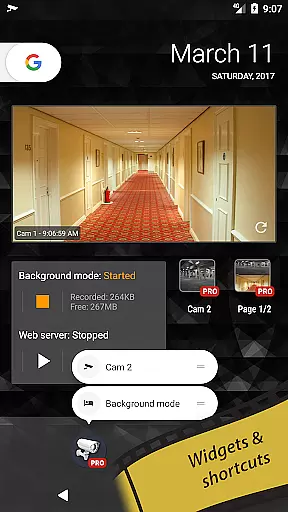
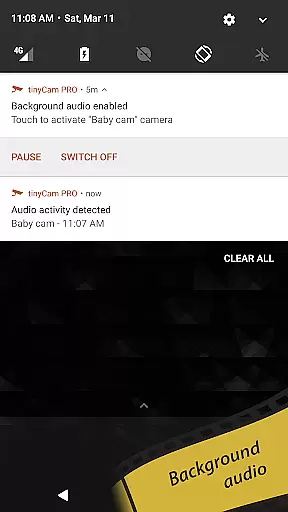
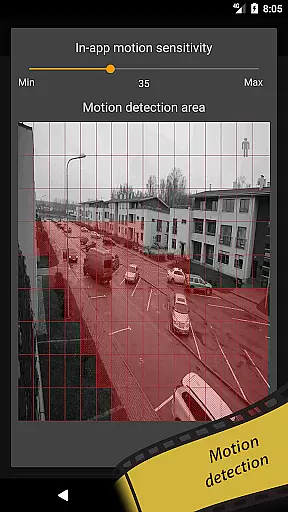
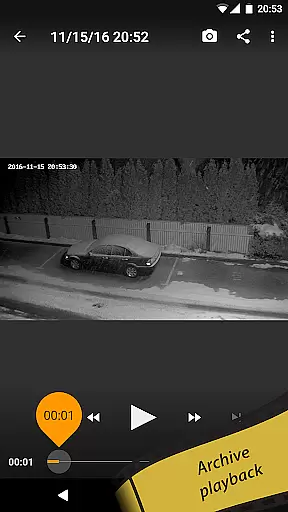
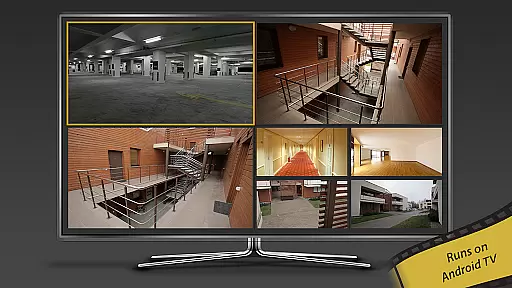
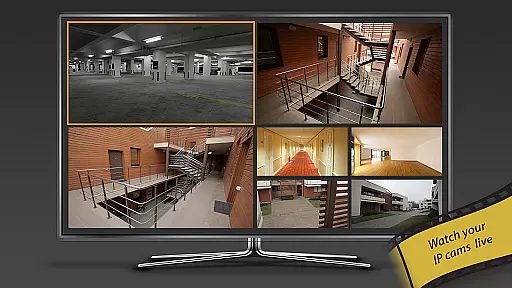
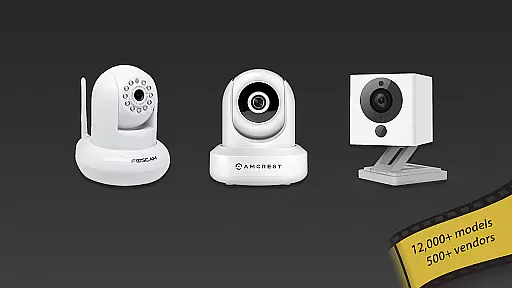
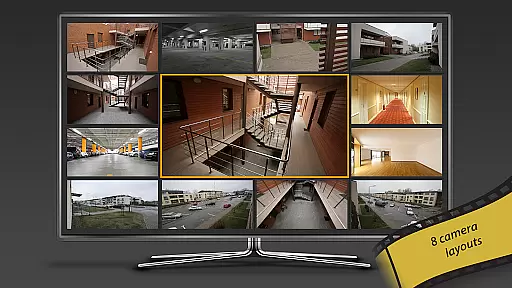
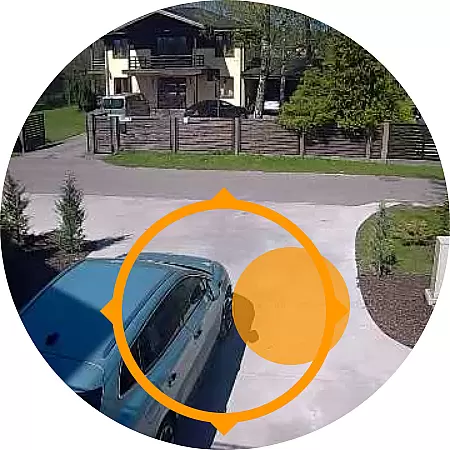
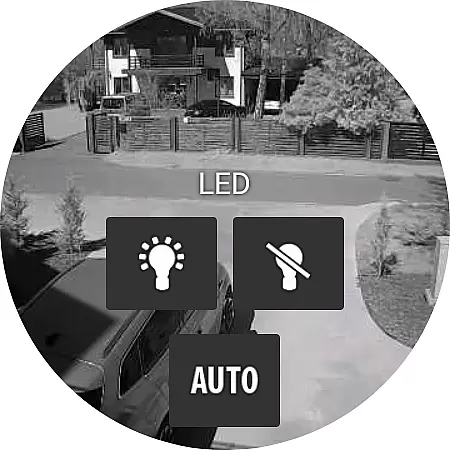
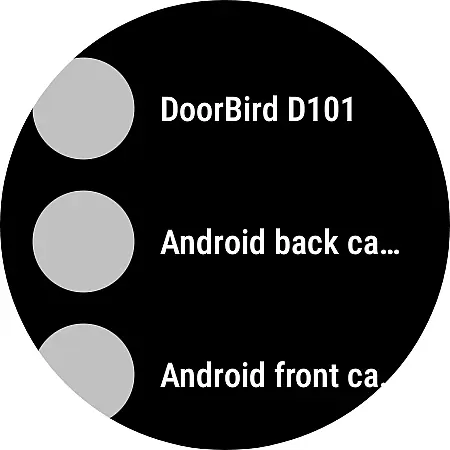
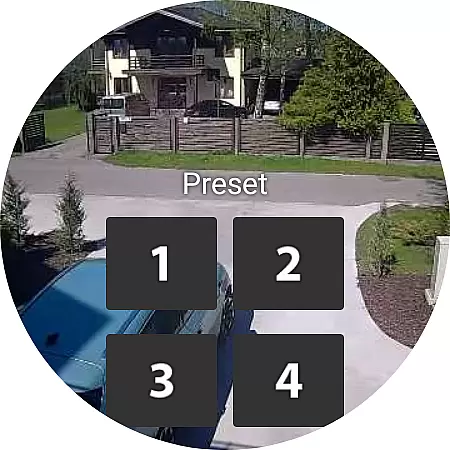
tinyCam Monitor PRO is the ultimate Android application for remote surveillance and video recording, designed to securely monitor your private or public network IP cameras. With support for over 12,000 camera models including popular brands like Foscam and Amcrest, it offers an intuitive interface with advanced features such as ONVIF Profile S, MJPEG/H264/H265/RTSP protocols, and smart camera compatibility.
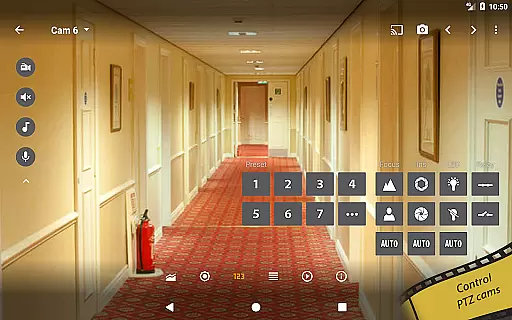
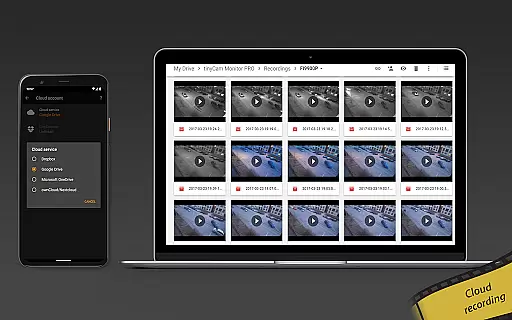
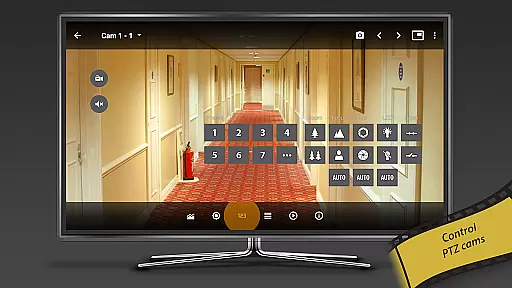
This app allows you to control PTZ (pan-tilt-zoom) enabled cameras, manage relay and LED controls, and provides 24/7 MP4 video recording options on local storage or cloud services like Dropbox and Google Drive. Ideal for monitoring your home, business, or even traffic conditions, tinyCam Monitor PRO ensures that you have a comprehensive security solution at your fingertips.
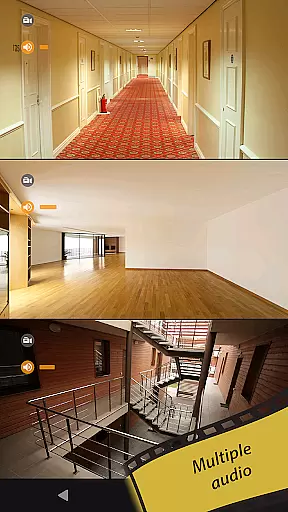
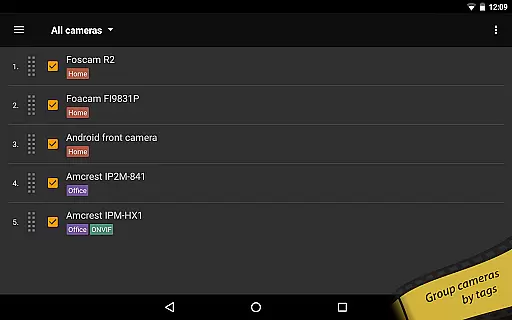
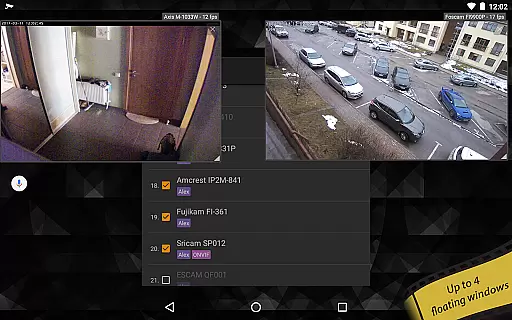
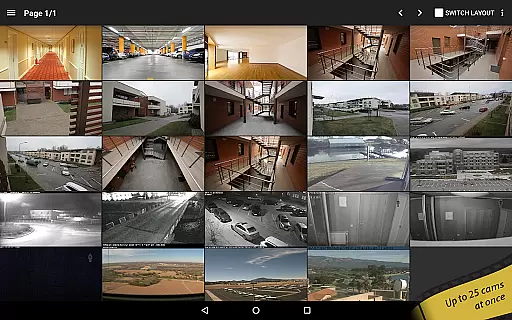
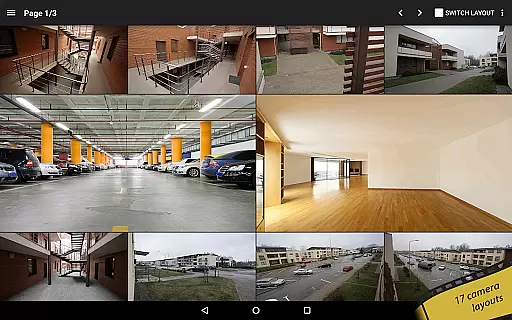
tinyCam Monitor PRO stands out with its extensive feature set tailored for both casual users and professional surveillance needs. The app supports two-way audio communication with most vendors' cameras, SSL encryption for secure monitoring, and multiple layout options allowing up to 19 different views with unlimited camera connections.
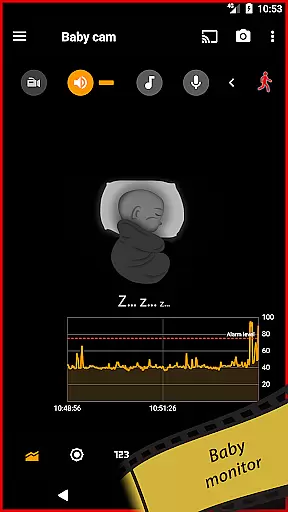
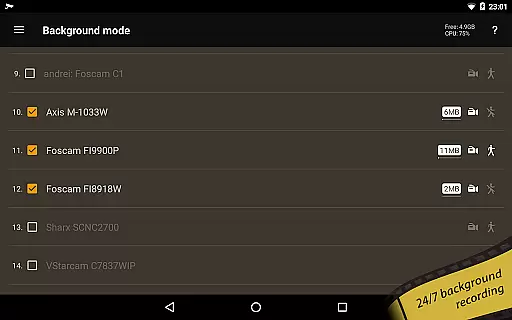
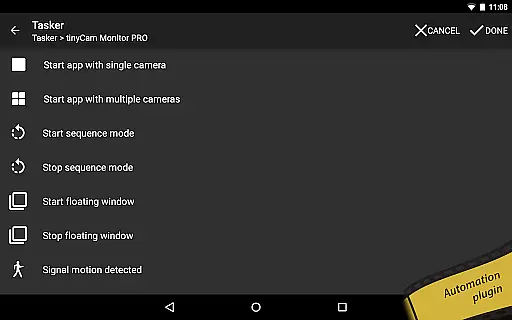
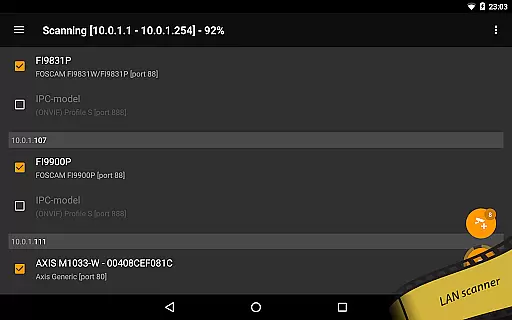
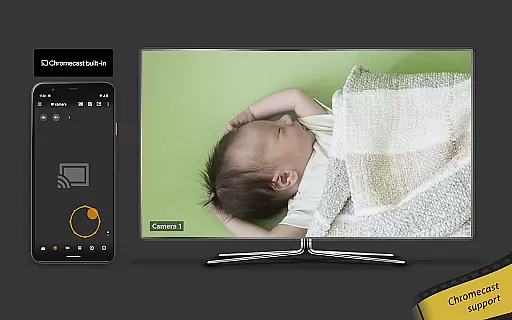
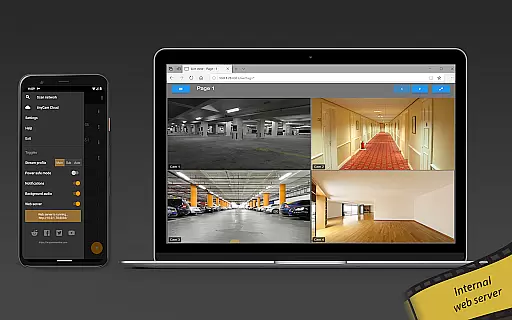
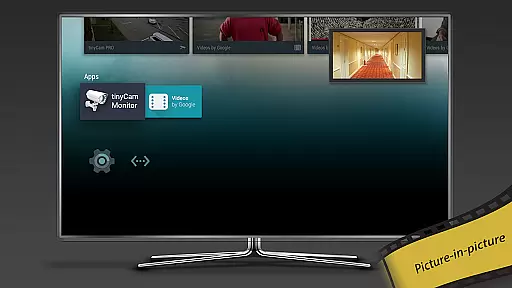
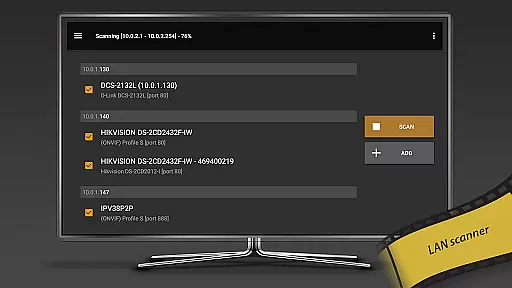
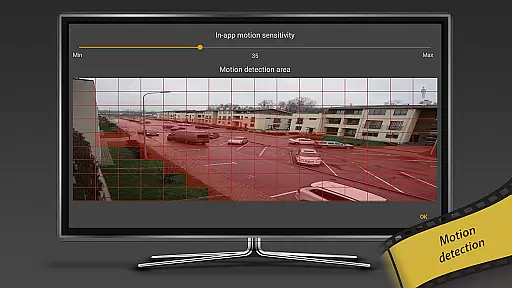
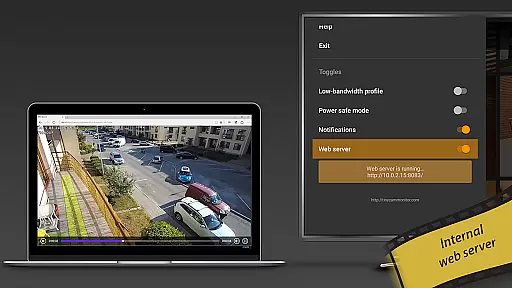
Unique capabilities include background recording with automatic deletion of old records, time-lapse recording, and an internal web server for remote access. It also boasts AI object detection for identifying persons, pets, and vehicles, along with face detection and LAN scanning for automatic camera discovery. Advanced functionalities extend to casting support for Wear OS and Google Cast-enabled devices, RTMP streaming, and integration with home automation systems via Tasker plugin.
Companion app integration is essential for users who want seamless connectivity between their mobile devices and wearable technology. tinyCam Monitor PRO excels in this area by offering robust companion app features that ensure synchronized data and functionality across devices.
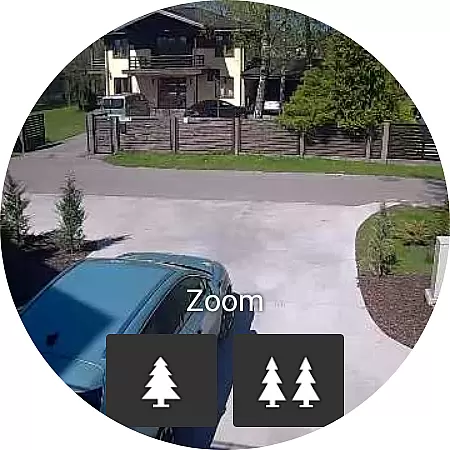
The application supports a wide range of IP cameras, including popular brands like Foscam and Amcrest, and extends its capabilities to Android Wear devices. This means you can monitor your cameras directly from your smartwatch, providing unparalleled convenience and accessibility.
With the ability to cast to Wear OS, users can receive real-time updates and alerts on their wearable device. This feature ensures that whether you're at home or on the go, you have instant access to your surveillance system without needing to take out your phone.
This level of integration not only enhances user experience but also increases security by allowing immediate responses to any detected activity. The result is a comprehensive monitoring solution that keeps you connected and informed at all times.
Ensuring compatibility with Wear OS and other devices is crucial for maximizing the utility of an application like tinyCam Monitor PRO. This app stands out by delivering extensive support for various devices, making it versatile and adaptable to different user needs.
tinyCam Monitor PRO is designed to work seamlessly with Wear OS, enabling users to leverage their smartwatches for remote surveillance. Whether you need to check on your home, business, or loved ones, the app provides a smooth and responsive interface tailored for smaller screens.
In addition to Wear OS, the app supports a multitude of IP cameras, video encoders, and DVRs. This broad compatibility ensures that regardless of your existing setup, tinyCam Monitor PRO can integrate effortlessly, enhancing your monitoring capabilities without requiring additional hardware investments.
By prioritizing cross-device functionality, tinyCam Monitor PRO delivers a reliable and flexible solution for users seeking to enhance their security infrastructure with minimal hassle.
User-friendly interface
Extensive camera support
Advanced security features
Flexible recording options
Innovative AI capabilities
Premium version required
Complex setup process
High resource usage
Limited free features
Occasional connectivity issues

MyNISSAN® lets you remotely control your car from your phone.*
 4.50
4.50
Wear Os Watch Face - Animated Snow Effect & Magic Spark - 6 Scenes
4.10
A modern premium sporty hybrid watch face for Wear OS by Ballozi
4.70
Watch face for Wear OS.
4.20
Digital watch face with big numbers and many customization for Wear OS devices
4.40
Monitor health with the stress test and pulse checker in the heart rate app.
4.60
Locate your family members by GPS phone location tracker everywhere and anytime
4.30
The ultimate destination for kids ages 3-8 to explore the Marvel Universe!
4.30
Track airplanes and follow flights with our real-time flight tracker
4.50
Hybrid watch face for Wear OS with customizable complications by Matteo Dini MD
4.70
WTW M17 is a premium and luxurious hybrid watch face
4.70
A realistic hybrid watch face with many customization options.
4.60
Simple, helpful messaging by Google
4.60
Stylish, Energizing and Modern Watch Face crafted by Dominus Mathias.
4.50
Bold, Modern Hybrid Watch Face for Wear OS. 10 Colors, Rich Info Display.
4.30
A customizable Christmas watch face for Wear OS with a countdown.
4.20
Your music, your playlists, and more—offline and unlimited.
4.20
Embrace the festive spirit with our Christmas Countdown watchface for Wear OS
4.10
Watch the sharpness of the sky on your wrist..
3.70


User Reviews