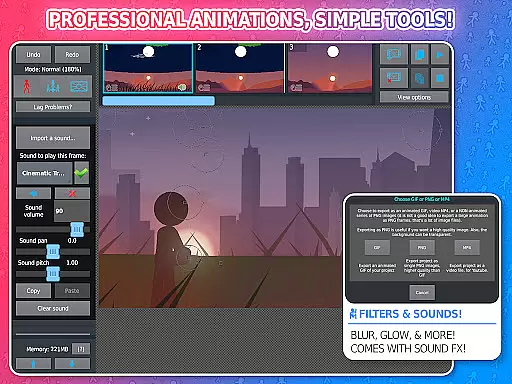
Stick Nodes Pro is a premier stickman animation app designed specifically for mobile devices, offering advanced features for creating professional-quality animations. Inspired by the classic Pivot stickfigure animator, this app allows users to craft intricate stickfigure-based movies and export them as animated GIFs or MP4 videos.
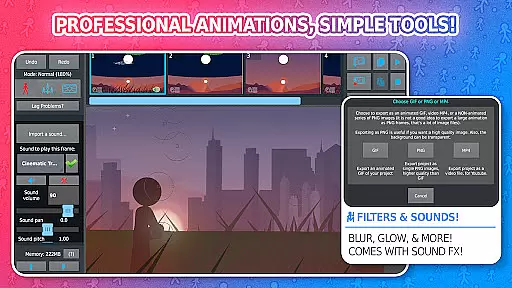
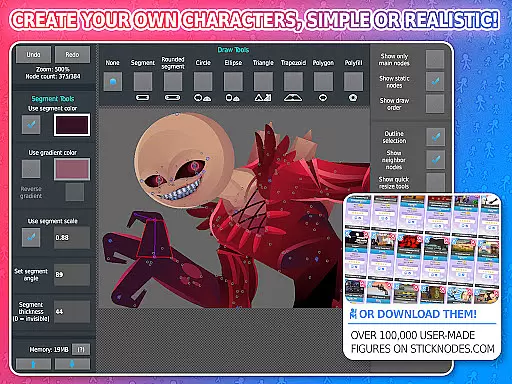
The PRO version includes exclusive features such as ad-free startup, watermark-free exports, sound effects per frame, and advanced stickfigure filters like blur and glow. With over 30,000 downloadable stickfigures and compatibility with Minecraft skins, it provides endless creative possibilities for animators of all skill levels.
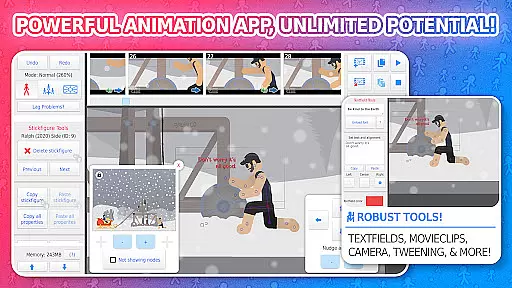
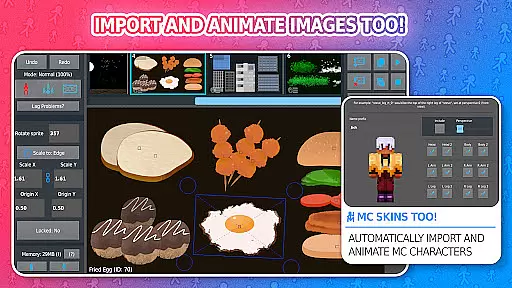
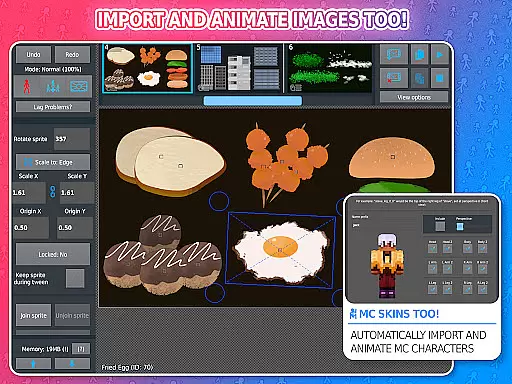
Stick Nodes Pro stands out with its comprehensive feature set tailored for both novice and experienced animators. The app supports importing and animating custom images, automatic frame-tweening for smoother animations, and a customizable camera for dynamic scene control.
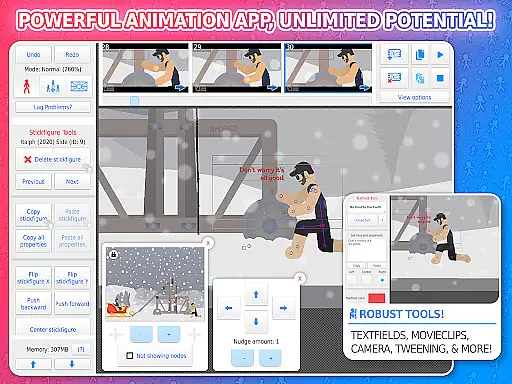
Unique functionalities include movieclips for reusable animations, textfields for easy speech integration, and per-segment color/scale adjustments. Pro users can apply various filters, add sound effects, and export projects in MP4 format. These robust tools make Stick Nodes Pro an ideal choice for educational purposes and professional projects alike.
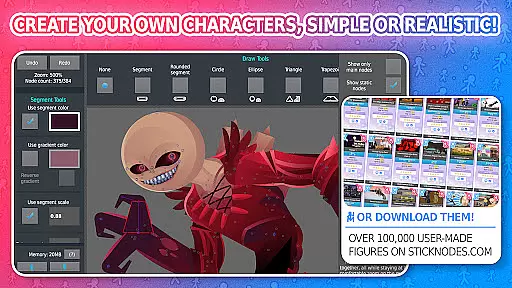
Stick Nodes Pro offers an impressive range of content options that cater to both novice and experienced animators. With over 30,000 stickfigures available for download and the ability to import custom images, users can create unique animations limited only by their imagination.
The app supports a variety of animation features such as automatic customizable frame-tweening, which ensures smoother animations. Additionally, users can apply different filters like transparency, blur, and glow to enhance their stickfigures visually. These features collectively contribute to a diverse and dynamic content creation experience.
Moreover, Stick Nodes Pro allows animators to add sound effects to frames and even export animations as MP4 videos, not just GIFs. This flexibility in content variety ensures that users can produce high-quality, professional-looking animations suitable for various platforms and audiences.
User engagement is a key strength of Stick Nodes Pro, thanks to its intuitive interface and robust feature set. The app provides tools like movieclips, which allow users to create reusable and loopable animation objects within their projects. This encourages prolonged use as animators can build complex scenes without starting from scratch each time.
Furthermore, the thriving community surrounding Stick Nodes Pro plays a significant role in user retention. Animators share their work, help each other, and create stickfigures for others to use. This sense of community fosters long-term engagement as users continually find new inspiration and resources on the main website.
Regular updates and compatibility with pre-3.0 Pivot stickfigure files ensure that users have ongoing access to new features and improvements. By maintaining active social media channels and a comprehensive FAQ page, Stick Nodes Pro keeps users informed and engaged, enhancing overall retention rates.
Ad-free experience
Watermark-free exports
Advanced animation tools
Large community support
Versatile file compatibility
Pro features locked behind paywall
Steep learning curve for beginners
Limited free stickfigure options
Occasional performance issues
Requires significant storage space

* Multiple Matches * Intuitive UI * Scoring Made Easy!
 4.40
4.40
EVP Recorder / Voice Recorder for ghost hunting, to communicate with ghosts.
4.4
With the credits you earn play more games
2.90
Series,Películas y Telenovelas
4.50
Experience the video editing experience brought by our intuitive interface
4.10
Geooh GO is the most feature rich geocaching app available today.
4.50
Explore the unknown!
3.00
Hand-drawn, cartoon OC creator - original character creator
4.70
Original short dramas with diverse genres for a rich viewing experience!
4.80
Stories that spark in seconds.
4.80
5 funny and lovely ponies waiting for you to style them!
4.80
Unleash Your AI Imagination
4.60
Underrated short-drama gems that hit hard and keep your heart hooked.
4.50
Chat with AI characters! Anime, games, roleplay & more.
4.50
Create melty bead designs by numbers, photos or your imagination
4.40
Fire effects for your Philips Hue lights
4.20
A companion app for the game Elite Dangerous
4.10
Watch everything you want.
2.90
A wonderful collection of the most beautiful sounds of animals and birds
4.4


User Reviews