
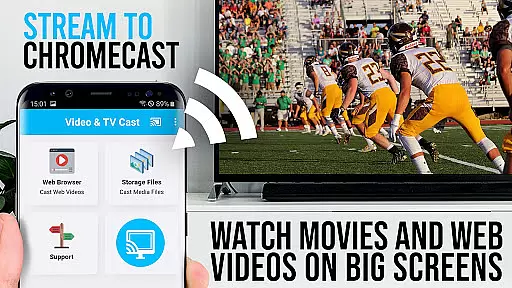
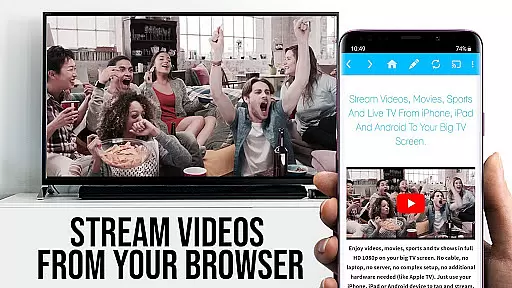
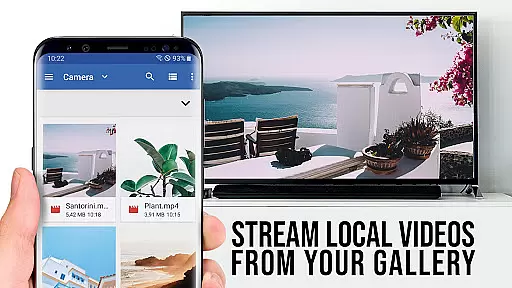
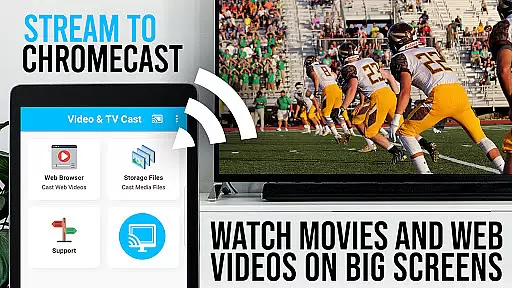
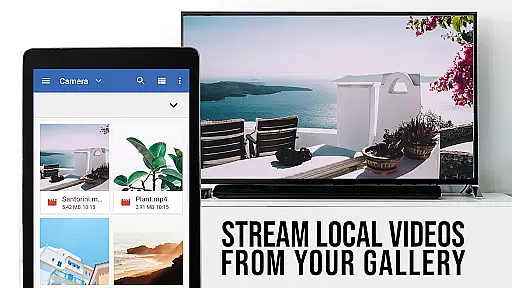
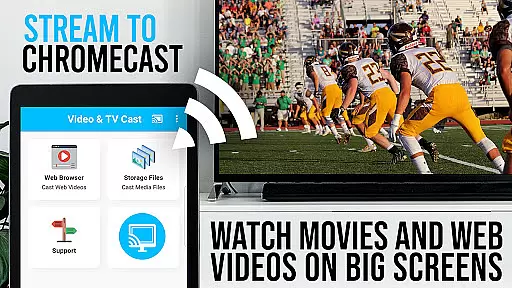
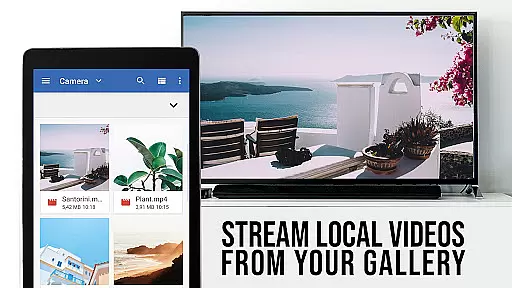
TV Cast Pro for Chromecast is the premier browser app designed specifically for streaming video content to Chromecast-enabled devices. With over 10 million users across Android and iOS platforms, this application allows you to cast web videos, online movies, IPTV, livestreams, and live TV shows directly to your TV screen. Supporting formats like MP4, M3U8, HLS livestreams, and Full HD, it ensures a high-quality viewing experience. The PRO edition offers all premium features unlocked, making it the go-to solution for seamless video streaming.
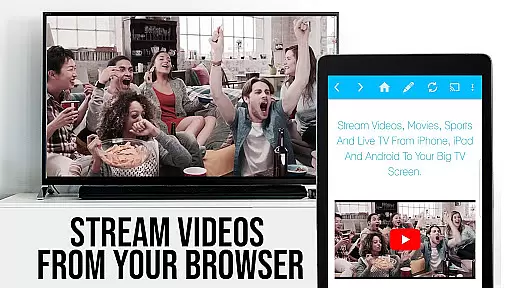
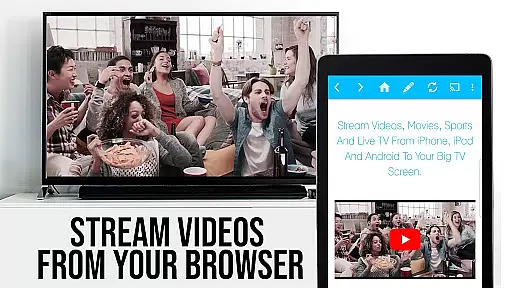
This app is ideal for users looking to enhance their Chromecast player with advanced functionalities. It supports casting from websites by simply tapping on embedded videos, which are then streamed directly to your TV. Whether you're watching web series, sports, or any other video content, TV Cast Pro provides an effortless way to enjoy media on the big screen.
TV Cast Pro stands out with its comprehensive feature set tailored for an optimal streaming experience. One of its key capabilities is the Remote Playbar, which allows users to control video playback including scrubbing, forward, rewind, play, pause, and stop functions directly from their device. This feature is synchronized across all Android and iOS devices running the app, providing unmatched convenience.
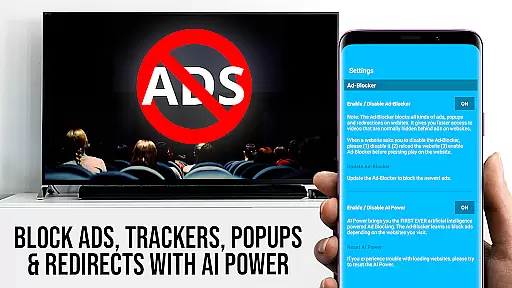
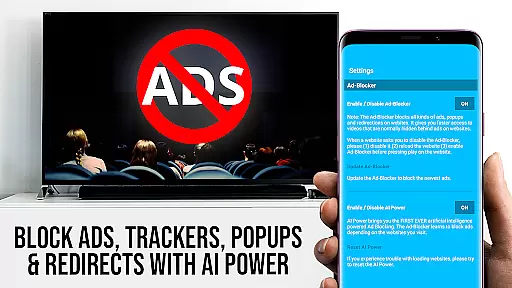
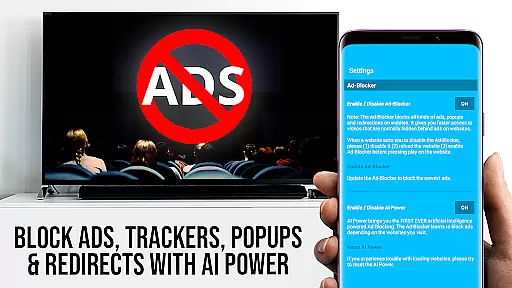
In addition to advanced playback controls, the app includes an Ad-Blocker that removes ads and popups from most websites, ensuring an uninterrupted viewing experience. Users can also manage bookmarks efficiently, switch to Desktop Mode to access desktop versions of websites, and customize the homepage. These features collectively offer a versatile and user-friendly interface that enhances how you interact with online video content.
The app's ability to handle various video formats and its compatibility with Chromecast devices make it a powerful tool for streaming enthusiasts. By focusing on user experience and offering features like ad-blocking and remote playback controls, TV Cast Pro delivers both functionality and ease of use, setting a high standard in the entertainment category.
TV Cast Pro for Chromecast excels in offering a diverse range of content, ensuring users have access to web videos, online movies, IPTV, livestreams, and live TV shows. The app supports various formats including mp4, m3u8, hls livestreams, and Full HD, making it versatile for different types of media.
The application's strength lies in its ability to browse the web and cast any video with a single tap directly to your Chromecast player. This feature not only simplifies streaming but also enhances user engagement by allowing seamless discovery and casting of videos from favorite websites.
Moreover, the app includes PRO features such as an Ad-Blocker, Bookmarks, Desktop Mode, and more, which contribute to a richer and more personalized experience. These functionalities ensure that users can tailor their interaction with the app according to their preferences, thus maintaining content freshness and relevance.
User engagement is significantly boosted by TV Cast Pro for Chromecast through its innovative features designed to retain attention and encourage prolonged use. With capabilities like Remote Playbar, users gain advanced video control while browsing, including options for scrubbing, forwarding, rewinding, playing, pausing, and stopping videos.
This level of interactivity ensures that viewers remain engaged with the content they are watching, reducing the likelihood of interruptions or disengagement. Additionally, the synchronization of the playbar across all Android and iOS devices running Video & TV Cast further enhances this continuity, providing a seamless transition between different platforms.
Furthermore, the absence of ads and popups due to the built-in Ad-Blocker creates a distraction-free environment, promoting longer viewing sessions. By focusing on delivering high-quality, uninterrupted content, TV Cast Pro effectively increases user retention rates, making it a top choice for entertainment seekers looking for sustained enjoyment.
User-friendly interface
Ad-free experience
Advanced playback controls
Desktop mode available
Customizable homepage
No support for DRM videos
Limited to Chromecast devices
Occasional connectivity issues
Requires internet connection
Premium version costly

Time tracking, lap counting and much more for Carrera® Digital 132/124
 4.80
4.80
Find out if you're on Santa's Naughty or Nice List with this magical scanner!
4.60
A companion app for the game Elite Dangerous
4.10
Music visualizer and party effects for Hue
3.90
Experience the video editing experience brought by our intuitive interface
4.10
Realistic Baby Simulator App
4.00
Watch New Episodes & Live TV
3.80
Bold original series & hit movies that don't hold back.
4.40
An app made just for kids
4.20
Come and watch short dramas, reels with diverse genres!
4.40
Atomus is a 10-finger multi-touch interactive visualizer.
4.30
Best of icon for christmas
4.30
Practice and master your ESP and intuition with five mode trainer.
4.20
Fire effects for your Philips Hue lights
4.20
Your choice of 350+ networks plus movies and full TV series on-demand.
3.70
Air Horn - Siren Sounds Prank, Fun way to wake up your Friends and Family
4.2
Disney Stickers: Zootopia 2
4.4
Christmas Globe: Transform your Wear OS device into a festive timekeeper!
4.0
Raise Christmas Magic with daily missions, magical scanners, and kindness.
4.2


User Reviews