
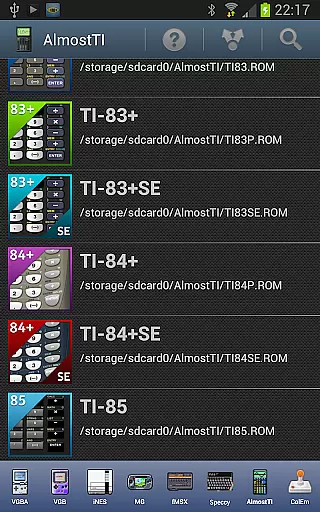
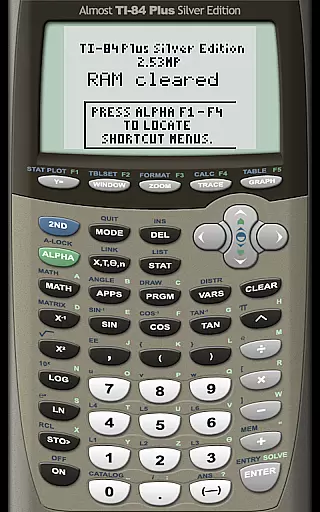
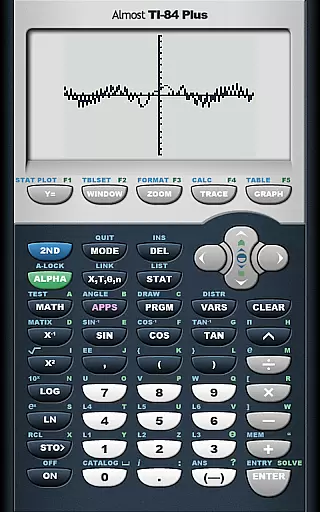
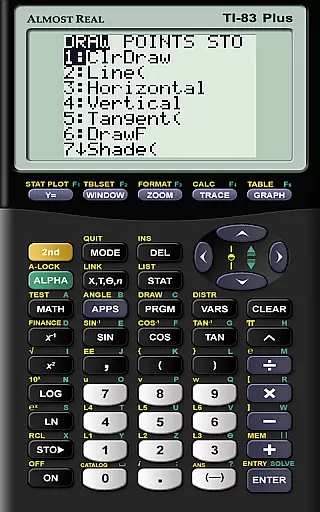
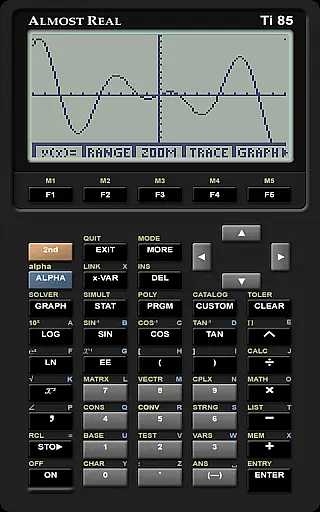
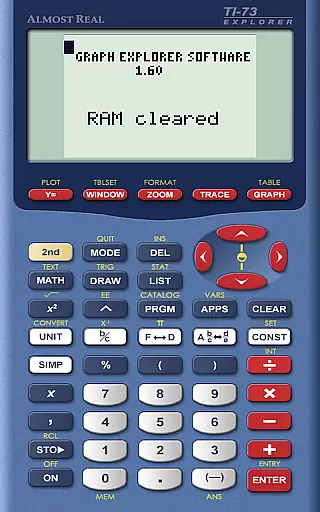
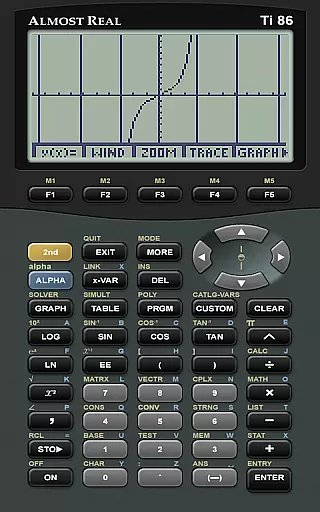
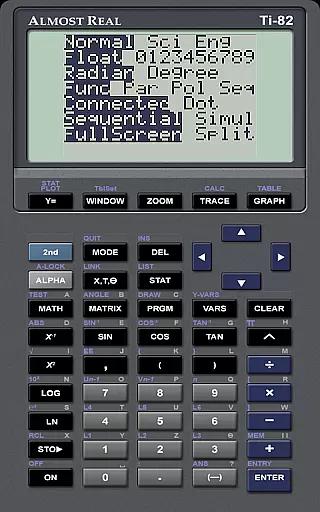
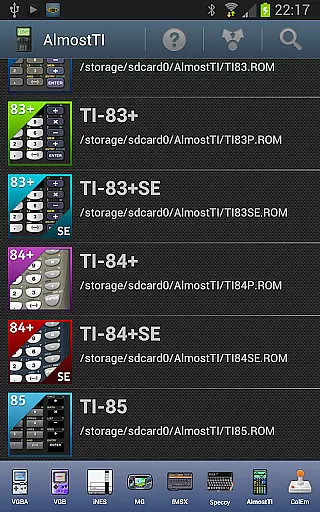
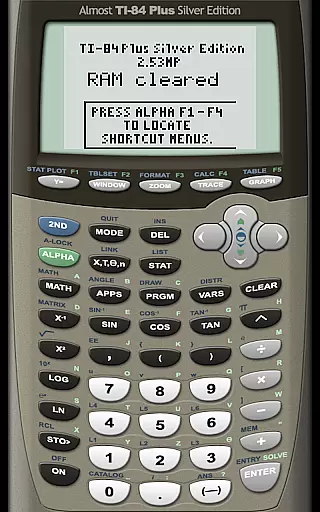
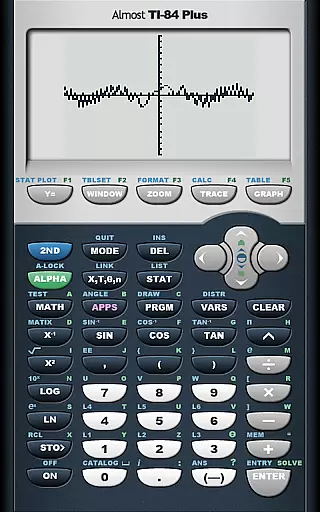
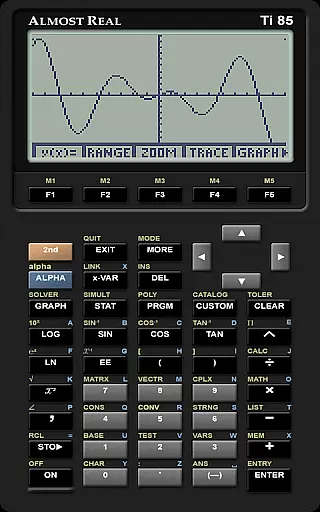
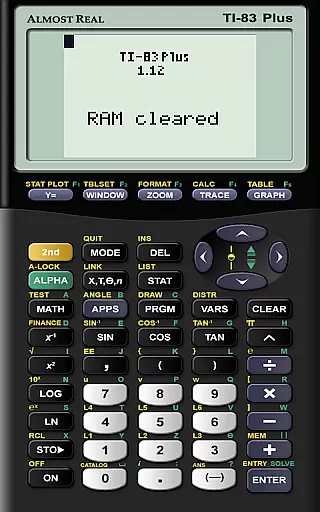
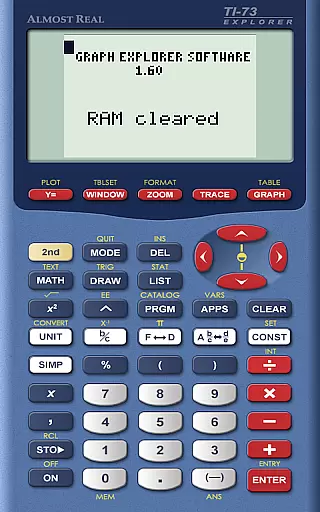
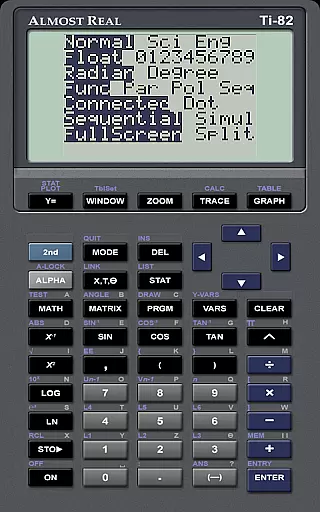
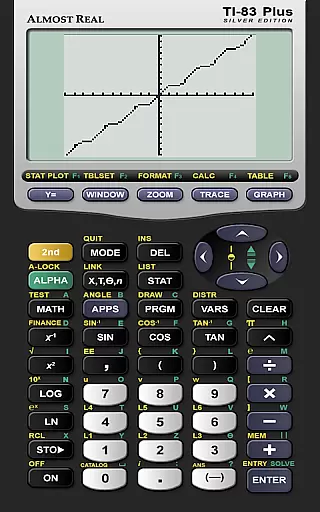
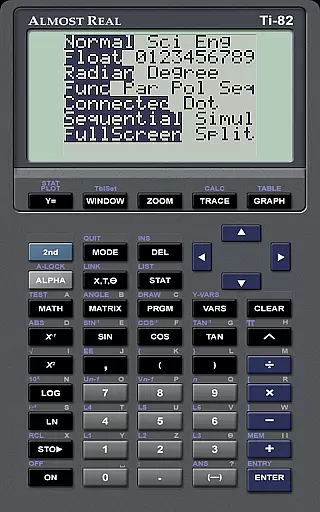
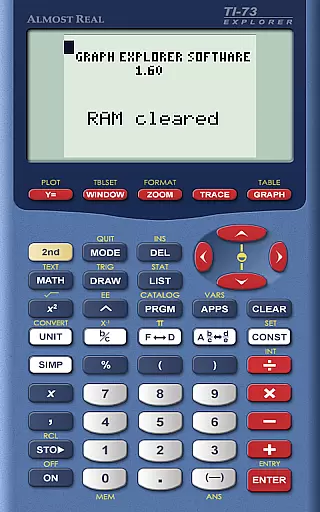
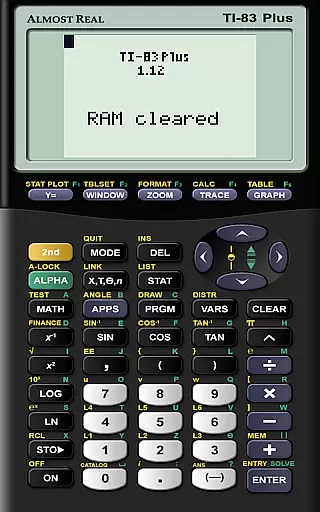
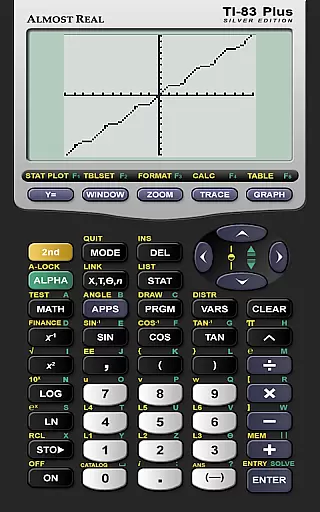
AlmostTI is an advanced educational application that transforms your Android device into a fully functional Texas Instruments graphing calculator. This app meticulously emulates a range of TI calculators including the TI-84+, TI-83+, and TI-82 among others, providing users with an authentic calculator experience on their mobile devices. Whether you are a student tackling complex math problems or a professional requiring precise calculations, AlmostTI delivers the functionality you need.
A standout feature of AlmostTI is its ability to save calculations at any point, allowing users to switch between multiple tasks seamlessly. The app supports various calculator models, making it versatile for different educational levels and needs. By turning your tablet into a large-screen TI calculator, AlmostTI enhances visibility and interaction, offering a practical solution for learning and teaching mathematics.
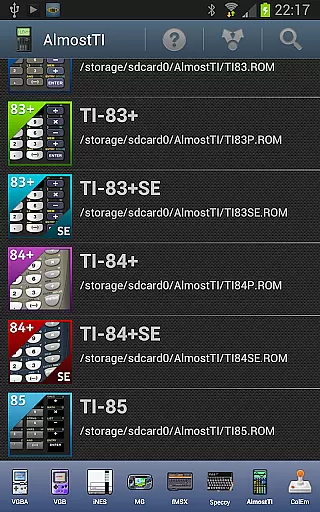
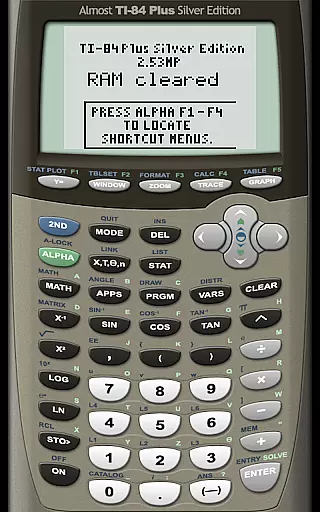
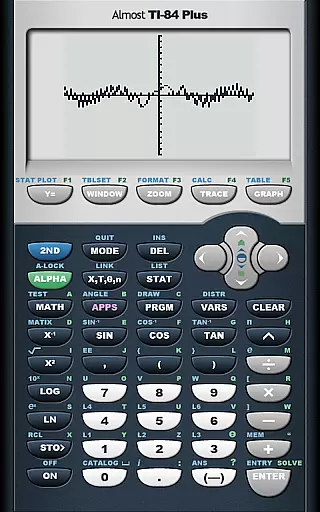
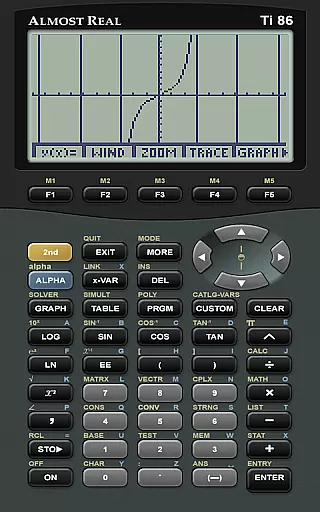
AlmostTI stands out with its comprehensive emulation capabilities, covering a wide array of Texas Instruments calculators such as the TI-84+ series, TI-83+ series, and more. Each emulation is crafted to provide an accurate representation of the original calculator's interface and functions, ensuring users can rely on AlmostTI for their educational and professional calculation needs.
The app allows users to save their work at any stage and retrieve previous calculations effortlessly. This feature is particularly beneficial for students and educators who need to manage multiple assignments or lessons. Additionally, AlmostTI requires users to supply their own ROM files, which ensures compliance with intellectual property rights while offering flexibility in choosing the specific calculator model to emulate.
When it comes to educational applications like AlmostTI, content accuracy is paramount. This app provides a faithful emulation of various Texas Instruments graphing calculators, ensuring that all calculations and graphing functionalities are replicated with precision. The emulation extends to models such as the TI-84+, TI-83+, and others, which are widely used in educational settings.
The app strictly requires authentic calculator system ROMs to function, reinforcing its commitment to genuine and accurate content. Users must supply their own ROM files, which preserves the integrity of intellectual property and ensures that the emulated environment is as close as possible to the physical calculators.
By allowing users to save their calculations and switch between tasks, AlmostTI not only maintains accuracy but also enhances the learning experience. Students and educators can rely on this app for its precise replication of calculator functions, making it an authoritative tool for mathematics and science education.
AlmostTI offers a unique approach to personalized learning by enabling users to emulate different models of Texas Instruments calculators. Each user can tailor their experience based on the specific calculator model they need for their coursework or personal study, providing a customized learning path that aligns with their educational requirements.
The ability to save calculations at any point and retrieve them later allows learners to progress at their own pace. This feature supports a personalized learning journey, where students can revisit complex problems, experiment with different solutions, and reinforce their understanding without the constraints of traditional classroom settings.
Moreover, the necessity of sourcing one's own ROM files adds another layer of personalization. Users actively engage with the setup process, gaining deeper insights into the workings of their calculators. This hands-on approach fosters a more profound understanding of the tools they use daily, ultimately enhancing their overall learning experience.
User-friendly interface
Wide range of calculator models
Save and retrieve calculations
Enhanced visibility on tablets
Active community support
Requires external ROM files
No built-in calculator ROMs
Limited to Texas Instruments models
Complex setup for beginners
Potential compatibility issues

The Only Official DVSA Theory Test Kit App
 4.50
4.50
Listen, request and record pronunciations in more than 450 languages. Everywhere
3.90
THE ESTABLISHED "GO TO" ARMY BOARD PREPARATION APP!
4.30
A realistic sky map to observe stars, planets, satellites and constellations!
4.80
Stack the States makes learning about the 50 states fun!
4.70
Snap a dog photo to identify its breed instantly. Fast, accurate and easy to use
3.40
Courses, certificates, degrees
4.50
Reading for kids has never been easier. Learn phonics, letter tracing & more!
4.70
Your Arts+Culture Guide
4.00
Prepare for the BCBA / BCaBA exam. Study ABA with the ABA Wizard app.
4.60
Professional Award-Winning Astronomy Star Map App With Telescope Control
4.40
School Communication
4.30
FAR/AIM, FAR for Flight Crew and FAR for Aviation Maintenance Technicians
3.80
Hasbro's Classic Board Game - Make Cavity Sam better or get the buzzer!
3.50
Flashnote Derby is the fun way for kids to learn music notes and memorize them.
3.40
MONOPOLY JUNIOR brings Hasbro's classic the board game to life.
3.00
AR planetarium app that brings the solar system to you via XREAL Glasses.
4.4
Test prep for Indiana students
4.3
A 2024 digital study guide for the Expert Infantryman and Expert Soldier's Badge
4.3


User Reviews