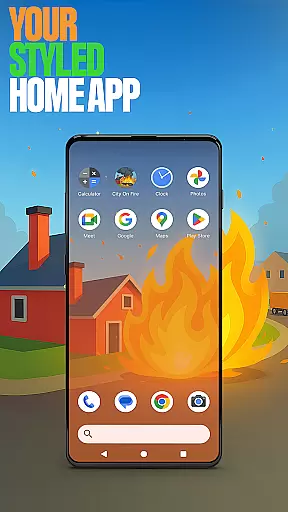


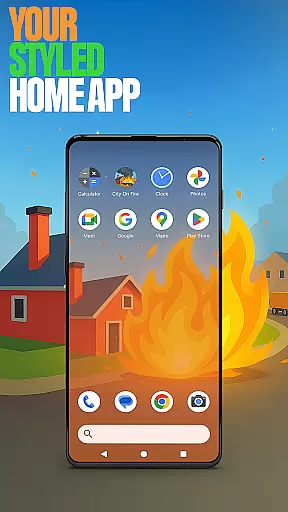


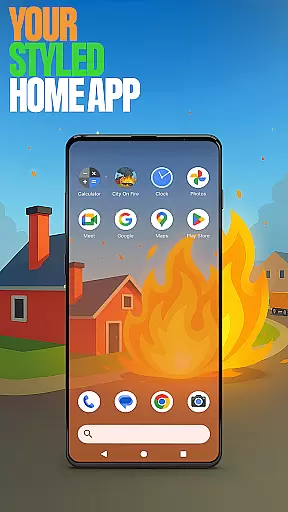


City On Fire Home App is a dynamic personalization tool that allows users to create a home screen reflecting their unique style. This launcher offers complete layout customization, app organization into folders, and personalized color schemes. Its sleek design brings freshness to everyday mobile interactions while providing practical utility.
The app also integrates gaming elements through City On Fire, an action-packed game where players spread flames across the city. Users can access both launcher features and gaming excitement from their home screen, making it a versatile choice for those seeking functionality with a touch of fun.
Whether you're looking to enhance productivity or enjoy thrilling gameplay, this app caters to diverse needs. By setting it as your default launcher, you gain access to innovative tools like gesture controls, hidden apps, and custom icon shapes, all designed to elevate your device experience.
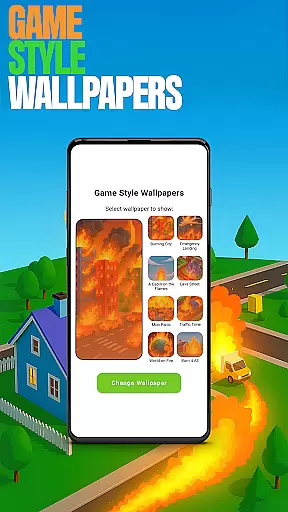
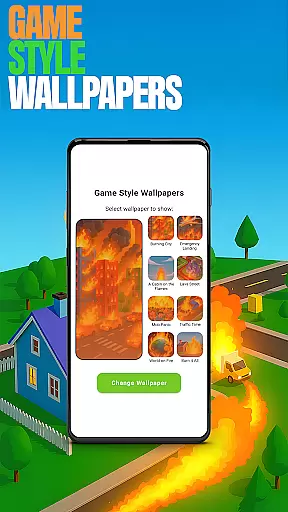
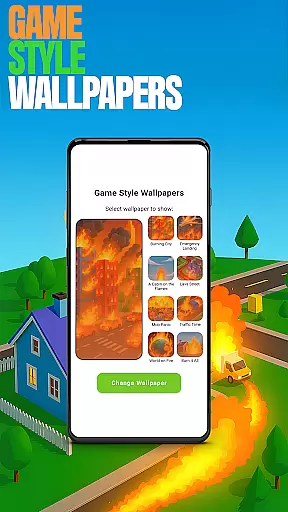
City On Fire Home App stands out with its robust feature set tailored for personalization enthusiasts. The app provides Game Style Wallpapers, allowing users to apply unique designs inspired by the City On Fire game. This feature adds a creative flair to any home screen setup.
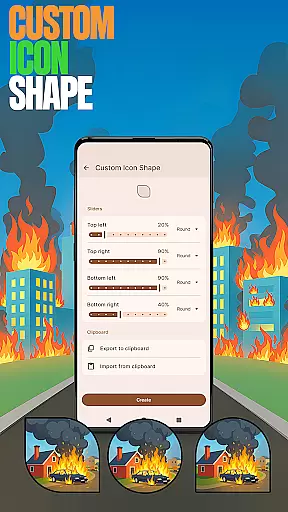
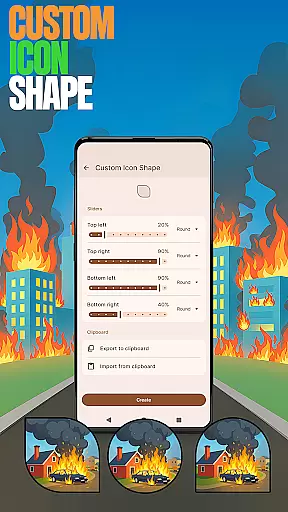
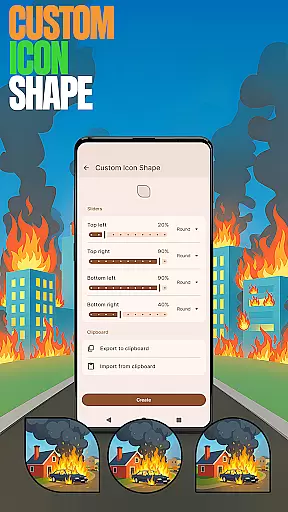
Customization extends to icon shapes and gestures, enabling quick access to apps or settings via intuitive swipes or taps. Users can also hide private apps discreetly while maintaining full control over their visibility. These privacy-focused options ensure a secure yet flexible user experience.
Accent Color settings let users tailor their interface aesthetics using presets or custom palettes. Combined with the ability to revert to previous layouts when switching launchers, these features offer both innovation and peace of mind. Such comprehensive tools make City On Fire Home App a top choice for personalized device management.
City On Fire Home App offers an extensive range of customization options that allow users to tailor their device's home screen to their personal style. This includes the ability to fully customize the layout, organize apps into folders, and select from a variety of color schemes.
The app provides unique features such as Game Style Wallpapers, Custom Icon Shapes, and Custom Gestures, which contribute to a personalized user experience. These elements ensure that each user's home screen is not only functional but also a reflection of their individuality.
With customizable gestures and accent colors, users can define how they interact with their device and create a seamless, intuitive interface. The ability to hide apps adds another layer of personalization, allowing users to maintain privacy while keeping their home screen clutter-free.
Theme compatibility in City On Fire Home App ensures that users can enjoy a consistent and harmonious visual experience across their device. By offering various theme options, the app allows for a high degree of personalization that aligns with users' preferences.
Users can choose from preset themes or create their own, thanks to the Accent Color feature. This flexibility guarantees that whether someone prefers a vibrant look or a more subdued design, the app's themes will cater to their aesthetic.
Switching back to a previous launcher won't affect the compatibility of themes applied using City On Fire Home App. This means users have the freedom to experiment with new styles without committing permanently, ensuring their device remains both fresh and familiar.
Highly customizable
Unique game integration
Intuitive gesture controls
Privacy-focused features
Vibrant color options
Complex for beginners
Game may distract
Limited widget support
Occasional bugs
Drains battery

Customizable Glass widgets. Over 360+ stunning widgets and more!
 4.70
4.70
Turn your lock screen into fun with smile live wallpapers & animated wallpapers!
2.50
Launcher OS™ Pro without ads help make your phone simple and pretty
4.30
300+ Stunning and well-designed widgets inspired by NOTHING.
4.70
400+ Beautifully crafted widgets inspired by NOTHING.
4.70
Modern Glass Icon Pack with glossy icons, clean minimal theme & aesthetic style
4.4
Transform your phone with stunning video wallpapers and a unique, personal touch
3.80
set a new experience for the Android mobile phone
4.20
Install amazing sticker packs: endless styles, always cool.
4.70
A Colorful and Minimal icon pack in an Outline Style - Over 13,600 icons!
4.70
A launcher for Samsung Good Lock and Good Guardians modules without ads
4.70
Personalize your phone with stunning HD and 4K wallpapers!
4.70
Zip lock screen with magic wallpaper to decorate your phone with fun zipper lock
4.60
Embrace the Night. Unleash the power of darkness with Raven Dark Icon Pack
4.60
Ultra realistic gold analog watch face with lots of customization options.
4.50 4.50
4.50
Vibrant Adaptive Icons with Material You and Enhanced Monet Colors.
4.50
Wear Os Watch Face - Seasonal - Animated Snow Effect - 9 Animals
4.20
Your go to Weather App & Home Screen. Get your weather at a swipe of a finger!
3.80


User Reviews