
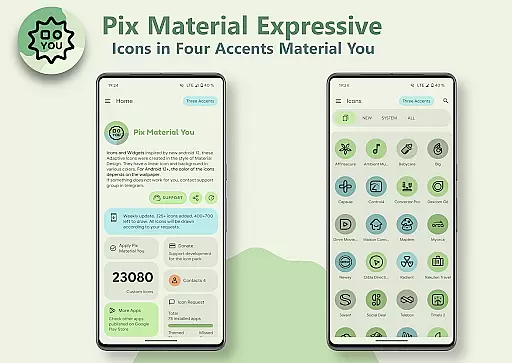
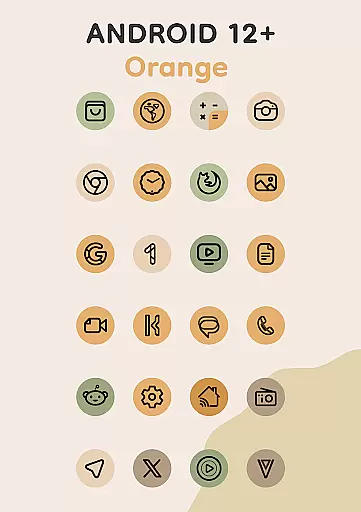
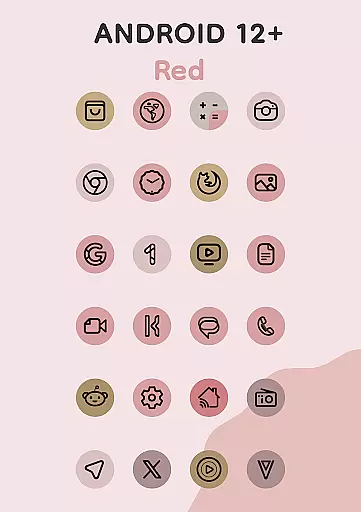
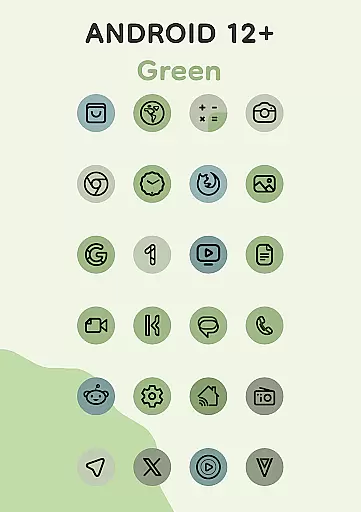
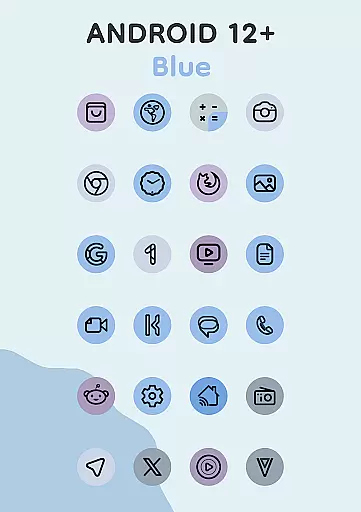
Pix Material Expressive Icons is a premium icon pack that brings your device to life with adaptive icons designed for full Material You support. This icon set goes beyond the standard Monet palette by incorporating four expressive accent colors, allowing for more vibrant and personalized icon designs.
Each icon features a clean linear outline with dynamic background colors that change based on your wallpaper selection. The adaptive nature of these icons enables shape-shifting on compatible custom launchers, offering extensive customization options. With special features for Android 12+ users, including widget color adaptation and theme synchronization, this icon pack delivers next-level personalization.
Ideal for users seeking a modern, cohesive look across their devices, Pix Material Expressive Icons provides over 24,000 adaptive icons, clock widgets, music widgets, and innovative Icon-Widgets for launchers that don't natively support icon packs.
This icon pack stands out with its comprehensive implementation of Material You design principles. It offers dynamic color adaptation based on wallpaper selection, with icons automatically adjusting their color scheme through the enhanced Monet palette system.
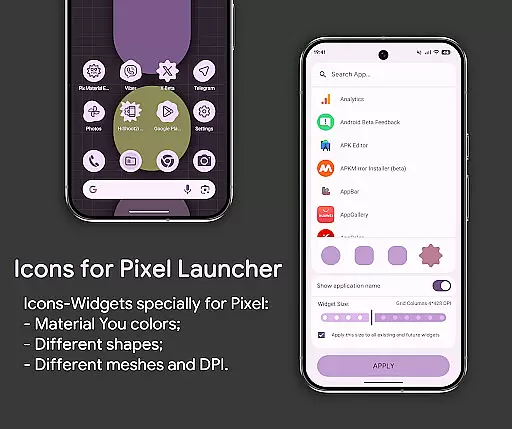
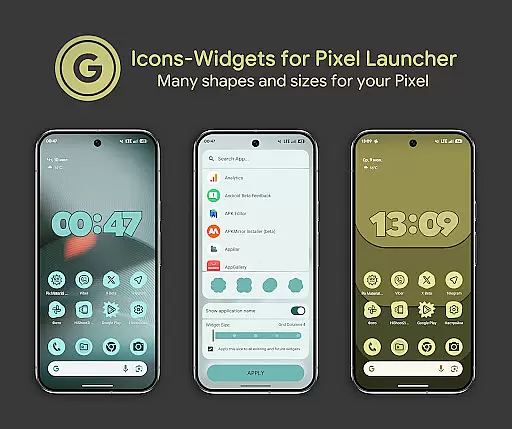
The Icon-Widget feature revolutionizes icon pack usage by providing full interaction capabilities, various icon shapes, animated transitions, and size adaptability based on screen grid and DPI settings. Users can customize each widget's appearance, including icon shape and name, creating a seamless experience similar to Pixel Launcher's native icons.
Advanced functionality includes automatic color adaptation in supported launchers (Android 12+), compatibility with multiple popular launchers, and special optimization for Google Pixel devices. The pack also includes essential widgets and maintains consistent theming across different system elements, ensuring a unified visual experience.
Customization is at the heart of Pix Material Expressive Icons, offering users a wide array of options to tailor their device's appearance. With full support for Material You, this icon pack introduces four additional expressive accent colors beyond the standard Monet palette, allowing icons to stand out vibrantly.
Each icon features a clean linear outline complemented by a dynamic background that shifts in color according to the user's wallpaper, ensuring seamless integration with the systemu2019s color scheme. This adaptive nature extends to compatible custom launchers where icons can change shape, providing even more avenues for personalization.
The inclusion of Icon-Widgets further expands these customization capabilities. Users can select from various icon shapes, names, and widget sizes tailored to each screen grid, emulating the themed icons found in Pixel Launcher. This level of detail ensures that every aspect of your home screen reflects your unique style and preferences.
Pix Material Expressive Icons excels in theme compatibility, ensuring that its vibrant designs harmonize with both light and dark themes across devices. The introduction of Icon-Widgets allows for automatic color adjustments based on the wallpaper or system settings, maintaining visual consistency throughout the user interface.
For Android 12+ users, the interaction between wallpapers and icon colors is particularly refined. After changing wallpapers, reapplying the icon pack updates all icons' colorsu2014except when using launchers that handle this process automatically. This feature leverages Material You principles, creating an aesthetically pleasing environment that adapts dynamically to user choices.
Moreover, the app supports a multitude of launchers including Nova Launcher, Smart Launcher, and Pixel Launcher through Icon Widgets. Each launcher benefits from specific optimizations like automatic color changes or Theme Park integrations, guaranteeing optimal performance regardless of the chosen platform. This extensive compatibility underscores the versatility and thoughtful design behind Pix Material Expressive Icons.
Extensive icon coverage
Vibrant color options
Dynamic theming
Wide launcher support
Innovative widgets
Manual reapplication needed
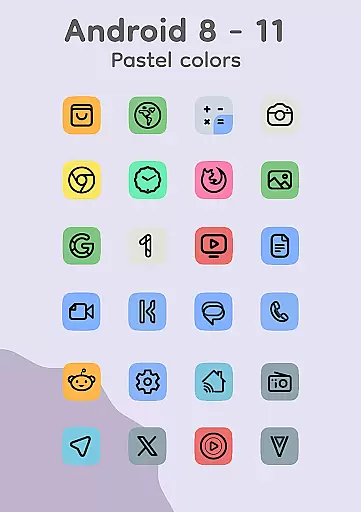
Limited Android 8-11
Complex setup
Premium price
Technical knowledge required

Ninja Turtles Cowabunga SE watch face for Wear OS
 4.50
4.50
Make your phone look simple & luxury, like iDevice
4.60
Themes - Widget & Wallpaper: Customize home screen, icon changer w unique themes
4.30
Wallpaper HD 4K Live - Thousands of high-quality Anime backgrounds for you.
4.80 4.50
4.50
⭐ OneUI inspired Fluffy Icon Pack – Soft. Stylish. Standout. ⭐
4.1
Design your screen with unique, vibrant clocks
3.80
Emoji Maker app - Design custom emojis and effortlessly blend them with Mixer
3.80
Your home screen, just the way you like it.
3.80
Ultimate Gallery Lock App - Hide Pictures, Videos and Lock Apps Instantly!
4.60
Bring adorable pets to life on your screen. Playful, interactive and full of fun
4.60
3D, live, and moving wallpapers & themes in 4K and HD for your device.
4.50
Art & Emoji Keyboard with Cool Fonts, Cute Themes and Custom Designs.
4.40
Transform your device in a game console
4.40
A light in the dark, a unique style and an andless cutomization!
4.30
The definitive Icon pack maker and editor
4.30
Your home screen, just the way you like it.
4.30
More than 3000+ themes and 9000+ wallpapers for everybody!
4.10
Struggling to find apps? Use this app to locate and open any app on your phone!
2.20


User Reviews