
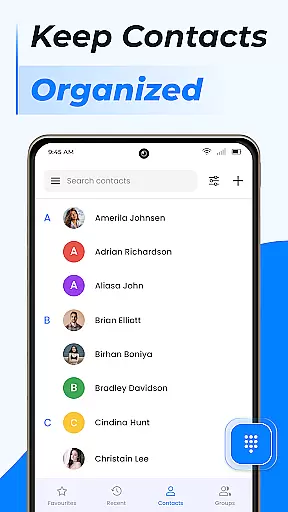
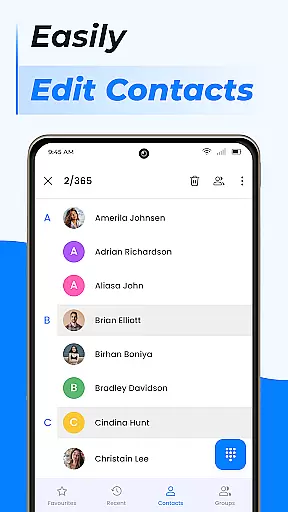
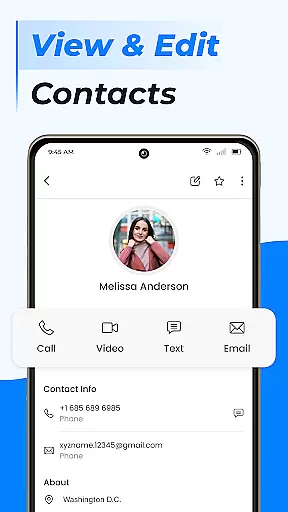
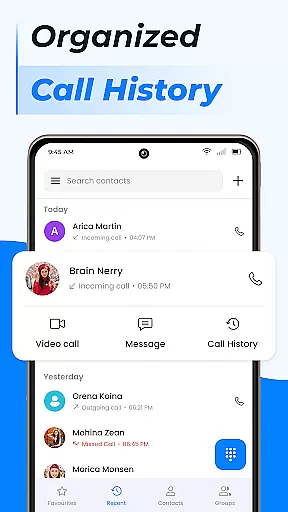
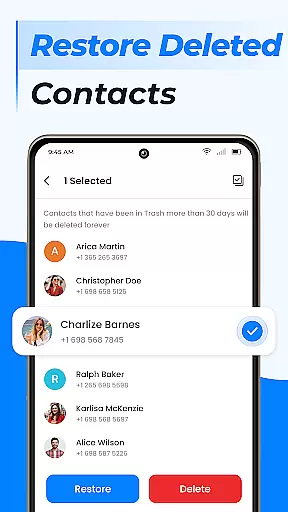
Contacts is a comprehensive communication management tool designed to simplify the way you handle your Android phone's contact list. This app allows users to efficiently manage recent contacts, share contact information with a single click, and block unwanted calls or messages. The application also provides essential features like contact backup and synchronization, ensuring that your important connections are always safe and up-to-date.
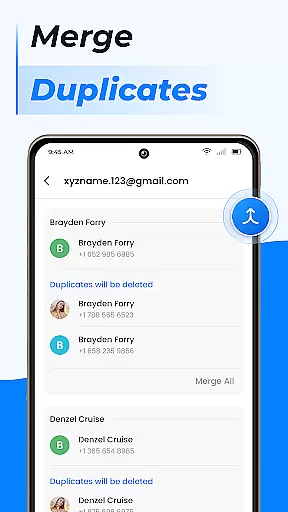
In addition to basic contact management, Contacts offers advanced functionalities such as creating custom groups for better organization, merging duplicate entries, and moving contact data to a SIM card for external storage. Whether you're handling personal or professional relationships, this app ensures that all your contact information is organized, accessible, and easy to manage from one centralized location.
Contacts stands out through its diverse range of practical features tailored to enhance user experience. One key feature is the ability to quickly add new contacts directly into your phone book, edit existing contact details, and manage duplicate entries by linking them together. This ensures that your contact list remains clean and free of redundancies.
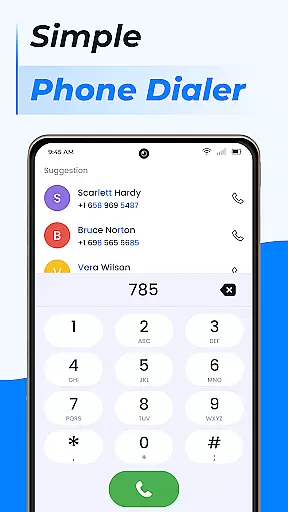
Another notable aspect is the group creation functionality, which allows users to categorize their contacts based on specific criteria such as work or personal life. Additionally, the app includes a powerful call management system with capabilities like call blocking, caller ID, smart search, and detailed call log history. These tools collectively provide an enhanced level of control over your communications, making it easier than ever to stay connected with those who matter most.
Real-time messaging speed and reliability are crucial for any communication app, ensuring that messages are delivered instantly and without fail. The Contacts app excels in this area by providing a seamless experience where users can reach out to their contacts with just a tap.
This application leverages advanced algorithms to maintain high-speed connections, which means you won't experience delays when sending or receiving messages. Whether it's an urgent work-related message or a quick check-in with family, the app ensures your communications are prioritized.
Moreover, the robust infrastructure supporting the Contacts app guarantees that even during peak usage times, message delivery remains consistent. This reliability builds trust among users who depend on the app for their daily communication needs.
By integrating features such as Caller ID and Call Block, the app not only delivers messages quickly but also provides context around incoming calls, enhancing the overall user experience. These functionalities ensure that users stay connected efficiently and effectively.
Media sharing support is an essential feature for modern communication apps, allowing users to exchange photos, videos, and other files effortlessly. The Contacts app offers comprehensive media sharing capabilities that cater to various user needs, making it more than just a contact management tool.
With this app, you can easily attach and send different types of media files directly from your phoneu2019s storage or cloud services. This flexibility ensures that whether you need to share a quick snapshot or a detailed document, the process is straightforward and efficient.
The app supports multiple file formats, ensuring compatibility across devices and platforms. This inclusivity means that no matter what device your contact is using, they will be able to receive and view the shared content without issues.
Additionally, the integration with Gmail contacts and cloud sync features enhances the media sharing experience by providing options to back up and retrieve shared content. This way, important media exchanges are never lost, adding another layer of convenience and security to your communications.
User-friendly interface
Comprehensive contact management
Advanced call handling features
Efficient backup and sync options
Customizable contact groups
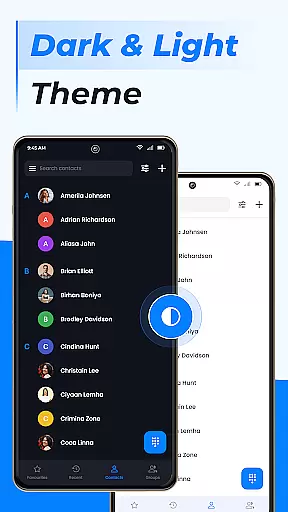
Limited design customization
Occasional syncing issues
Ads in free version
Requires account setup
Some features need premium access

The ultimate productivity solution for all your email communication needs.
 4.40
4.40
At select facilities, you now have an easy way to video visit your loved ones!
3.30
Message and video call your family and friends in HD!
3.80
Send SMS and chat messages easily with a fast text messaging app for Android.
4.10
Smart and simple anti-wiring application - IMSI-catchers catcher
4.40
An app dedicated solely to marriage, not dating, and supported by a rigorous verification mechanism to ensure seriousness.
4.0
Manage your mobile phone plan, check unlimited 5g data usage and track rewards
4.50
Simple tool for businesses to talk to their customers.
4.40
Say “hello” to privacy.
4.60
Read OBD2 data and DTCs Create custom dashboards Enhanced diagnostics available
4.70
Create a secure hotspot on-the-go with Portable WiFi - Mobile hotspot.
4.40
Caller ID App! Add names & photos to unknown calls & Call Recording
4.40
Block spam calls & scam - no more annoying calls with the call blocker function
4.30
HD Video Meeting app is a fast & unlimited video conferencing app across world.
4.30
Use this SMS app standalone or as a TREK: Total Interface companion.
4.30
Group Chat That’s Fun & Games
4.30
Call Forwarding is easy and simple application to use.
3.80
Caller ID, Spam Call & SMS Blocker
3.80
Bringing the functionality of Winlink to your Android device
4.1


User Reviews