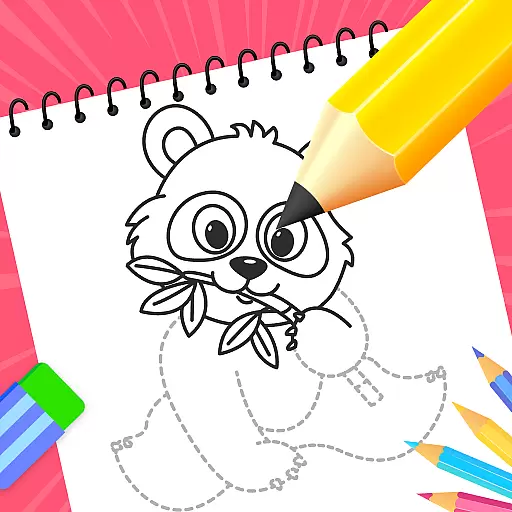
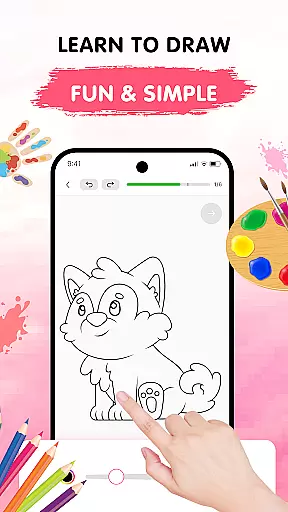
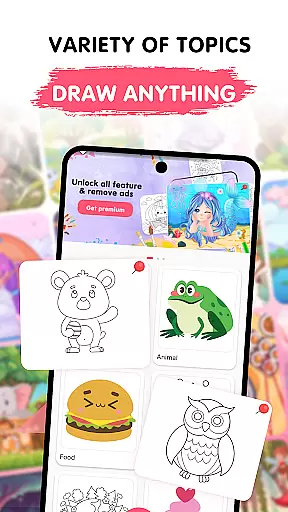
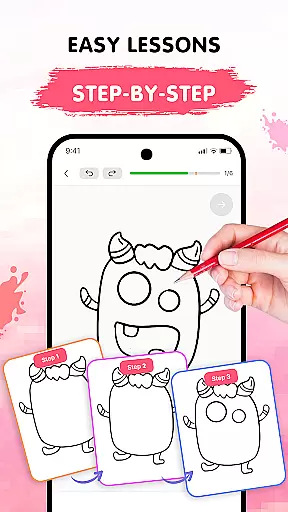
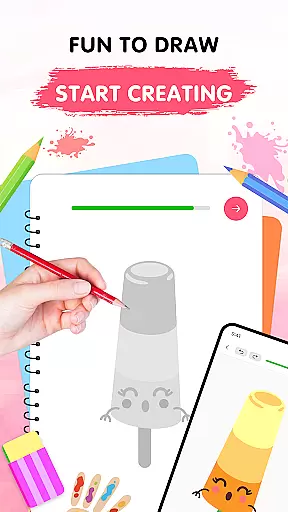
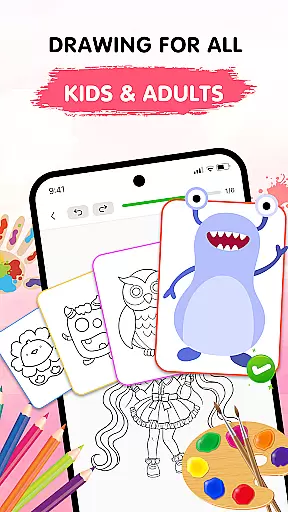
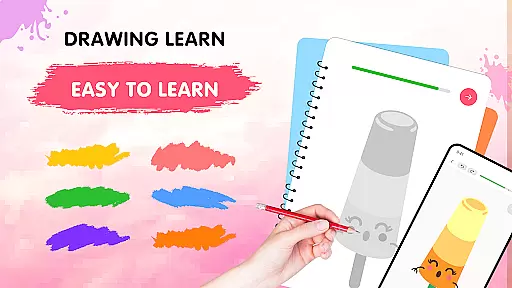
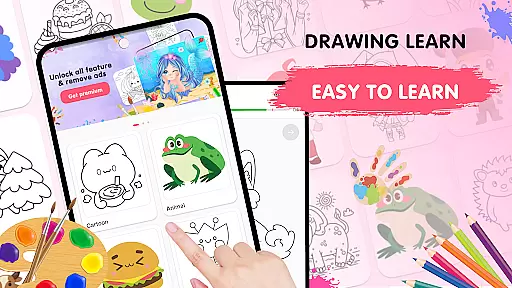
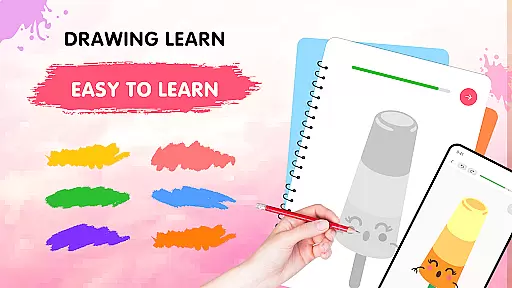
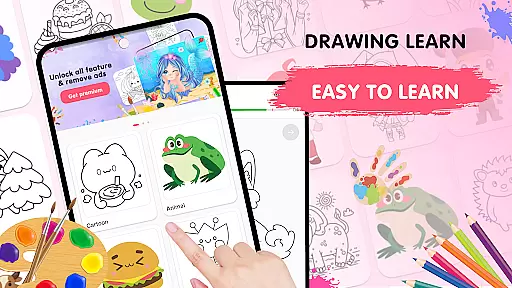
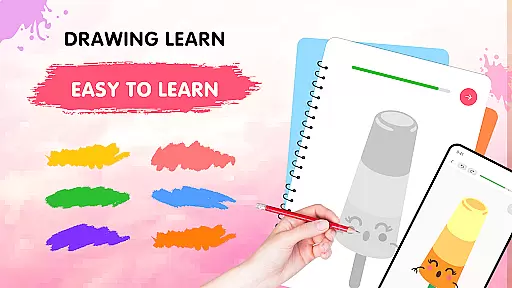
Easy Draw: Learn How to Draw is an innovative educational app designed to help users develop their artistic skills through guided drawing lessons. This app serves as a personal art tutor, offering step-by-step instructions across a wide range of themes including animals, cartoons, food, and more.
The app's intuitive interface ensures that both beginners and experienced artists can easily follow along with bite-sized drawing steps at their own pace. With features like adjustable brush settings, an expressive color palette, and easy-to-use drawing tools such as undo, redo, and erase, Easy Draw provides everything needed for a seamless creative experience.
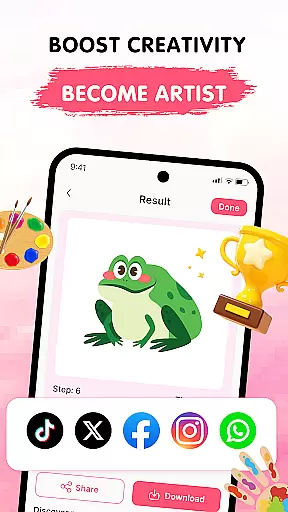
Users can save their artwork and share it with others, making it perfect for those who want to showcase their progress or simply enjoy a relaxing creative outlet. Whether you're looking to refine your technique or start your artistic journey, Easy Draw offers a supportive environment to express yourself artistically.
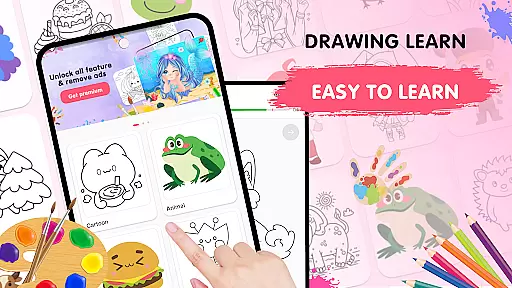
Easy Draw stands out with its comprehensive set of features tailored for aspiring artists. The app includes a diverse library of drawing themes, from animals to the universe, ensuring there's something for every interest and style. Each tutorial is broken down into manageable steps, allowing users to learn complex techniques without feeling overwhelmed.
One of the key highlights is the adjustable brush and eraser sizes, which provide precision control for detailed work. The vibrant color palette lets users experiment with different hues, bringing their drawings to life. Additionally, essential drawing tools like undo, redo, and reset encourage experimentation without the fear of making mistakes.
Easy Draw also allows users to save and export their creations effortlessly. This feature not only helps in building a personal portfolio but also makes it easy to share finished pieces with friends and family on social media platforms. These robust features make Easy Draw a versatile tool for anyone interested in learning how to draw.
In the realm of digital learning, content accuracy is paramount, especially for an educational app like Easy Draw: Learn How to Draw. This app ensures that each drawing lesson is crafted with precision and care, adhering to authentic artistic techniques and principles.
Easy Draw employs a team of experienced artists and educators who meticulously design every tutorial. They break down complex drawing processes into manageable steps, ensuring that users receive clear and accurate guidance throughout their creative journey.
The authority of Easy Draw's content is further reinforced by its structured curriculum. From basic shapes to intricate designs, users can trust that they are learning progressive skills that professional artists use. This authoritative approach empowers learners to not only replicate drawings but also understand foundational art concepts.
Ultimately, Easy Draw provides a reliable learning platform where accuracy meets creativity. Users can confidently develop their drawing abilities, knowing they are receiving expert-level instruction in an accessible format.
One of the standout features of Easy Draw: Learn How to Draw is its ability to offer personalized learning paths tailored to individual user needs. Recognizing that every artist has unique interests and skill levels, the app provides customizable lessons that adapt to various learning styles.
Easy Draw achieves personalization through its diverse range of themes and adjustable difficulty settings. Whether you're interested in drawing animals, cartoons, or landscapes, the app allows you to select topics that resonate with your preferences. Additionally, users can progress at their own pace, revisiting steps or advancing quickly based on their comfort level.
The app's intuitive interface further enhances this personalized experience. With tools like undo, redo, and adjustable brush settings, learners have the freedom to experiment without fear of mistakes. This flexibility encourages exploration and fosters a deeper connection with the creative process.
By offering personalized learning paths, Easy Draw ensures that every user can embark on a unique artistic journey. This tailored approach not only makes learning more engaging but also helps users achieve their specific drawing goals efficiently.
User-friendly interface
Wide variety of themes
Guided step-by-step tutorials
Adjustable drawing tools
Vibrant color options
Limited advanced features
Occasional ads
No offline mode
Fewer 3D drawing tools
Premium content requires subscription

Test prep for Indiana students
 4.4
4.4
2026 DVSA Driving Theory Test revision with Hazard Perception + Highway Code
4.60
Astronomy Guide to the Night Sky
4.40
Welcome to the Speak Navajo Language Application - Volume 1
4.50
Study for your 608 certification.
4.50
Visit Daniel's house & make believe. Play doctor, make music, & feed fish.
3.20
Stack the Countries makes learning world geography fun!
4.50
Stargazing Guide App. Stars and constellations map. Solar system planets finder.
4.60
Learn to make peaceful contact with extraterrestrial civilizations
4.10
Perform physics experiments with your phone. (by the RWTH Aachen University)
4.70
Latest TLC Practice Questions! Multiple languages available!
4.50
An interactive enhancement of the Sesame Street classic.
4.50
Astronomy app ? Discover the universe scope, explore solar system model in 3D.
4.20
Skelly is a fully poseable, anatomically correct reference skeleton for artists.
4.10
Master note reading with StaffWars….
4.00
Hasbro's Classic Board Game - Make Cavity Sam better or get the buzzer!
3.50
THE MOST COMPREHENSIVE JUMPMASTER STUDY RESOURCE AVAILABLE.
3.40
Snap a dog photo to identify its breed instantly. Fast, accurate and easy to use
3.40
The official CCM Glossary app, including 700+ terms and definitions.
2.90


User Reviews