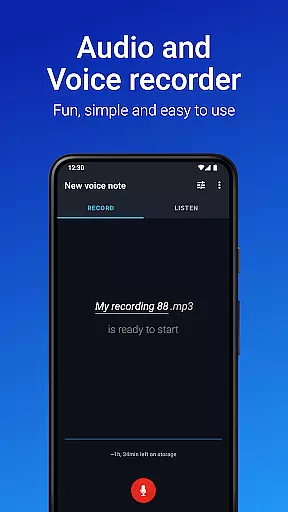
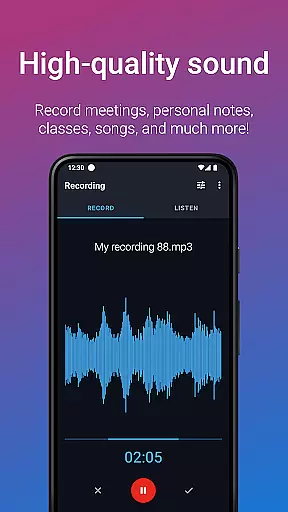
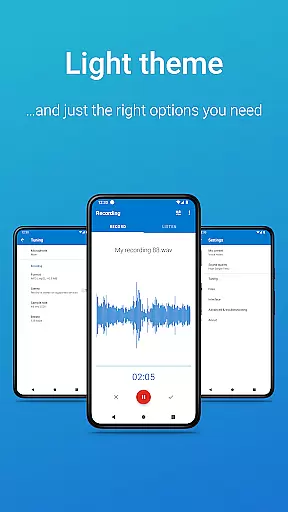
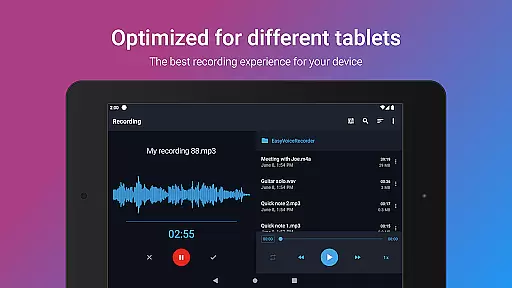
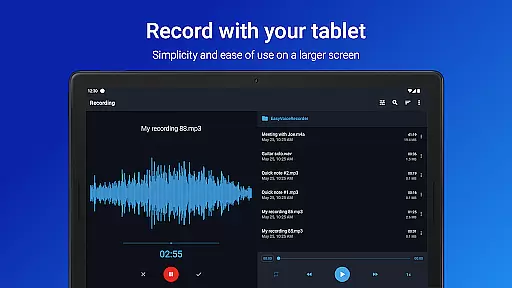
Easy Voice Recorder Pro is a versatile audio recording application designed for Android devices, including smartwatches. It allows users to capture high-quality recordings of meetings, lectures, music rehearsals, and personal notes without any time restrictions or advertisements. The app offers advanced features such as automatic cloud uploads to Google Drive or Dropbox, multiple file format options like MP3 and FLAC, and the ability to record via Bluetooth microphones.
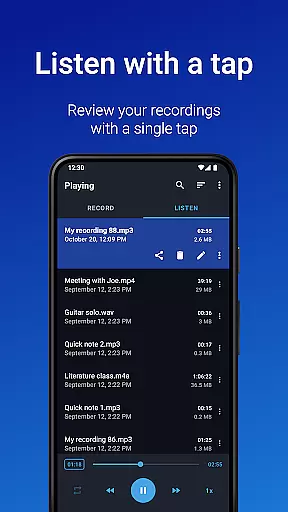
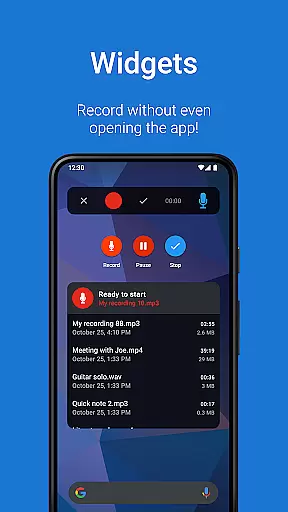
With its user-friendly interface, Easy Voice Recorder Pro caters to various user groups. Students can benefit from clear lecture recordings with adjustable playback speeds, while professionals can utilize powerful widgets and shortcuts to manage interviews and meetings efficiently. Musicians will appreciate the fine-tuning options for capturing melodies and experimenting with new ideas. Overall, this app provides a reliable, fast, and flexible solution for all your audio recording needs.
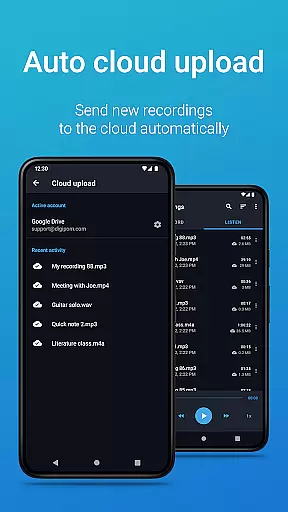
Easy Voice Recorder Pro stands out with its comprehensive feature set tailored to enhance the recording experience. One notable feature is the automatic upload functionality, which enables recordings to be sent directly to cloud storage services like Google Drive or Dropbox. This ensures that your files are securely backed up and easily accessible across multiple devices.
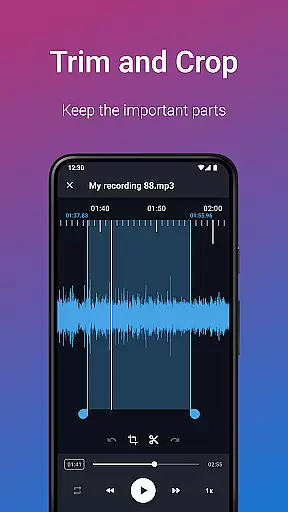
The app supports a wide range of audio formats, including high-quality PCM, MP4, AMR, MP3, FLAC, and AAC. Users can choose the best format based on their specific requirements, whether it's saving space or maintaining top-notch audio fidelity. Additionally, the app includes editing capabilities, allowing users to trim recordings and remove unwanted sections effortlessly. With folder management, users can organize their recordings systematically, making it easier to locate specific files when needed.
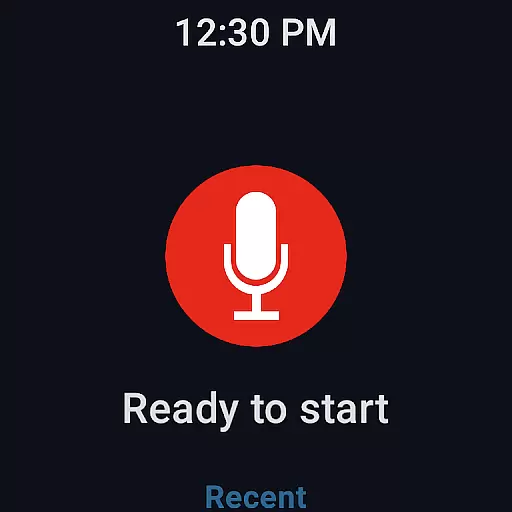
Another significant advantage is the ability to control the recorder remotely through the notifications bar, providing convenience and flexibility during recording sessions. The inclusion of Wear OS support extends the app's usability to smartwatches, enabling quick starts and stops directly from the watch interface. These features collectively make Easy Voice Recorder Pro a robust tool for anyone looking to capture and manage audio content effectively.
Easy Voice Recorder Pro offers seamless companion app integration, ensuring that your recordings are always in sync across all your devices. Whether you're using a smartphone, tablet, or smartwatch, the app provides consistent functionality and access to your audio files.
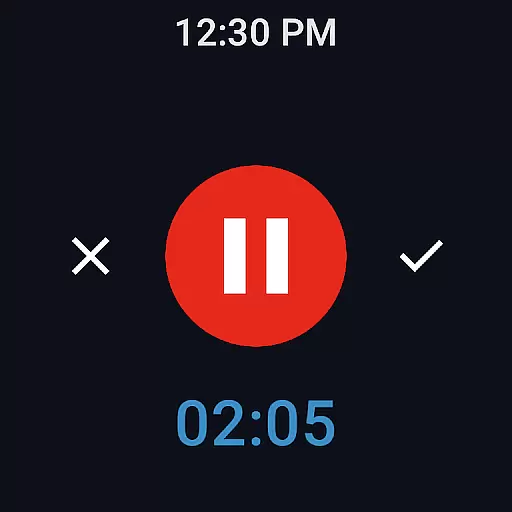
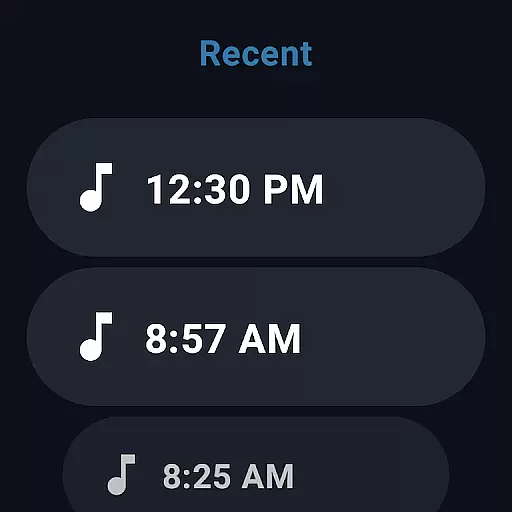
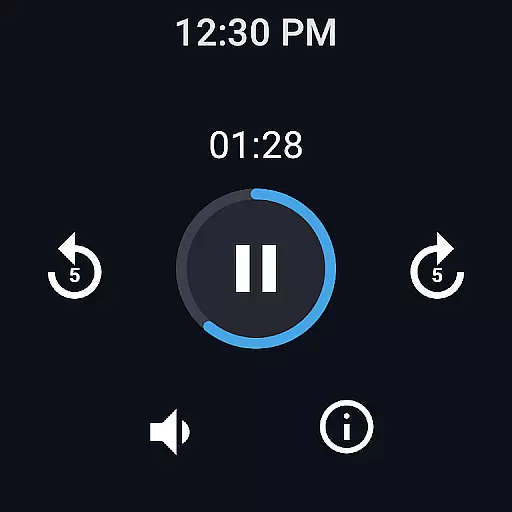
The Wear OS support allows users to record directly from their smartwatches, making it convenient to capture voice notes on the go. With quick-start watch tiles, recording is just a tap away, providing unmatched accessibility and ease of use.
Additionally, the app supports automatic cloud uploads to services like Google Drive and Dropbox. This feature ensures that your recordings are safely stored and easily accessible from any device, enhancing productivity and convenience.
Designed with broad device compatibility in mind, Easy Voice Recorder Pro works seamlessly across various Android devices, including Wear OS smartwatches. This compatibility ensures that no matter what device you're using, you can rely on the app for high-quality audio recording.
For users who prefer recording on the go, the app's Wear OS support is a game-changer. It allows for quick and easy voice note capturing without needing to take out your phone. The intuitive interface on the smartwatch makes it simple to start and stop recordings effortlessly.
Moreover, the app's ability to integrate with Bluetooth microphones adds another layer of flexibility. This feature is particularly beneficial for musicians and professionals who require high-fidelity recordings in various environments, ensuring that Easy Voice Recorder Pro adapts to meet diverse user needs.
User-friendly interface
High-quality recording options
Automatic cloud uploads
Multiple file format support
Remote control via notifications
No call recording capability
Premium version required for advanced features
Limited free version functionality
Occasional bugs reported
Requires external storage permission

Diet tracker for weight loss - track calories, food and macros. Simple and easy!
 4.70
4.70
WTW M17 is a premium and luxurious hybrid watch face
4.70
Embrace the holiday spirit with this magical animated watch face!
4.40
Christmas and New Year - Themed Watchface
4.0
Wear Os Watch Face - Animated Snow Effect & Magic Spark - 6 Scenes
4.10
The ultimate destination for kids ages 3-8 to explore the Marvel Universe!
4.30
Stylish, Energizing and Modern Watch Face crafted by Dominus Mathias.
4.50
A white realistic classic analog watch face with many customization options.
4.40
Start and succeed with PAP
4.10
Walking app for weight loss: walk & step tracker, pedometer, indoor treadmill
4.60
Kia Access makes getting your vehicle information easier than ever
4.60
Nutrition, Macro tracker: Food, fitness & healthy diet tracking for weight loss
4.60
MyNISSAN® lets you remotely control your car from your phone.*
4.50
Ideal for surviving in the wasteland left after nuclear fallout
4.50
Bold weather Digital watchface with forecast & optional animated background
4.40
Watch face for Wear OS.
4.20
sleep, alarm, snoring, stress, healing, focus, sound therapy, circadian rhythm
4.10
Professional weather radar and more
3.90
A heartwarming Christmas scene featuring a cute image of Santa and Rudolf
4.1


User Reviews