
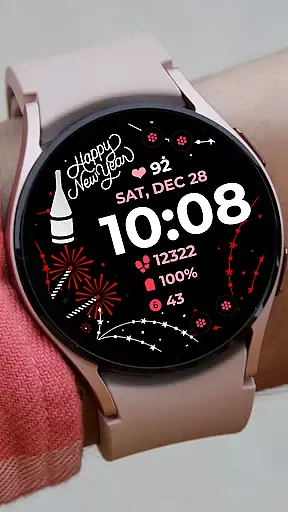
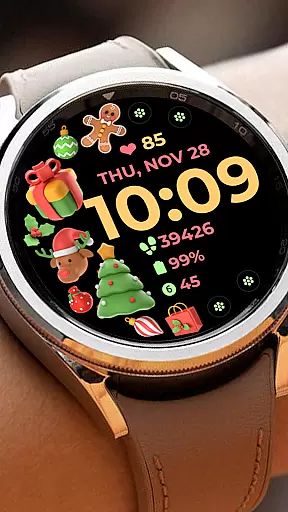
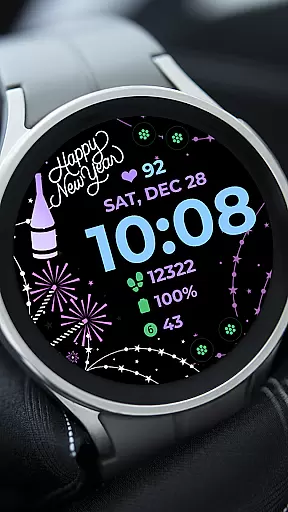
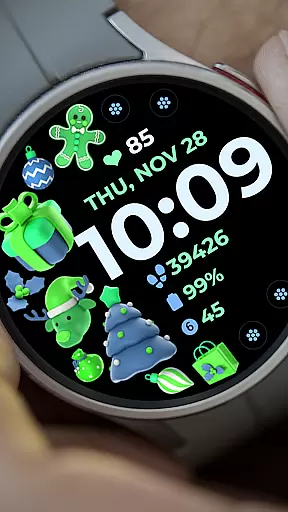
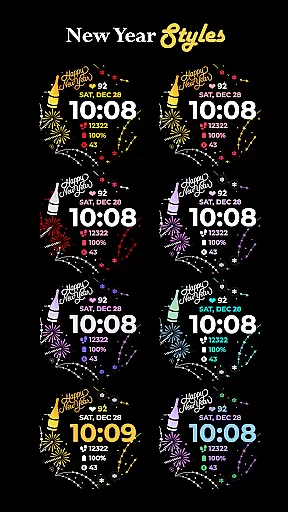
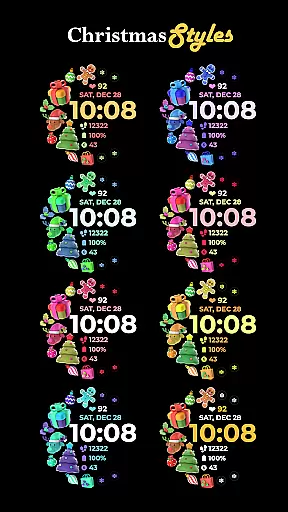
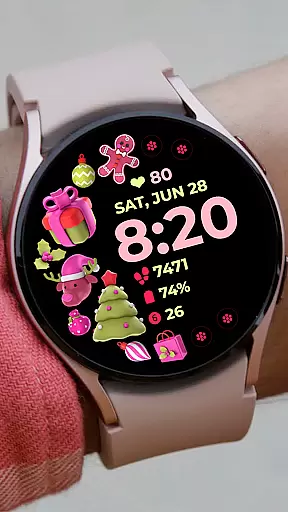
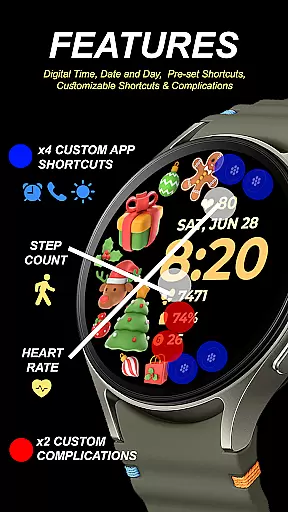
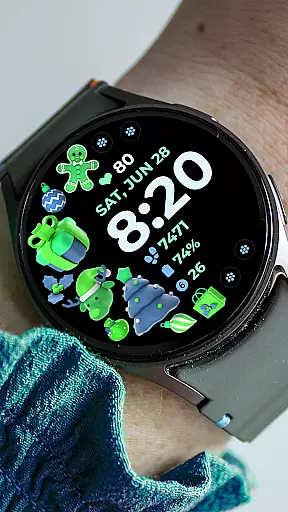
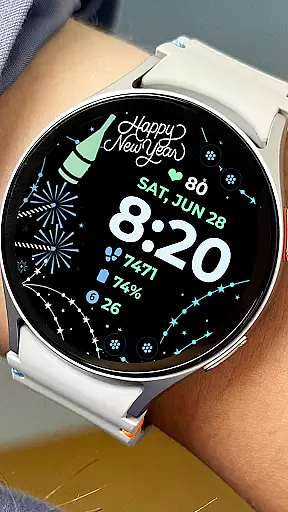
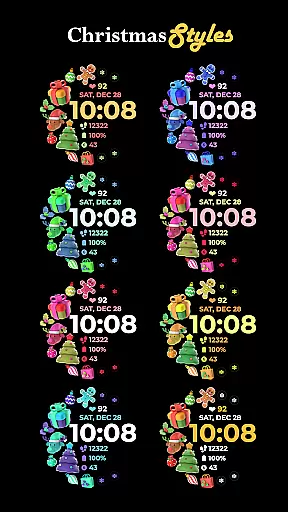
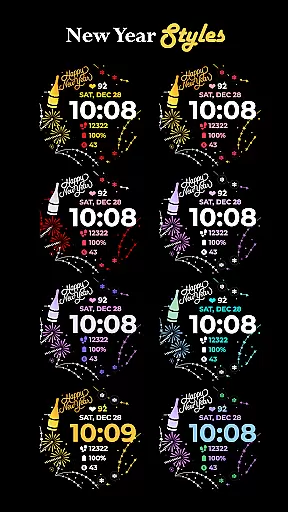
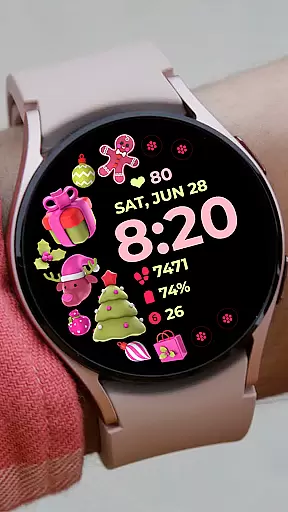
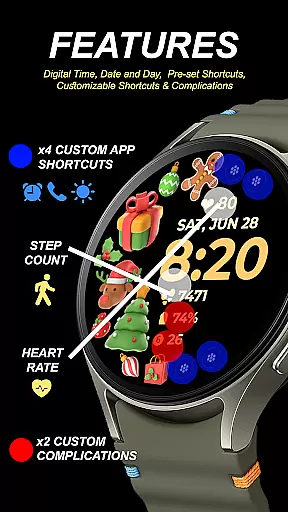
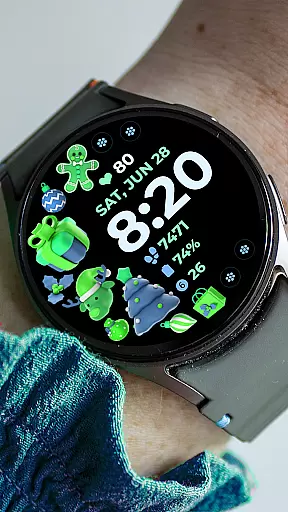
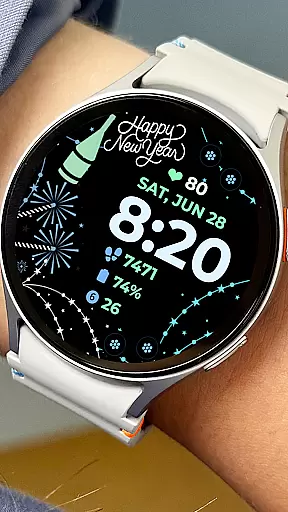
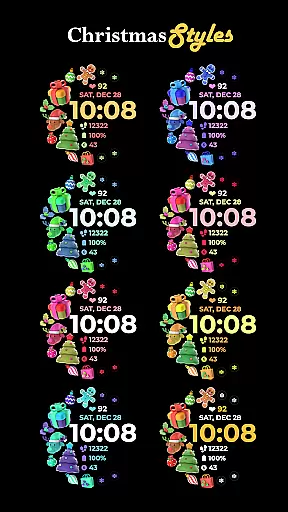
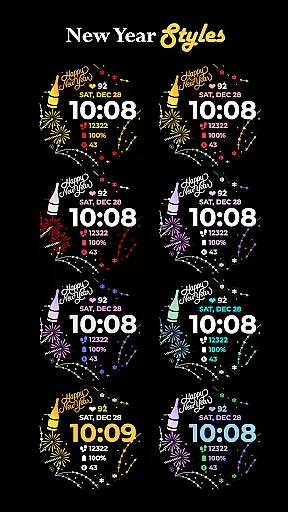
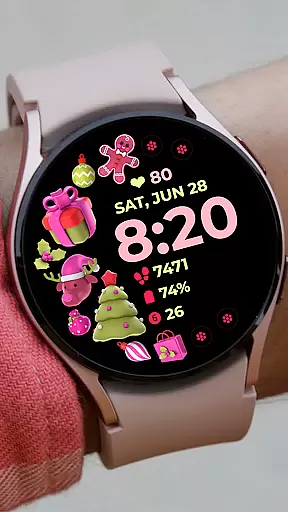
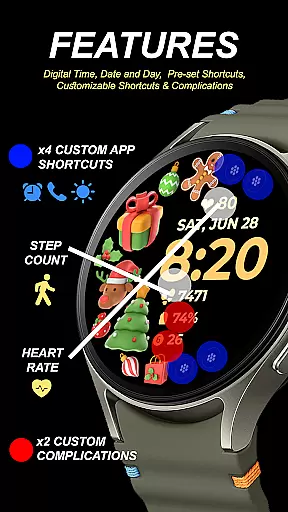
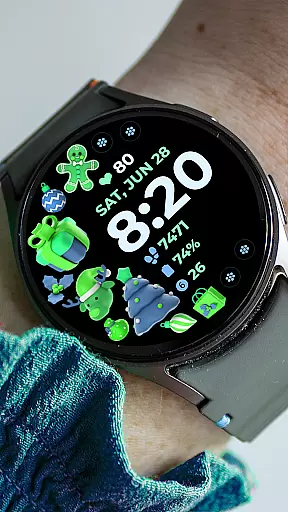
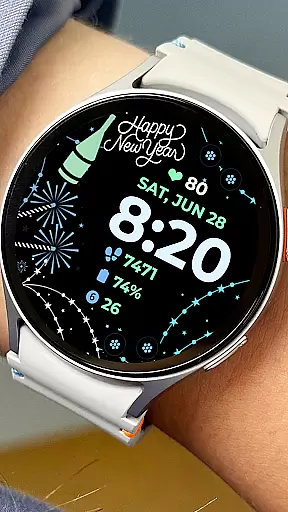
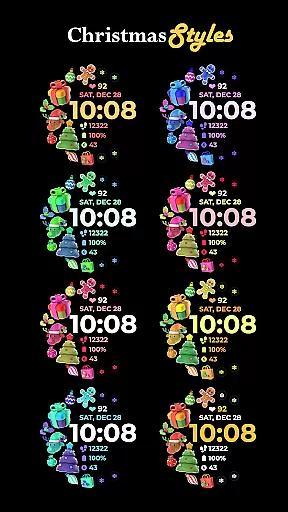
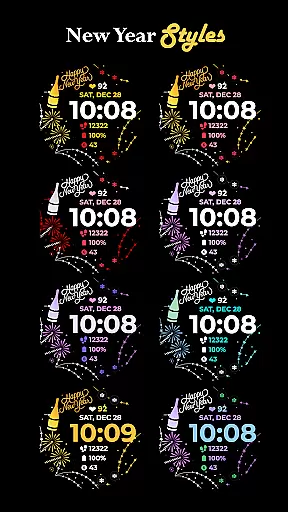
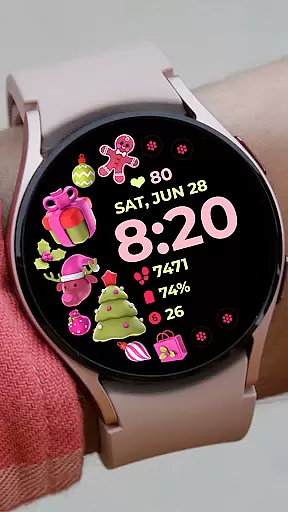
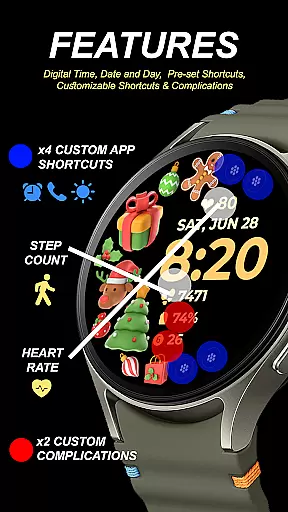
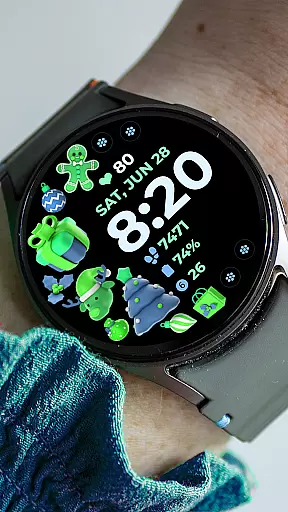
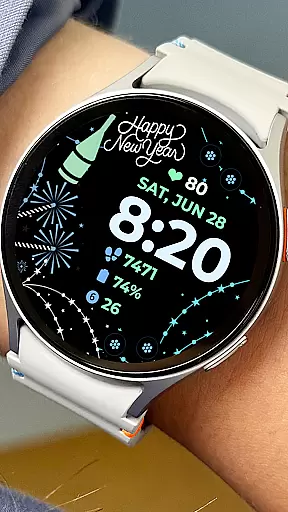
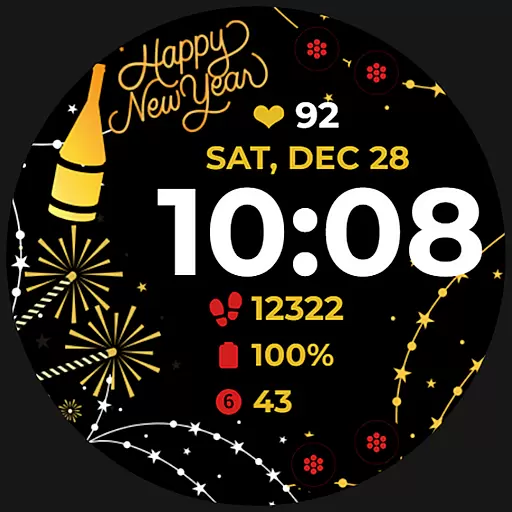
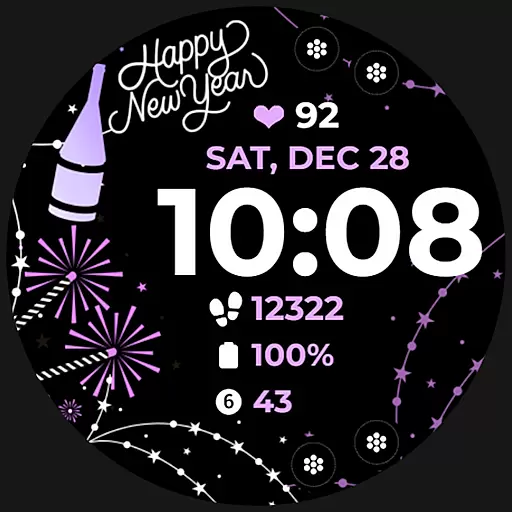
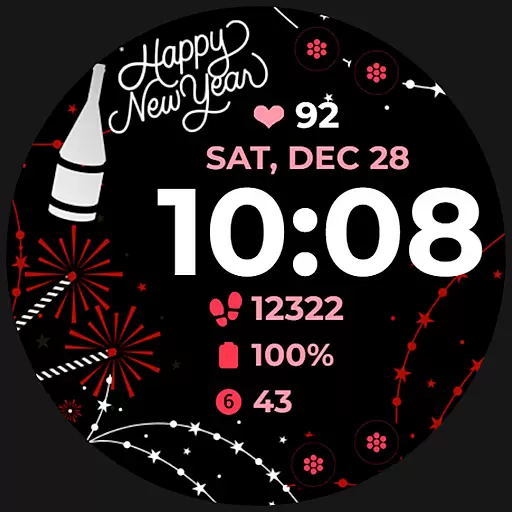
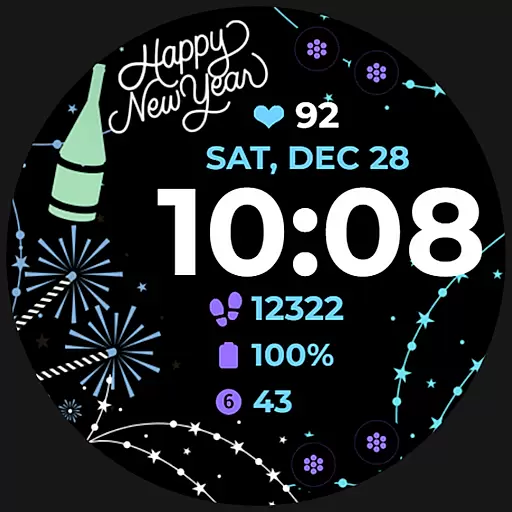
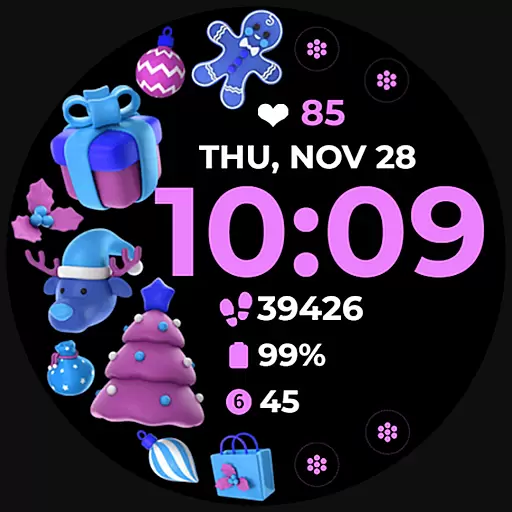
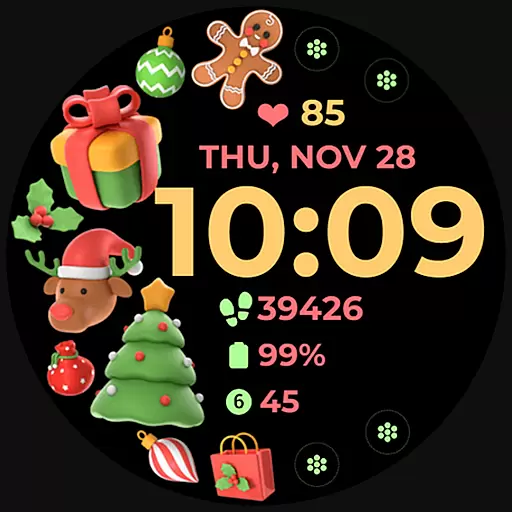
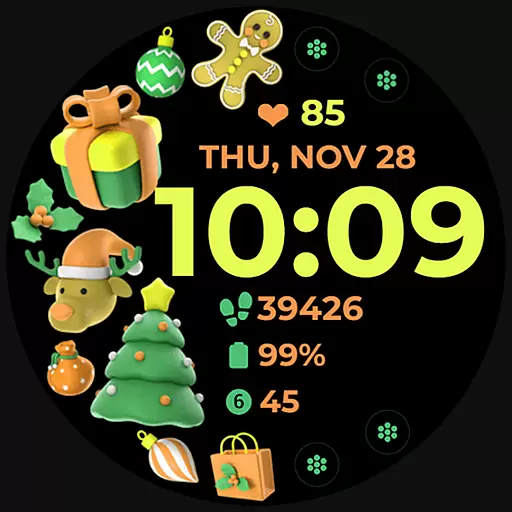
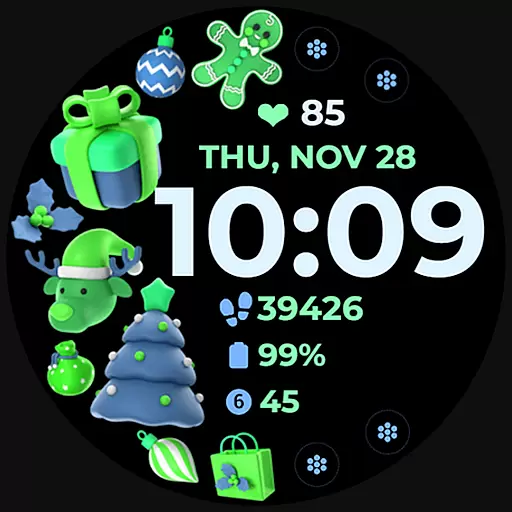
Holiday Art is a feature-rich watch face app designed specifically for Wear OS devices like Samsung Galaxy Watch 4. Developed using Samsung's Watch Face Studio tool, this application offers users a customizable and visually appealing watch face experience.
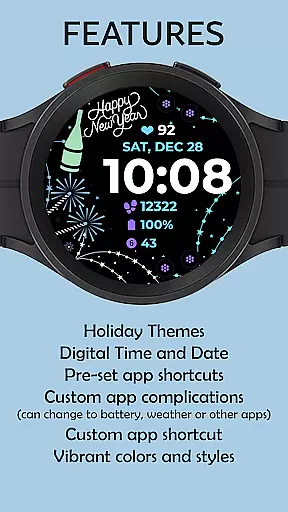
The app provides essential timekeeping features including digital clock, date and day display, along with advanced functionalities such as Always-On Display (AOD) and customizable app shortcuts. Users can personalize their watch faces with different styles and color palettes to suit their preferences.
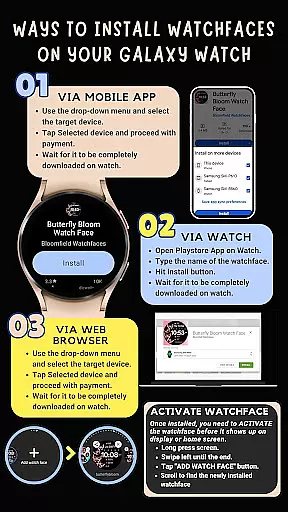
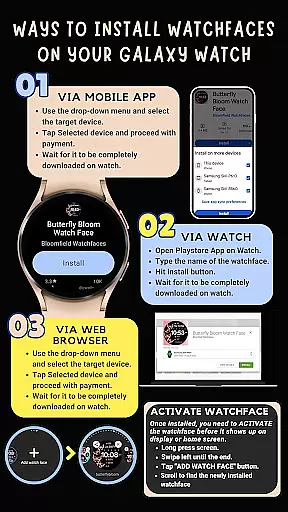
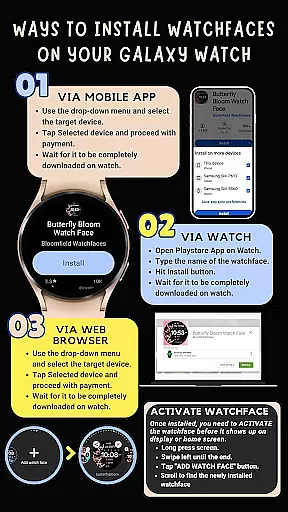
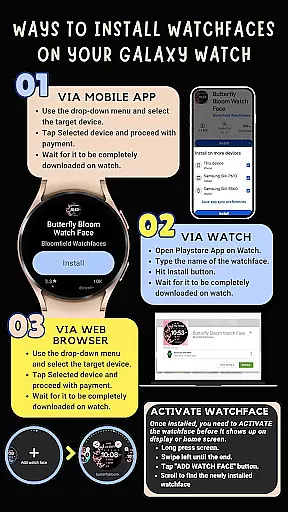
Perfect for users who want both functionality and aesthetics on their smartwatch, Holiday Art ensures seamless installation when the watch is properly connected to a phone via the same Wi-Fi network and Google account. The app represents a perfect blend of utility and design for modern wearable devices.
Holiday Art stands out with its comprehensive set of features tailored for smartwatch users. The app automatically installs on the watch, indicated by a download icon during the process, and requires proper Wi-Fi connection and Google account authentication for smooth installation.
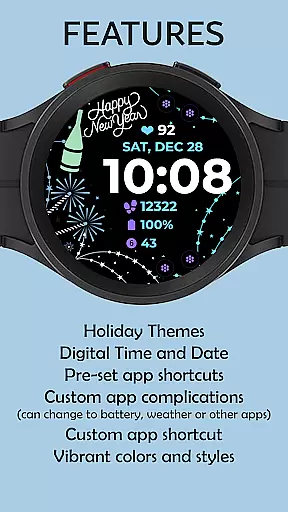
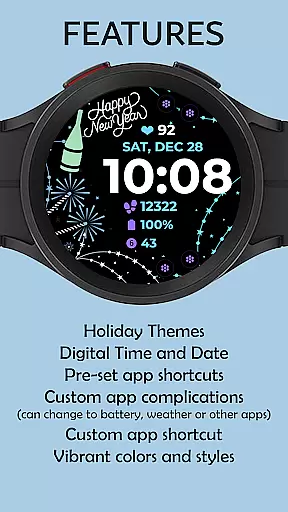
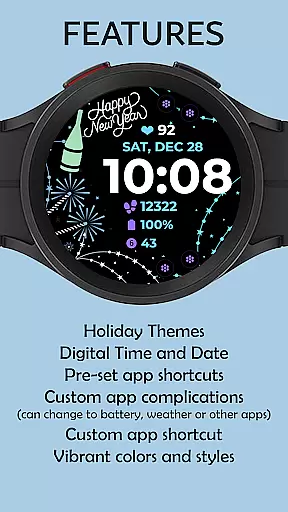
Among its notable features are the digital clock display, date and day indicators, and an Always-On Display (AOD) mode that ensures time is always visible. The app also supports preset and customizable app shortcuts and complications, allowing users to tailor their watch face experience according to their needs.
Additionally, Holiday Art offers changeable styles and color palettes, providing users with flexibility in personalization. While some features may vary across different watch models, the core functionalities ensure a versatile and user-friendly experience, making it a valuable addition to any compatible Wear OS device.
Companion app integration is essential for Android Wear applications as it ensures seamless synchronization between the wearable and its paired smartphone. Holiday Art excels in this area by providing a robust connection system that simplifies the installation process.
The application automatically installs on the watch with clear on-screen indicators, ensuring users are informed throughout the process. To facilitate a smooth experience, it requires a strong WiFi connection shared between the phone and the watch, alongside Google account authentication directly on the wearable device.
Users benefit from step-by-step guidance provided via email support, ensuring any installation issues are promptly resolved. This hands-on approach enhances user satisfaction and guarantees that the watch face operates as intended.
By prioritizing companion app integration, Holiday Art ensures that users can enjoy all features without technical hindrances, making it an ideal choice for those seeking a hassle-free wearable experience.
Ensuring compatibility across various Wear OS devices is crucial for Android Wear applications. Holiday Art achieves this by developing its watch faces using Samsung's 'Watch Face Studio,' which supports devices running on the latest Wear OS, including models like the Galaxy Watch 4.
This compatibility extends to a wide range of features such as digital clock displays, date and day indicators, always-on display (AOD), and customizable app shortcuts. These elements collectively enhance the utility and personalization options available to users.
While some features may vary depending on the specific device, Holiday Art maintains core functionalities across supported models. This adaptability ensures that users receive a consistent experience regardless of their chosen hardware.
With comprehensive compatibility measures in place, Holiday Art stands out as a versatile option for users looking to personalize their smartwatches while enjoying reliable performance and extensive customization possibilities.
User-friendly interface
Customizable shortcuts
Vibrant color options
Seamless installation
Always-On Display
Limited device support
Installation issues
Feature inconsistencies
No instant refunds
Complex setup

Locate your family members by GPS phone location tracker everywhere and anytime
 4.30
4.30
Stay in touch with your friends and family using LINE!
3.40
The most customizable hybrid watch face. For Wear OS 5.0, API 34+ and later
4.70
A white realistic classic analog watch face with many customization options.
4.40
Your local weather forecast, storm tracker, radar maps & live weather news
3.40
Simple, helpful messaging by Google
4.60
Back up your contacts & access them anywhere
4.30
Spam call blocker and caller ID for automatic call protection!
4.40
Toyota app currently supports 2010 or newer vehicles (2018 or newer for Hawaii).
4.50
Christmas Theme Watch Face for Wear Os
5.00
Embrace the holiday spirit with this magical animated watch face!
4.40
Bold weather Digital watchface with forecast & optional animated background
4.40
Find EV charging stations
4.30
Calming & relaxing sounds for sleeping and stress relief. Stay focused all day!
4.20
Animated video-game inspired “secret agent” simulation, right on your wrist!
4.20
Viewer for Wyze/Yi/Eufy/Arlo/ONVIF/RTSP/P2P IP cams w/ adv. features & DIY DVR
4.00
Authentic military-tactical design with ZULU time! Realistic and functional!
3.80
A Wintery Snow Globe on Your Wrist; now celebrating Christmas!
4.4
Minimalistic design modern digital watch face.
4.3


User Reviews