
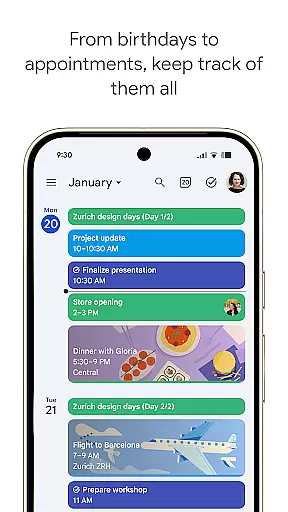
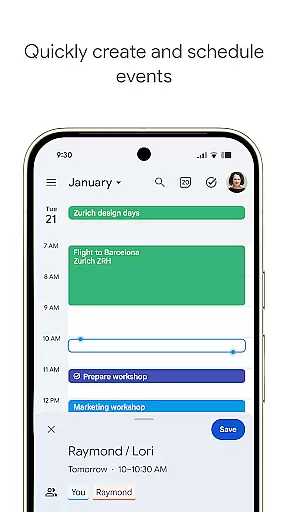
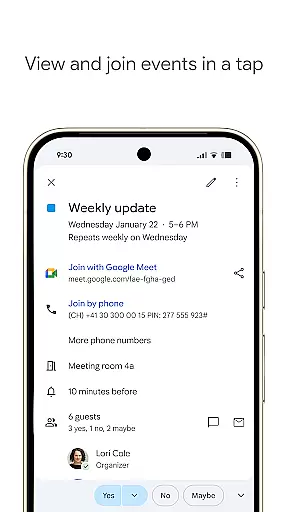
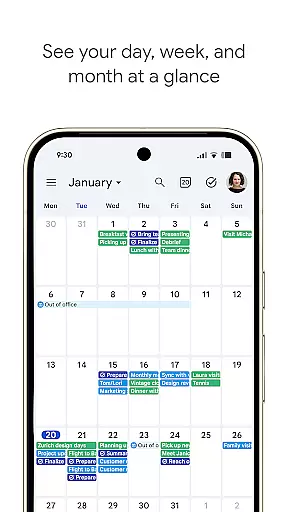
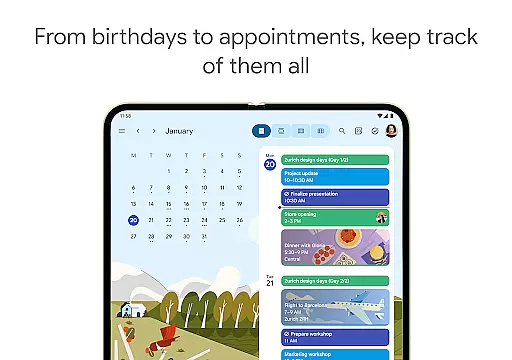
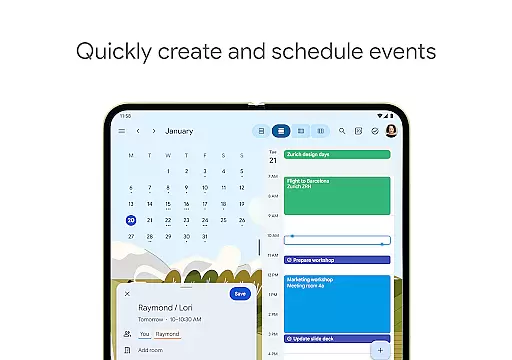
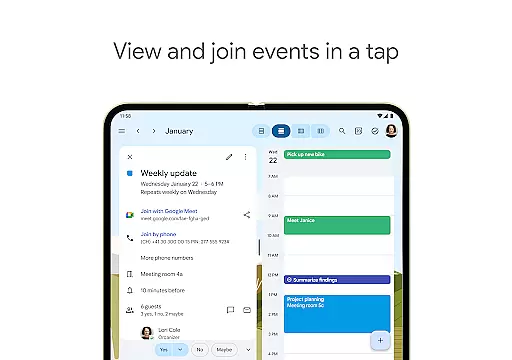
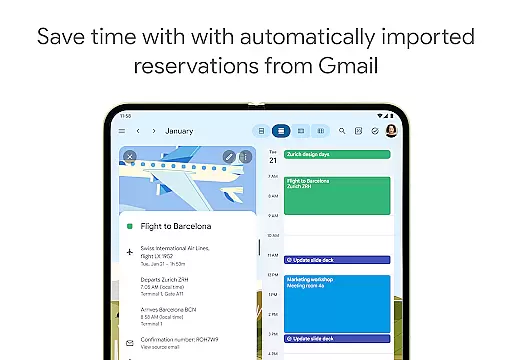
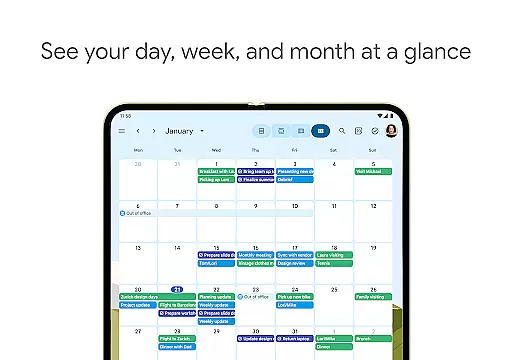
Google Calendar is the official calendar app for Android devices, designed to help users stay organized and make the most of their day. The app offers easy event creation, multiple calendar views, and seamless synchronization across devices.
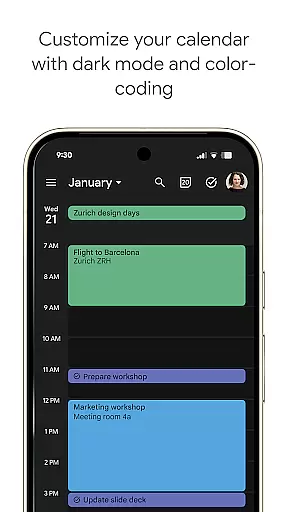
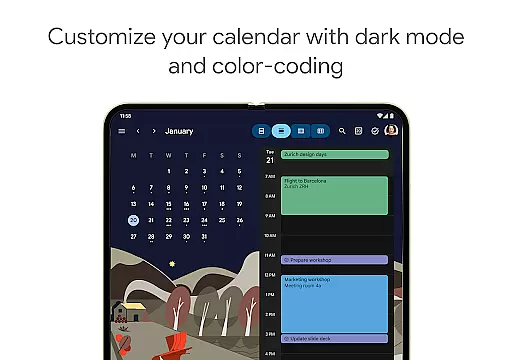
Key features include automatic event addition from Gmail, shared calendars for collaboration, task management, and customizable views. Users can switch between different timeframes, personalize with light or dark modes, and access tasks in full-screen view. Google Calendar also integrates with Google Workspace, enabling professional scheduling tools and video conferencing through Google Meet.
Ideal for both personal and professional use, Google Calendar ensures you never miss an important event or meeting. Its comprehensive functionality makes it an essential tool for managing busy schedules and enhancing productivity.
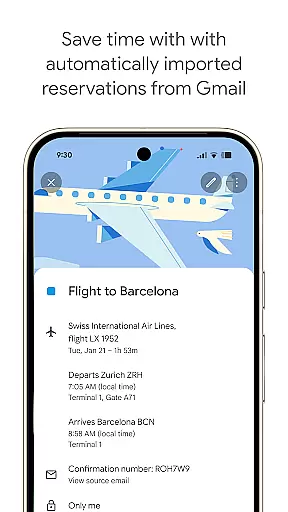
Google Calendar stands out with its robust feature set tailored for efficiency and convenience. The app automatically imports events from Gmail, such as travel and reservation details, ensuring your schedule is always up-to-date without manual input.
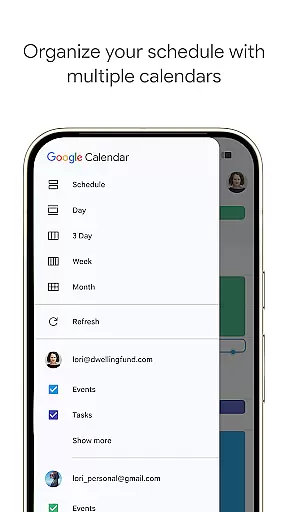
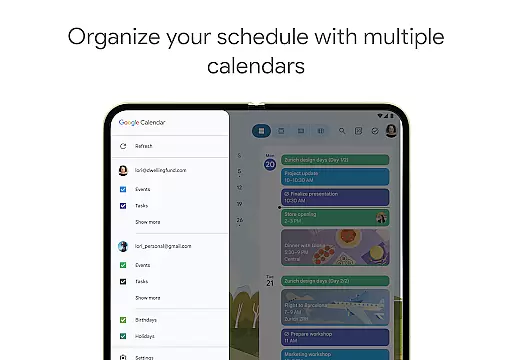
One of its notable capabilities is cross-device synchronization, allowing users to transition smoothly between phone, tablet, and computer while maintaining consistent access to their calendar. It supports integration with other calendars, including Exchange, and facilitates team collaboration through shared calendars where members can view, add, or modify events.
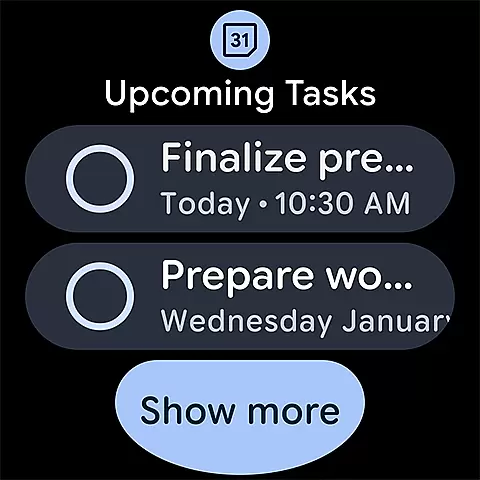
Additionally, Google Calendar provides task management alongside events, customizable views with color-coded options, and a dedicated full-screen task list view. For professionals, it includes Google Workspace features like booking pages, availability checks, and document attachments to calendar events, all backed by enterprise-level security.
Companion app integration is essential for users who want a seamless experience across multiple devices. Google Calendar excels in this area by ensuring that all your events, tasks, and reminders are synchronized effortlessly between your Android phone, tablet, and Wear OS device.
This synchronization is not just about keeping information up to date; it's about enhancing productivity. When you create an event or modify an existing one on any of your devices, the changes are immediately reflected across all platforms. This means you can start planning your day on your phone during the commute and continue refining your schedule on your tablet or computer once you reach your destination.
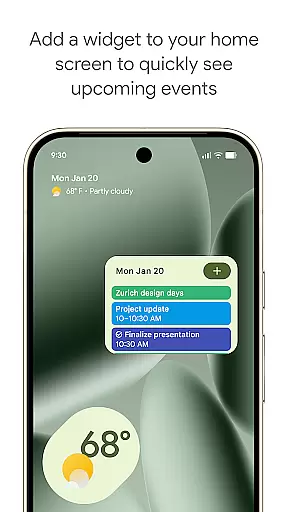
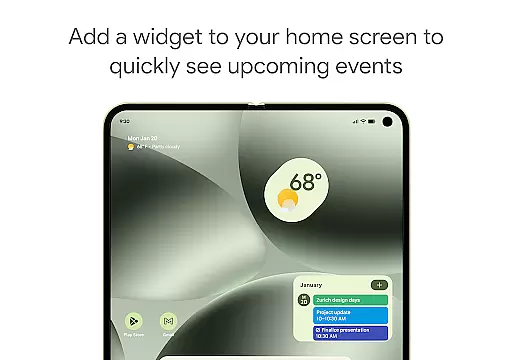
Furthermore, logging into the same Google account on all devices ensures that your data remains consistent and accessible wherever you are. Whether you're using the widget on your phone, the full-screen view on your tablet, or the simplified interface on your Wear OS device, Google Calendar provides a unified experience that keeps you organized and prepared, no matter which device you choose to use.
For users invested in the Wear OS ecosystem, having apps that work seamlessly with their smartwatches is crucial. Google Calendar offers robust compatibility with Wear OS devices, ensuring that you have access to your most important events and tasks right from your wrist.
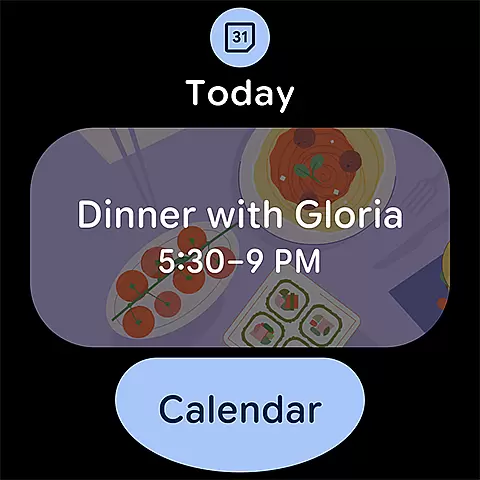
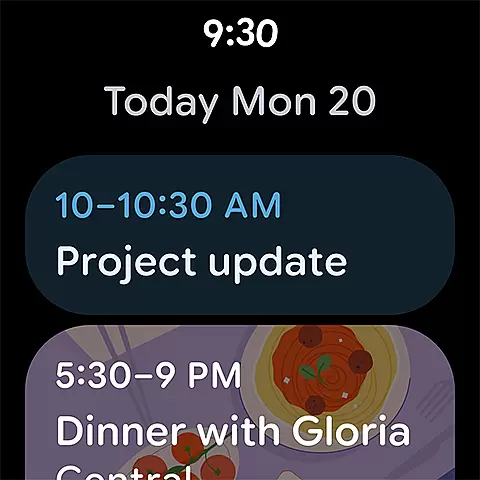
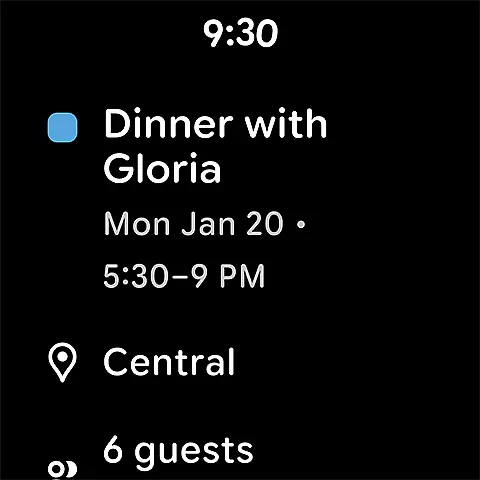
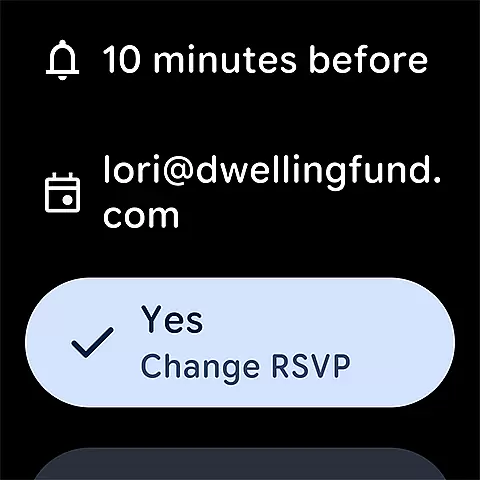
The Wear OS version of Google Calendar is designed with simplicity and efficiency in mind. It supports tiles and complications, allowing you to see your schedule at a glance without needing to open the app fully. This feature is particularly useful when you're on the go and need quick access to your calendar without pulling out your phone.
In addition to viewing your schedule, you can also receive notifications for upcoming events directly on your smartwatch. This ensures that you never miss an important meeting or appointment, even if you're away from your phone or computer. The tight integration between Google Calendar and Wear OS devices makes managing your time more convenient and efficient, providing a truly connected experience that enhances your daily routine.
User-friendly interface
Seamless cross-device sync
Robust integration options
Comprehensive task management
Enterprise-level security
Limited offline functionality
Occasional sync delays
Basic reminders only
Interface can feel cluttered
Dependent on Google ecosystem

Christmas - Festive - Christmas Village - Winter - Christmas lights
 5.00
5.00
Digital, flexibly customizable watch face. For Wear OS 5.0, API 34+ and later.
5.00
Structured watch face with seven complications and modular UI elements
3.90
Reliable phone calls with spam protection, caller ID and more helpful features
4.40
Minimalistic design modern digital watch face.
4.4
A modern hybrid informative watch face for Wear OS designed by BALLOZI
4.80
Connect, create, and collaborate with Gmail, part of Google Workspace.
4.10
Your local weather forecast, storm tracker, radar maps & live weather news
3.40
Want to take charge of your health? Let Google Fit help you reach your goals.
3.50
Period, ovulation & pregnancy tracker. Fertility insights & menstrual calendar.
4.90
Gym & home workout plans with strength training, exercise tracking, HIIT & more.
4.60
Highly customizable hybrid watch face for Wear OS, perfect for everyday use.
4.60
Bold, Modern Hybrid Watch Face for Wear OS. 10 Colors, Rich Info Display.
4.30
Animated video-game inspired “secret agent” simulation, right on your wrist!
4.20
"PER27 Galaxy Digital" is a digital Wear OS watch face designed by PERSONA
4.10
Stay in touch with your friends and family using LINE!
3.40
an Analog Watch Face for winter season with freeze winter background for Wear OS
4.3
Christmas is near, let's count together the days left until Santa comes
4.3
A Wintery Snow Globe on Your Wrist; now celebrating Christmas!
4.5


User Reviews