
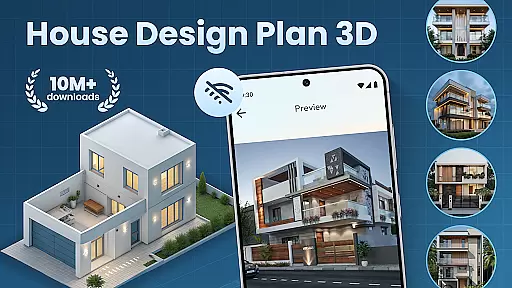
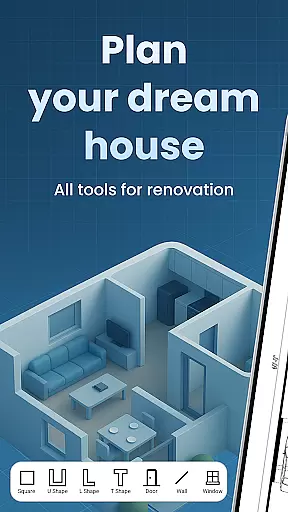
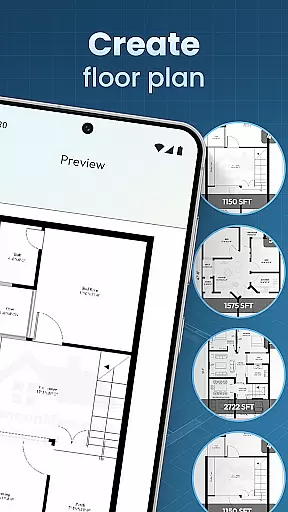
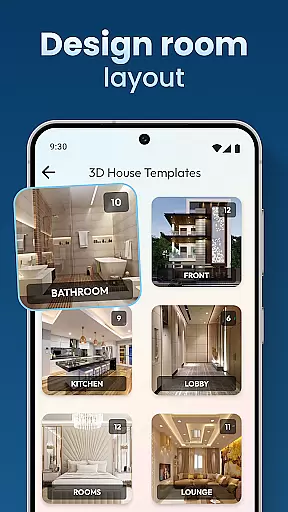
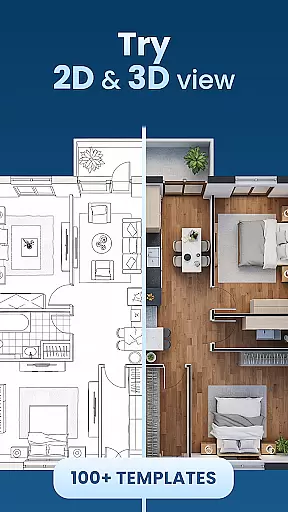
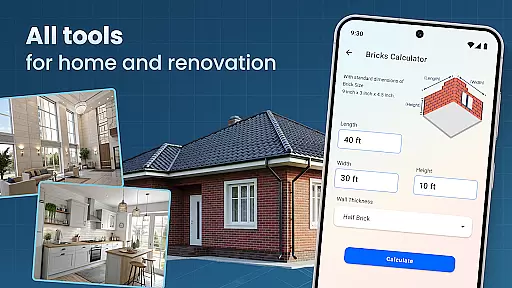
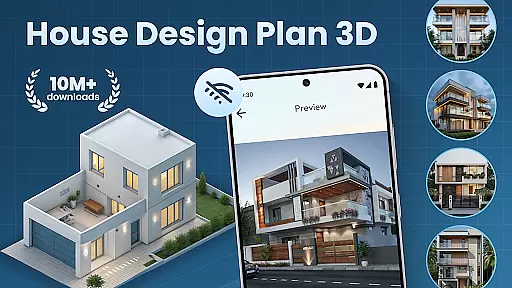
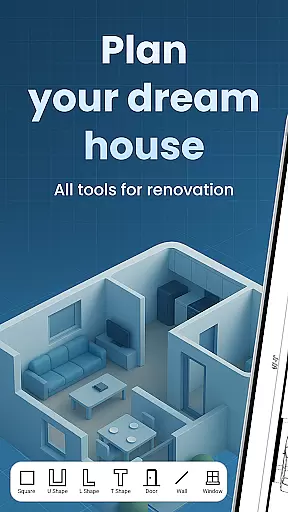
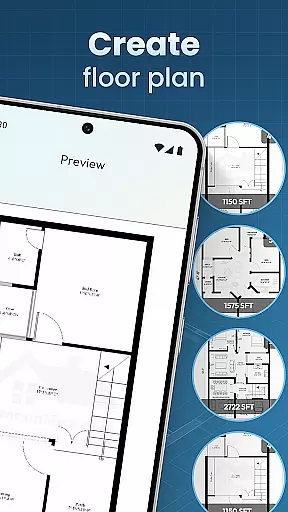
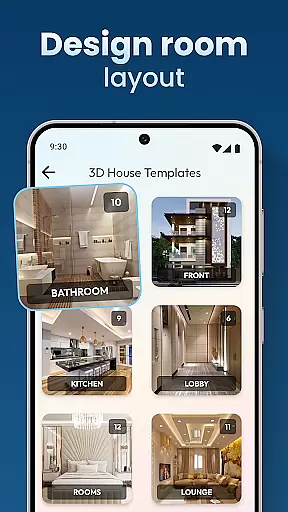
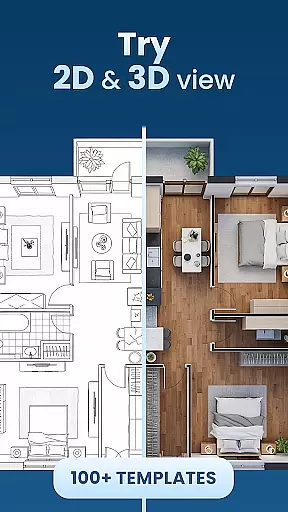
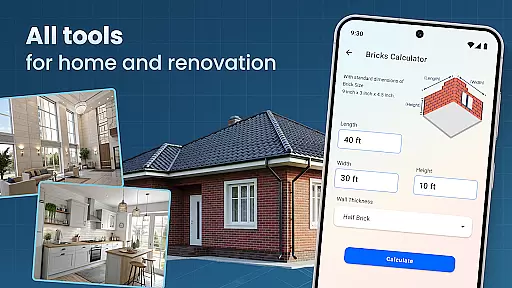
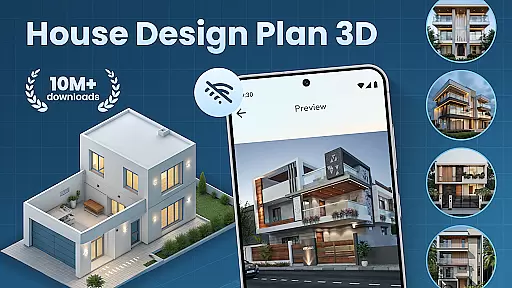
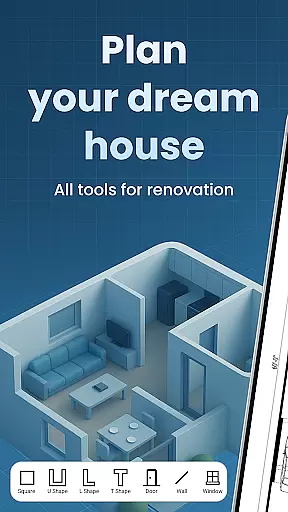
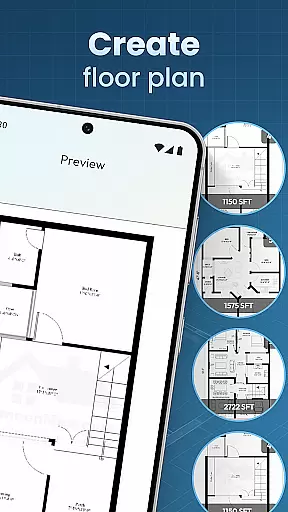
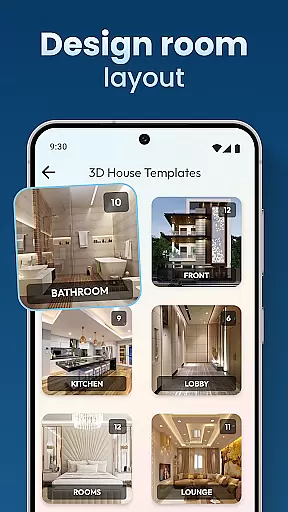
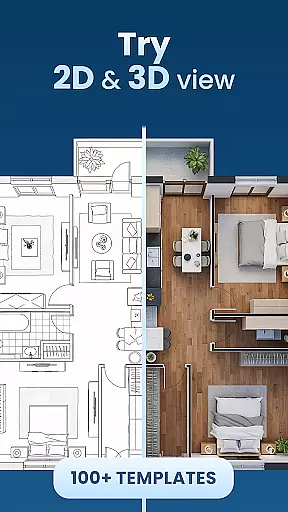
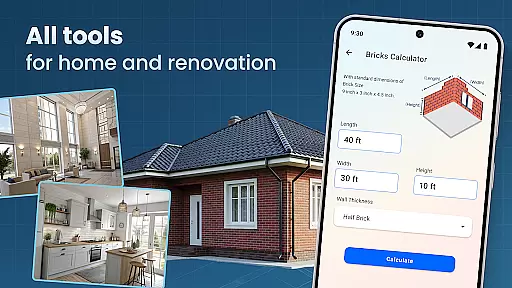
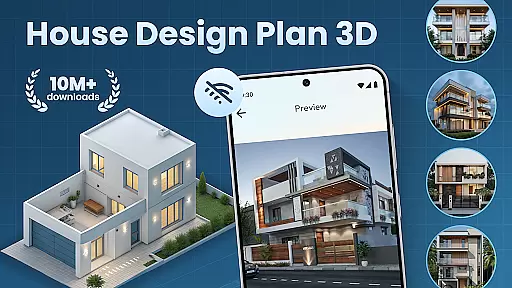
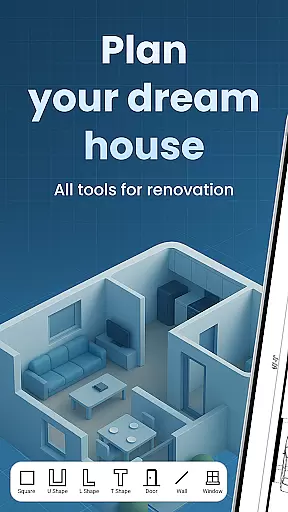
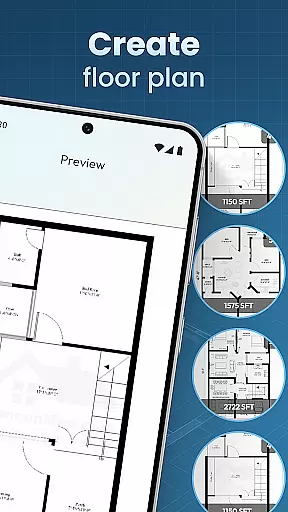
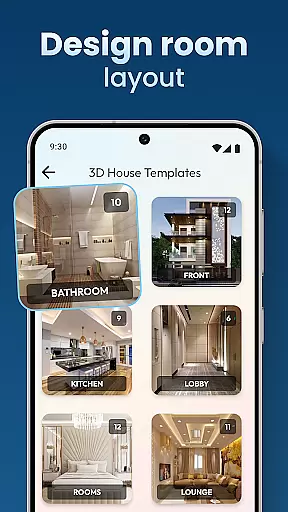
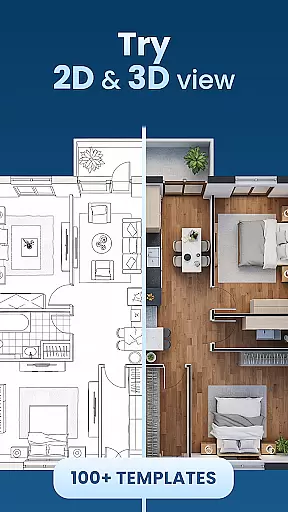
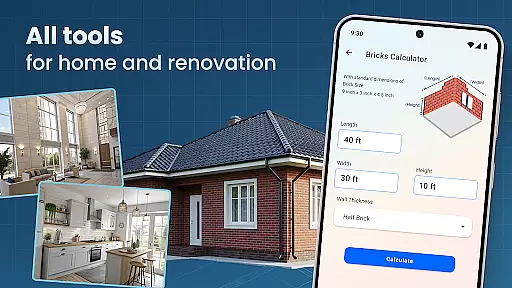
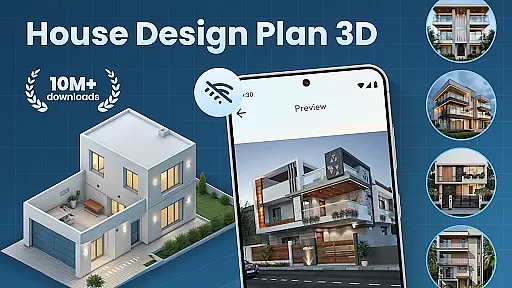
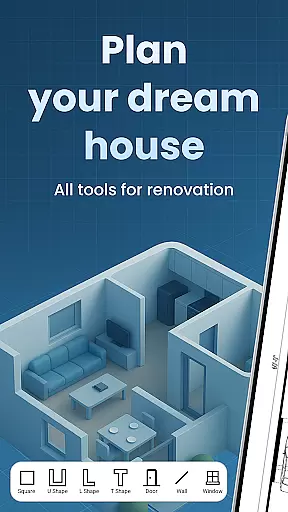
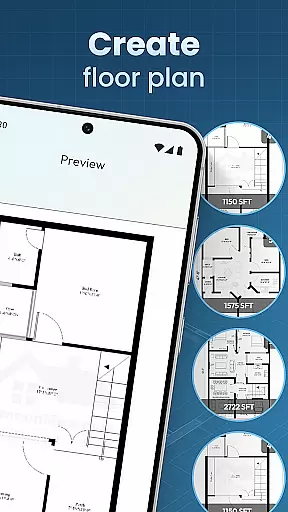
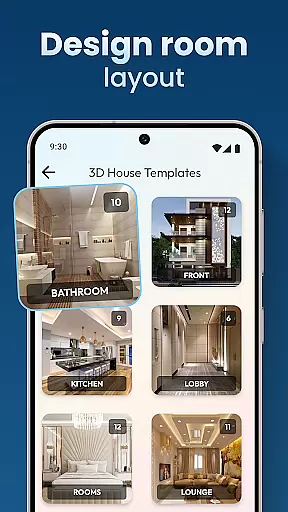
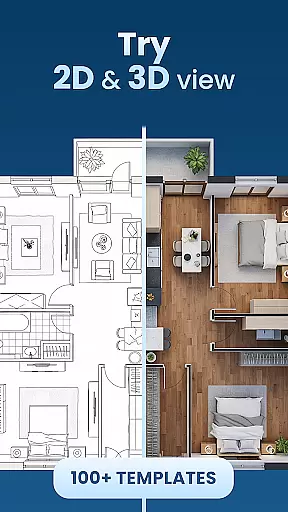
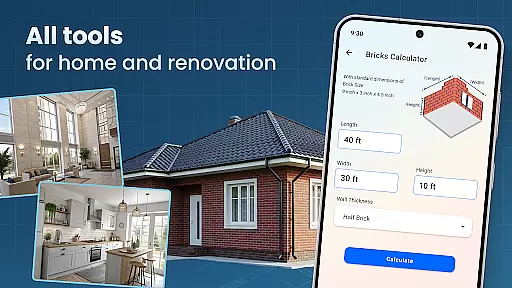
House Design Plan 3D App is a comprehensive home design tool that allows users to create detailed floor plans and visualize their dream spaces in fully-rendered 3D. The app provides an intuitive drag-and-drop interface for designing room layouts, along with real-time 3D rendering capabilities. Users can customize every aspect of their home's interior, from furniture placement to wall textures and lighting.
This powerful design application caters to both beginners and experienced designers, offering step-by-step guidance for new users while providing professional-grade tools for advanced projects. The app's key strength lies in its ability to transform simple 2D floor plans into immersive 3D environments, enabling users to explore and refine their designs with precision.
Whether you're planning a single-room renovation or designing an entire house from scratch, this app offers the tools needed to bring your vision to life. Its versatility makes it particularly valuable for homeowners planning renovations, interior designers seeking portable design solutions, and architecture students practicing their craft.
The House Design Plan 3D App distinguishes itself through its robust feature set tailored for home design enthusiasts. At its core, the app provides a sophisticated drag-and-drop floor plan creator that allows users to draw walls, partition rooms, and experiment with different layouts effortlessly. This feature alone transforms the complex process of architectural planning into an accessible, user-friendly experience.
What sets this application apart is its real-time 3D visualization engine. As users modify their floor plans, they can instantly view changes in three dimensions, allowing for immediate feedback and adjustment. The app includes a comprehensive library of furniture and decorative elements, each customizable in terms of size, color, and texture. These elements can be precisely positioned within the 3D space, enabling users to test various interior design concepts.
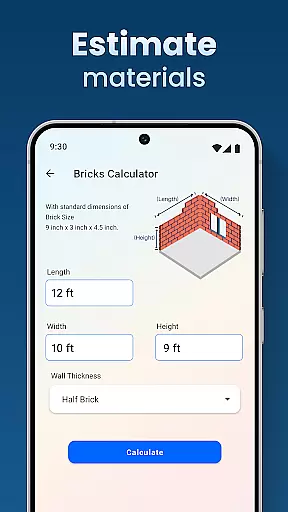
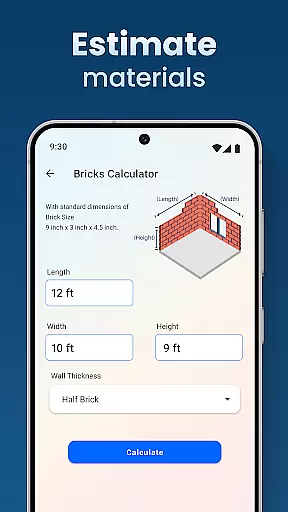
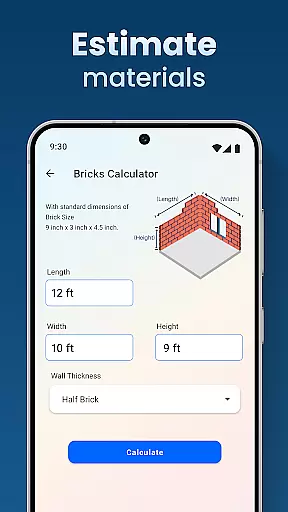
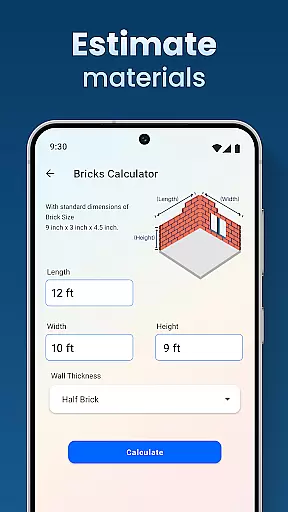
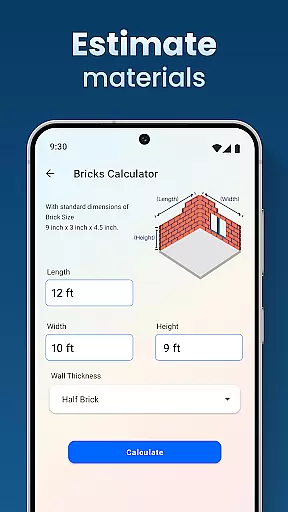
Advanced features include professional-grade design templates, accurate measurement tools, and the ability to save and preview multiple project versions. The app also incorporates guided tutorials and step-by-step instructions, making sophisticated design techniques accessible to novices while still offering depth for experienced users. These features collectively enable users to produce designs that meet professional standards.
In the realm of house and home design, ensuring the authenticity of property listings is paramount. The House Design Plan 3D App addresses this by providing users with tools to create accurate and realistic 3D models of their envisioned or existing spaces. This precision in design allows for a truthful representation of properties, eliminating misleading information.
The app's robust feature set includes the ability to craft detailed floor plans and structured layouts, which are essential for establishing trust with potential buyers or renters. By offering functionalities such as drag-and-drop creation of floor plans and real-time 3D views of rooms, it empowers users to present their properties in a transparent manner.
Users benefit from the app's guided assistance and design templates, which help maintain high standards of accuracy and professionalism in every project. Whether planning a single room or an entire house, these features ensure that all listings reflect genuine property details, enhancing credibility and confidence in property transactions.
Effective home management is crucial for homeowners and designers alike, and the House Design Plan 3D App excels in providing comprehensive tools for this purpose. With capabilities ranging from designing detailed floor plans to visualizing complete 3D designs, the app serves as an all-in-one solution for managing various aspects of home design and organization.
This powerful application supports users in optimizing their living spaces through customizable room furnishings and precise furniture placement. Its intuitive interface enables easy navigation, allowing both novice and experienced users to efficiently arrange and rearrange elements within their virtual homes, thus facilitating better space utilization and planning.
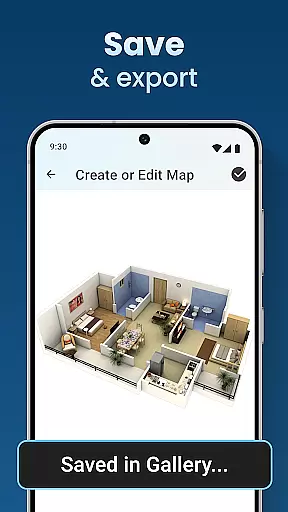
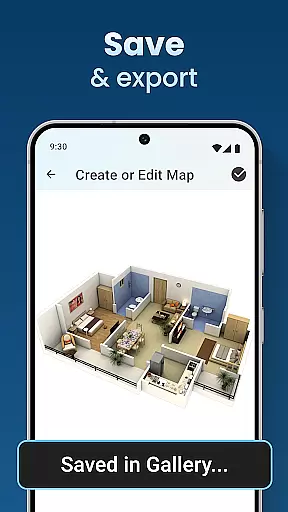
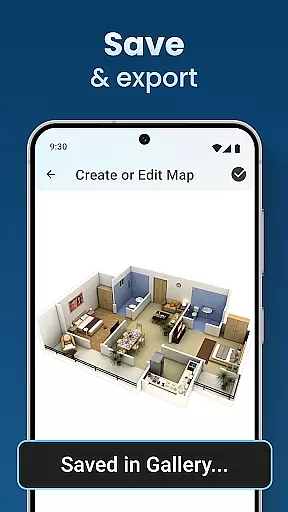
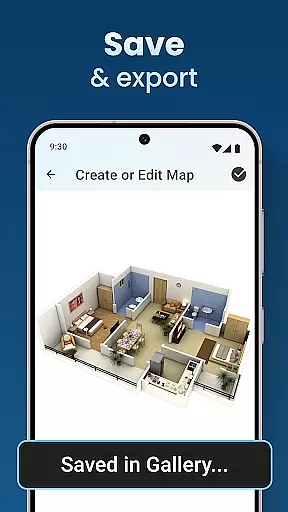
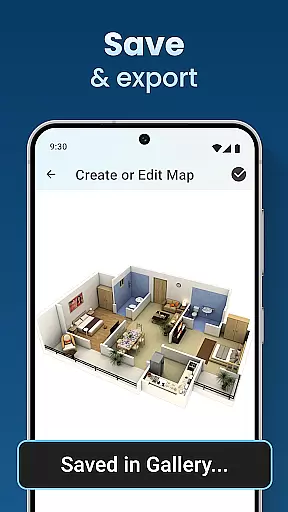
Moreover, the app's saving and previewing functions empower users to track their progress and make informed decisions throughout the design process. These home management features not only streamline the workflow but also enhance user engagement by making it simple to adjust designs according to evolving needs or preferences, ultimately leading to more satisfying and functional living environments.
User-friendly interface
Real-time 3D rendering
Comprehensive design tools
Professional templates available
Cross-platform compatibility
Steep learning curve
Occasional performance lag
Premium feature costs
Limited export options
Complex UI for beginners

Map-based search app for apartments and homes for rent.
 4.60
4.60
Technology powering many in-home services for residents across the United States
3.80
Wobble Fix Tool
4.40
SmartRent - Opening Doors To A Smarter World
4.40
Control the scent and ambiance of your home and car, right from your phone.
4.50
Plants, Beauty, Collectibles
4.60
USHUD.com helps you find the best homes for sale in your area
4.00
Looking for the perfect apartment finder app? Find beautiful rental homes here!
4.60
Find homes for sale and apartments for rent in the best neighborhood.
4.70
View houses and apartments for rent, updated daily.
4.80
Convert your Phone to HiSense Smart TV Remote Control
4.70
Security App with HD Video, 2-way Audio, and event detection for Home monitoring
4.40
Make your phone a surveillance camera remote with a home camera app for Android!
4.40
Find contractors for all home renovation projects. Remodeling, repair, and more.
4.20
Schlage Lock Company LLC
4.00
This Fire TV Remote control's your Fire TV Device and Insignia Fire TV Remote
3.70
Draw your floor plan smartly. Make house design blueprint with home planner app
3.60
Find paints using a Color Muse & ColorSnap® Match
3.60
An easier way to make payments and maintenance requests from anywhere.
3.50


User Reviews