
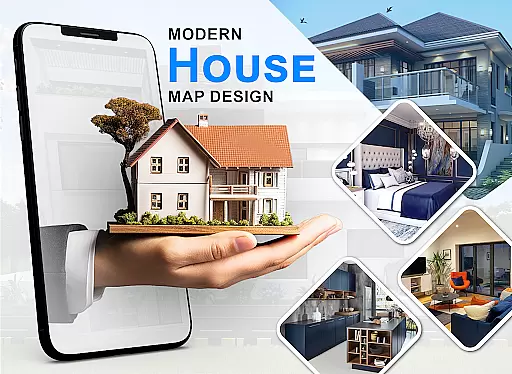
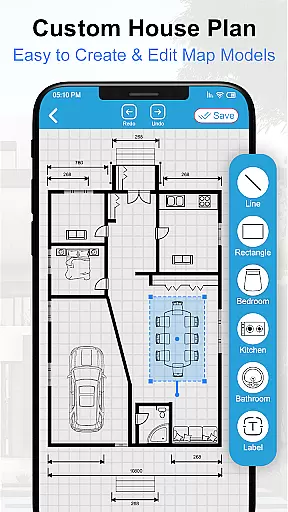
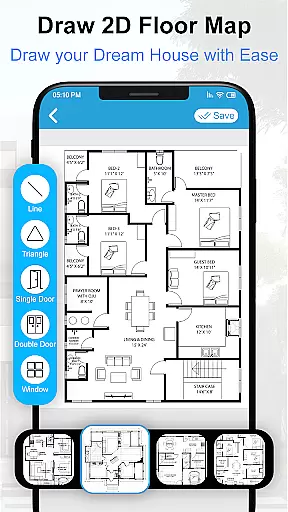
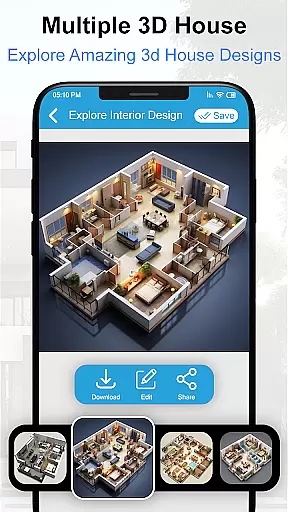
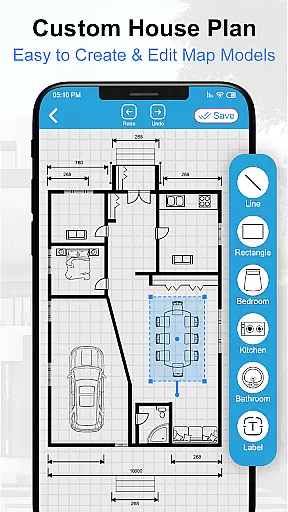
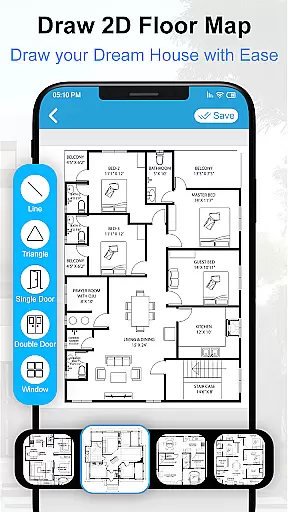
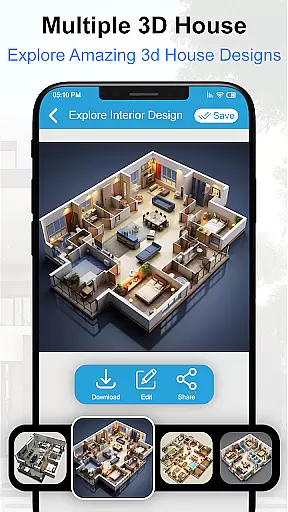
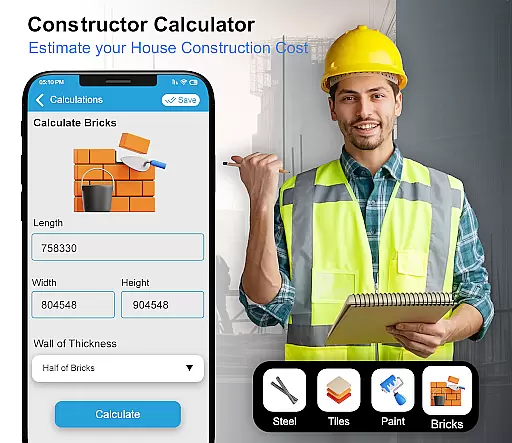
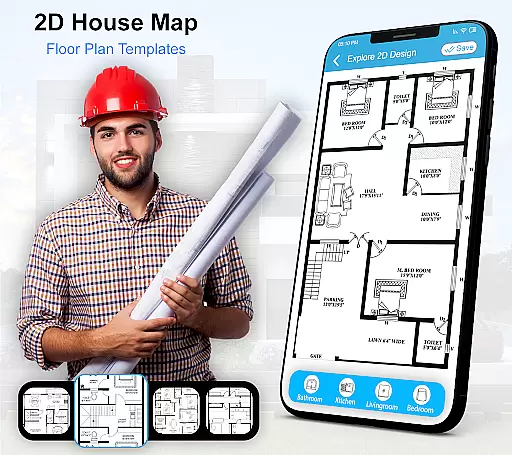
House Design 3D Floor Plan App is a powerful home planning tool that allows users to create detailed architectural blueprints and interior designs for their dream homes. The app provides an intuitive interface for drawing precise floor plans, designing room layouts, and visualizing spaces in 3D. Whether you're an architect, interior designer, or homeowner planning your renovation, this application offers the tools needed to bring your vision to life.
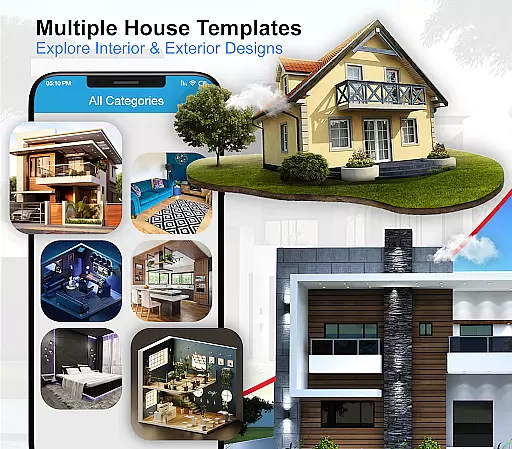
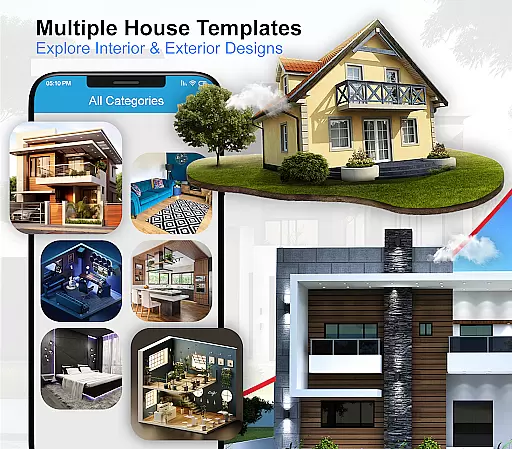
The app includes various templates for different rooms including kitchens, bathrooms, and living areas. Users can access multiple furniture designs and decor options to customize each space. With its comprehensive set of features, House Design 3D makes it easy to experiment with different design ideas and create professional-quality plans that meet your specific needs.
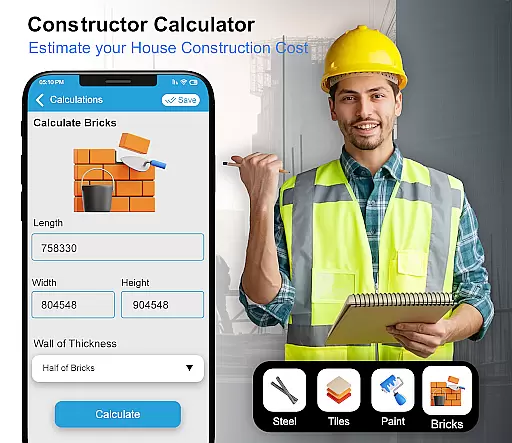
This application is particularly useful for those undertaking home renovation projects or building a new house from scratch. By providing accurate measurements and realistic 3D previews, it helps users make informed decisions about their home design while saving time and resources during the planning phase.
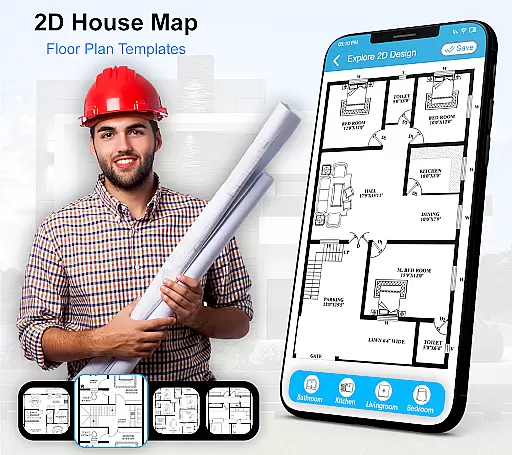
House Design 3D Floor Plan App stands out with its robust feature set tailored for both professional designers and DIY enthusiasts. The app's core functionality revolves around its advanced drawing tools that enable users to create precise architectural plans. These tools include measurement guides, wall thickness adjusters, and customizable grid systems that ensure accuracy in every design element.
Beyond basic floor planning, the app offers extensive customization options. Users can choose from a wide selection of pre-designed room templates or start from scratch using the blank canvas feature. The integrated 3D viewer allows real-time visualization of designs, while the material library provides hundreds of surface textures and color options for walls, floors, and furniture. Advanced features include lighting simulation and shadow effects to help users understand how natural light will interact with their spaces throughout the day.
Additional notable features include cloud synchronization for accessing projects across devices, collaboration tools for team projects, and export options for sharing designs in multiple formats. The app also maintains an active community forum where users can share their designs and get feedback from other home design enthusiasts.
Property listing authenticity is crucial for users seeking reliable home design and floor plan solutions. This app ensures that all the blueprints and design plans provided are accurate and verified, giving users confidence in their home planning process.
The House Design 3D Floor Plan App offers a wide range of verified floor plans for different parts of the house, including kitchens, drawing rooms, and bathrooms. Each design has been carefully crafted to ensure it meets high standards of quality and authenticity.
Users can trust that the furniture designs, home layouts, and decor suggestions are sourced from real-world examples and trends. The app's dedication to providing genuine content means that homeowners can visualize and create spaces that truly reflect their personal style and needs.
Home management features in the House Design 3D Floor Plan App allow users to efficiently organize and plan their living spaces. With smart drawing tools, users can create detailed blueprints and interior designs that cater to their specific preferences and requirements.
This app goes beyond basic floor planning by offering 3D views and architecture design capabilities. Users can explore various design sketches and choose from numerous pre-made blueprints for interiors, ensuring a comprehensive approach to home layout design.
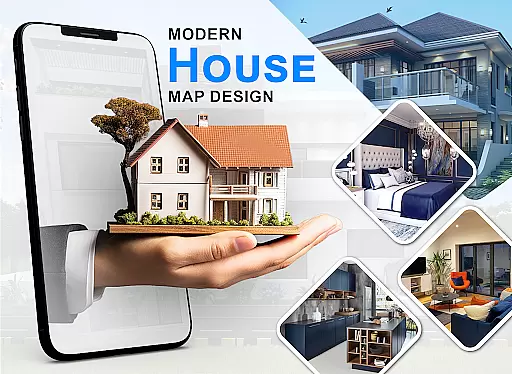
Additionally, the app provides extensive collections of bedroom designs, furniture layouts, and decor options, making it a one-stop solution for all home arrangement needs. These features empower users to manage every aspect of their home's design with precision and creativity.
User-friendly interface
Extensive template library
Realistic 3D rendering
Comprehensive measurement tools
Cross-device compatibility
Limited free features
Occasional performance lag
Steep learning curve
In-app purchases required
Advanced tools locked behind premium

PRO Version of GLB AR Viewer
 4.0
4.0
The official app for Home Assistant. Control your home anywhere in the world.
4.30
Turn your phone into a wifi cam with smart features and umlimited reach.
4.20
Schlage Lock Company LLC
4.00
USHUD.com helps you find the best homes for sale in your area
4.00
AI Home Designer & Room Planner: Decorate your interior space with AI
4.40
Design your dream home with 3D planning app, Visualize your dream home in 3D.
4.20
Control your thermostat, comfort, and home monitoring from your phone
4.30
Turn old phones into security cameras, baby monitors, pet cams, and more.
4.70
Convert your Phone to HiSense Smart TV Remote Control
4.70
MLS-powered real estate app to find homes for sale & apartments for rent
4.70
Map-based search app for apartments and homes for rent.
4.60
The only mappable smart lights for custom decoration.
4.50
Make Renting Easy
4.40
SmartRent - Opening Doors To A Smarter World
4.40
Security App with HD Video, 2-way Audio, and event detection for Home monitoring
4.40
Control your Vivint Smart Home with the next generation Vivint App.
4.30
Fully control your Philips TV with this all-in-one remote control app.
4.20
Universal TV remote Control for Roku TV brands via WiFi remote
4.2


User Reviews