
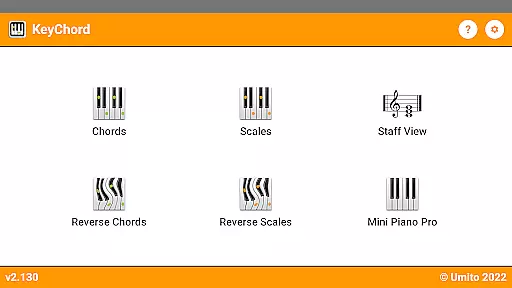
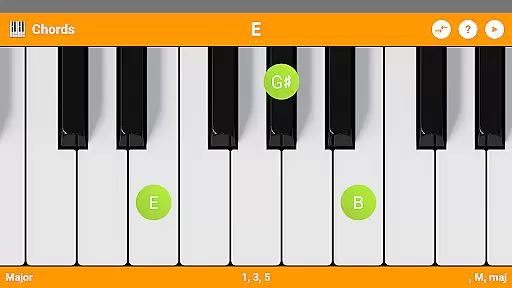
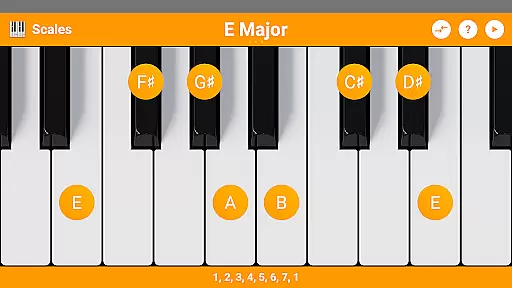
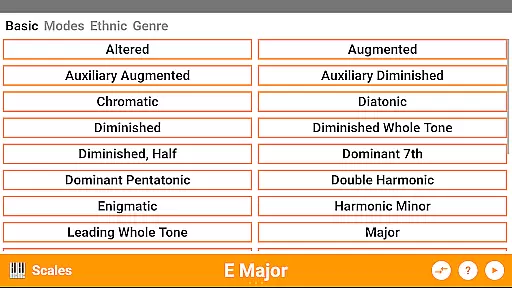
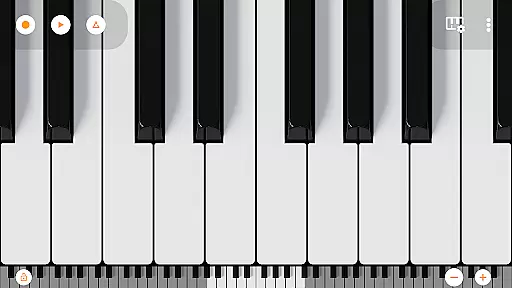
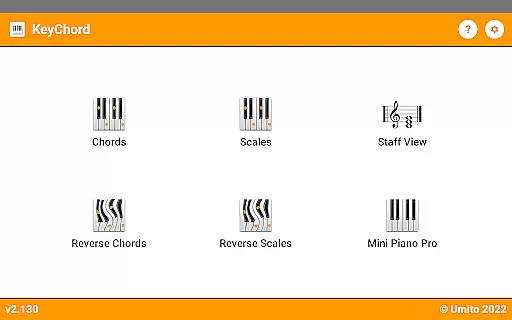
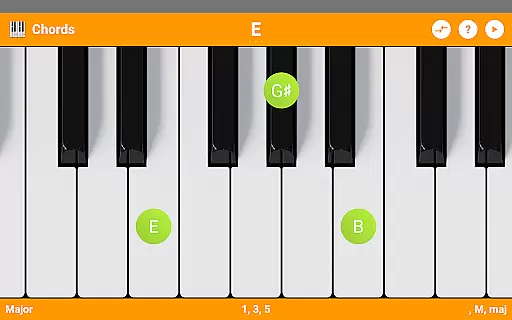
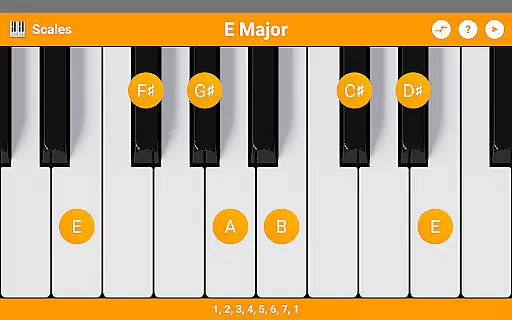
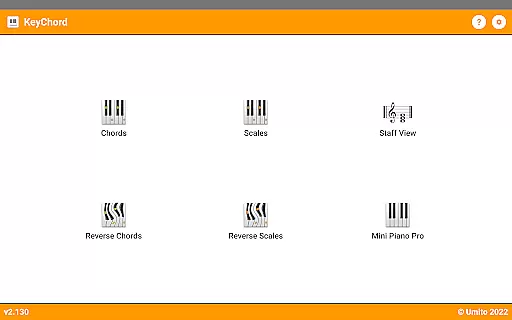
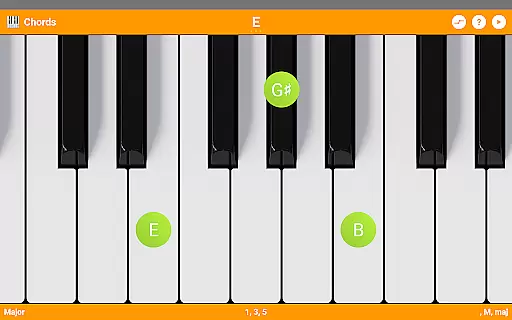
KeyChord is a dynamic dictionary and reference app designed for piano chords and scales, making it an essential tool for musicians of all levels. With its intuitive virtual keyboard interface, users can easily look up and experiment with various chords and scales. The app stands out with its inclusion of an 88-key multitouch piano, offering a realistic playing experience directly on your mobile device.
Beyond basic chord and scale lookup, KeyChord provides advanced features such as reverse lookup functionality, staff view, and support for inversions and slashed chords. Whether you're a beginner learning the basics or a professional composer exploring complex musical structures, KeyChord adapts to your needs. Its ability to play back audio for any selected chord or scale adds another layer of practicality, while dark mode support ensures comfortable use in any environment.
The app's versatility makes it particularly valuable during practice sessions or live performances. Musicians can quickly reference complex chords, experiment with new scales, and even record their compositions as MIDI files. This functionality proves especially useful when composing music or setting custom ringtones, demonstrating KeyChord's value across various musical applications.
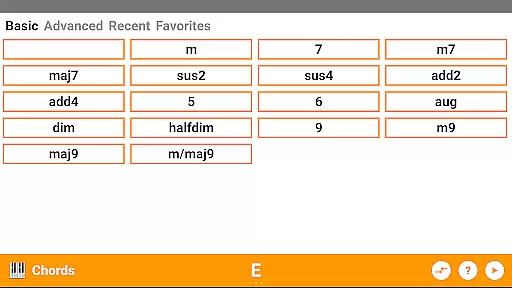
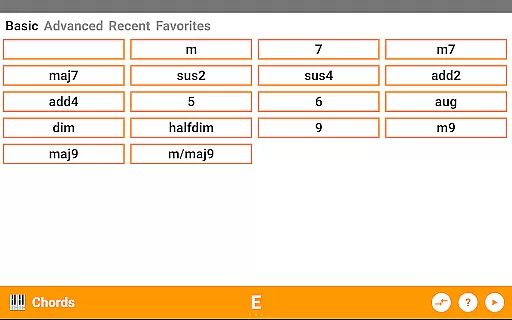
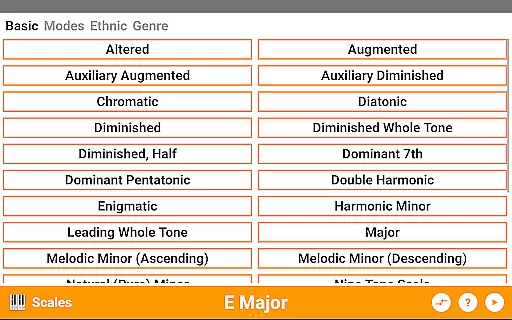
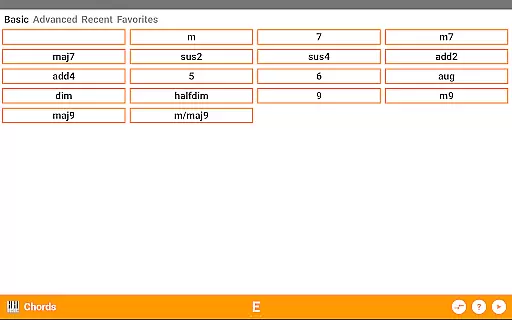
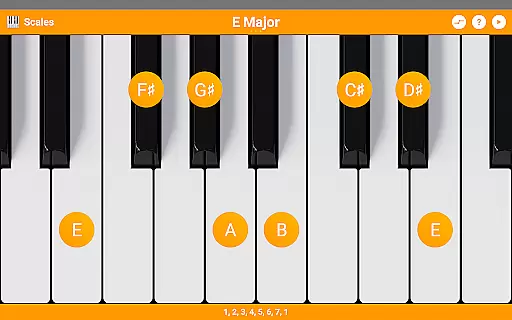
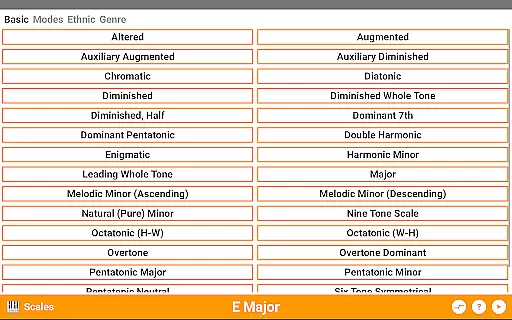
KeyChord distinguishes itself through its comprehensive feature set tailored specifically for musicians. The app includes over 50 chord types and 100 scale types, providing extensive coverage of musical possibilities. Users can explore different inversions, experiment with partial chords, and utilize the unique reverse lookup function to identify unknown chords or scales they encounter during practice or performance.
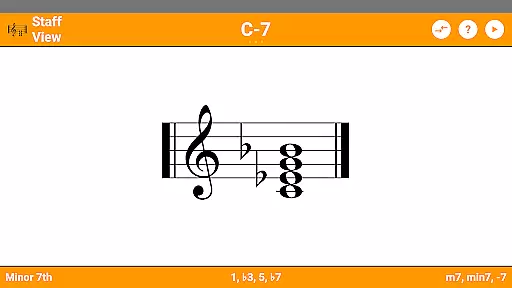
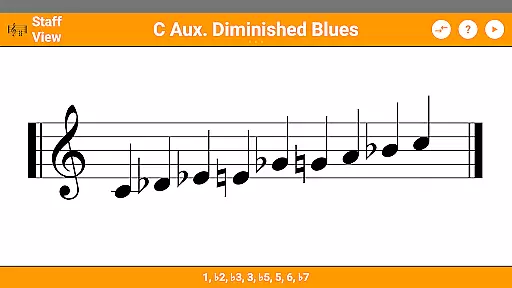
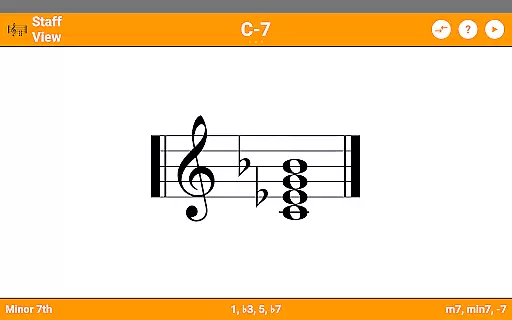
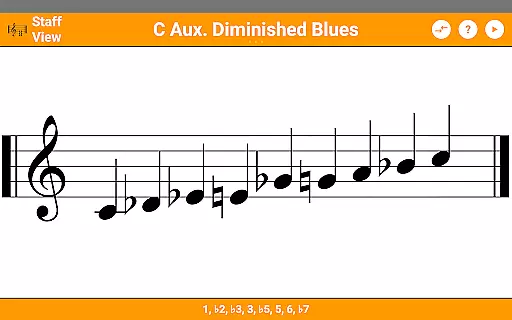
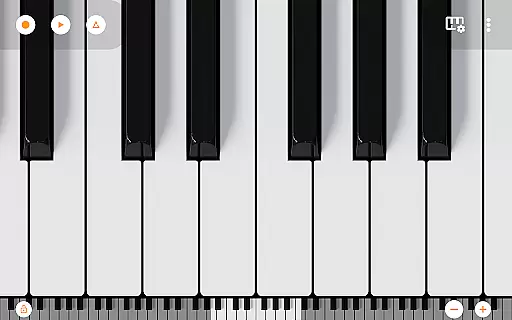
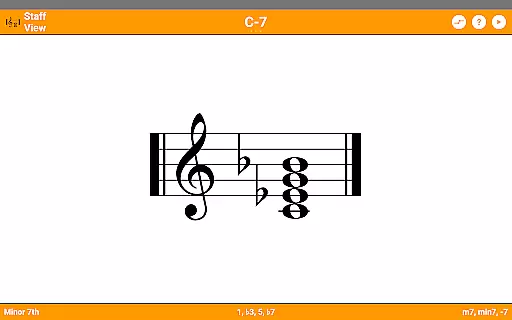
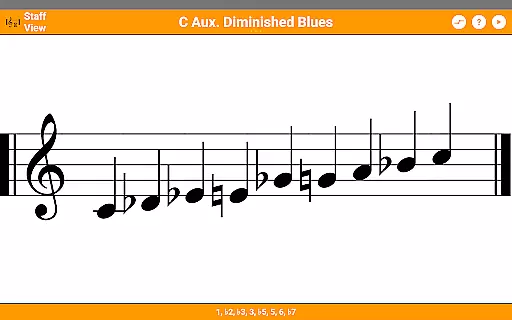
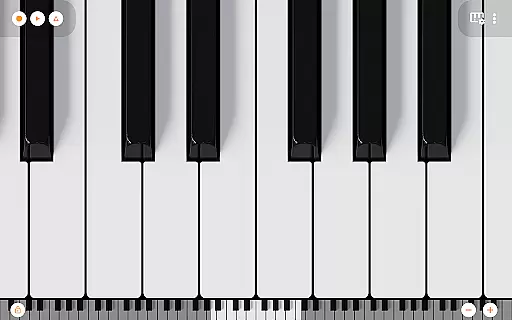
A standout feature is the integrated 7-octave scrollable multitouch minipiano, sourced from Mini Piano Pro, which offers 128 different sounds. This virtual instrument allows musicians to not only visualize but also audibly confirm their musical ideas. The app supports various information modes, including note names and component intervals, enhancing the learning experience. Additionally, the staff view helps users understand proper musical notation while practicing.
Practical features extend beyond just reference materials. KeyChord enables users to save favorite chord types, access recently used ones, and even record their compositions as MIDI files. The ability to set these recordings as ringtones adds a personal touch to mobile device customization. Furthermore, the app's dynamic nature means that rather than relying on pre-defined chord locations, it understands chord structures and allows placement anywhere on the virtual keyboard, offering unparalleled flexibility in musical exploration.
KeyChord offers an extensive virtual library of musical knowledge, featuring over 50 chord types and 100 scale types. This vast collection ensures that musicians of all levels have access to a comprehensive reference for their practice and performance needs.
The app's content is carefully curated and verified, ensuring the accuracy and authenticity of each chord and scale. By avoiding pre-defined entries and instead using dynamic calculations, KeyChord guarantees that every entry is both correct and customizable, providing reliable information for users.
With its integration of Mini Piano Pro, KeyChord further expands its offerings by including 128 different sounds and a full 88-key multitouch piano. This feature not only enhances the learning experience but also provides users with a practical tool for experimentation and creativity.
Users benefit from the peace of mind that comes with accessing a trustworthy resource. The app's dedication to copyright authenticity means musicians can rely on the information provided, making it an essential tool for both study and professional use.
KeyChord excels in format compatibility by offering multiple ways to interact with its content. Users can explore chords and scales through an intuitive virtual keyboard interface or view them in traditional staff notation, catering to different learning styles and preferences.
The inclusion of audio playback in all modes adds another layer of compatibility, allowing users to hear every chord and scale they interact with. This auditory feedback is crucial for developing a deeper understanding of musical structures and relationships.
Additionally, KeyChord supports MIDI recording functionality, enabling users to capture their compositions and even set them as ringtones. This versatility extends the app's utility beyond just reference purposes, positioning it as a complete music creation tool.
Dark mode support and customizable display options further enhance accessibility, ensuring that users can tailor the app's appearance to suit their individual needs. These features collectively contribute to a highly adaptable and user-friendly experience.
Comprehensive chord library
Realistic virtual piano
Reverse lookup functionality
Audio playback feature
MIDI recording capability
Complex interface for beginners
Occasional performance lag
Limited free content
No real-time collaboration
Heavy storage requirements

Offline translator from english to spanish, and from spanish to english.
 4.50
4.50
Find, discuss, and organize your world of books and shows.
4.60
ISAIAH EXPLAINED with Avraham Gileadi Ph.D.
4.00
F9 Cookbook Mobile App
4.60
America's best dictionary and thesaurus - with premium content and no ads
3.40
Read Trending Romance Stories
4.00
World's most comprehensive dictionary app: 13 languages, all online or offline!
4.80
Calculate, Knowledge, Homework
4.40
Learn to tie more than 200 knots in 3D!
4.90
Flora of Virginia Project (www.floraofvirginia.org)
5.00
Daily rosary and gospel reflections for catholic
4.90
Universal Zoom, learn about sizes & distances of the universe and microcosmos
4.80
My Bible offers a comprehensive app by providing offline access, daily verses.
4.80
Powerful Bible study tools linked to every verse in an easy-to-use Bible reader!
4.60
Crowd-sourced listing of businesses with anti-gun signs, and pro-2a alternatives
4.60
Manage collectibles, survey and treasure maps in Elder Scrolls Online.
4.40
Cute bedtime story for kids
4.30
Unlock more features in Lithium and show your support. Expand for details.
4.00
Enjoy your favorite books
3.50


User Reviews