
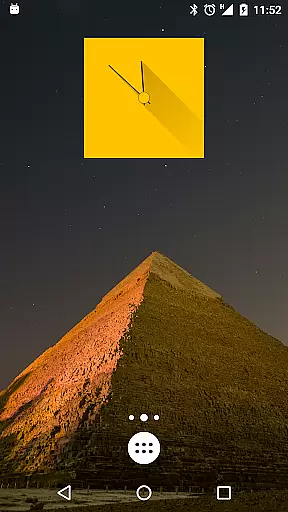
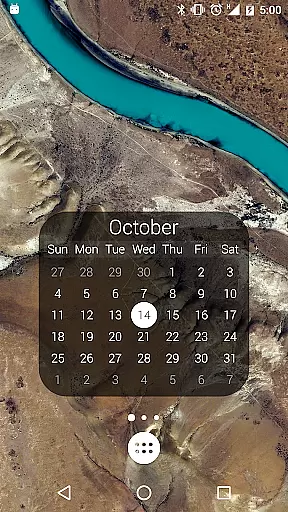
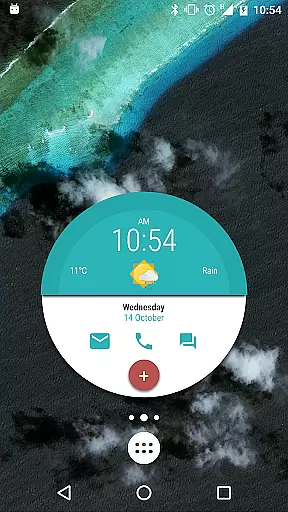
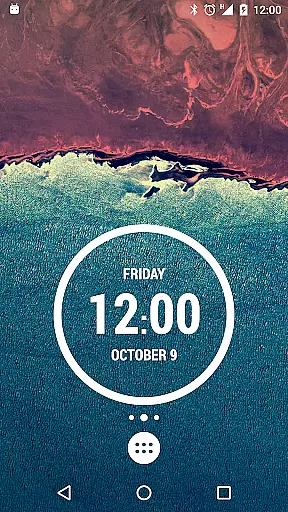
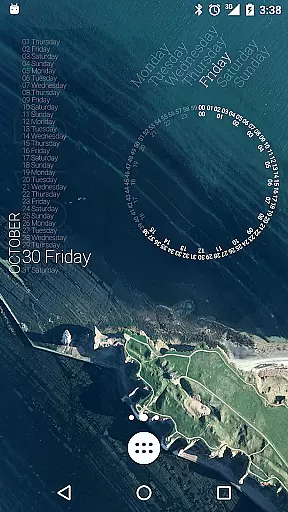
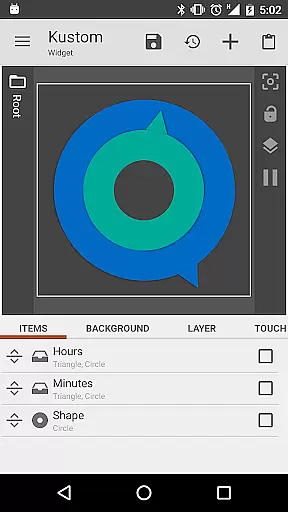
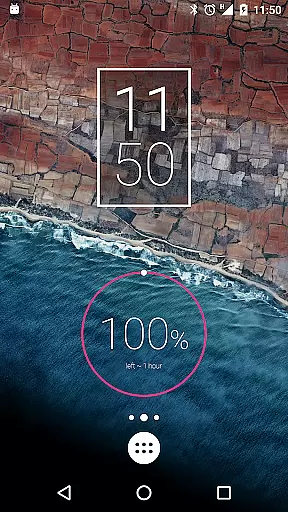
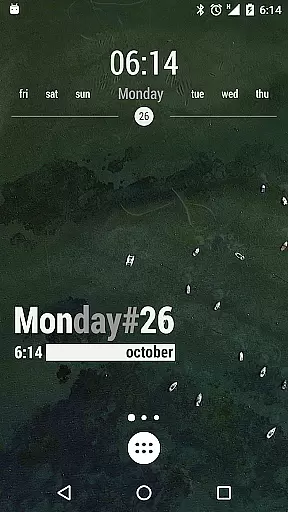
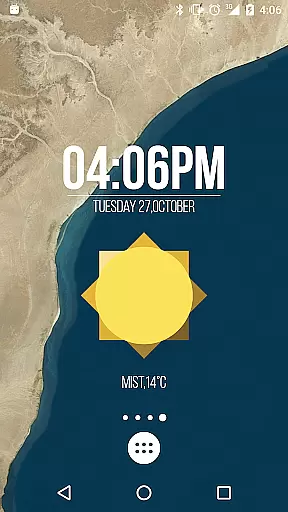
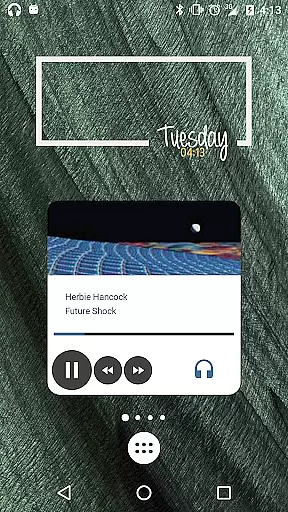
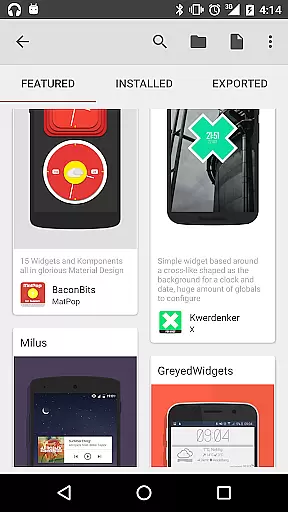
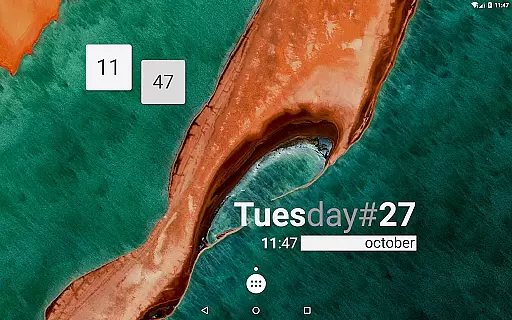
KWGT Kustom Widget Maker is the ultimate tool for Android users seeking to personalize their home screens. This powerful widget maker allows you to design custom widgets that display any data you need, exactly how you want it.
With its WYSIWYG editor, KWGT provides total control over your widget's layout. You can use a blank canvas or starter skins, add text with custom fonts, colors, and effects, incorporate shapes and images, and layer objects like a professional designer.
Whether you're looking to create aesthetic photo widgets, data-rich weather displays, or sophisticated system monitors, KWGT offers unmatched functionality for power users. The ability to integrate complex logic and dynamic data makes it suitable for both basic and advanced customization needs.
KWGT stands out with its comprehensive feature set tailored for creative freedom. The app includes a full suite of design tools such as custom fonts, color options, and text effects including 3D transformations and shadows.
Beyond basic design, KWGT supports pro-level layers, allowing users to apply gradients, color filters, and overlay effects like blur and saturation. Interactive widgets can be created with touch actions and hotspots to launch apps or toggle settings.
The app enables creation of various widget types from weather and clocks to fitness trackers and music players. With Tasker integration and access to extensive data sources, KWGT caters to users who demand dynamic, information-rich widgets on their home screens.
Customization is at the heart of KWGT Kustom Widget Maker, offering users an extensive array of options to tailor their Android home screens. This powerful widget maker stands out by providing a versatile platform where imagination dictates the design process.
The app includes a full-fledged WYSIWYG editor that places total control in the hands of the user. With this tool, creating any widget layout from scratch becomes feasible. Users can manipulate text with custom fonts, colors, sizes, and effects, including 3D transformations and shadows, ensuring each widget is a personal expression of style.
Beyond text, KWGT supports the integration of shapes and images, allowing for the incorporation of PNG, JPG, WEBP formats, and SVGs. The layering feature mirrors professional photo editing software, enabling the application of gradients, color filters, and overlay effects such as blur and saturation, which collectively contribute to a sophisticated design.
Interactive elements are also part of the customization journey. KWGT allows the addition of touch actions and hotspots on widgets, making them not just visually appealing but functional too. Whether it's launching apps or toggling settings, the ability to interact with your creations adds a dynamic layer to the personalized home screen experience.
Theme compatibility in KWGT Kustom Widget Maker ensures that every widget you create not only looks great but also aligns seamlessly with your device's existing aesthetics. This harmonious integration is crucial for users looking to maintain a consistent look across their digital environment.
KWGT excels in its provision of aesthetic and photo widgets that can be customized to match any theme. Whether aiming for a minimalist appearance or a vibrant display, the app's flexibility caters to all thematic preferences, enhancing the visual coherence of your home screen.
In addition to static designs, KWGT offers data-rich weather widgets and custom digital or analog clocks. These widgets provide both form and function, displaying detailed information while complementing your chosen theme. Such features ensure that regardless of the thematic direction, users can access necessary data without compromising on style.
For those seeking deeper personalization, KWGT extends its capabilities to include fitness and calendar widgets. By tracking Google Fitness data and showcasing upcoming events, these widgets blend utility with design, reinforcing the importance of theme compatibility in delivering a cohesive and engaging user interface.
Highly customizable
User-friendly interface
Vast design possibilities
Active community support
Regular updates
Steeper learning curve
Pro features are paid
Requires time investment
Limited iOS compatibility
Some features complex for beginners

A retro cartoon style watch face and a punch right in the face of the copyright
 4.60
4.60
Add cute Shimeji pets to screen, interact with them and relax with cute motions
4.60
Customize glowing edges, wallpapers, and caller screen with EdgeAura.
3.50 3.50
3.50
Customize your home screen with stunning themes, blur, widgets & icons.
4.60
Choose your keyboard with RGB colors effect, themes, fonts, emojis.
4.60
200+ Material Inspired Widgets
4.50
350+ widgets with a premium glass-style finish, perfect for home & lock screens.
4.70
Fast SMS & group chat - use GIFs and emojis from your home screen launcher.
4.50
100+ Stylish Fonts, Emojis, Symbols keyboard for Instagram & TikTok!
4.80
Stunningly Different look with Line Icons and Neon Colors
4.60
Classic analogue watch face. For wear os devices.
4.60
Try creating your own keyboard with "Keyboard theme for android" app now!
4.50
Aesthetic Widgets, HD Wallpapers, Themes in Mico Widget for Home and Lock Screen
4.50 4.50
4.50
Unique Fonts, typefaces and stylish text. Fonts for Instagram, Whatsapp & others
4.20
Magic fluids wallpaper 4D: Relax with stunning fluid simulation wallpaper app
4.20
Your go to Weather App & Home Screen. Get your weather at a swipe of a finger!
3.80
Turn your lock screen into fun with smile live wallpapers & animated wallpapers!
2.50


User Reviews