
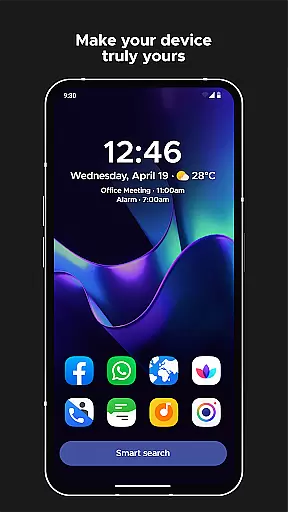
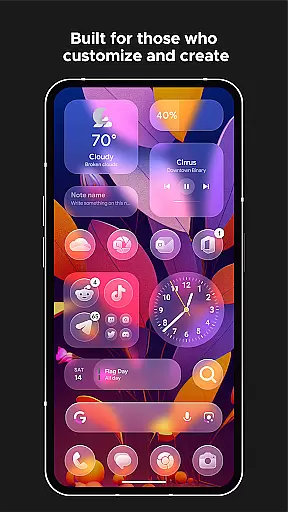
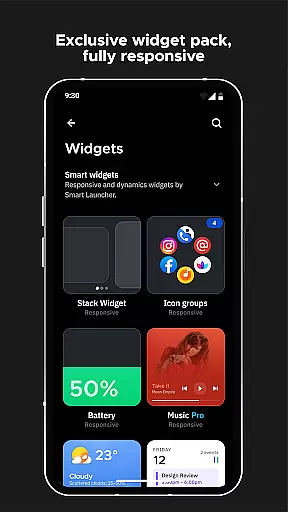
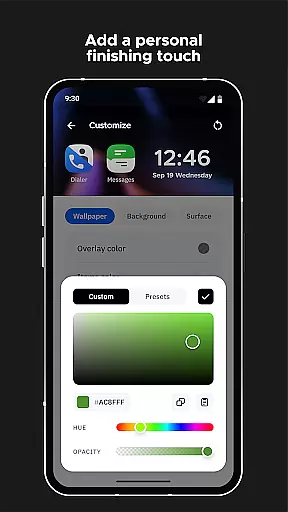
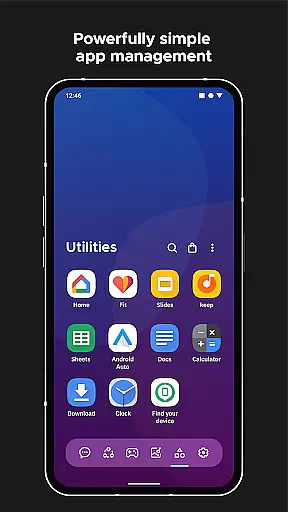
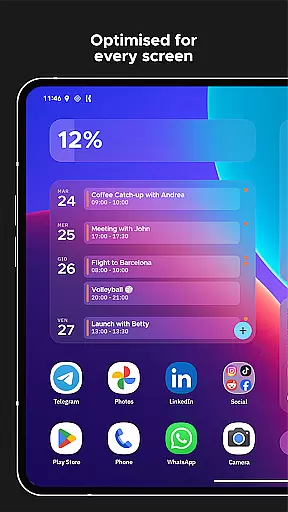
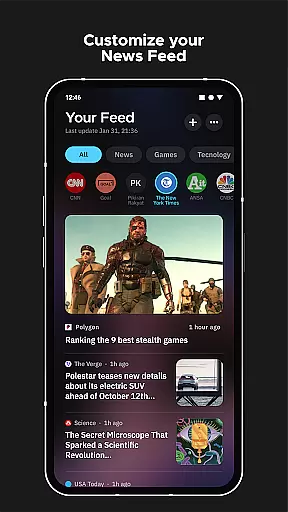
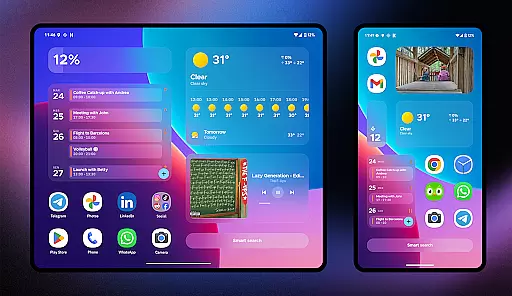
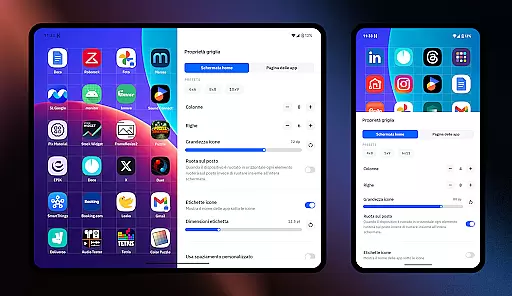
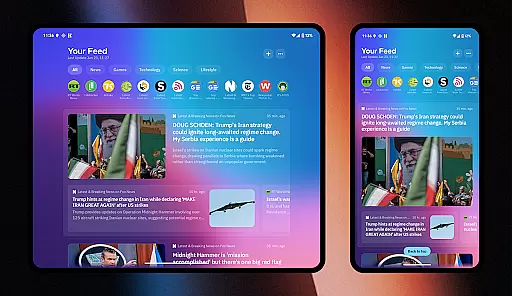
Smart Launcher 6 is a cutting-edge home screen replacement app designed to enhance the Android experience. It introduces an innovative interface that automatically organizes apps into categories, saving users from manual sorting. The app's adaptive design ensures optimal usability with one-hand operation and responsive widgets.
A standout feature is the ambient theme engine that dynamically adjusts colors to match your wallpaper, creating a visually cohesive experience. With powerful customization options, users can modify every aspect of the theme, including fonts from Google Fonts. The built-in smart search functionality enables quick access to apps, contacts, and web searches.
This launcher is particularly beneficial for users seeking efficiency and personalization in their daily mobile interactions. Its intelligent features like on-screen notifications and ultra-immersive mode make it ideal for power users who value both aesthetics and functionality in their Android devices.
Smart Launcher 6 distinguishes itself through its comprehensive feature set designed for maximum productivity. The automatic app sorting system intelligently categorizes applications, eliminating the need for manual organization while maintaining optimal performance.
The launcher's customization capabilities are extensive, allowing users to modify theme colors, change fonts, and adjust icon shapes. Its smart search functionality provides instant access to apps and contacts while enabling web searches and calculations. The implementation of adaptive icons ensures consistent visual quality across different devices, regardless of Android version.
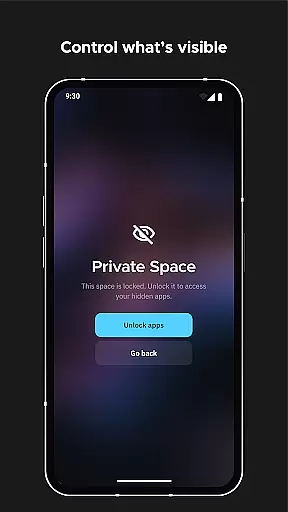
Advanced features include gesture controls for navigation, PIN protection for sensitive apps, and an efficient wallpaper picker with backup functionality. These elements work together to create a personalized and secure user experience that adapts to individual preferences while maintaining system stability and performance.
Smart Launcher 6 offers an extensive range of customization options that allow users to tailor their home screen to their personal preferences. This includes the ability to modify every single color within the theme, unlocking infinite possibilities for color combinations.
In addition to color customization, users can also change fonts on the home screen. With access to thousands of fonts from Google Fonts, personalizing the look and feel of your device has never been easier or more comprehensive.
The launcher supports adaptive icons, which means not only customizable shapes but also larger and more visually appealing icons. This feature enhances both aesthetics and usability, providing a fresh and modern interface.
Furthermore, Smart Launcher allows for gestures and hotkeys configuration, enabling actions such as turning off the screen with a double-tap or showing the notification panel with a swipe. These intuitive controls contribute to a seamless user experience tailored specifically to individual needs.
Theme compatibility in Smart Launcher 6 ensures that users enjoy a cohesive visual experience across their devices. The Ambient Theme feature automatically adjusts the theme colors to match the user's wallpaper, creating a harmonious and aesthetically pleasing interface.
This dynamic theming extends beyond mere color matching; it encompasses responsive built-in widgets and adaptive icons introduced with Android 8.0 Oreo. Such support guarantees consistent design language throughout the home screen elements.
Users benefit from an ultra-immersive mode where they can hide the navigation bar to maximize screen space, further enhancing theme immersion. This level of integration provides an uninterrupted view of the personalized theme without unnecessary distractions.
By offering full control over themes alongside innovative features like on-screen notifications and protecting apps with PINs, Smart Launcher 6 delivers both form and function, ensuring themes are not just visually compatible but also practical for daily use.
Automatic app categorization
Extensive customization options
Efficient one-handed operation
Powerful search functionality
Regular feature updates
Requires accessibility permissions
Premium features locked behind paywall
Occasional beta instability
Steeper learning curve
Resource-intensive on older devices

A Colorful and Minimal icon pack in an Outline Style - Over 13,600 icons!
 4.70
4.70
Only for Wear OS devices!
4.90
Wear Os Watch Face - Seasonal - Animated Snow Effect - 9 Animals
4.20
The definitive Icon pack maker and editor
4.30
Adaptive Dot Style IconPack with Light & Dark Theme.
3.70
Launcher OS™ Pro without ads help make your phone simple and pretty
4.30
Choose your keyboard with RGB colors effect, themes, fonts, emojis.
4.60
Customize phone with anime themes, 3D icons, aesthetic widgets & wallpapers
4.80
Cool custom fonts & keyboard themes! Symbols & font changer for Instagram
4.50
Enjoy a variety of amazing live wallpapers and colorful EDGE lighting borders!
4.80
A retro cartoon style watch face and a punch right in the face of the copyright
4.60
Unique Android Launcher
4.60
Stylish Pink Cute Hippo keyboard with 10000+ customized keyboard themes!
4.60
300+ widgets inspired by Material You and Material 3 expressive design.
4.60
Beautiful realistic hybrid watch face with numerous customization options.
4.50
Fingerprint Lock Screen & Live Animations with 4K Wallpapers as Live Wallpaper
4.40
Your go to Weather App & Home Screen. Get your weather at a swipe of a finger!
3.80
Custom edge gestures for volume control, brightness, apps, and shortcuts.
4.2
Modern Glass Icon Pack with glossy icons, clean minimal theme & aesthetic style
4.0


User Reviews