
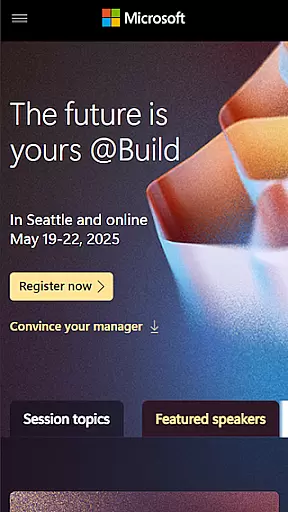
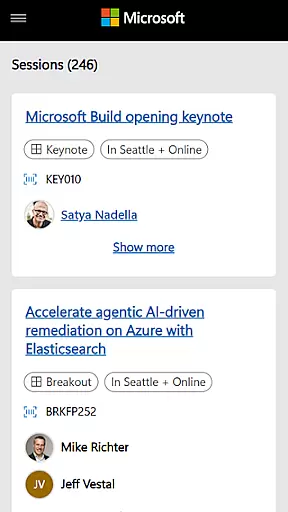
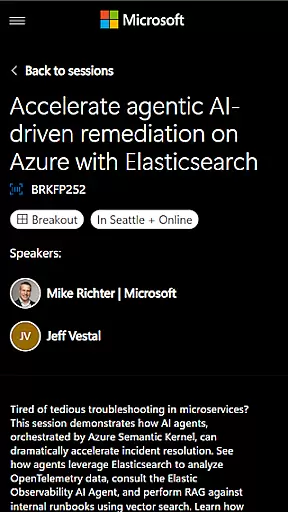
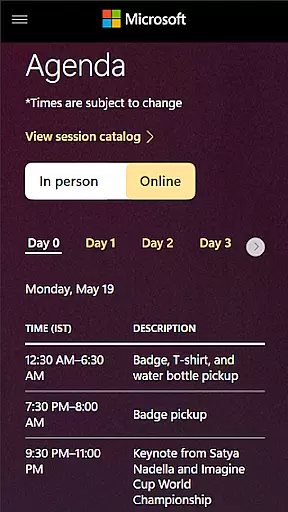
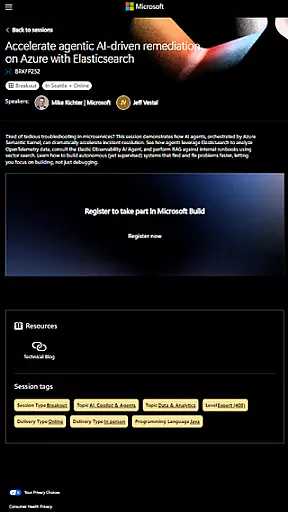
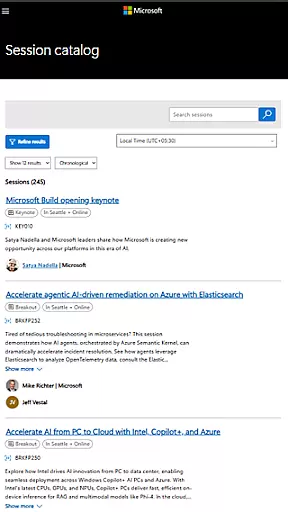
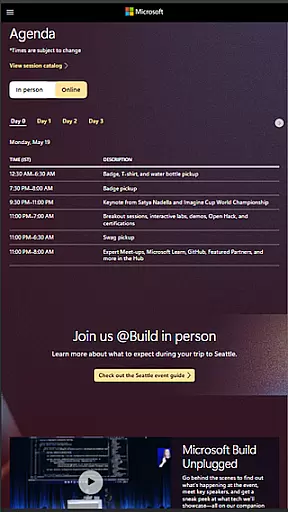
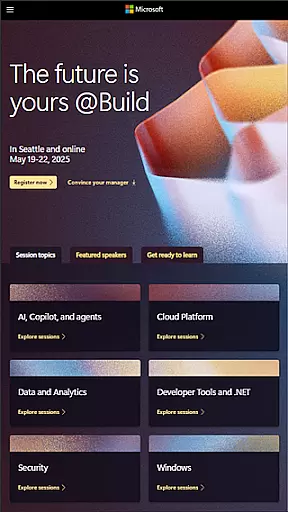
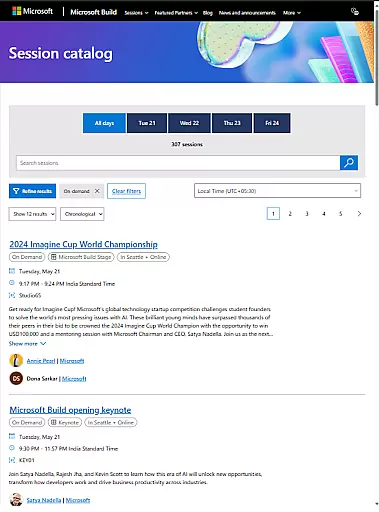
Microsoft Build is an annual developer conference hosted by Microsoft, focusing on the latest innovations in software development, cloud technologies, and artificial intelligence. The app serves as a comprehensive guide for attendees, providing access to event schedules, speaker information, session details, and more. Designed for developers, engineers, IT professionals, and tech enthusiasts, it ensures users can fully engage with keynotes, technical sessions, and hands-on labs while networking with the global developer community.
The app's intuitive interface allows users to create personalized schedules, receive real-time updates, and access exclusive content from industry leaders. Whether attending in person or virtually, Microsoft Build app enhances the overall event experience by offering seamless navigation through the conference program and fostering connections within the tech community.
Microsoft Build app offers a robust set of features tailored for tech professionals attending the conference. Key functionalities include a detailed agenda with filtering options, allowing users to sort sessions by topic, level, or format. Speaker profiles provide valuable insights into presenters' expertise, helping attendees choose relevant sessions. The app also supports interactive maps for easy venue navigation and includes a social feed to facilitate attendee interactions.
Advanced features such as push notifications keep users informed about schedule changes, room updates, and special announcements. Integration with Microsoft services enables seamless login and personalization options. Attendees can bookmark sessions, take notes, and download presentation materials for future reference. These capabilities ensure that users maximize their conference experience while staying organized and connected throughout the event.
Task creation and detail customization are essential features for any event management app. Microsoft Build offers a comprehensive suite of tools that allow users to create, manage, and customize various tasks associated with the event planning process.
The app provides an intuitive interface where users can easily set up new tasks, assign them to team members, and track their progress. Each task can be tailored with specific details such as deadlines, priority levels, and descriptions, ensuring that all team members have a clear understanding of their responsibilities.
Users benefit from the ability to add custom fields and tags to tasks, making it easier to categorize and filter them based on different criteria. This level of customization ensures that every aspect of the event is meticulously planned and executed.
By leveraging these robust task management capabilities, attendees and organizers can enhance collaboration, streamline workflows, and ultimately deliver a successful event experience.
Reminder settings play a crucial role in keeping participants informed and engaged throughout the duration of an event. With Microsoft Build's reminder functionality, users can configure personalized notifications to ensure they never miss important sessions or updates.
The app allows users to set multiple reminders for different activities, such as keynote speeches, technical sessions, and networking opportunities. These reminders can be scheduled at various intervals before the event starts, providing ample time for preparation and planning.
In addition to basic alerts, the app also supports advanced options like recurring reminders and time zone adjustments, catering to a global audience. This flexibility ensures that all attendees receive timely notifications regardless of their location.
Ultimately, the reminder settings empower users to stay organized and make the most out of their event participation by being punctual and well-prepared for each activity.
User-friendly interface
Real-time updates
Personalized scheduling
Exclusive content access
Networking opportunities
Limited to event period
Requires stable internet
Platform-specific features
Occasional bugs
Content availability varies

Buy event tickets easily with our user-friendly App. Stay updated on hot events
 4.2
4.2
Purchase line-skip passes, drinks, cover, and more at bars and clubs
3.50
Create Wedding Invitation and Wedding Anniversary Cards using our app
4.60
Listen Full Quran MP3 Offline - Qibla Compass, Salah Timing & 99 Names of Allah
4.60
Wedding planner app with wedding venues, wedding checklist, countdown & budget.
4.60
Text message invitations for birthday party, wedding, graduation, baby shower +
4.60
Microsoft Ignite is an event that showcases latest advancements in technology
4.00
Discover events, experiences, and things to do near you - Anytime, Anywhere!
4.70
Save money on concert, sport, and theater tickets, and discover upcoming events.
4.80
Invitation card maker for birthday party & Wedding. Digital greeting card editor
4.90
CUE Live utilizes ultrasonic sound waves to sync devices at CUE enabled events
4.80
Find Live Event Ticket Deals to Sports, Concerts, Festivals, & Comedy For Less!
4.80
Octrober 2025: We've updated the MyGenMobile App with a new look and feel!
4.40
Introducing the official Magic: The Gathering app for mobile.
4.20
The world's largest selection of tickets is now at your fingertips
3.90
Buy tickets for any event!
3.90
Audio guide companion APP for SEE's Michelangelo's Sistine Chapel
3.50
Mobile Event Guide for Greater NY Dental Meeting
4.3
Thanksgiving Wishes, Thanksgiving Stickers & Animated GIF for Whatsapp Stickers
4.3


User Reviews