






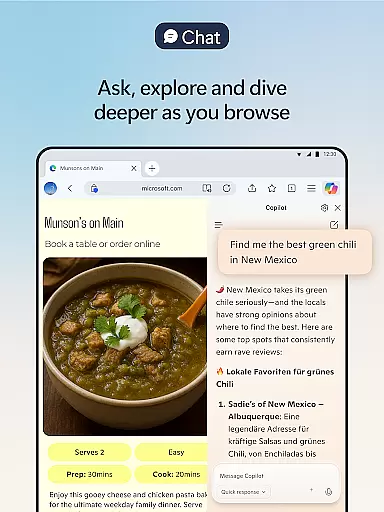

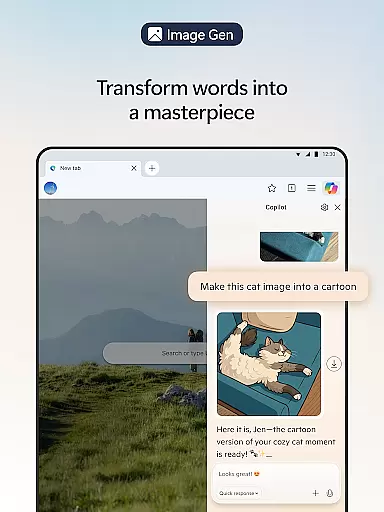
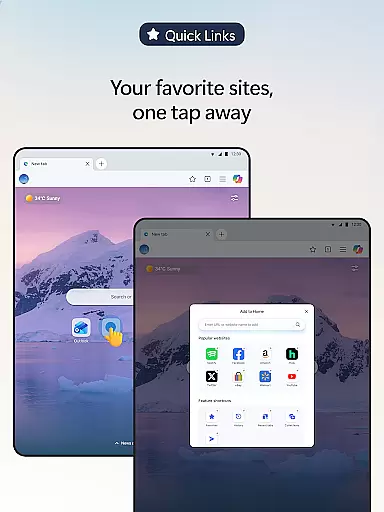

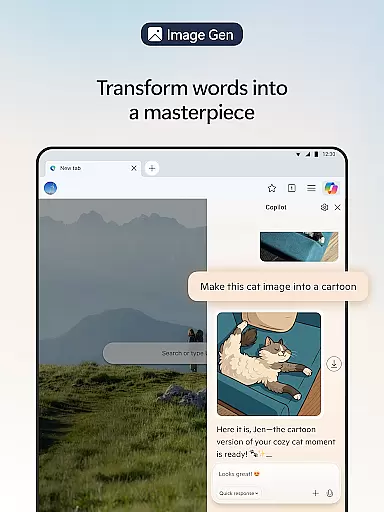
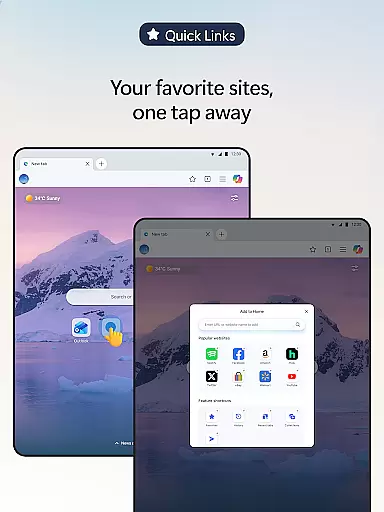
Microsoft Edge is a cutting-edge AI-powered web browser that integrates Copilot, your personal AI assistant, to revolutionize the browsing experience. With capabilities powered by advanced models from OpenAI and Microsoft, including GPT-5, this browser offers smarter tools for summarizing content, answering queries, and even generating images. Designed for productivity and efficiency, Edge ensures users can browse, create, and accomplish tasks seamlessly.
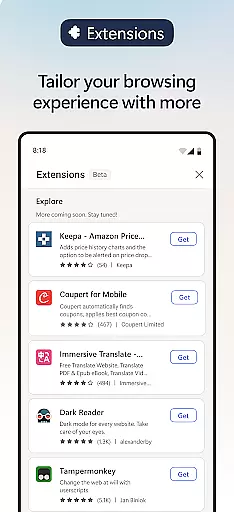
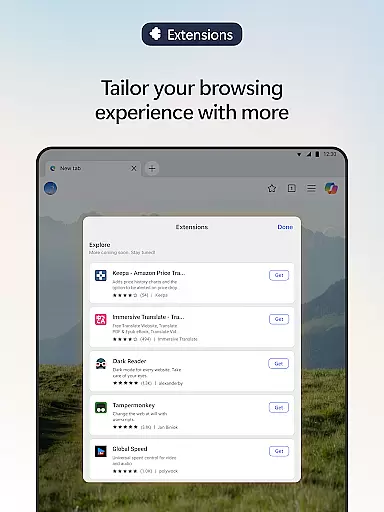
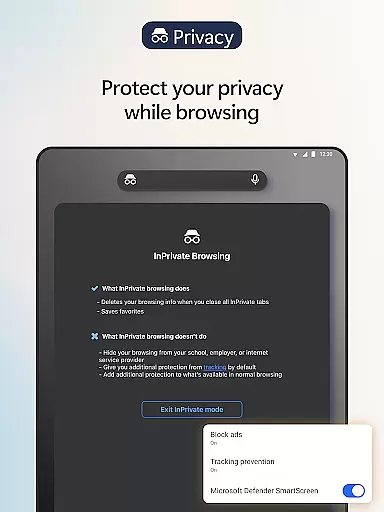
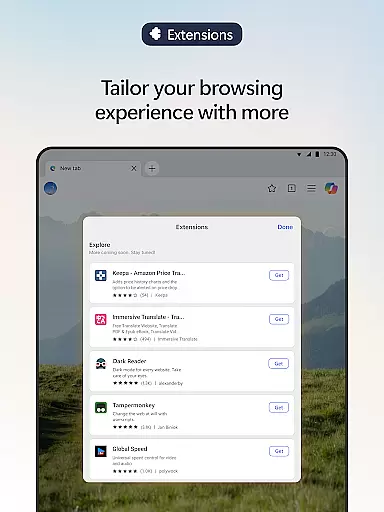
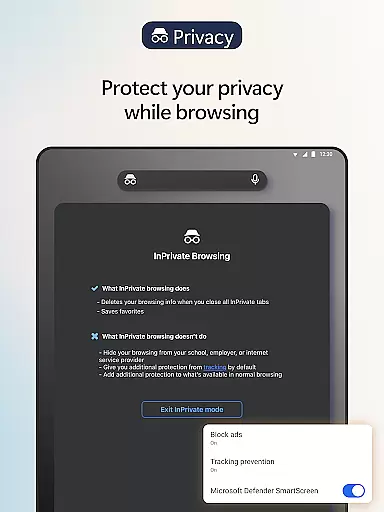
Beyond its AI capabilities, Microsoft Edge provides an enhanced browsing experience through customizable extensions. Users can personalize their sessions with features like cookie management, speed controls for media, and website theme adjustments. Security and privacy are prioritized with tools such as tracking prevention, InPrivate browsing, AdBlock, and Microsoft Defender SmartScreen, ensuring a safer online environment.
Whether you're a professional seeking efficient workflows or someone who values privacy and customization, Microsoft Edge delivers a comprehensive solution for modern web browsing needs.
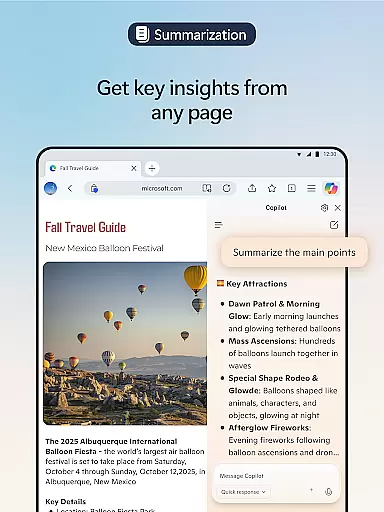
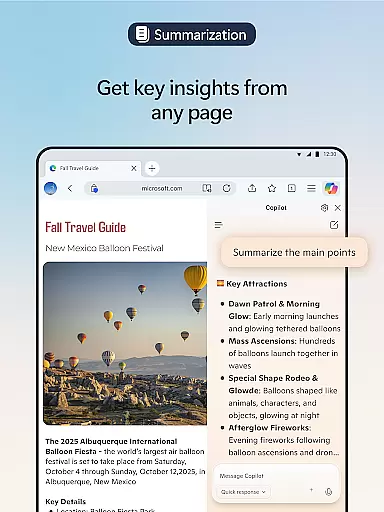
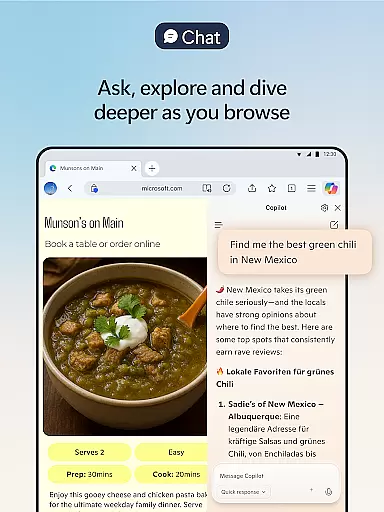
Microsoft Edge stands out with its innovative integration of AI-driven features designed to enhance user productivity. At its core is Copilot, an AI assistant that transforms how users interact with web content. It summarizes articles, videos, and PDFs in seconds, answers contextual questions about web pages, and generates images based on textual descriptions. The inclusion of GPT-5 ensures intelligent responses tailored to the complexity of each task.
In addition to AI functionalities, Edge offers practical utilities for everyday browsing. Extensions allow users to customize their experience—managing cookies, controlling playback speeds, and modifying site appearances. For multitaskers, Read Aloud provides natural-sounding voice narration in multiple languages. These features collectively make Edge not just a browser but a versatile tool for creativity and efficiency.
Security remains a top priority, with robust measures like Tracking Prevention, InPrivate mode, password monitoring, and AdBlock Plus. Together, these safeguards protect sensitive data while maintaining a clutter-free browsing interface. This combination of smart technology, customization options, and security features positions Microsoft Edge as a leader in the Communication category.
Real-time messaging speed and reliability are crucial for a seamless communication experience. Microsoft Edge ensures this by integrating advanced AI models like GPT-5, which powers Copilot, the built-in AI assistant. This technology enables instant responses to user queries while browsing, making interactions swift and efficient.
Copilot's capabilities extend beyond simple text-based interactions. It can summarize lengthy articles, answer complex questions about web content, and even generate images based on user descriptions. These features ensure that users receive accurate information quickly, enhancing their productivity without compromising on quality or depth of understanding.
Moreover, Microsoft Edge leverages its robust infrastructure to maintain high performance levels during peak usage times. By prioritizing speed and reliability, it ensures that all communicationsu2014whether through voice commands or text inputsu2014are processed promptly. This results in an uninterrupted flow of information, allowing users to focus on their tasks rather than worrying about delays or interruptions.
In summary, Microsoft Edge offers unparalleled real-time messaging speed and reliability thanks to its cutting-edge AI integration. Users benefit from fast, accurate, and insightful interactions that enhance their overall browsing and communication experience.
Media sharing support is essential for modern web browsers, enabling users to share various types of content effortlessly. Microsoft Edge excels in this area by offering comprehensive media sharing capabilities powered by its advanced AI technologies. With Copilot, users can translate, proofread, and generate multimedia content across multiple languages, ensuring global accessibility.
The browser also supports powerful extensions that enhance media sharing functionalities. For instance, extensions for cookie management, speed control for videos and audios, and website theme customization allow users to tailor their browsing experience according to their preferences. These tools not only improve usability but also make media sharing more intuitive and enjoyable.
Additionally, Microsoft Edge provides features like Read Aloud, which reads content aloud in natural-sounding voices and accents. This feature is particularly useful for multitasking or improving reading comprehension. Whether you're listening to articles or watching videos, Edge ensures that media sharing is smooth and efficient.
In conclusion, Microsoft Edge stands out with its robust media sharing support. By combining AI-driven functionalities with customizable extensions, it delivers a versatile platform for sharing and consuming diverse forms of media content.
Advanced AI integration
Customizable extensions
Enhanced privacy controls
Multilingual support
Robust security tools
Resource-intensive performance
Limited cross-platform sync
Occasional UI complexity
Dependent on cloud services
Learning curve for new users

Pure modern IRC experience for Android
 3.70
3.70
We’re taking the yada yada out of wireless—now we’ve taken it out of your app.
4.70
At select facilities, you now have an easy way to video visit your loved ones!
3.30
Official NDI app: turn your phone into a professional live-streaming IP camera.
3.20
Manage and Fund Calling Accounts and Schedule and Join Video Sessions
3.60
Welcome to the future of phone service.
4.60
A softphone with crystal clear SIP Calling & Reliable VoIP dialer
4.00
TeamSpeak - Secure Chat for Gaming & Business
3.10
Weargram is an unofficial Telegram Client for Wear OS.
3.50
Fast internet with AI, Adblock & VPN. Browse on a safe, incognito web browser.
4.70
Fast and mini browser with Ad Blocker,Video Downloader and Video Player
4.40
Create a secure hotspot on-the-go with Portable WiFi - Mobile hotspot.
4.40
Get through your inbox faster with the mail app designed to simplify your life.
4.40
A web browser that respects your privacy.
4.30
Simplify texting with Messages SMS, offline messaging, themes & smart tools!
4.30
SMS Messenger is a lightning-fast messaging app.
4.20
Messages: Fast, simple SMS app with scheduling and smart features.
4.00
Threema is the messenger with the most consistent focus on security and privacy.
4.00
This app enables the phone to receive and send FT8 traffic!
3.80


User Reviews