
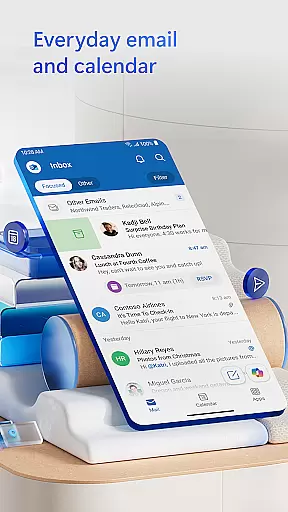
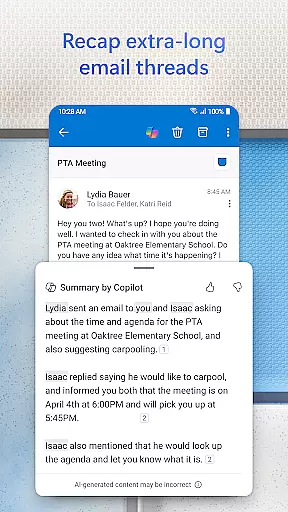
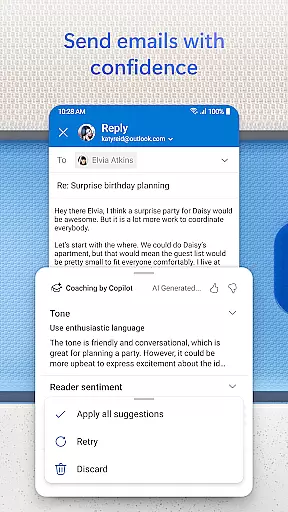
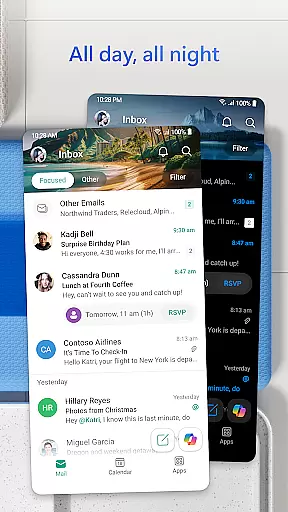
Microsoft Outlook is a comprehensive email and calendar app designed to streamline your busy life. It consolidates your emails, files, and calendar into one secure platform, ensuring you stay productive regardless of the source - be it work, school, or personal accounts. The app's intelligent organization system filters emails into Focused and Other categories, helping you prioritize important messages.
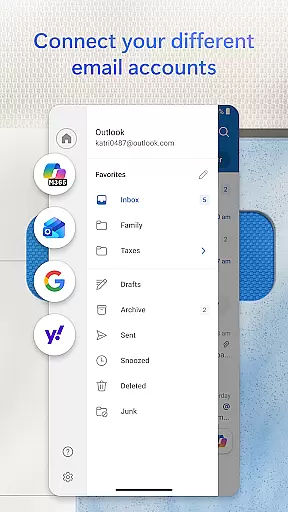
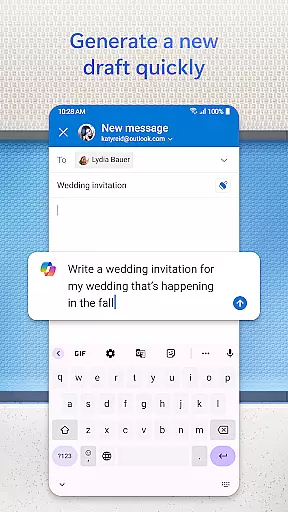
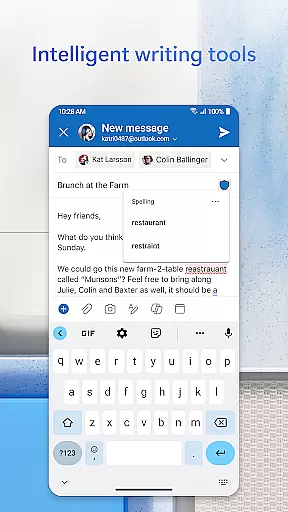
The app offers versatile connectivity options, supporting various account types including Microsoft Exchange, Gmail, Yahoo Mail, and iCloud. This flexibility allows you to manage multiple inboxes and calendars from a single interface. With built-in editing tools, you can compose professional-quality emails with ease, while integrated cloud services enable seamless attachment handling and document previews directly from your inbox.
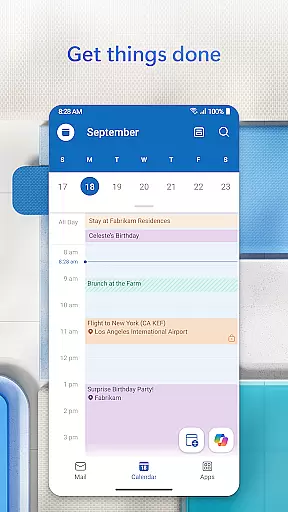
Outlook's robust features extend beyond email management. You can organize your day by viewing multiple calendars simultaneously, set up video calls with platforms like Teams and Zoom, and utilize intelligent tools for task management. The app also provides enterprise-grade security to protect against phishing and spam, ensuring your data remains safe while you stay connected on the go.
Microsoft Outlook stands out with its all-in-one approach to digital communication and organization. The app's Inbox for Everything feature integrates email, contacts, and files from various providers, including Gmail and Yahoo Mail, into a unified interface. This consolidation extends to file management, allowing users to access recent attachments and cloud storage links directly from their inbox.
Calendar management is another key strength of Outlook. The app enables side-by-side viewing of multiple calendars, simplifying daily scheduling. Integration with popular video conferencing platforms like Teams, Zoom, and Skype facilitates seamless meeting coordination. Additionally, the app's intelligent features, such as grouped email conversations and voice-activated search, enhance productivity through smart organization and quick access to information.
Security is paramount in Outlook's design. The app employs enterprise-grade protection measures to safeguard your emails and files. Built-in defenses against viruses, phishing attempts, and spam ensure your communications remain secure. For sensitive information, users can utilize email encryption features (with appropriate subscription) to prevent unauthorized forwarding, providing peace of mind when handling confidential data.
Companion app integration is a crucial feature for wearable devices, ensuring seamless synchronization between the main application and its wearable counterpart. Microsoft Outlook excels in this area by providing users with an uninterrupted flow of information across devices.
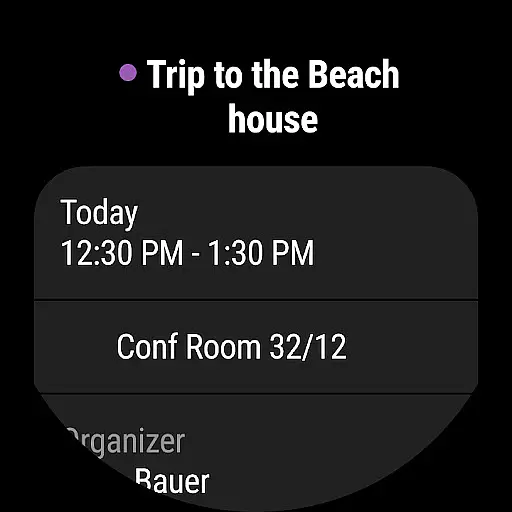
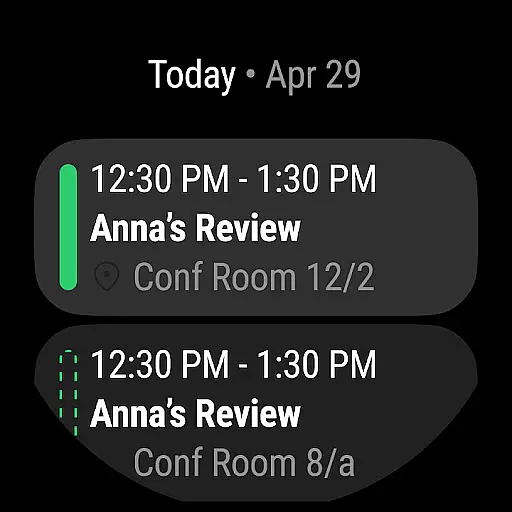
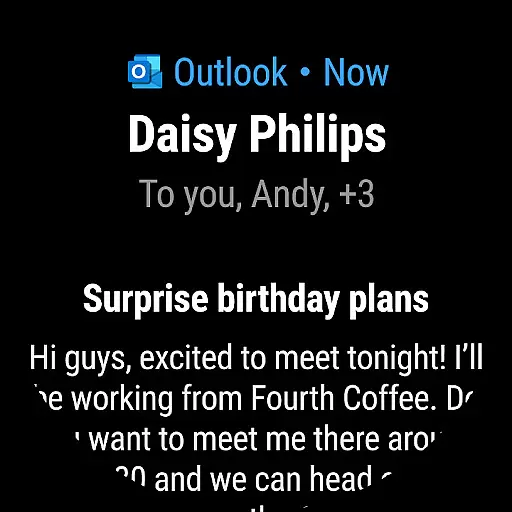
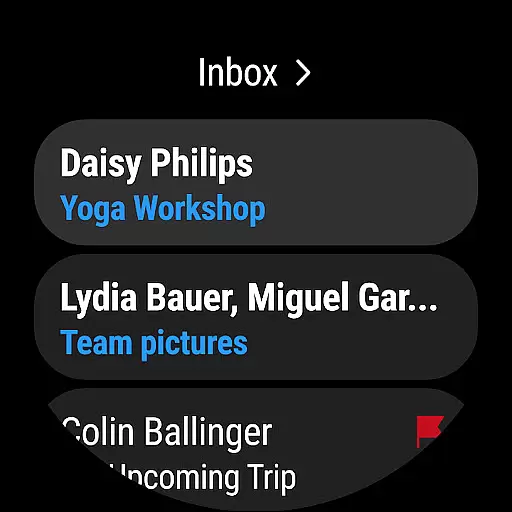
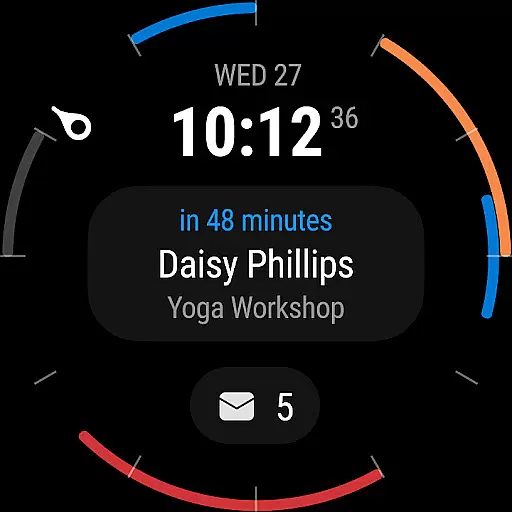
The Outlook companion app for Wear OS allows users to view their emails and calendar events directly from their smartwatch. This integration ensures that busy professionals can stay updated on their schedules and important communications without needing to pull out their phones or computers.
By maintaining consistent data updates and notifications between the mobile app and the Wear OS version, Outlook ensures that users never miss critical information. The app's design for wearables focuses on essential details, presenting them in a clear, concise format optimized for smaller screens.
This level of integration demonstrates Microsoft's commitment to creating a unified ecosystem where users can access their most vital information regardless of the device they're using, enhancing productivity and convenience in managing digital communications.
Device compatibility is a fundamental aspect of any wearable application, determining how well the software performs across different hardware configurations. Microsoft Outlook showcases impressive compatibility with Wear OS devices, making it a versatile choice for users invested in the Android ecosystem.
The application supports a wide range of Wear OS smartwatches, ensuring that users can access their email and calendar information regardless of their specific device model. This broad compatibility is achieved through meticulous optimization and testing across various screen sizes and hardware specifications.
Outlook's development team has implemented adaptive design principles that allow the application to adjust its interface dynamically based on the device's capabilities. This approach guarantees optimal performance and visual clarity, whether the user is viewing their inbox or checking upcoming appointments.
Furthermore, the app maintains consistent functionality across different Wear OS versions, ensuring that users receive the same high-quality experience regardless of when their smartwatch was manufactured or last updated. This commitment to compatibility demonstrates Microsoft's dedication to serving diverse user needs within the Android wearable market.
User-friendly interface
Multi-account support
Integrated calendar
Advanced security
Cloud integration
Storage limitations
Occasional sync issues
Premium features locked
Resource intensive
Learning curve

Christmas is near, let's count together the days left until Santa comes
 4.3
4.3
Analog watch face with 8 complications and expedition styling
4.3
Digital, flexibly customizable watch face. For Wear OS 5.0, API 34+ and later.
5.00
Stylish digital watch face for Wear OS devices with customizable features
4.1
Ideal for surviving in the wasteland left after nuclear fallout
4.50
Hyperlocal rain alerts by MyRadar using patent-pending technology, radar & more
4.80
The ultimate destination for kids ages 3-8 to explore the Marvel Universe!
4.30
Track your active life in one place and share the journey with friends.
4.40
Fitbit is dedicated to helping people lead healthier, more active lives.
4.10
Beautiful, colorful and practical watch face. For Wear OS devices.
5.00
Gym Log & Workout Tracker | Fitness Journal, Training & Weight Lifting Planner
4.90
Highly customizable hybrid watch face for Wear OS, perfect for everyday use.
4.60
Reliable phone calls with spam protection, caller ID and more helpful features
4.40
Watch face for Wear OS.
4.20
Let's celebrate Thanksgiving - Wear Os watch face
4.20
Your music, your playlists, and more—offline and unlimited.
4.20
Animated Watch Face and Customizable with 24 Backgrounds. Perfect for Christmas!
3.90
Precision analog watch face with 7 complications and style options
4.1
Artistic Digital Watchface
4.3


User Reviews