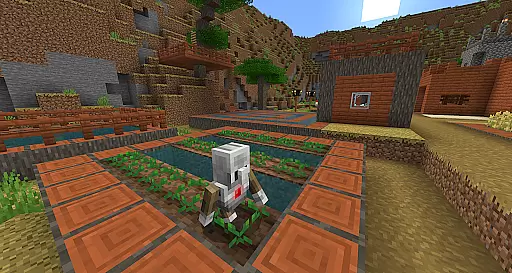
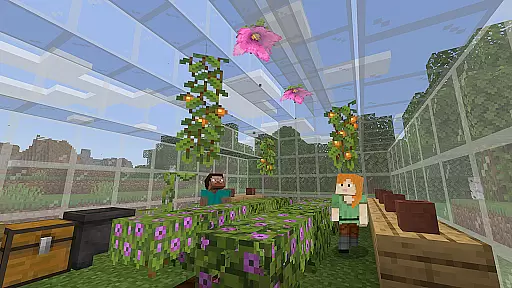
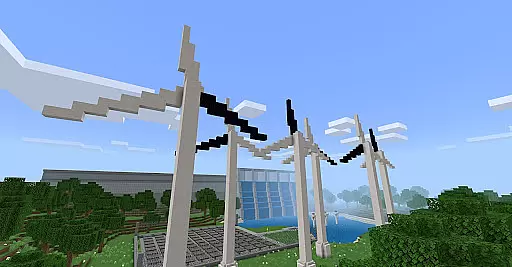
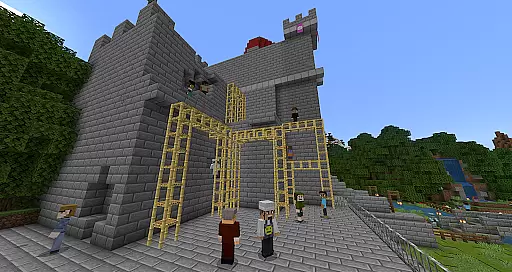
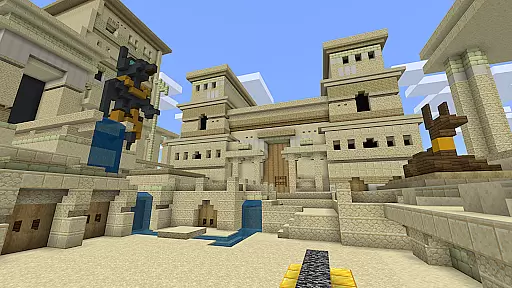
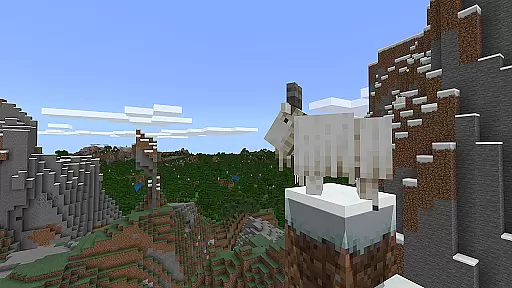
Minecraft Education is a game-based learning platform designed to inspire creative and inclusive education through interactive play. This educational tool allows students and educators to explore blocky worlds that provide innovative ways to approach various subjects, from math and history to coding and digital citizenship. The app offers hundreds of ready-to-teach lessons and open-world environments tailored for all types of learners, making it adaptable for different educational needs.
With features like multiplayer collaboration, Code Builder for programming practice, and Immersive Reader for text accessibility, Minecraft Education prepares students for future success by developing essential skills such as problem-solving, teamwork, and critical thinking. Its integration with tools like Microsoft Teams ensures seamless classroom management while fostering engagement in STEM topics through partnerships with organizations like NASA and BBC Earth.
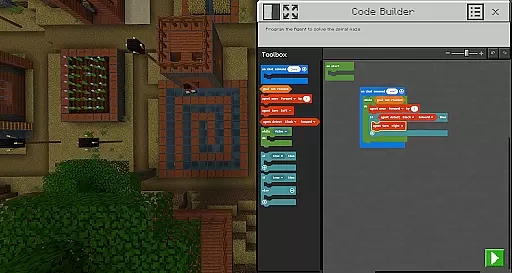
Minecraft Education stands out with its versatile features that cater to both educators and students. One of the key highlights is its multiplayer mode, which enables real-time collaboration across platforms, devices, and hybrid learning environments. This fosters teamwork and communication among students regardless of their physical location. Additionally, the app includes Code Builder, an intuitive coding interface supporting block-based coding, JavaScript, and Python, allowing learners to practice programming within the game environment.
Another notable feature is Immersive Reader, which helps players read and translate in-game text, promoting accessibility for diverse learners. Tools like Camera and Book & Quill allow users to document their creations and export them for further analysis or presentation. Furthermore, Minecraft Education integrates seamlessly with Microsoft Teams and Flipgrid, providing teachers with assessment tools and enhanced control over classroom activities. These features collectively create an engaging, flexible, and effective learning experience tailored to modern educational demands.
Minecraft Education stands out in the realm of educational tools by offering content that is both accurate and authoritative. This platform collaborates with renowned organizations such as BBC Earth, NASA, and the Nobel Peace Center to create immersive learning experiences. These partnerships ensure that the educational material is not only engaging but also grounded in real-world knowledge and scientific research.
The app provides lessons and standardized curriculums across various subjects including reading, math, history, and coding. Each lesson is designed with the input of educational experts to cater to all types of learners, ensuring that the information presented is both age-appropriate and aligned with educational standards. This meticulous attention to detail in content creation supports teachers in delivering high-quality instruction.
Moreover, Minecraft Education incorporates features like Immersive Reader, which helps players read and translate text, making the content accessible to a broader audience. By prioritizing inclusivity and accessibility, the platform ensures that its authoritative content reaches and benefits as many students as possible, regardless of their learning needs or language proficiency.
One of the core strengths of Minecraft Education is its ability to offer personalized learning paths tailored to individual student needs. With hundreds of ready-to-teach lessons, creative challenges, and open-world environments, educators can customize the learning experience to match the unique requirements of their students. This flexibility allows for differentiated instruction that can adapt to varying skill levels and learning styles.
The platform's support for block-based coding, JavaScript, and Python through Code Builder exemplifies its commitment to personalized education. Students can progress at their own pace, starting with basic concepts and gradually moving towards more complex programming tasks. This scaffolded approach fosters a deeper understanding of coding principles while keeping students engaged and motivated.
Additionally, Minecraft Education integrates with Microsoft Teams and Flipgrid, providing teachers with tools for assessment and control. Educators can monitor student progress, provide timely feedback, and adjust learning paths as needed. This continuous cycle of assessment and adaptation ensures that each student receives a customized educational journey that prepares them for future academic and professional success.
Engaging gameplay
STEM-focused lessons
Multiplayer collaboration
Accessible design
Real-world applications
Requires admin access
Subscription-based model
Limited free resources
Device compatibility issues
Steep learning curve

FAR/AIM, FAR for Flight Crew and FAR for Aviation Maintenance Technicians
 3.80
3.80
One of the most engaging and innovative ABC apps on the market.
4.30
Bebefinn and Baby Shark educational, animated videos & games for kids
3.40
The Only Official DVSA Theory Test Kit App
4.50
Age-Related Child Developmental Milestones
4.80
Hasbro’s classic CANDY LAND game is now a gorgeous interactive storybook app.
2.30
An aviator’s preparation, study and test tool for FAA Knowledge Exams.
4.00
Stargazing Guide App. Stars and constellations map. Solar system planets finder.
4.60
The best way to study for your amateur radio license exam.
4.90
Childcare Management App: Daily sheets, sign in-out, billing and learning tools
4.70
AI Language tutor: Speak fluently with Lucy’s personalized coaching
4.70
Engage in learning science and math with the award-winning PhET simulations!
4.70
Study for your 608 certification.
4.50
Astronomy Guide to the Night Sky
4.40
THE ESTABLISHED "GO TO" ARMY BOARD PREPARATION APP!
4.30
Master note reading with StaffWars….
4.00
An aviator’s preparation, study and test tool for FAA Knowledge Exams.
3.80
A collection of favorite stories from Daniel Tiger's Neighborhood
2.00
Pickleball guide complete with illustrated Pickleball drills and helpful info
4.4


User Reviews