

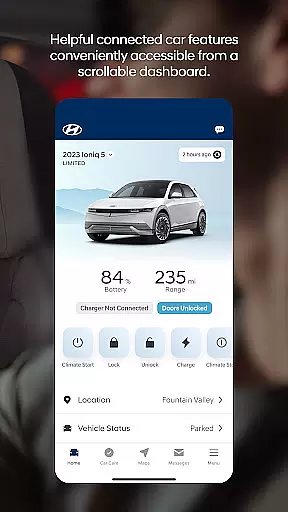
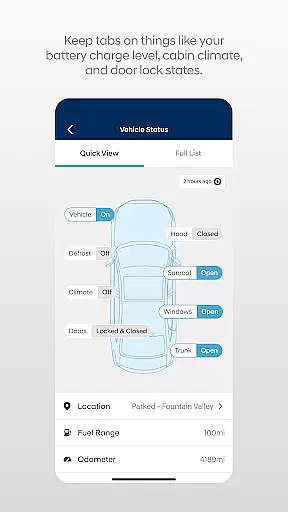

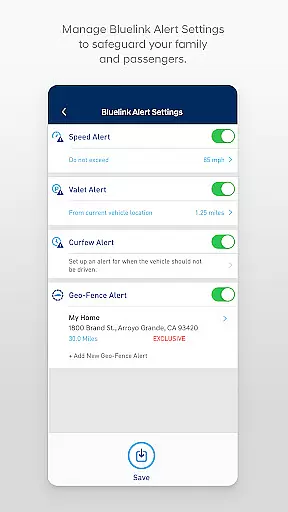
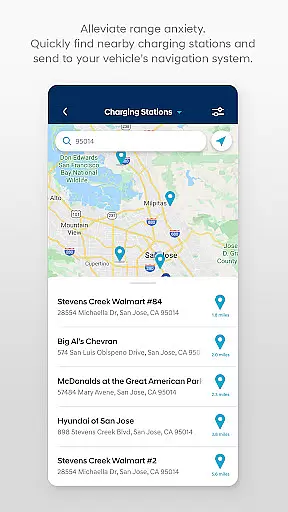
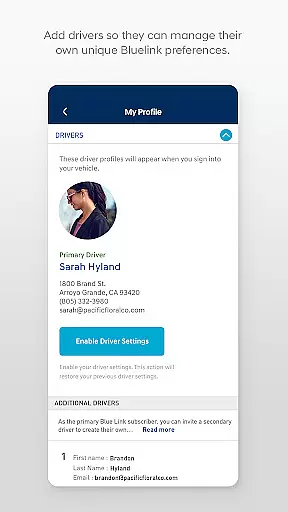
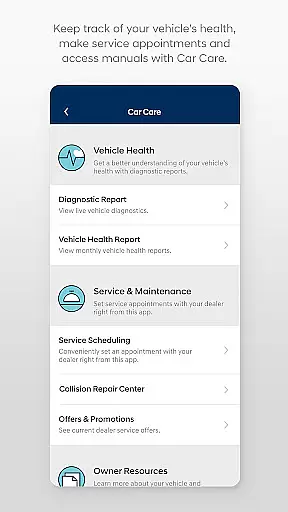
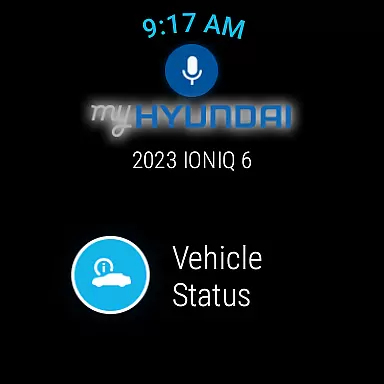
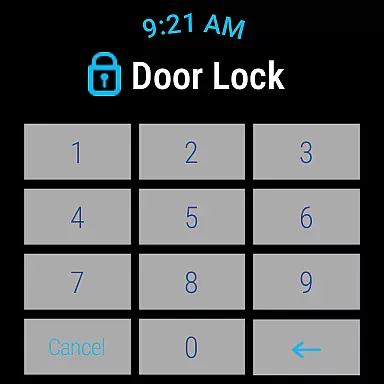
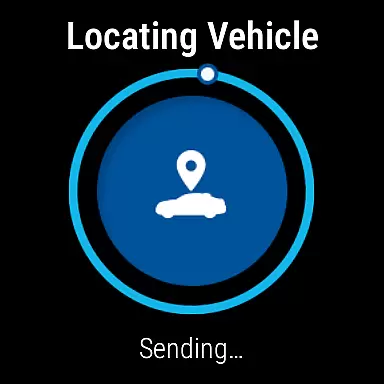
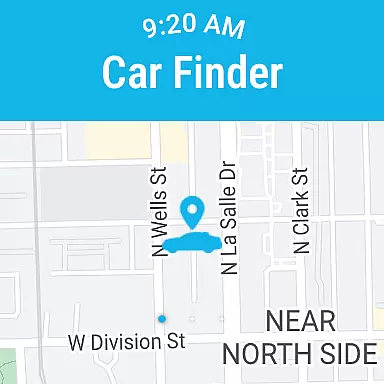
The MyHyundai app with Bluelink is a comprehensive vehicle management solution designed specifically for Hyundai car owners. This innovative Android Wear application allows users to remotely interact with their Bluelink-enabled vehicles directly from their smart devices.
Core functionalities include remote start, door lock/unlock, horn and light activation, and vehicle location services. The app also provides maintenance information, charging status for EV/PHEV vehicles, and Point of Interest search capabilities. With biometric authentication and smartwatch integration, it offers convenient access to essential vehicle features from anywhere.
This application is particularly valuable for busy professionals who need to manage their vehicles efficiently while on the go. The combination of remote vehicle control, service scheduling, and customer support creates a seamless ownership experience that enhances convenience and peace of mind.
The MyHyundai app stands out with its comprehensive feature set tailored for modern vehicle management. One of its key innovations is the integration with Android Wear devices, allowing users to execute commands through voice or smartwatch interface.
The application's remote vehicle management capabilities are extensive - from controlling basic functions like starting, locking, and locating your vehicle to more advanced features such as managing EV charging schedules and customizing start presets. The inclusion of four phone widgets for quick access to remote features, parking meter management, POI search, and Ioniq EV controls demonstrates its thoughtful design.
Security and convenience are enhanced through biometric authentication options, while the comprehensive permission system ensures controlled access to device features like camera, contacts, and location services. These technical implementations create a robust platform that maintains user privacy while delivering essential vehicle management tools.
Companion app integration is a critical feature for wearable devices, ensuring seamless connectivity between the MyHyundai app and Wear OS smartwatches. This functionality allows users to access key vehicle controls directly from their smartwatch.
The MyHyundai app offers an impressive range of features through its Wear OS integration. Users can remotely start or lock their vehicle, activate the horn and lights, and even locate their car, all from the convenience of their wrist. These capabilities are particularly useful when users have their hands full or need quick access to essential functions.
This level of integration provides significant value to users by extending the app's functionality beyond smartphones. The ability to use voice commands or interact with smartwatch menus makes the experience more intuitive and accessible in various situations. Whether at work, home, or on the go, users can maintain constant connection with their vehicle.
By supporting companion app features across multiple devices, MyHyundai demonstrates its commitment to providing comprehensive vehicle management solutions. This cross-platform approach enhances user convenience while maintaining robust security standards through biometric authentication options.
Wear OS and device compatibility represents a crucial aspect of modern automotive applications, enabling users to control their vehicles through advanced wearable technology. The MyHyundai app excels in this area by offering extensive support for Wear OS smartwatches.
This compatibility extends across various smartwatch models, allowing users to access essential vehicle functions regardless of their specific device. The app maintains consistent performance and feature availability across different Wear OS platforms, ensuring reliable operation whether using Samsung, Fossil, or other popular smartwatch brands.
Users benefit from having immediate access to critical vehicle controls without needing to carry their smartphones. The app's optimized interface adapts seamlessly to smaller watch displays while preserving full functionality. This includes remote start, door lock/unlock, horn and light activation, and vehicle location services.
The robust compatibility framework ensures that new Wear OS devices and software updates remain supported, providing long-term value to customers. By maintaining active development and testing across multiple devices, MyHyundai guarantees a consistently high-quality user experience across the entire ecosystem of supported wearables.
User-friendly interface
Comprehensive feature set
Reliable remote access
Smartwatch integration
Strong security measures
Subscription required
Limited vehicle support
Feature variability
Technical issues possible
Learning curve present

MyNISSAN® lets you remotely control your car from your phone.*
 4.50
4.50
Contemporary digital watch face with five complications
4.0
Be an elegant and classy secret agent, with this carefully detailed watch face
4.70
Bold weather Digital watchface with forecast & optional animated background
4.40
Minimalistic design modern digital watch face.
4.1
Hybrid watch face for Wear OS with customizable complications by Matteo Dini MD
4.70
A white realistic classic analog watch face with many customization options.
4.40
Want to take charge of your health? Let Google Fit help you reach your goals.
3.50
Toyota app currently supports 2010 or newer vehicles (2018 or newer for Hawaii).
4.50
Gym Log & Workout Tracker | Fitness Journal, Training & Weight Lifting Planner
4.90
Current temperature, weather hourly, weather radar by the weather forecast app
4.40
Premium hybrid watch face with many customizations for Wear OS devices.
4.40
A customizable Christmas watch face for Wear OS with a countdown.
4.20
Animated Watch Face and Customizable with 24 Backgrounds. Perfect for Christmas!
3.90
Authentic military-tactical design with ZULU time! Realistic and functional!
3.80
an Analog Watch Face for winter season with freeze winter background for Wear OS
4.5
Precision analog watch face with 7 complications and style options
4.1
Stylish digital watch face for Wear OS devices with customizable features
4.4
Funny animated watch face for Thanksgiving
4.2


User Reviews