
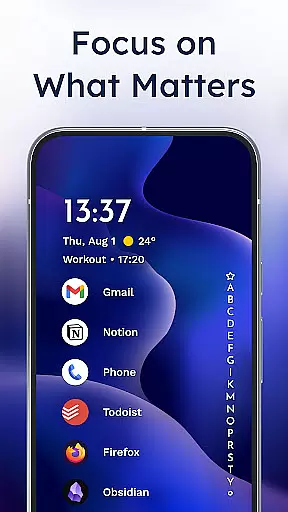
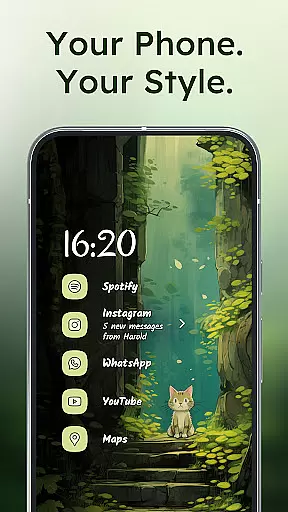
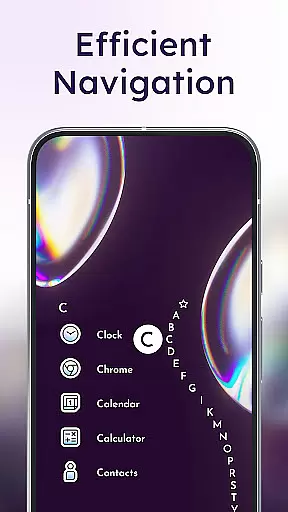
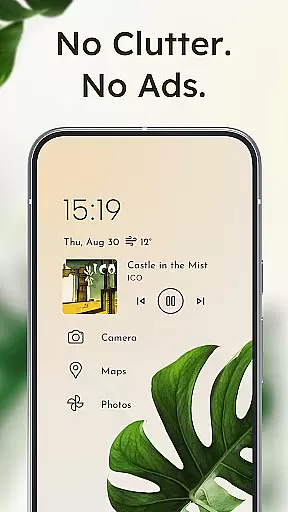
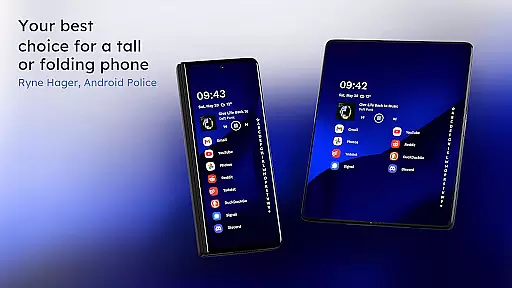
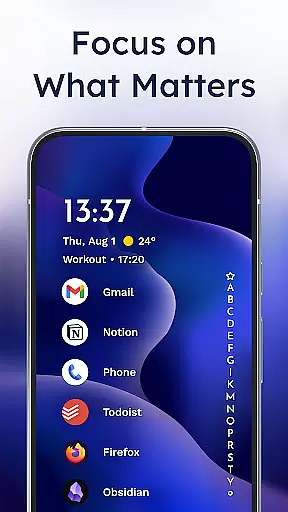
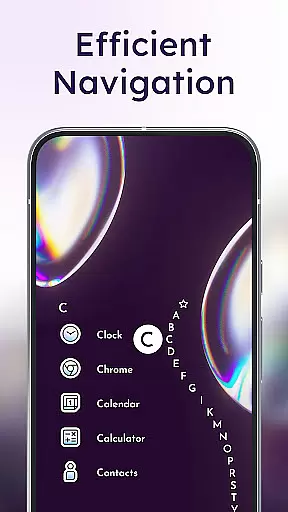
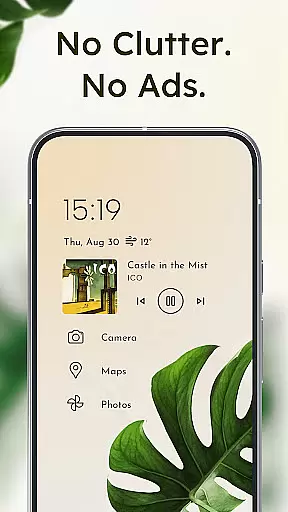
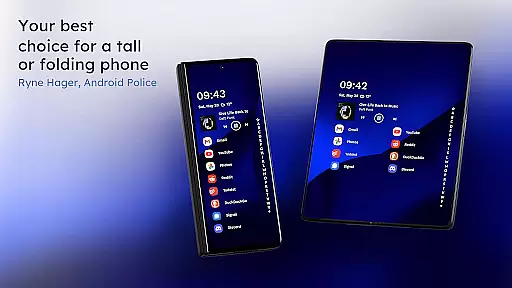
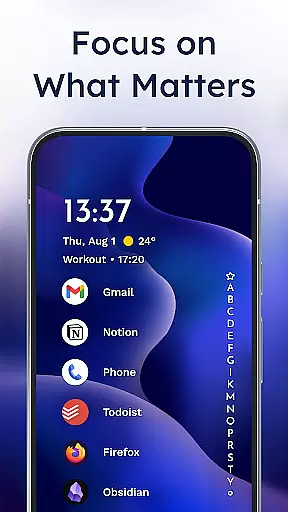
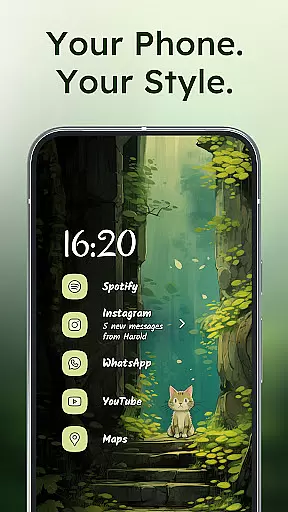
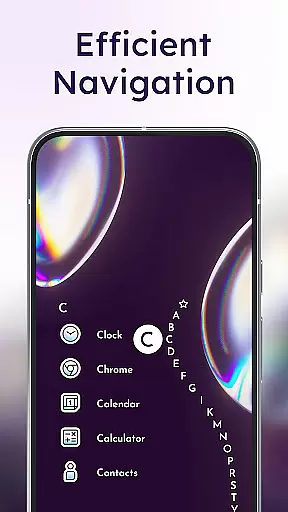
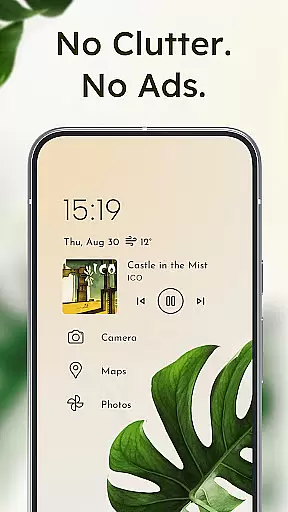
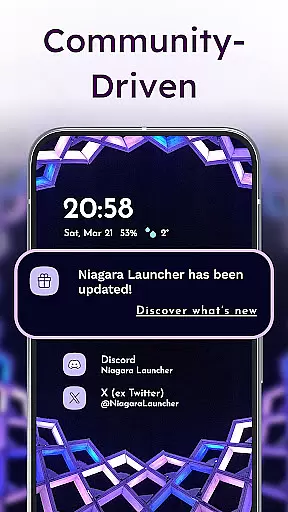
Niagara Launcher is a minimalist home screen replacement designed to optimize one-handed usage on modern smartphones. Unlike traditional launchers that rely on grid layouts, Niagara employs an adaptive list interface that brings essential functions and notifications directly to your fingertips.
Key features include an ergonomic wave alphabet navigation system, embedded notification management, and Material You theming that adapts to your wallpaper. The launcher maintains a lightweight footprint while delivering essential functionalities that help users stay focused and maintain productivity.
This innovative approach to home screen organization proves particularly valuable for users with larger devices who struggle to reach all areas of their screen comfortably. Niagara Launcher's thoughtful design makes daily phone interactions more efficient and enjoyable.
Niagara Launcher distinguishes itself through several innovative features that enhance user experience. Its signature wave alphabet navigation allows users to access any app with minimal thumb movement, while the adaptive list layout dynamically displays important information such as media controls and calendar events.
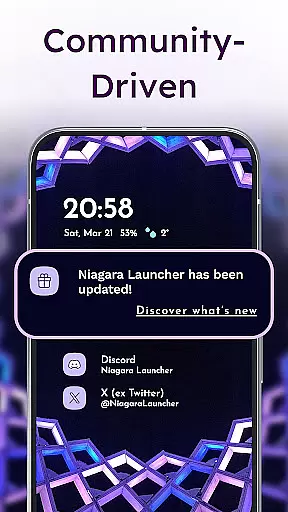
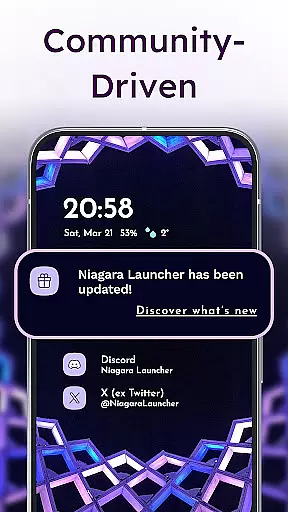
The launcher's notification system goes beyond simple alert dots by embedding actionable notifications directly into the home screen interface. Users can read and respond to messages without opening individual apps, streamlining communication and information management.
Customization options include integrated icon packs, font choices, and wallpaper settings that automatically adapt to Material You design principles. The launcher's active development community ensures regular updates and feature enhancements, maintaining its position at the forefront of Android personalization tools.
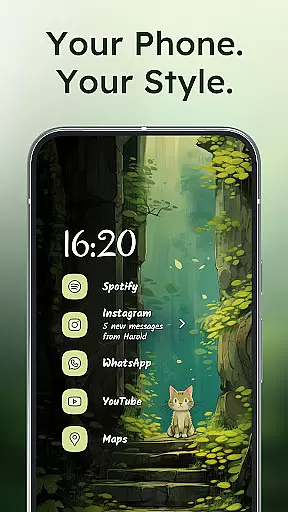
Niagara Launcher offers a rich array of customization options that allow users to tailor their home screen experience. The launcher supports Material You Theming, which automatically adjusts the color scheme based on your wallpaper choice, making personalization effortless and visually appealing.
Users can further personalize their interface with integrated icon packs, diverse fonts, and customizable wallpapers. This level of customization ensures that each user's home screen is not only functional but also a true reflection of their personal style and preferences.
The adaptive list feature is another aspect where customization shines; it dynamically adjusts to display media controls, messages, or calendar events as needed. Such flexibility in layout management provides an ergonomic advantage while maintaining aesthetic harmony.
Theme compatibility in Niagara Launcher extends beyond basic theming by embracing Androidu2019s latest design philosophy - Material You. This approach allows for seamless integration with system-wide themes, ensuring visual consistency across the entire device ecosystem.
By backporting Material You to all Android versions, Niagara Launcher makes advanced theming accessible even to users on older devices. This commitment to inclusivity means everyone can enjoy a modernized look without needing to upgrade hardware.
Moreover, the ability to set custom wallpapers and have the launcher theme itself around these images demonstrates exceptional theme compatibility. Users benefit from this synergy between form and function, creating a cohesive digital environment that enhances usability while reflecting individual tastes.
One-handed efficiency
Adaptive interface
Lightweight performance
Material You support
Active development
Limited widget support
No live wallpapers
Basic folder options
Few transition effects
Learning curve

Only for Wear OS devices!
 4.90
4.90
Dark icon pack based on One 8
4.80
Customizable screen pets that play, climb, and keep you company.
4.50
Ultimate Gallery Lock App - Hide Pictures, Videos and Lock Apps Instantly!
4.60
Zip lock screen with magic wallpaper to decorate your phone with fun zipper lock
4.60
⭐ OneUI inspired Fluffy Icon Pack – Soft. Stylish. Standout. ⭐
4.5
Custom edge gestures for volume control, brightness, apps, and shortcuts.
4.4
Embrace the Night. Unleash the power of darkness with Raven Dark Icon Pack
4.60
Customize phone with anime themes, 3D icons, aesthetic widgets & wallpapers
4.80
400+ Beautifully crafted widgets inspired by NOTHING.
4.70
Choose your keyboard with RGB colors effect, themes, fonts, emojis.
4.60
Classic analogue watch face. For wear os devices.
4.60
Try creating your own keyboard with "Keyboard theme for android" app now!
4.50 4.50
4.50
Launcher OS™ Pro without ads help make your phone simple and pretty
4.30
Adult video chat, dating, making friends, random matching
4.20
Customize glowing edges, wallpapers, and caller screen with EdgeAura.
3.50 3.50
3.50
Capture moments that pass like a storm, second by second.
4.4


User Reviews