
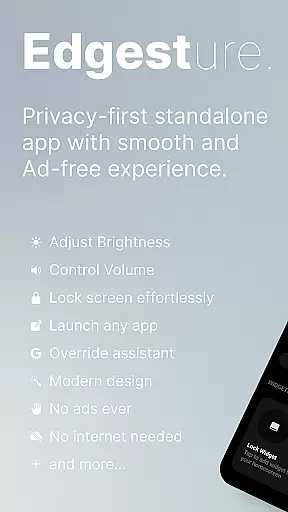
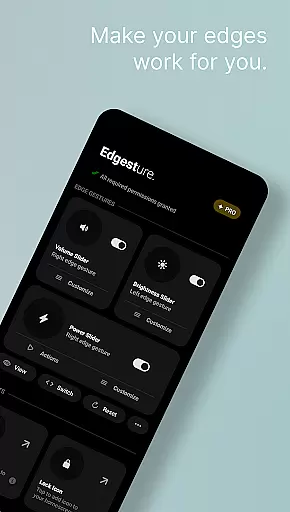
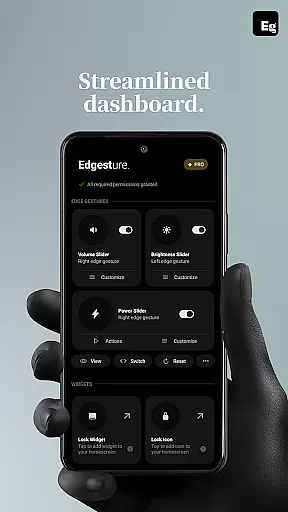
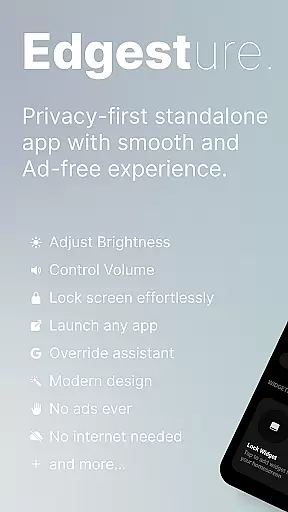
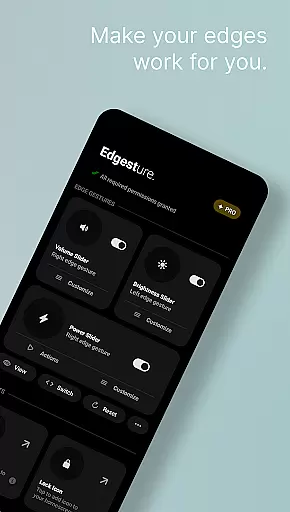

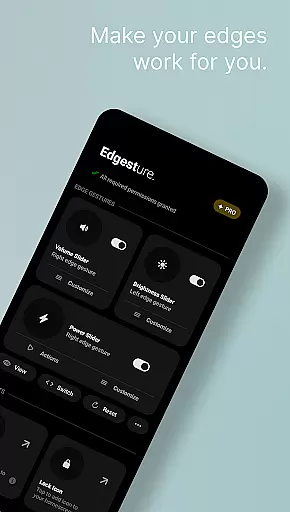
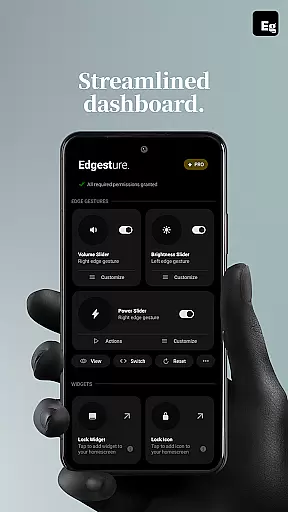
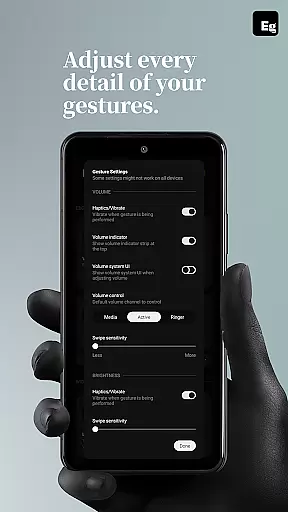
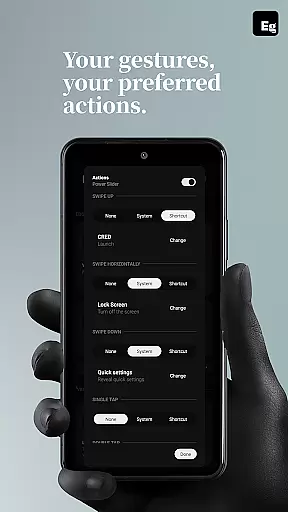
Edgest is a powerful personalisation tool that revolutionises how you interact with your smartphone through intuitive edge gestures and custom controls. The app allows users to take complete control of their device navigation by creating personalised gesture shortcuts for various actions, including launching apps, controlling volume and brightness, and managing media playback.
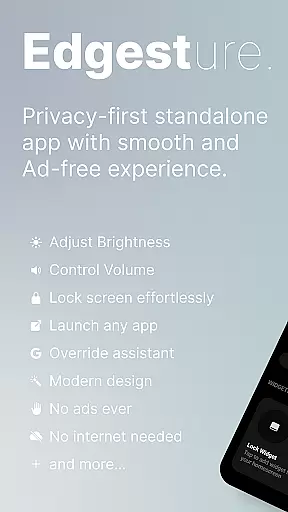
What sets Edgest apart is its simplicity and focus on enhancing user experience without compromising privacy. With no ads, tracking, or hidden charges, the app provides an uninterrupted and secure environment. Whether it's accessing favourite apps, adjusting settings, or locking the screen, Edgest ensures all these tasks are just a swipe or tap away.
The app is particularly useful for power users who want to streamline their daily interactions with the phone. By offering features like quick settings tiles, lock screen widgets, and fully customisable gestures, Edgest significantly boosts productivity while maintaining an easy-to-use interface.
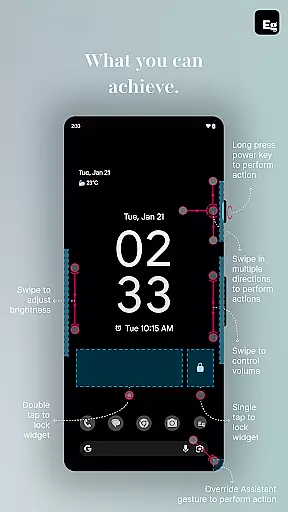
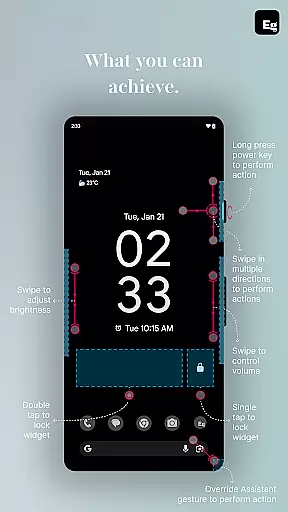
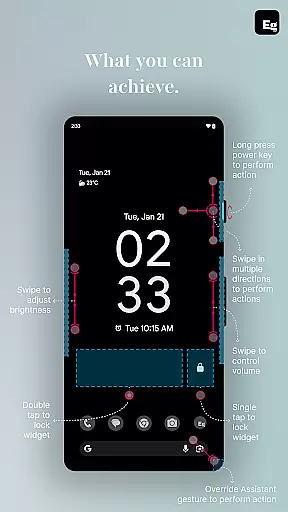
Edgest offers an impressive array of features designed to enhance smartphone usability through innovative gesture controls. One of its standout capabilities is the edge gesture system, which lets users perform essential functions such as navigating home, opening favourite apps, and adjusting volume and brightness directly from the screen's edge.
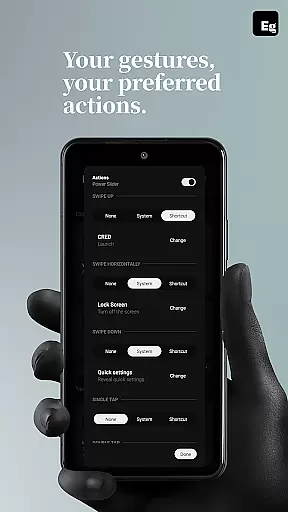
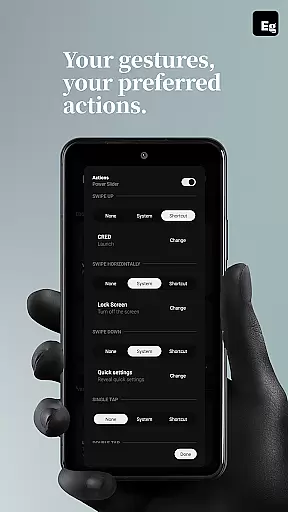
In addition to basic gestures, the app supports highly customisable gesture shortcuts. Users can create unique gestures to launch specific apps, open system menus, trigger actions like taking screenshots, or even override default assistant triggers. This flexibility ensures that every interaction is tailored to individual preferences.
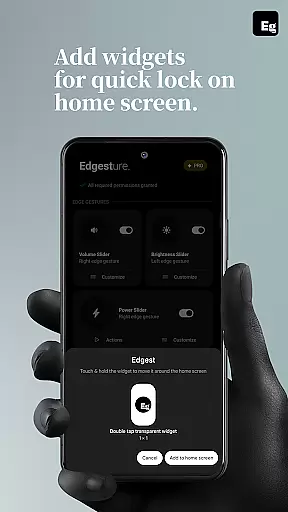
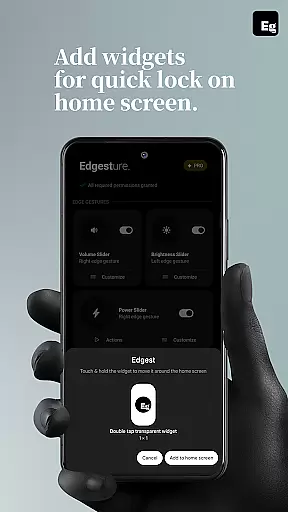
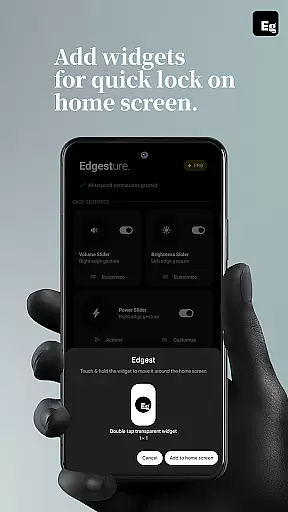
Another notable feature is the integration of media controls and quick settings tiles. These allow users to manage music playback or access frequently used settings without interrupting their current tasks. Furthermore, the lock screen widget adds convenience by enabling single or double-tap locking options, eliminating the need to use the power button.
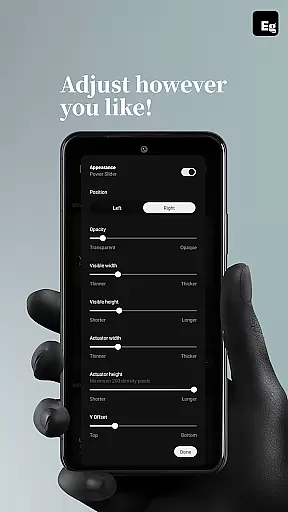
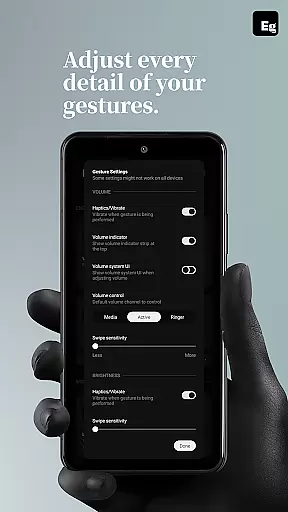
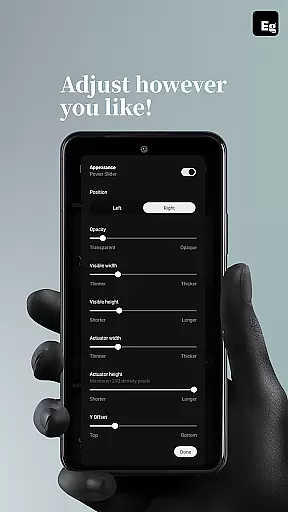
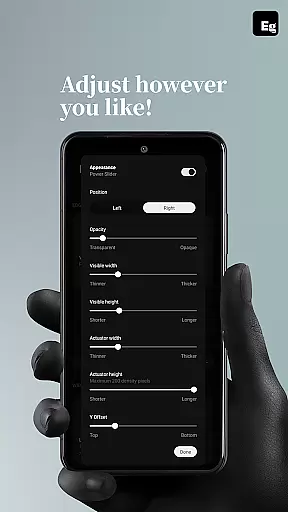
Edgest offers an extensive range of customization options that allow users to tailor their device's functionality according to personal preferences. The app supports custom gestures which can be mapped to various actions such as launching apps, toggling settings, or controlling media playback.
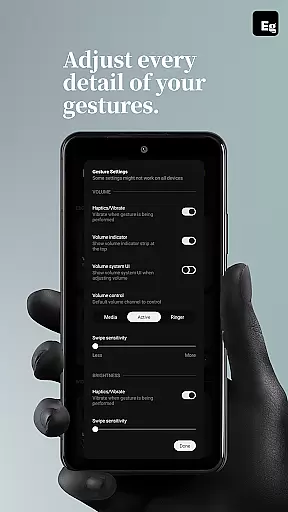
This level of customization extends to gesture sensitivity and animation speed, ensuring a seamless integration with the user's unique interaction style. Users can adjust these settings to create a personalized and intuitive navigation experience that enhances daily smartphone interactions.
Moreover, Edgest provides quick settings tiles and lock screen widgets which add another layer of accessible customization. These features enable instant access to frequently used actions without disrupting the user's current activity, thus streamlining the overall user experience.
While Edgest focuses primarily on gesture-based navigation and control, it ensures theme compatibility by maintaining a design that adapts well to various Android system themes. This means whether you're using a light or dark theme on your device, Edgest will provide a visually consistent experience.
The app's interface is designed with simplicity in mind, avoiding clutter and ensuring that its features are easily accessible regardless of the visual theme applied. This approach not only respects the user's aesthetic preferences but also maintains usability across different themes.
Furthermore, Edgest avoids intrusive ads and trackers, which could otherwise disrupt the visual harmony and performance associated with theme usage. By prioritizing a clean and responsive design, Edgest guarantees that its powerful customization capabilities do not come at the expense of theme compatibility or user experience.
Intuitive gesture navigation
Highly customisable controls
No ads or tracking
Lightweight and efficient
Privacy-focused design
Limited to Android devices
Requires accessibility permissions
Learning curve for new users
Premium features may require payment
Some gestures may conflict with system defaults

Customizable screen pets that play, climb, and keep you company.
 4.50
4.50
The definitive Icon pack maker and editor
4.30 4.50
4.50
Vibrant Adaptive Icons with Material You and Enhanced Monet Colors.
4.50
Icons made of colorful linear lines
4.60
Unleash Your Creativity and Connect with Loved Ones with Lockscreen Drawing!
4.20
Crystal-clear, square icon provides a sleek and sophisticated visual upgrade
4.00
Your home screen, just the way you like it.
3.80
Fast SMS & group chat - use GIFs and emojis from your home screen launcher.
4.50
A launcher for Samsung Good Lock and Good Guardians modules without ads
4.70
Ultra realistic high quality analog watch face for Wear OS.
4.60
Zip lock screen with magic wallpaper to decorate your phone with fun zipper lock
4.60
300+ widgets inspired by Material You and Material 3 expressive design.
4.60
Beautiful realistic hybrid watch face with numerous customization options.
4.50
Ninja Turtles Cowabunga SE watch face for Wear OS
4.50
Magic fluids wallpaper 4D: Relax with stunning fluid simulation wallpaper app
4.20
More than 3000+ themes and 9000+ wallpapers for everybody!
4.10
Emoji Maker app - Design custom emojis and effortlessly blend them with Mixer
3.80
Capture moments that pass like a storm, second by second.
4.1


User Reviews