
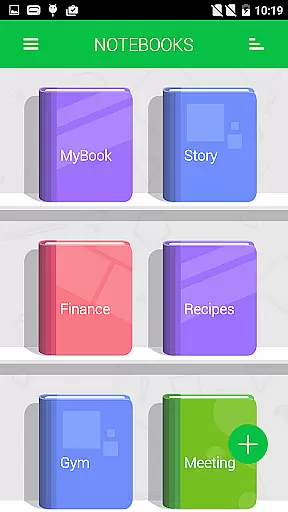
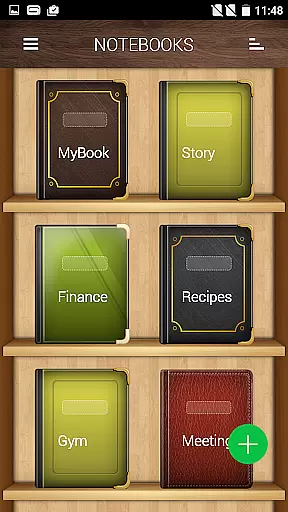
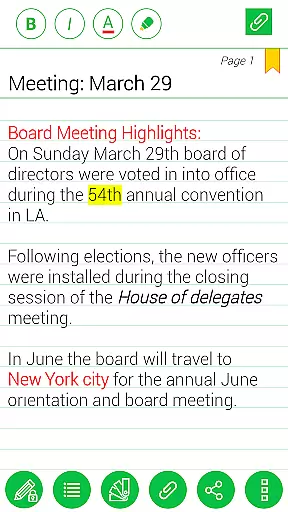
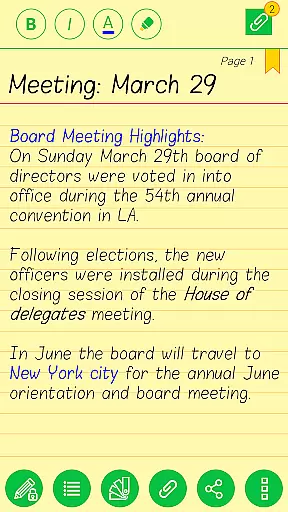
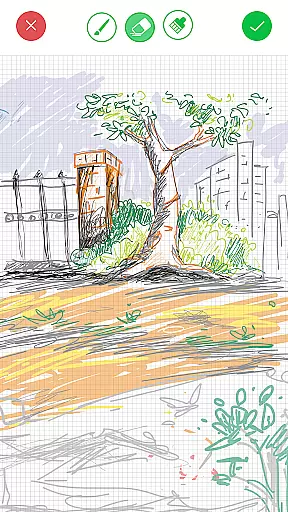

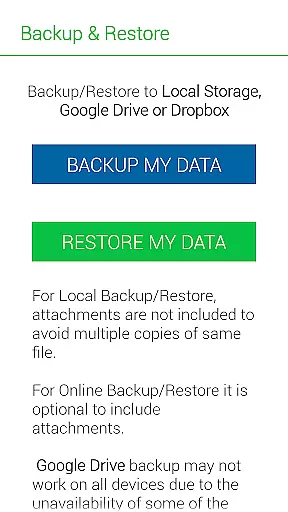
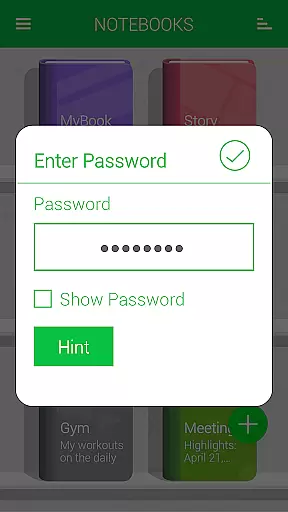
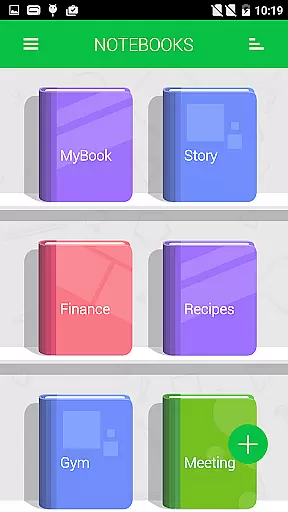
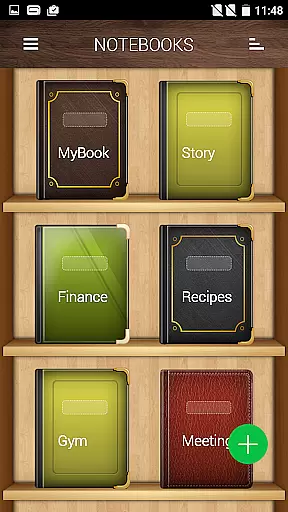
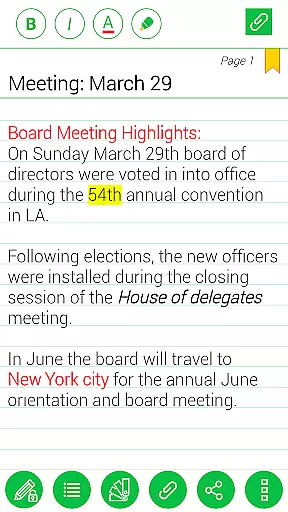

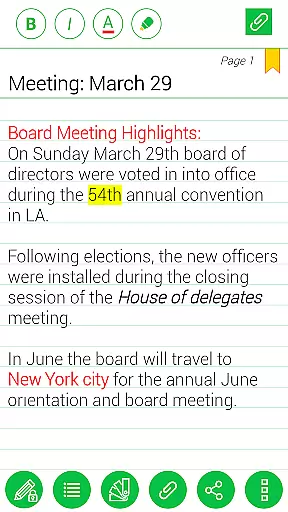
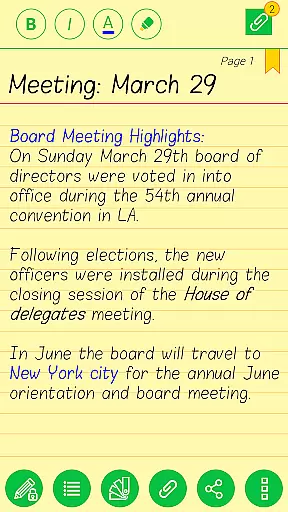
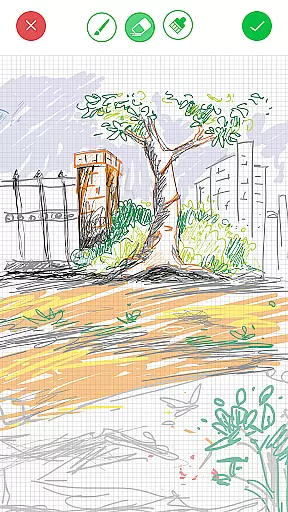

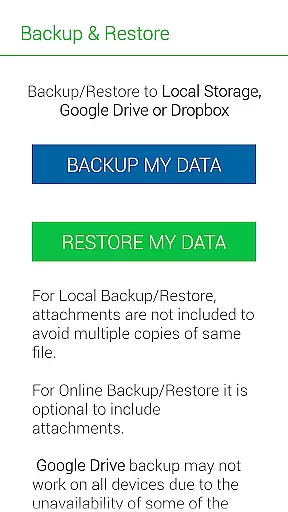
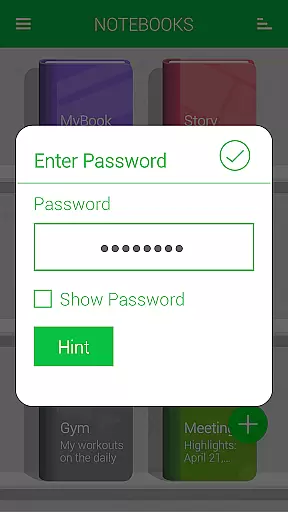
Notebooks Pro is a versatile digital note-taking application designed to replace traditional paper notebooks. The app allows users to create multiple customizable notebooks for different subjects, each with unique cover designs, titles, and page styles. With features like password protection, fingerprint unlocking, and instant search, it ensures both security and ease of use. Users can attach images, create freehand drawings, and even export their notes as PDFs. The app also supports backing up data to cloud services like Google Drive and Dropbox, making it an essential tool for students and professionals.
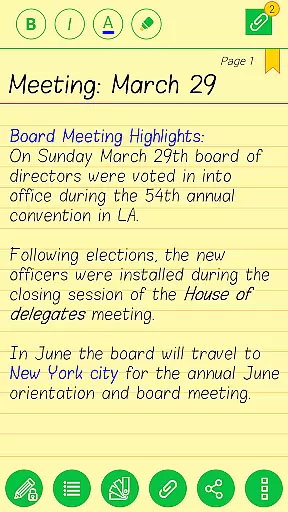
Designed with flexibility in mind, Notebooks Pro offers various customization options such as custom fonts and themes for each notebook. This makes organizing and personalizing your notes not only efficient but also enjoyable. Whether you need to jot down quick notes or create detailed entries with attachments, Notebooks Pro provides all the necessary tools to meet your note-making needs in style.
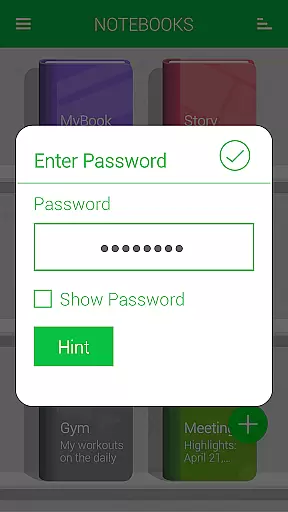
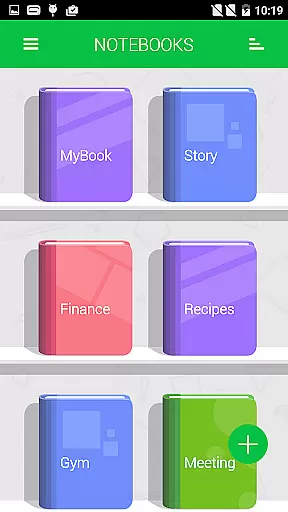
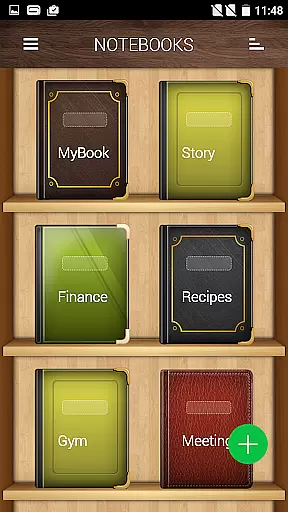
Notebooks Pro stands out with its comprehensive set of features tailored for diverse note-taking requirements. One of its key strengths is the ability to create multiple notebooks, each fully customizable with unique cover designs, titles, and page styles. This allows users to neatly organize their notes by subject or project without any overlap or confusion. Additionally, the app offers password protection and fingerprint unlocking, ensuring that sensitive information remains secure.
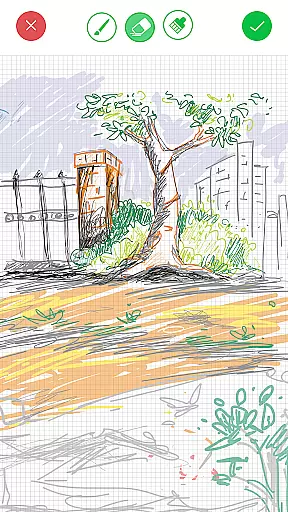
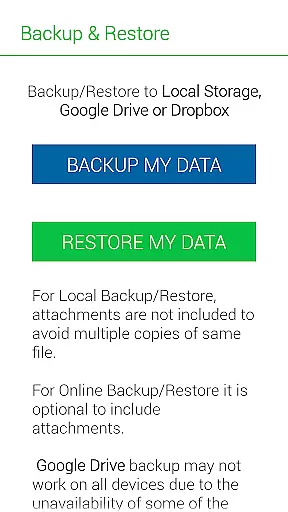
Beyond basic note-taking, Notebooks Pro includes advanced functionalities such as attaching image files, creating freehand drawings, and bookmarking important pages. The instant search feature helps users quickly locate specific entries within each notebook. Moreover, the option to export entire books or individual pages as PDFs adds another layer of convenience. With support for backing up data to Google Drive and Dropbox, users can rest assured that their notes are safely stored and easily accessible across devices.
Notebooks Pro offers extensive lifestyle category coverage, making it an essential tool for various user groups. Students can organize lecture notes and assignments by creating subject-specific notebooks with customizable covers and titles.
Business professionals benefit from the app's structured approach to note-taking, allowing them to separate work-related information into distinct notebooks. The ability to attach images and create freehand drawings adds a creative dimension to meeting notes and brainstorming sessions.
The application also caters to general users who want to maintain personal journals or planners. With features like password protection, fingerprint unlocking, and instant search within notebooks, users can securely store and quickly retrieve their information across multiple aspects of their daily lives.
When it comes to content authenticity, Notebooks Pro ensures that all your notes remain original and unaltered unless modified by you. The app provides a secure environment where each entry is timestamped and stored safely, especially when utilizing the backup feature to Google Drive or Dropbox.
Expert credibility is demonstrated through the app's sophisticated features designed by developers who understand the importance of reliable digital note-taking. The inclusion of advanced security measures such as fingerprint unlocking and password protection shows a deep understanding of user needs.
Furthermore, the developers' commitment to maintaining high standards is evident in their continuous support and updates. Users can trust that they are using a credible tool that has been thoughtfully crafted to meet both current and future note-taking requirements.
User-friendly interface
Highly customizable notebooks
Secure with password protection
Cloud backup support
Versatile note-taking options
Limited language support
No collaboration features
Premium version required
Occasional bugs reported
Steep learning curve

Digital watch face design. Modern looking, hi-res & battery friendly.
 4.00
4.00
Daily lessons from A Course in Miracles with scheduled reminders
4.80
A watch face with transparency and fluid visuals inspired by liquid glass design
4.0
This is a simple and highly functional alarm clock "Smart Alarm" paid version.
4.20
Spirit Communicator is a real paranormal ghost hunting app with many fun modes.
3.90
Going above and beyond known spirit communication
3.60
The Wyze app is your gateway to a smarter life and a safer home.
4.40
No more juggling multiple apps, now you can control everything in one place!
4.60
Earn money for every survey and game you play, and get real rewards every time
4.50
Retro animated weather with hourly forecast Watch Face for Wear OS
4.60
A smart Siddur with halachic times
4.50
This app is intended to support professional EMDR therapy.
4.50
Material You inspired colors with BIG and Bold looks for Wear OS watches.
4.20
Fly your Solo like a boss.
4.10
An Eerie Musical Trigger Toy for Spirits to Play with!
3.50
Falling Fruit is a massive collaborative map of food in our cities.
3.20
The Miracle Box includes methods used by Steve Huff of Huff Paranormal.
3.20
Healthy eating timer app to track meal pace, improve habits, and eat slowly.
4.4
Big bold weather watch face with dynamic backgrounds and 3 complications
4.3


User Reviews