
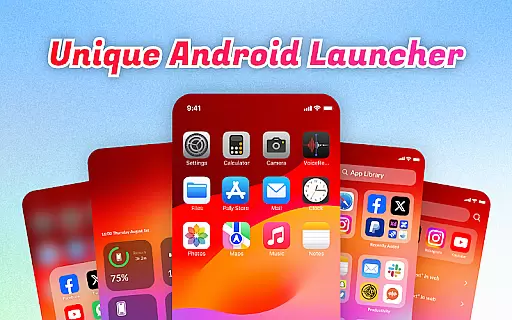
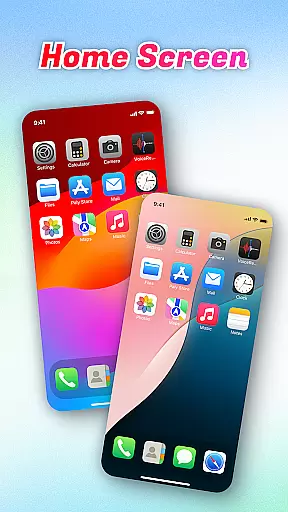
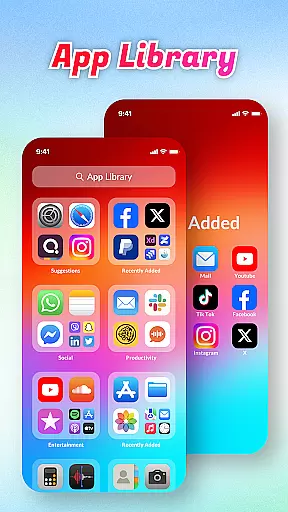
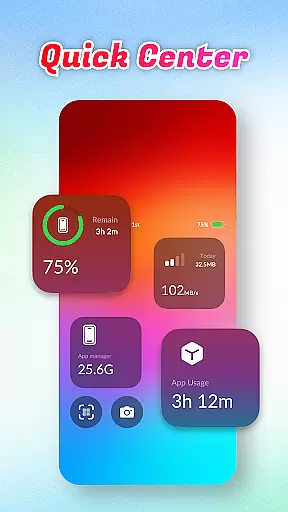
OS Launcher Theme is a personalization app designed to enhance your smartphone experience through an intuitive interface and practical features. The app offers an innovative App Library that automatically sorts applications into categories, reducing clutter and improving navigation. Its Quick Center allows users to access essential functions like flashlight and settings with a single swipe, while the built-in QR Scanner eliminates the need to switch between apps for scanning. Additionally, the app provides useful system tools such as Battery Info and Data Usage monitoring, helping users maintain optimal device performance.
This app is ideal for individuals seeking a cleaner, more organized home screen while enjoying convenient access to frequently-used utilities. Whether you're managing storage space or tracking data consumption, OS Launcher Theme delivers both aesthetic appeal and functional value, making it a versatile choice for personalizing your device.
OS Launcher Theme stands out with its diverse range of features tailored to streamline daily tasks. One notable feature is the App Library, which intelligently categorizes installed apps, saving time when locating specific programs. Another highlight is the Quick Center, providing instant access to key controls without navigating through multiple menus. This functionality ensures efficiency and ease of use, particularly in urgent situations where quick adjustments are necessary.
In addition to these conveniences, the app includes a built-in QR Scanner, enabling seamless scanning directly from the launcher. For users concerned about device maintenance, tools like Battery Info and Data Usage provide detailed insights into system performance. These features collectively empower users to optimize their devices while enjoying a personalized and visually appealing interface, setting OS Launcher Theme apart from other customization apps on the market.
OS Launcher Theme offers a wide array of customization options that allow users to tailor their device's appearance and functionality according to their preferences.
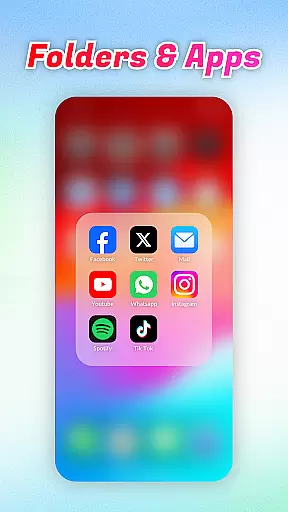
The App Library feature automatically sorts apps into categories, reducing clutter and personalizing the way you access your applications. With Quick Center, users can customize shortcut controls for flashlight, settings, and more, optimizing their device interaction with just a swipe and tap.
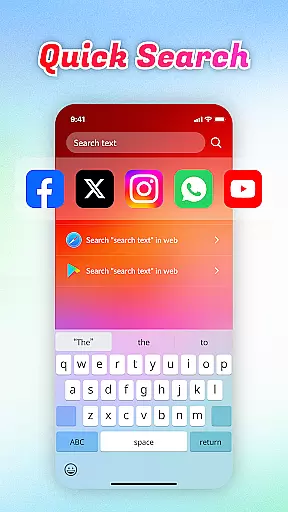
Quick Search enhances user experience by providing instant access to apps or web content through keyword search, ensuring that customization also means efficiency. The inclusion of a built-in QR Scanner, Battery Info, and Data Usage tracking demonstrates the appu2019s commitment to offering diverse functionalities tailored to user needs.
By integrating an App Manager, OS Launcher Theme empowers users to manage storage space effectively, adding another layer of personalized device management. These varied customization options ensure that each user can create a unique and efficient mobile experience.
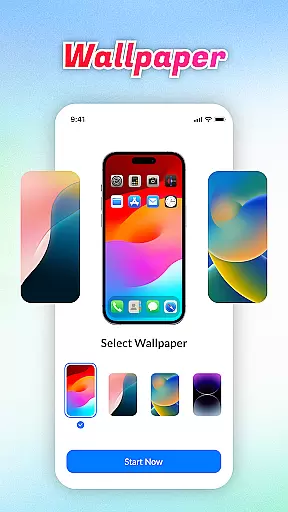
Theme compatibility is at the heart of OS Launcher Theme, ensuring that visual and functional modifications seamlessly integrate with your deviceu2019s operating system.
This launcher supports a range of themes that maintain consistency across different device interfaces, enhancing aesthetic appeal without compromising usability. Users can switch between themes confidently, knowing that each design has been optimized for compatibility and performance.
Beyond just visual aesthetics, OS Launcher Theme ensures that all integrated features like Quick Center, Quick Search, and the built-in QR Scanner work harmoniously within any chosen theme. This compatibility extends to practical tools such as Battery Info and Data Usage trackers, which remain accessible and visually coherent regardless of the applied theme.
With its robust design framework, OS Launcher Theme guarantees that every customization option not only looks good but functions flawlessly, providing a cohesive user experience across all aspects of device personalization.
User-friendly design
Efficient app organization
Quick access tools
Built-in utility scanner
Comprehensive system monitoring
Limited theme options
Occasional bugs
Ads in free version
High battery usage
Compatibility issues

A light in the dark, a unique style and an andless cutomization!
 4.30
4.30
Ultra realistic high quality analog watch face for Wear OS.
4.60
Transform your phone with Launcher iOS 26 - Smooth & elegant iOS experience
4.50
Gun Chase - Let the chase begin.
4.80
100+ Stylish Fonts, Emojis, Symbols keyboard for Instagram & TikTok!
4.80
⭐ OneUI inspired Fluffy Icon Pack – Soft. Stylish. Standout. ⭐
4.5
set a new experience for the Android mobile phone
4.20
Amazing letter fonts in your messages and social statuses
4.70
Create stunning widgets with Widget 2026: Aesthetic Widgets for Android!
4.60
Bring adorable pets to life on your screen. Playful, interactive and full of fun
4.60
Add cute Shimeji pets to screen, interact with them and relax with cute motions
4.60
Icons made of colorful linear lines
4.60 4.50
4.50
Realistic animated snow on your wrist, with 10 images landscapes to choose from
4.00
Transform your phone with stunning video wallpapers and a unique, personal touch
3.80
Adaptive Dot Style IconPack with Light & Dark Theme.
3.70
HappyLighting is a Bluetooth lamp control software.
3.40
Interactive Miniature Painting Catalogue
3.30
Prank your friends with realistic broken screen and cracked HD effects!
4.1


User Reviews