
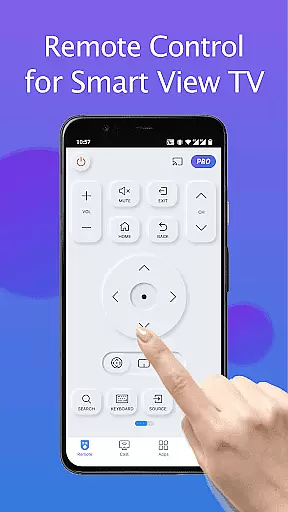
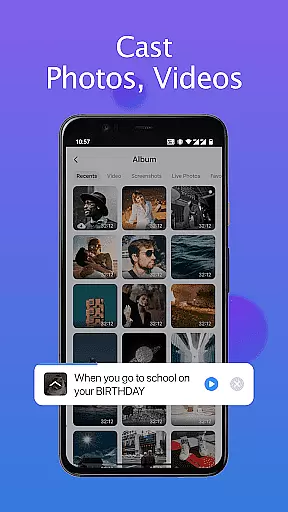
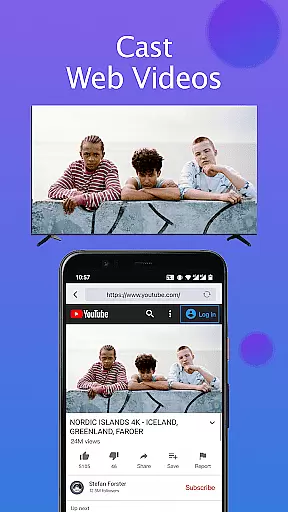
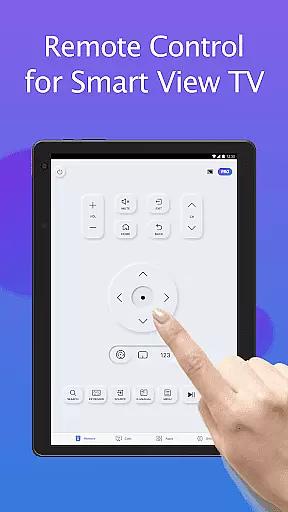
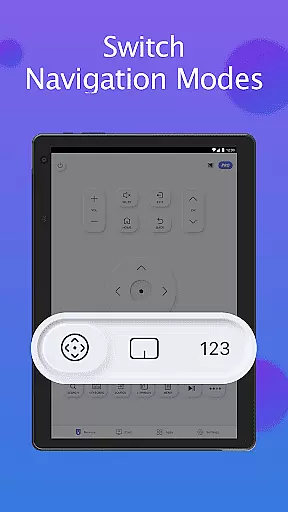
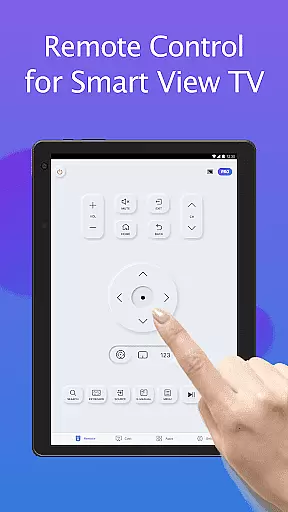
Remote for Smart Samsung TV is a dedicated mobile application that transforms your smartphone into a versatile remote control for Samsung smart TVs. This app offers seamless connectivity through Wi-Fi, enabling users to operate their Samsung 7 series, 6 series, Curved TVs, and K-Series (2016+) Tizen models without the need for a physical remote.
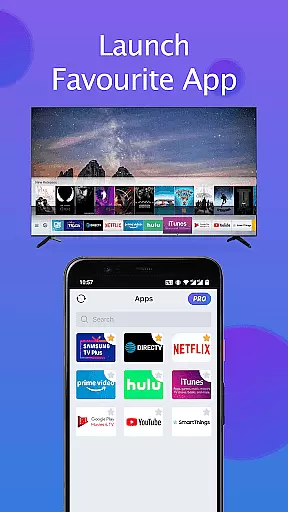
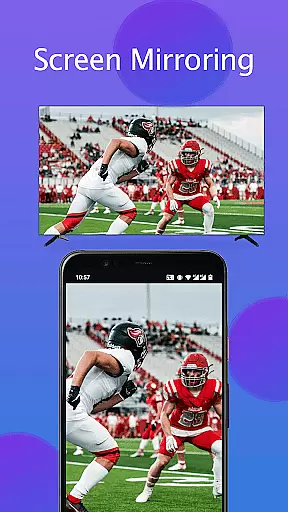
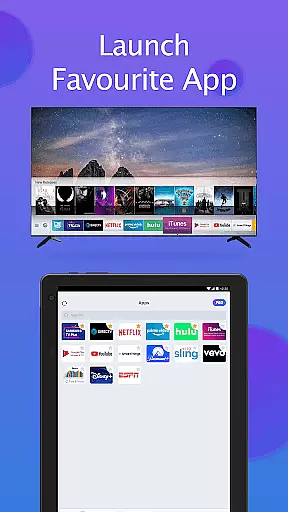
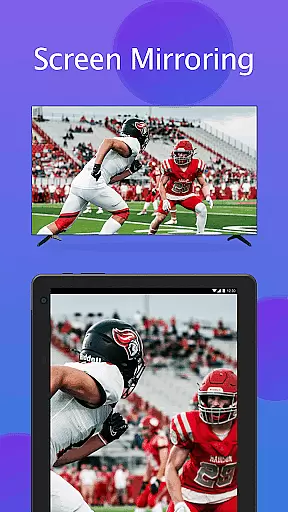
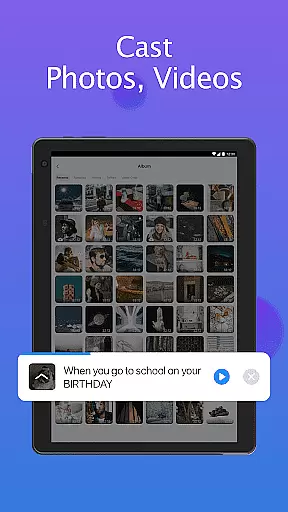
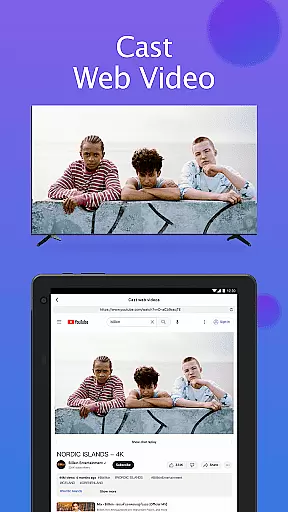
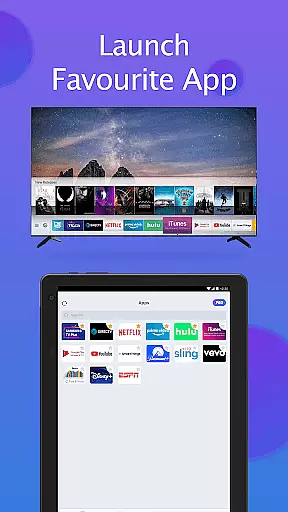
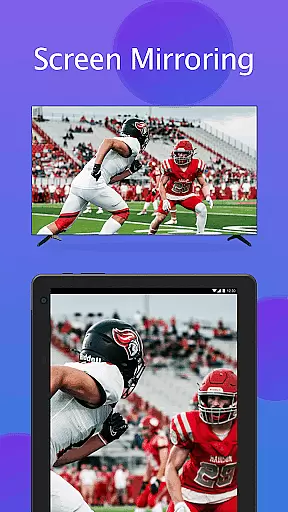
The app provides essential functions such as power on/off, volume adjustment, channel navigation, and quick access to favorite apps. Additionally, it features advanced capabilities like screen mirroring in high resolution and casting local media or web videos to the TV. With its intuitive interface and reliable performance, Remote for Smart Samsung TV enhances user convenience while promoting an eco-friendly lifestyle by eliminating battery usage.
Ideal for modern households, this app simplifies daily entertainment routines and ensures a clutter-free living space. By upgrading to this digital solution, users can enjoy effortless control over their smart TVs, making it an indispensable tool for Samsung TV owners.
Remote for Smart Samsung TV stands out with its comprehensive feature set tailored for Samsung smart TV users. The app automatically detects the TV on the same Wi-Fi network, providing instant connectivity without complex setup processes. Its integrated keyboard function streamlines text input and search operations on Samsung Smart View TVs, significantly improving user interaction.
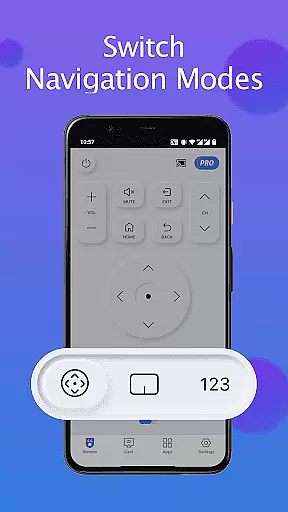
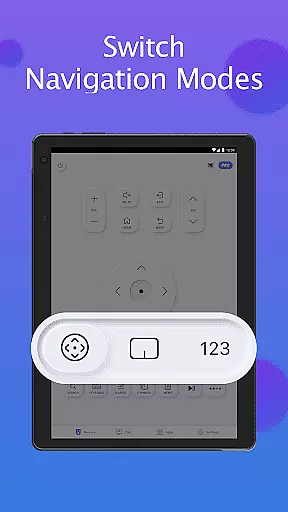
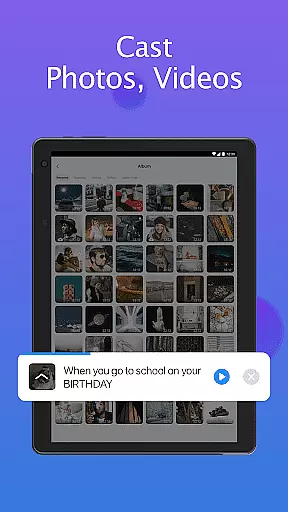
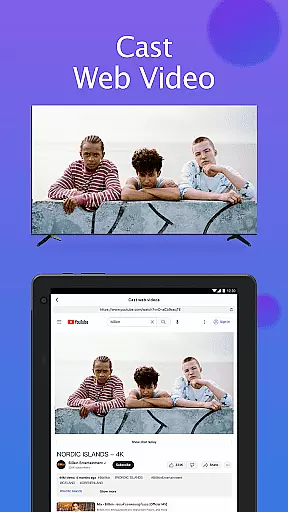
Among its notable features are complete power management, volume control, channel switching, and navigation mode adjustments. Users can also mirror their mobile device screens to the TV in high resolution, enhancing multimedia sharing experiences. The app supports casting of local photos, videos, and web content directly to Samsung smartthings TVs, creating a centralized entertainment hub.
What sets this app apart is its ability to replace traditional remotes while offering additional smart functionalities. By combining basic remote functions with advanced casting and mirroring capabilities, Remote for Smart Samsung TV delivers a superior user experience that aligns with modern smart home ecosystems.
In the realm of smart home management, ensuring the authenticity and compatibility of your devices is paramount. The Remote for Smart Samsung TV app specializes in providing a reliable connection between your mobile device and Samsung smart TVs. This app meticulously verifies that your Samsung TV model is supported, offering peace of mind when attempting to connect.
By auto-detecting Samsung SmartThings TVs on the same Wi-Fi network, this application ensures that users can seamlessly interact with their television without concerns about compatibility or connectivity issues. The accuracy of this detection process means you're always working with verified property listingsu2014your exact Samsung TV model.
For users, this translates into an effortless setup experience where they can trust that their smart TV will integrate smoothly with the remote app. No more guesswork or trial-and-error; just a streamlined process that respects your time and enhances your smart home ecosystem.
Beyond simple remote control functionality, the Remote for Smart Samsung TV app offers a suite of advanced home management features designed to simplify daily interactions with your television. With capabilities such as powering on/off, adjusting volume, changing channels, and even mirroring your phone's screen to the TV, it acts as an all-in-one command center for managing your entertainment space.
The inclusion of keyboard input simplifies text entry and search functions on Samsung Smart View TVsu2014a significant enhancement over traditional remotes. Moreover, quick access buttons allow users to jump directly to favorite channels or apps with minimal effort, optimizing how they navigate through content options.
Ultimately, these comprehensive home management tools not only save time but also contribute towards creating a more organized living environment. By consolidating various controls into one intuitive interface, the app empowers homeowners to maintain their spaces efficiently while enjoying enhanced convenience and comfort.
User-friendly interface
Wide compatibility range
Advanced casting options
Automatic device detection
Eco-friendly solution
Limited to Wi-Fi networks
Not all TV models supported
Occasional connection issues
Requires smart TV functionality
Third-party application

Rent on-the-go with TurboTenant’s app made just for renters
 4.50
4.50
Fully control your Philips TV with this all-in-one remote control app.
4.20
Resident Center, powered by Buildium, is designed with simplicity in mind.
4.50
Smart AI plant care schedules, Real plant experts, support & Thriving community!
4.20
Innovative and budget-friendly housing options
4.60
Find the perfect paint color with advanced tools to explore and visualize color.
3.80
Find contractors for all home renovation projects. Remodeling, repair, and more.
4.20
Search for Homes, Rentals, Agents & Schools
4.70
Universal Tv Remote Control for all Tv. Cast for chromecast & all Tv Controller
4.20
Houses for Sale & Homes for Rent: Buy Homes, Rent Apartments & Sell Real Estate
4.80
The only mappable smart lights for custom decoration.
4.50
SmartRent - Opening Doors To A Smarter World
4.40
AI Home Designer & Room Planner: Decorate your interior space with AI
4.40
3D House Design and AI Room Planner - from floor plans to full interior design.
4.40
Our app allows Sunrun customers to monitor systems, pay bills, and get support.
3.80
This Fire TV Remote control's your Fire TV Device and Insignia Fire TV Remote
3.70
Use Home by ShowingTime to easily manage showings, tours, feedback and more
3.60
Unlock AI-based barcode scanning and support the development of Grocy Android
4.3
PRO Version of GLB AR Viewer
4.2


User Reviews