
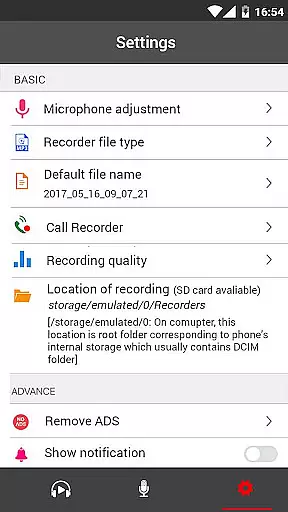
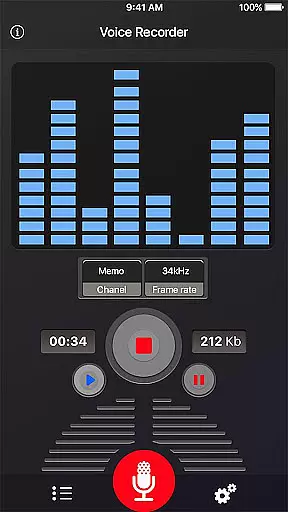
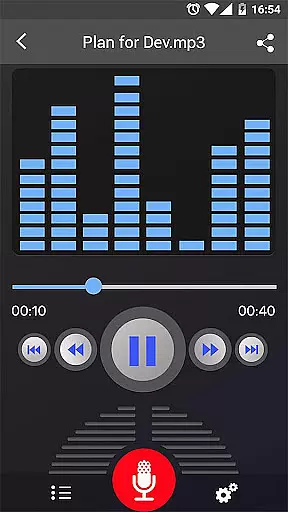
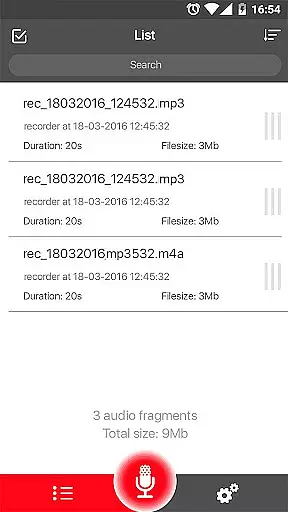
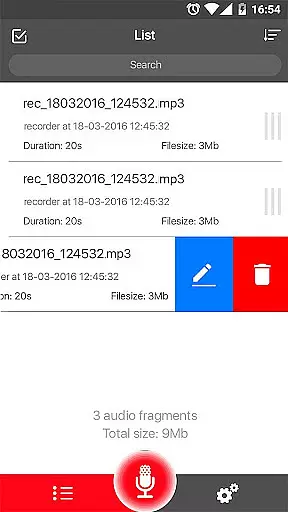

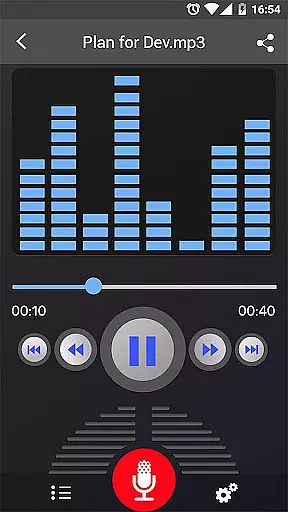
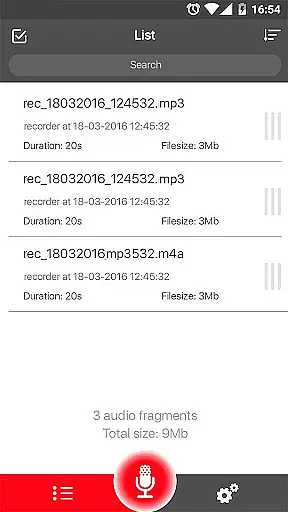
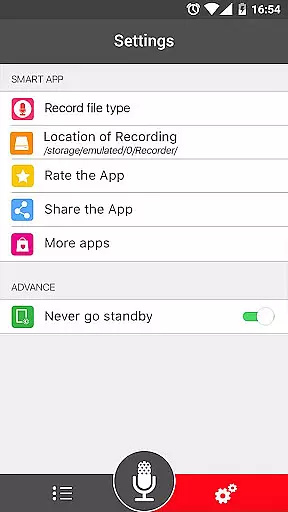
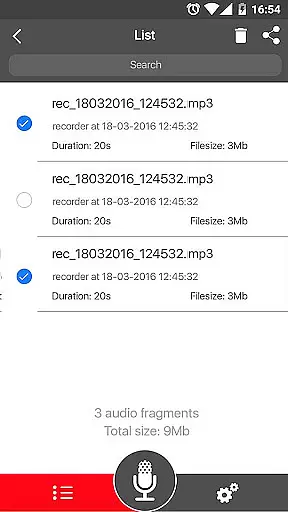
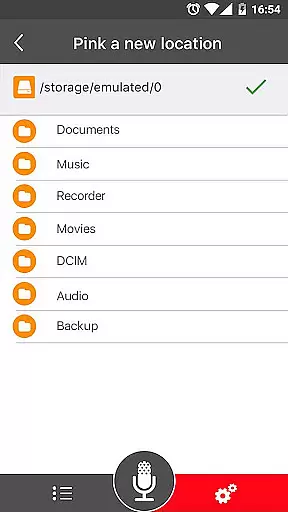
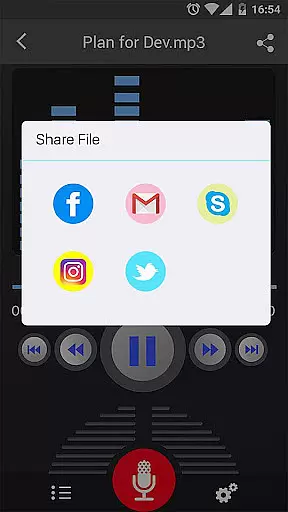
Voice Recorder is a top-tier audio recording application designed for users who require high-quality sound capture. This free app offers an intuitive interface and reliable performance, making it perfect for recording meetings, lectures, interviews, and more. With no time limits and support for various audio formats, it ensures you never miss an important moment.
The app stands out with its advanced features like MP3 encoding, adjustable sample rates, and background recording. Whether you're a student wanting to save lectures or a professional needing to document meetings, Voice Recorder provides the tools to do so efficiently. Its ability to share recordings across multiple platforms adds extra convenience for users who need to distribute content quickly.
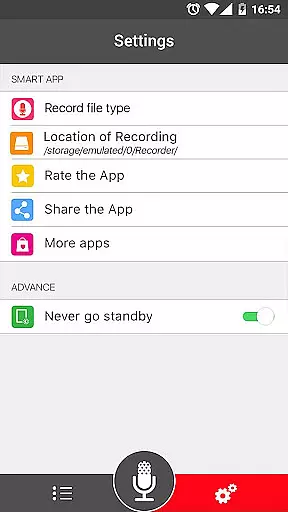
Voice Recorder boasts an impressive array of features that cater to both casual and professional users. The app records in high quality, supporting formats like MP3 and OGG, while offering precise control over the recording process. Users can pause, resume, and cancel recordings, as well as calibrate microphone gain for optimal audio capture.
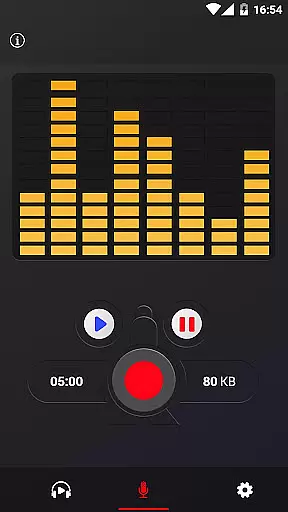
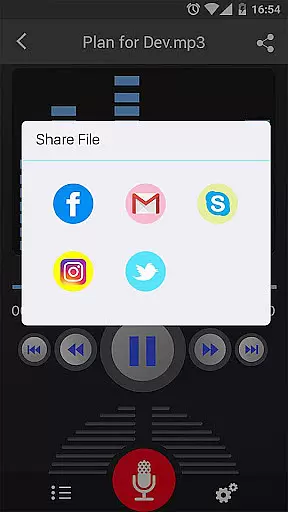
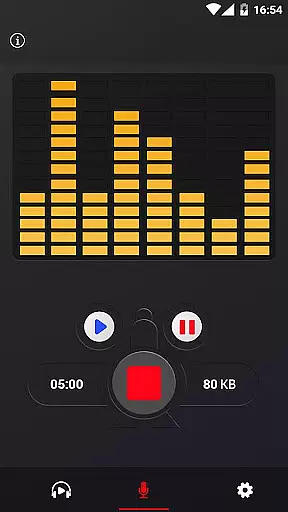
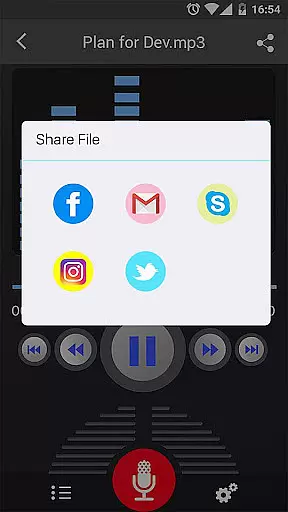
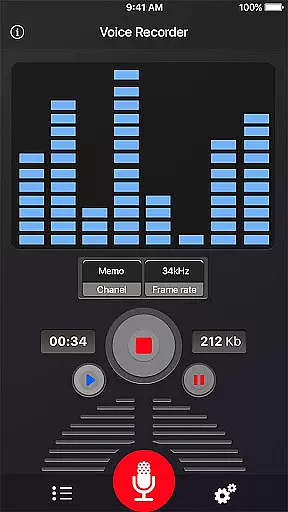
Additional functionalities include a live audio spectrum analyzer and the ability to record in the background, even when the display is off. Sharing options are abundant, allowing files to be sent via email, SMS, social media, and cloud services. These robust features make Voice Recorder a versatile tool for anyone needing reliable and flexible audio recording capabilities.
When it comes to recording and managing audio files, the size and authenticity of the music library are crucial. Voice Recorder offers a robust set of features that ensure users can record extensive high-quality audio content without limitations. This application supports multiple file formats such as MP3 and OGG, which not only enhances compatibility but also ensures that recordings maintain their quality across different platforms.
The app's ability to encode MP3 files with adjustable sample rates ranging from 8 kHz to 44 kHz provides flexibility and control over the audio output. This feature is particularly beneficial for users who require specific audio standards for professional or personal use. Additionally, the lack of time limits on recordings means that users can capture complete sessions without worrying about interruptions or additional costs.
Voice Recorder stands out by offering tools like a live audio spectrum analyzer and microphone gain calibration, ensuring that every recording meets high standards of clarity and precision. These features collectively contribute to building a comprehensive and authentic music library that users can rely on for various purposes, from personal notes to professional interviews.
Audio quality is paramount when selecting a voice recorder application, and Voice Recorder excels in providing numerous options to enhance this aspect. The app allows users to record voices with exceptional quality, making it an ideal choice for capturing meetings, lectures, and interviews where clarity is essential. By supporting high-quality recording formats like MP3 and OGG, the app ensures that every nuance of the sound is preserved.
One of the standout features of Voice Recorder is its capability to perform MP3 encoding with adjustable sample rates between 8 kHz and 44 kHz. This flexibility enables users to tailor the audio quality according to their specific needs, whether they require compact files for sharing or high-fidelity recordings for archival purposes. Furthermore, the ability to record in the backgroundu2014even when the display is offu2014ensures uninterrupted and efficient use of device resources.
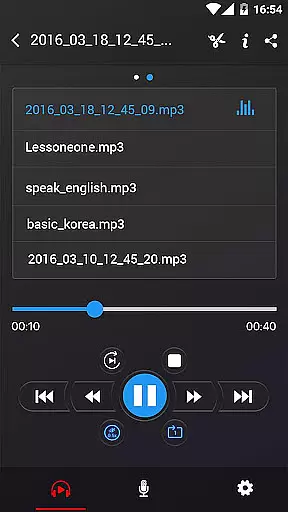
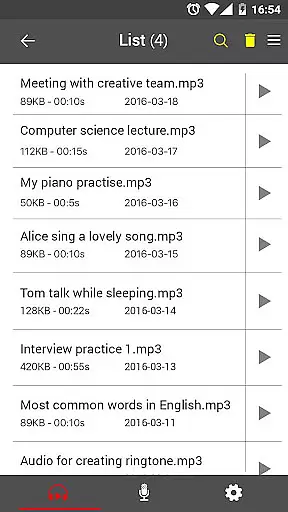
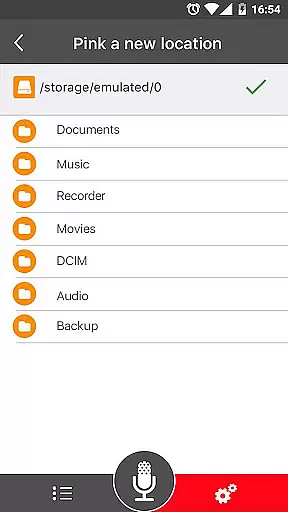
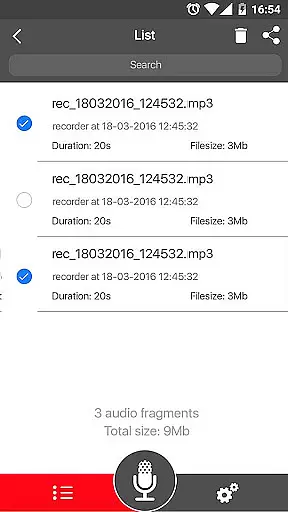
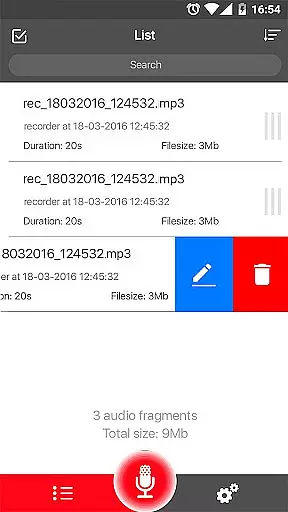
In addition to these advanced features, Voice Recorder includes practical functionalities such as pause/resume controls during recording, easy management of recorded files, and seamless sharing options via email, SMS, social media, and cloud services. These aspects collectively ensure that users have a versatile tool at their disposal, capable of delivering top-notch audio quality tailored to diverse requirements.
User-friendly interface
High-quality recordings
Background recording
Multiple sharing options
No time limits
Limited format support
No call recording
Basic UI design
Occasional bugs
Ads present

Control your MIDI USB or Bluetooth devices in app and avoid some trampling
 3.30
3.30
Performance-Synthesizer & Multi-Track-Sequencer, polyphonic + multi timbral!
4.70
Walkout Song DJ is the most intuitive app to manage your sports music.
4.70
PowerAudio is a powerful offline music player.
4.20
Responsive piano with great sounds, graphics, and songs
4.80
Reverse your voice & songs instantly! Fun singing challenge with cool effects.
4.60
Sing, record, and create music together — enhanced by smart voice tools.
4.00
Travel To The Music Universe
3.40
One-tap booster for max volume - enjoy powerful sound with this audio booster
4.50
Music, News & Sports Radio Tuner App. Tune in Live FM & AM Radio Stations.
4.80
Gorgeous UI, Powerful music Search and Equalizer, the great choice for you!
4.70
Fun & Easy Voice Changer – Record, Edit & Add Hilarious Effects!
4.50
Manage your Sonos system directly from your home-screen!
4.40
The official Sonos app
4.10
Versatile MP3 recorder with auto-backup to Dropbox and Google Drive
4.10
Learn to play the piano using falling notes!
3.80
Powerful beat maker & DJ mixer to remix tracks, make music, & perform DJ mix
3.70
The iconic iOS metronome app is now on Android.
3.70
Music Streaming suite for Ampache, Nextcloud Music and compatible backends.
4.0


User Reviews