
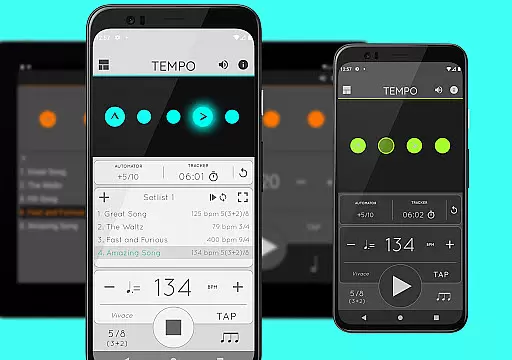
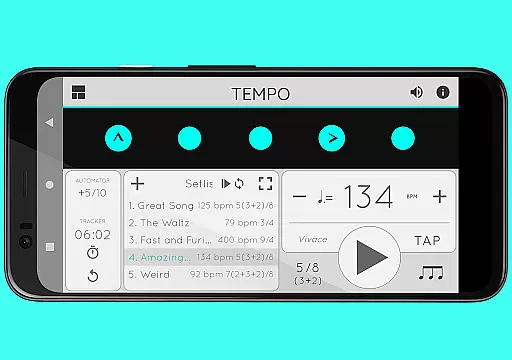
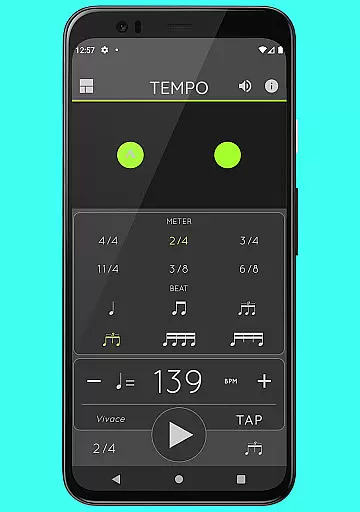
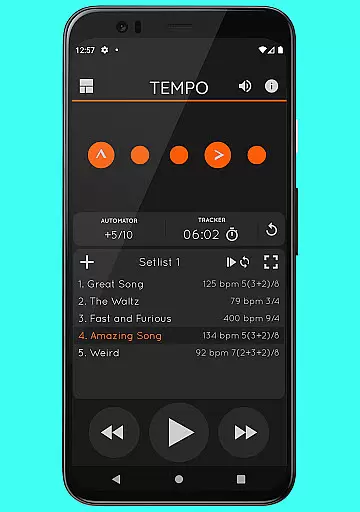
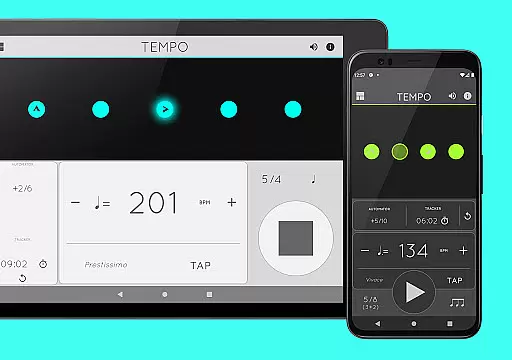
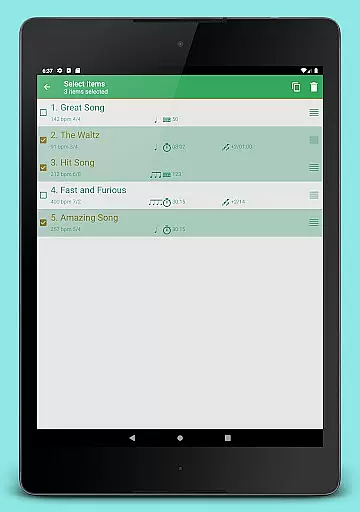
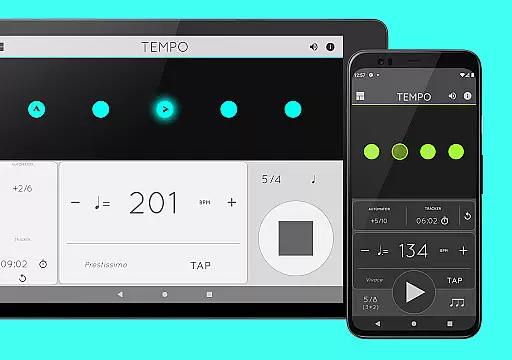
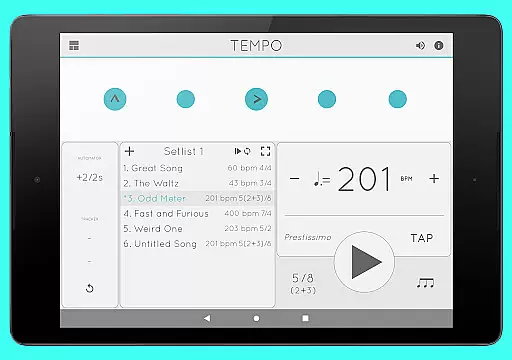
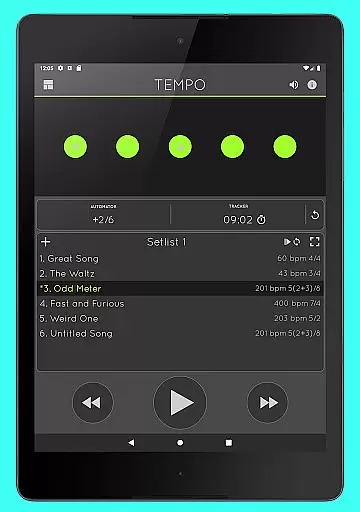
Tempo is a premier mobile metronome app designed for musicians, teachers, and students. It offers high accuracy and stability with an attractive single-screen interface. The app allows users to customize beats through flashing LEDs that double as buttons, enabling the creation of complex rhythms. Users can save configurations as songs in setlists and share them with others, including iOS device users.
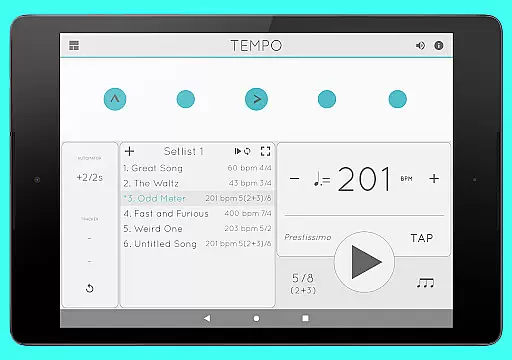
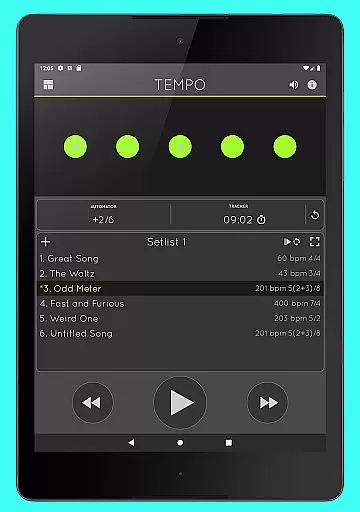
This app is particularly useful for practicing musicians who need precise timing and rhythm customization. Its innovative interface morphs between five modes optimized for different tasks such as Basic, Preset, Setlist, Practice, and Gig. Tempo's versatility makes it an essential tool for both professional performances and training sessions.
Tempo provides a comprehensive suite of features tailored for musicians. It supports 30 different time signatures and various rhythm patterns for both simple and compound meters. Users can customize accents or turn beats off to create complex rhythms, with a tap tempo function and tempo range from 10 to 400.
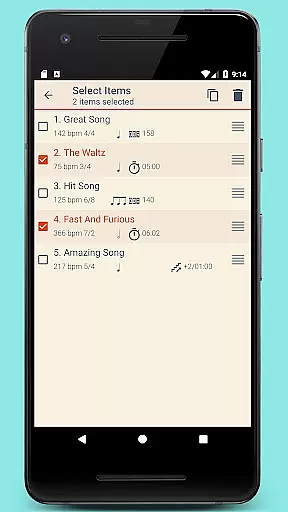
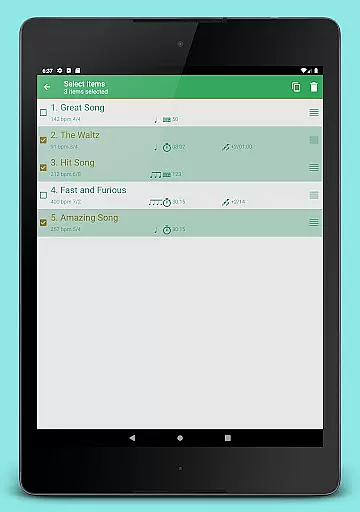
The app includes advanced setlist management, allowing users to store presets in multiple setlists, search, overwrite, copy between setlists, and perform multi-deletion. Additionally, it offers tracker and automator functionalities to track bars played or time practice sessions, stopping playback automatically when limits are reached. With 12 sound sets and volume control, Tempo ensures a rich auditory experience even while multitasking.
When it comes to music and audio applications, the size and authenticity of the music library are crucial factors. Tempo offers an impressive selection of 30 different time signatures and various rhythm patterns for both simple and compound meters. This extensive range allows musicians and performers to find the exact tempo and rhythm they need for their performances or practice sessions.
The app's dedication to copyright authenticity is evident in its sound sets. With 12 distinct sound sets available, including one specifically optimized for live drumming click tracks, users can be confident that they are accessing legitimate and high-quality audio resources. This ensures that every beat and rhythm played through Tempo is not only accurate but also respects the legal rights of content creators.
Furthermore, Tempo's compatibility with iOS devices and its ability to share setlists via email enhance its appeal as a comprehensive music tool. Users can exchange their custom-created rhythms and configurations with peers, knowing that all shared content adheres to proper licensing and copyright standards. This fosters a community of trust and reliability among Tempo users.
Audio quality is paramount when selecting a metronome app, and Tempo excels in providing superior sound options. The app features 12 unique sound sets, each carefully crafted to cater to different musical needs and preferences. Whether you're practicing classical pieces or engaging in modern compositions, Tempo ensures that every tick matches the highest audio standards.
Volume control is another essential aspect of audio quality, and Tempo delivers this with precision. Users can adjust the volume to suit their environment, whether it's a quiet practice room or a noisy concert hall. This flexibility guarantees that the metronome remains audible and clear, maintaining perfect time without overpowering the music.
In addition to volume adjustments, Tempo supports multi-tasking, allowing playback to continue even when the app is running in the background. This feature ensures uninterrupted timing during performances or practice sessions. Combined with AirTurn Bluetooth controller support, Tempo provides a seamless and professional audio experience, making it an indispensable tool for musicians who demand the best in audio quality.
User-friendly interface
Highly customizable
Accurate timing
Versatile usage
Comprehensive features
Limited free version
Complex for beginners
Occasional bugs
Premium cost
Heavy on resources

Fun & Easy Voice Changer – Record, Edit & Add Hilarious Effects!
 4.50
4.50
The Skullcandy App Experience
3.20
Listen to live FM radio stations, sports, music and news on global radios online
4.70
Guzheng Master supports many playing techniques as an acoustic Guzheng
4.50
USB audio recording and playback finally possible on Android 3.1 or higher!
3.90
Listen radio AM / FM Stations. Live AM / FM Radio App Station. Radio Com.
4.70
Turn Every Moment into Music
3.60
Play your music offline without limits
4.80
Melody Beat: Great for travel, workouts, offline vibes, play your tunes anytime.
4.10
Full-featured, High-Quality Groovebox Workstation, perfect for Live Performance!
4.80
Over 100 million tracks available for high quality streaming and download
4.60
Enhance the sound quality of your devices, listen to what you want
4.50
DJ Music Mixer - DJ Remix: remix songs, make beat music & record mix of DJ.
4.40
Equalizer, Bass Booster and Volume Booster (Eq & Bass) improve sound quality
4.30
Network/Cloud Streaming, Visualization, Graphic Equalizer and Sound Effects.
4.20
Offline and always ad-free - stream in the highest quality available.
4.10
The ultimate media player for Android devices
3.90
Background pads for your band
3.80
Music Streaming suite for Ampache, Nextcloud Music and compatible backends.
4.4


User Reviews