
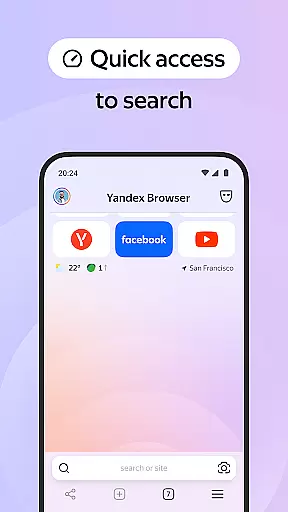
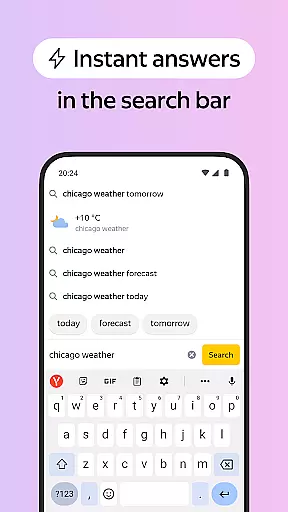

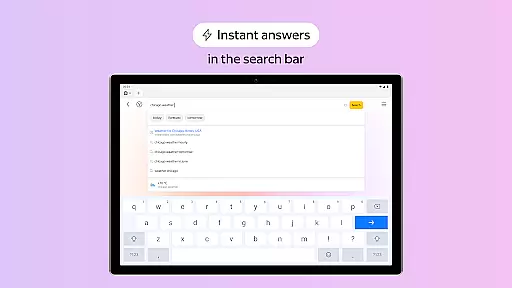
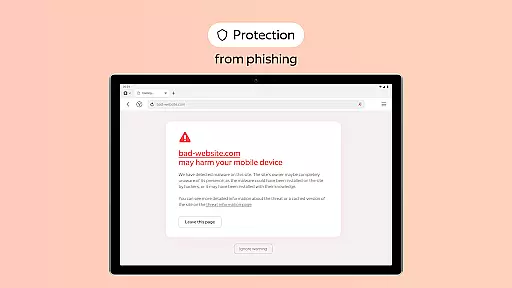
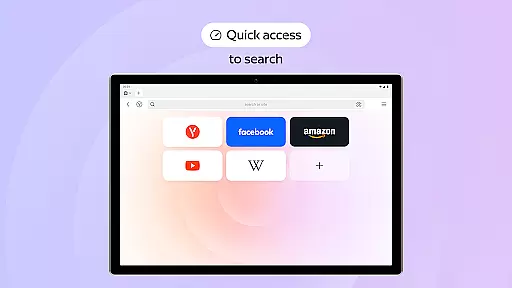
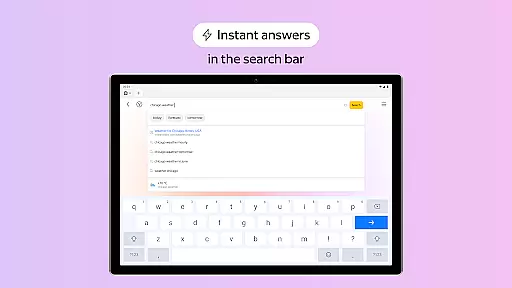
Yandex Browser with Protect is a stylish and secure mobile browser that offers advanced features for an optimal browsing experience. The app combines voice search functionality with data compression technology, allowing users to save mobile data while enjoying fast web access. Its standout feature is the Protect security system, which safeguards personal information on public Wi-Fi networks and blocks harmful or fraudulent websites. Additionally, the Reader Mode removes distracting interface elements, presenting only essential content for a cleaner reading experience.
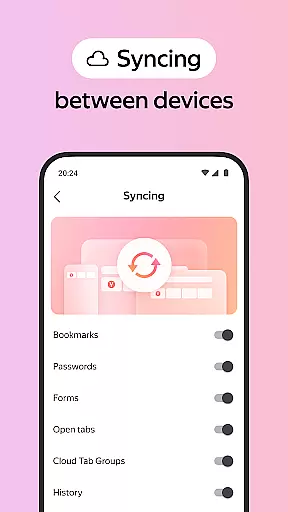
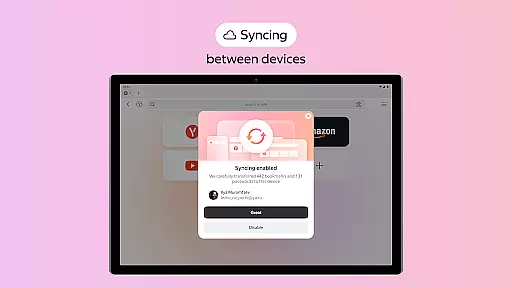
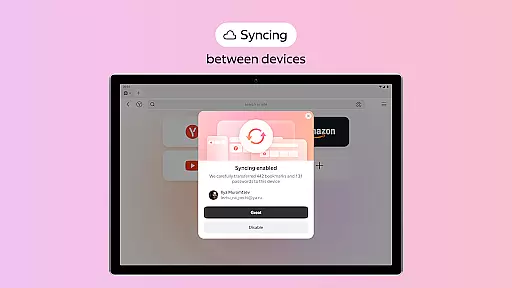
Another key aspect of Yandex Browser is its customization options. Users can personalize their browsing environment by selecting from a wide variety of wallpapers and themes. The Incognito Mode ensures privacy by not saving passwords, search queries, or browsing history. With seamless cross-device syncing via a Yandex account, users can access bookmarks and favorite sites from any device. These features make it ideal for individuals seeking both style and security in their daily browsing activities.
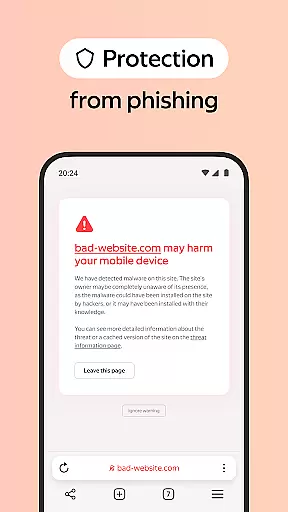
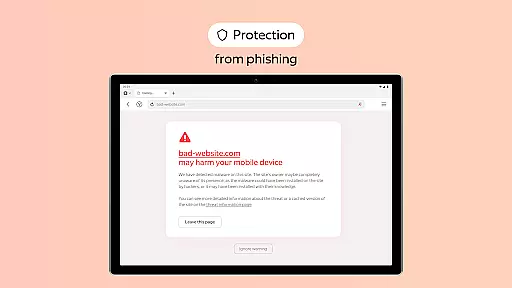
Yandex Browser with Protect stands out due to its comprehensive feature set tailored for modern internet users. One of its core strengths is the integration of third-party ad-blocking apps, which effectively eliminate intrusive advertisements on websites. This creates a more pleasant and distraction-free browsing experience. The Protect security system is another major highlight, actively shielding users from malicious pages and ensuring safe connections on public Wi-Fi networks.
The browser also includes practical tools like Reader Mode, which simplifies web pages by hiding unnecessary menus, buttons, and ads, leaving only the main text and images. For those prioritizing privacy, the Incognito Mode prevents tracking of sensitive information such as passwords and search queries. Furthermore, the app provides extensive customization options through its wallpaper library, enabling users to tailor the interface to their preferences. Syncing capabilities across devices enhance convenience, making this browser a versatile choice for personalized and secure browsing.
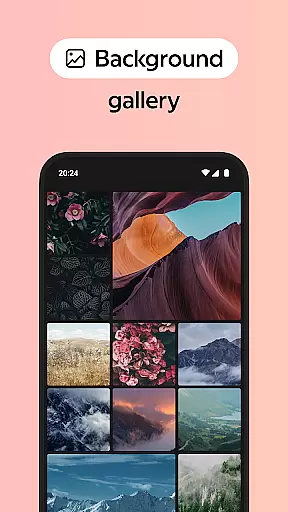
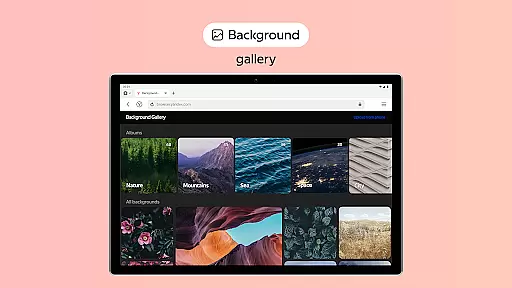
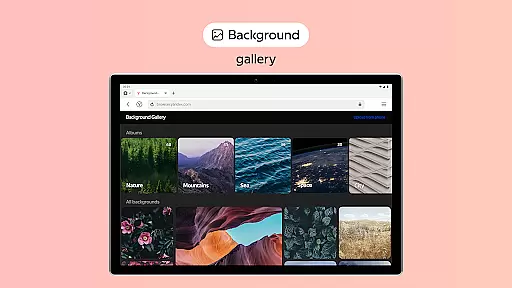
Customization is a key feature of the Yandex Browser, allowing users to tailor their browsing experience to match their personal preferences. The browser offers an extensive wallpaper library with a wide array of backgrounds, enabling users to customize the look and feel of their browser to suit any style or mood.
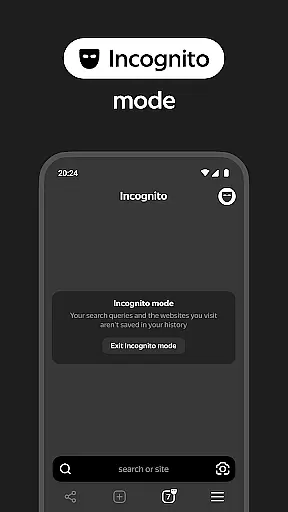
In addition to aesthetic customization, the browser also provides various functional customization options. Users can integrate third-party blocking apps for ad-free browsing, activate Reader Mode to hide unrelated interface elements, and use Incognito Mode for private browsing sessions without saving passwords, search queries, or browsing history.
The ability to personalize the browser in these ways ensures that users have a unique and comfortable browsing experience. This level of customization not only enhances user satisfaction but also allows individuals to optimize their interaction with the web according to their workflow and personal tastes.
Theme compatibility in Yandex Browser ensures that regardless of the selected customization, the visual consistency remains intact across all pages. Whether you choose a vibrant background from the wallpaper library or a minimalist design, the browser maintains a seamless appearance while navigating through different websites.
Moreover, the browser's theme system is designed to be flexible yet coherent, adapting to various screen sizes and resolutions without losing its aesthetic appeal. This compatibility extends to functional features like Protect, which secures your data on public Wi-Fi networks, ensuring that security does not compromise the visual experience.
By offering robust theme compatibility, Yandex Browser guarantees that users enjoy both form and function, providing them with a personalized browsing environment that is visually pleasing and secure, thus enhancing overall usability and engagement.
Fast data compression
Strong security features
Customizable interface
Effective ad blocking
Cross-device syncing
Limited default themes
Occasional slow loading
No built-in VPN
Heavy on memory
Frequent notifications

Ninja Turtles Cowabunga SE watch face for Wear OS
 4.50
4.50
Prank your friends with realistic broken screen and cracked HD effects!
4.3
Make your phone look simple & luxury, like iDevice
4.60
Romantic Kiss Stickers App. Start romantic messaging now!
4.30
Zip lock screen with magic wallpaper to decorate your phone with fun zipper lock
4.60 4.50
4.50
Struggling to find apps? Use this app to locate and open any app on your phone!
2.20
400+ Beautifully crafted widgets inspired by NOTHING.
4.70
Fast SMS & group chat - use GIFs and emojis from your home screen launcher.
4.50
A Colorful and Minimal icon pack in an Outline Style - Over 13,600 icons!
4.70
Vertically oriented rectangular icons
4.70
Over 28,000 high quality icons to bring color & homogeneity to your phone.
4.60
Icons made of colorful linear lines
4.60
Stylish Pink Cute Hippo keyboard with 10000+ customized keyboard themes!
4.60
Art & Emoji Keyboard with Cool Fonts, Cute Themes and Custom Designs.
4.40
A light in the dark, a unique style and an andless cutomization!
4.30
The definitive Icon pack maker and editor
4.30
Wear Os Watch Face - Seasonal - Animated Snow Effect - 9 Animals
4.20
Run multiple accounts of the same app on a single device
4.10


User Reviews