
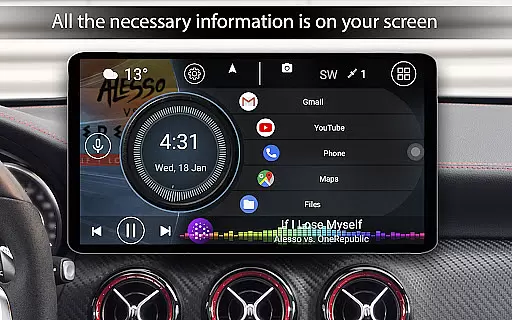
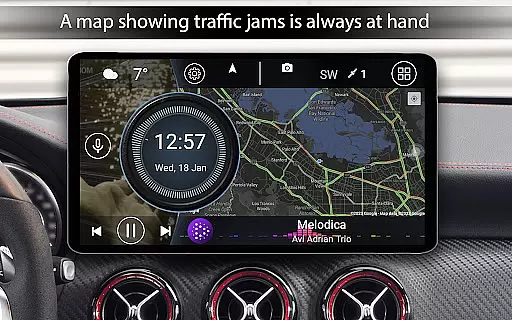
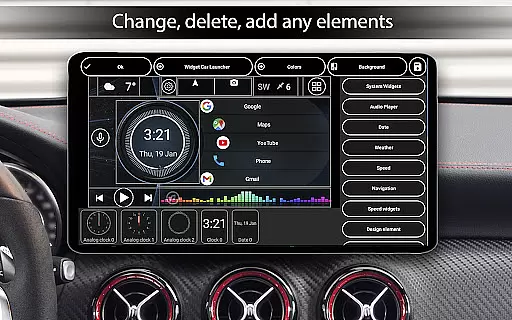
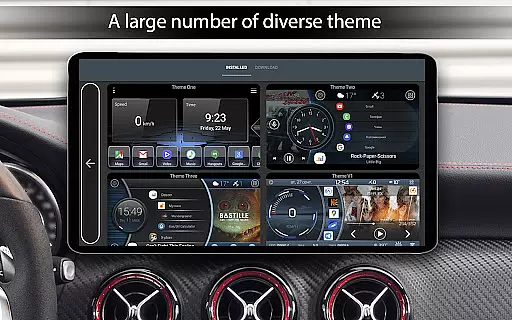
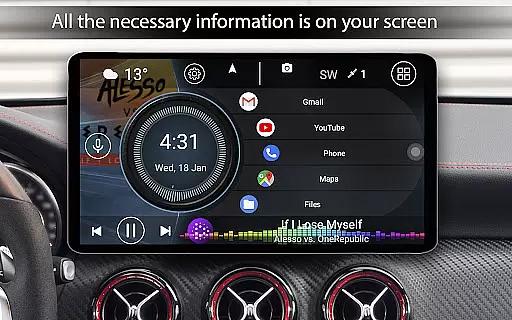

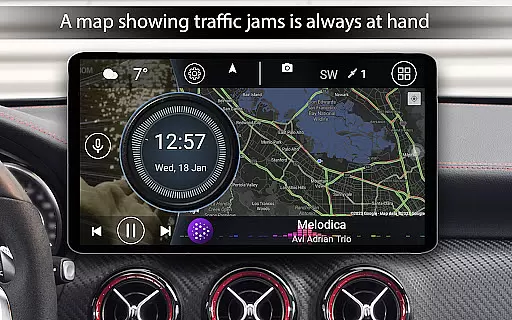
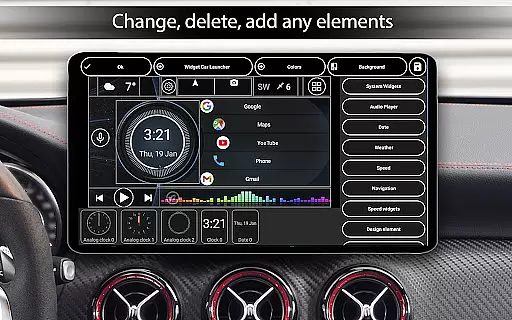
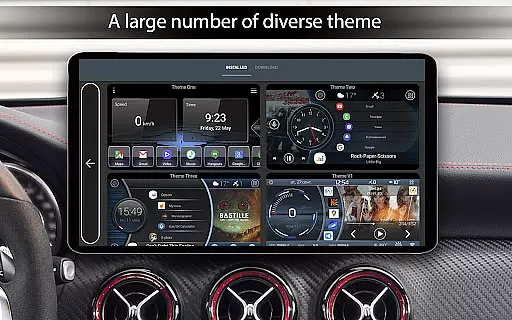
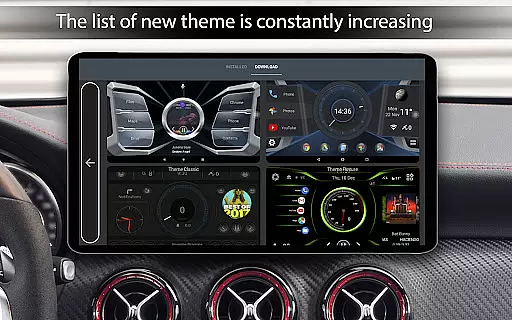
Car Launcher Pro is a specialized application designed for automotive use, enabling seamless control of Android-based car systems. The app serves as an all-in-one solution by integrating essential vehicle functions with user-friendly interface features.
Key functionalities include customizable home screens for quick access to favorite apps, precise GPS-based speed display, and an onboard computer with detailed trip statistics. Users can track various metrics such as distance traveled, average speed, and acceleration times, making it an invaluable tool for both everyday driving and performance monitoring.
This app is particularly useful for drivers who require quick access to navigation, media controls, and vehicle statistics without distraction. By optimizing the interface for in-car use, Car Launcher Pro enhances the driving experience while ensuring safety and convenience.
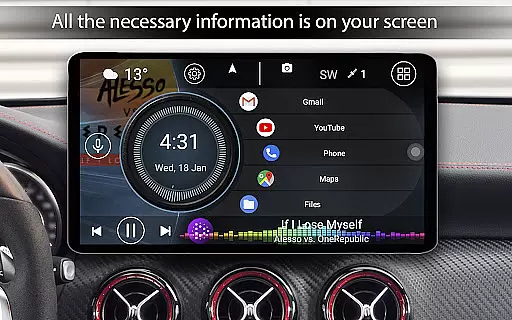
Car Launcher Pro offers an extensive range of features tailored for automotive environments. One standout feature is the ability to customize the home screen with multiple app shortcuts and folders, allowing users to organize their most-used applications efficiently.
The app provides detailed vehicle statistics through its sliding menu, displaying current speed, total mileage, and even acceleration benchmarks. These metrics can be configured to show data for specific time periods, giving users flexibility in how they monitor their driving performance.
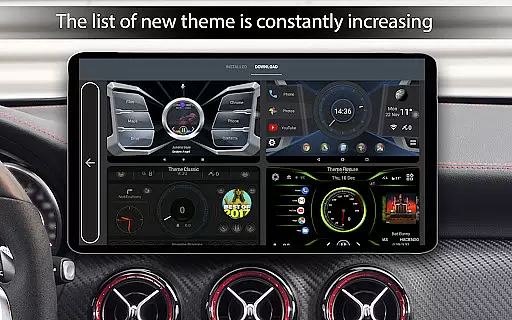
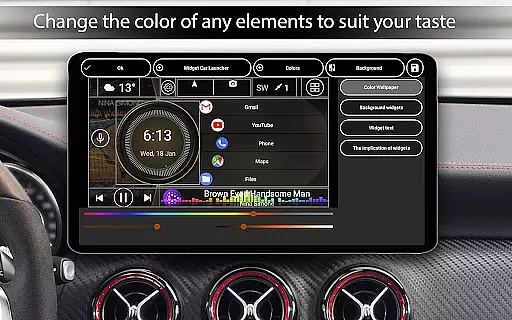
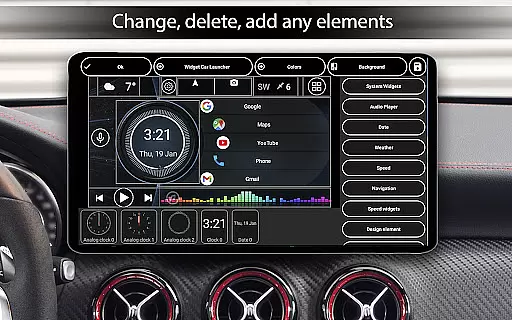
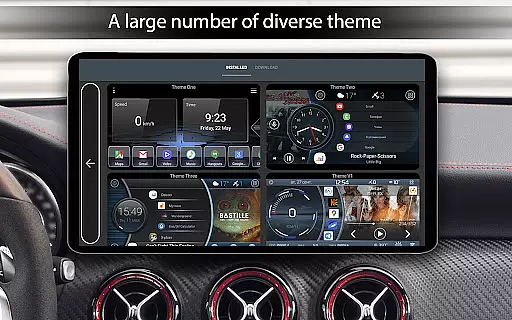
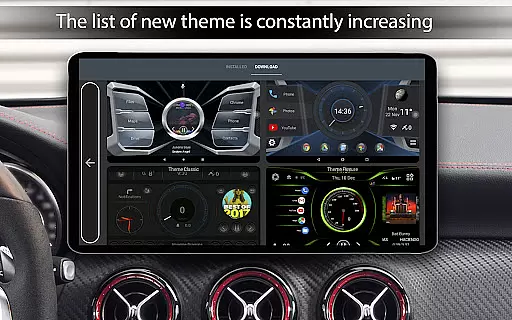
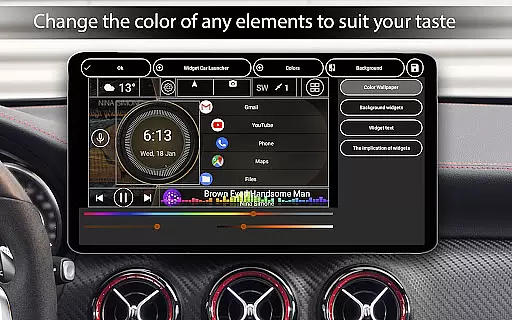
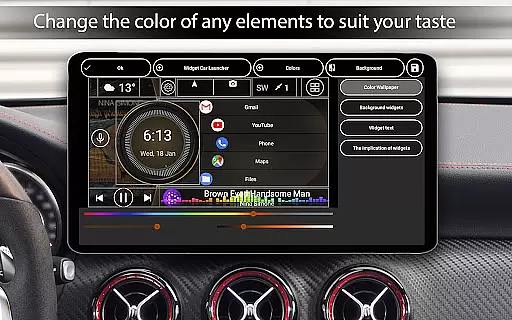
Additional notable features include weather integration, location services, and advanced widget support. Users can personalize themes, adjust color schemes, and configure screen brightness based on time of day. This level of customization ensures that Car Launcher Pro adapts to each driver's unique preferences and requirements.
Car Launcher Pro provides comprehensive vehicle data through its advanced interface, making it an essential tool for drivers who want to stay informed about their driving metrics. The application uses GPS data to display real-time speed, distance traveled, and average speed on the main screen, ensuring that users have critical information at a glance.
The app goes beyond basic speed tracking by offering detailed performance statistics. Users can access information such as maximum speed, acceleration times from 0 to 60 km/h, 0 to 100 km/h, and even 0 to 150 km/h. It also tracks the best time and speed for a quarter-mile trip, providing a complete picture of vehicle performance over different periods.
One of the standout features is the ability to customize which metrics are displayed and for what timeframe - whether for a single trip, daily, weekly, or monthly. This flexibility allows drivers to monitor their vehicle's performance according to their specific needs and preferences, enhancing both convenience and safety.
By integrating these detailed vehicle information features, Car Launcher Pro empowers users to make informed decisions while driving. The easy access to crucial vehicle data not only improves driving efficiency but also contributes to safer driving habits, making it an invaluable addition to any car equipped with Android-based systems.
While Car Launcher Pro offers a robust set of features for vehicle enthusiasts, it maintains price transparency by clearly outlining the differences between its free and premium versions. The free version provides essential functions such as speed display, basic app launching capabilities, and access to the onboard computer with fundamental trip data.
For users seeking more advanced features, the PRO version unlocks additional functionalities without hidden costs. These include the ability to create multiple folders for selected applications on the home screen, offering better organization and quicker access to frequently used apps. The premium version also enables advanced customization options for widgets and themes.
The pricing structure is straightforward, with a one-time payment for the PRO version, ensuring that users aren't subjected to unexpected subscription fees or in-app purchases. This approach allows drivers to budget appropriately for their vehicle management needs while enjoying the full range of features.
By maintaining clear distinctions between free and paid features, along with transparent pricing, Car Launcher Pro builds trust with its users. Drivers can confidently choose the version that best suits their requirements, knowing exactly what they're getting for their investment in automotive technology.
User-friendly interface
Customizable home screens
Detailed trip statistics
Advanced widget options
Flexible theme settings
Complex setup process
Requires constant GPS
Premium features locked
Occasional bugs reported
High system requirements

Easily notify car owners in urgent situations, safe, fast, multilingual.
 4.1
4.1
Digital Car Key/Launcher, Screen Mirror, Android Dashboard, Remote Wireless Link
4.40
Automotive Electrical Wiring Diagrams
4.40
Mobile Phone Parking - So easy to park
3.70
Instantly redesign your car with AI. From sporty to futuristic, try it all.
4.50
Take state-specific DMV permit tests and ace the exam.
3.90
MySubaru: Download. Connect. Love.
4.70
Marathon ARCO Rewards members earn rewards & apply the rewards for fuel savings!
4.80
Shop, finance, or sell today.
4.80
Trip computer+car diagnostic tool with widest variety of features and dashboard!
4.70
Shop cars & see your financing
4.60
Find Fast EV Chargers | Charge Your Vehicle at 1,100+ Fast Car Charging Stations
4.60
Find, search, and browse 40,000+ used cars, SUVs, and trucks.
4.50
On the CarShield app, you can view contracts, make payments, & request roadside.
4.40
OBD2 car scanner and diagnostics: read Check Engine, DTC, economy....
4.30
Realtime Charts is a plugin for the Torque Pro App (OBD 2 & Car)
4.20
OBD diagnostics, Live Data, DPF regeneration for BMW
4.00
Simplify your drive
3.90
O'Reilly Pro will streamline your parts lookup and ordering process!
3.20


User Reviews