
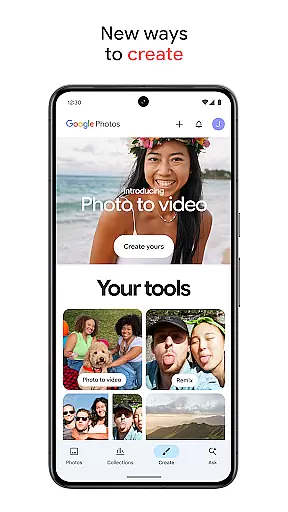
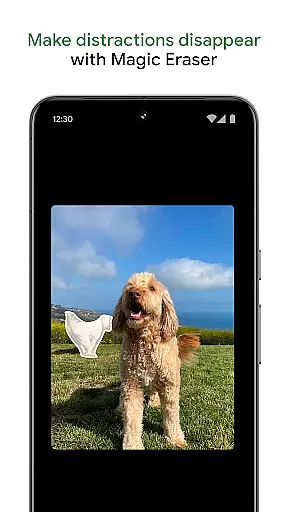
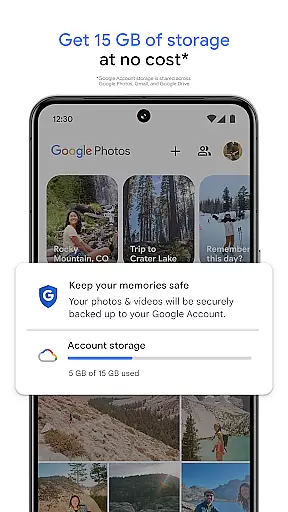
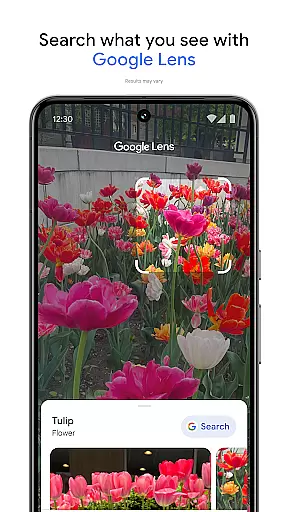
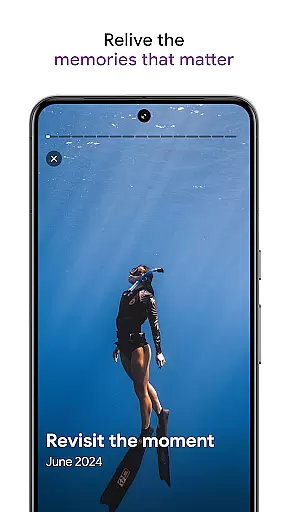
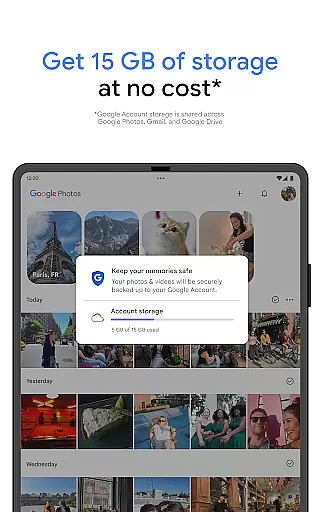
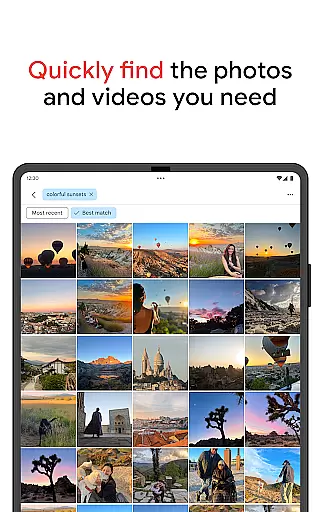
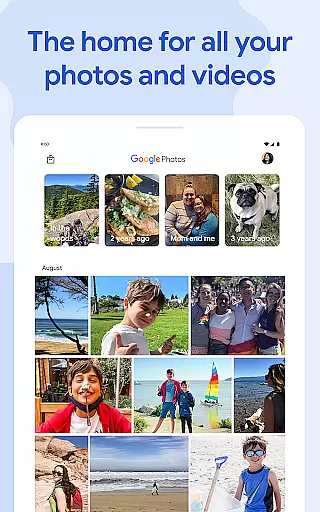
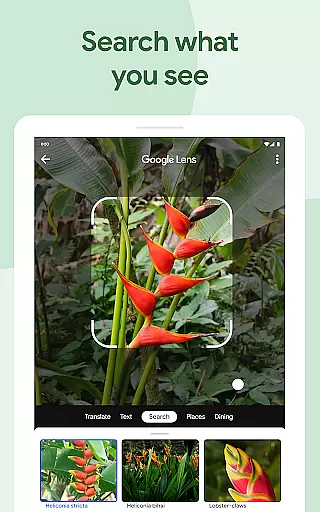
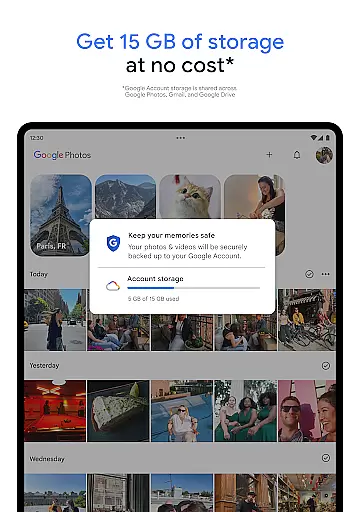
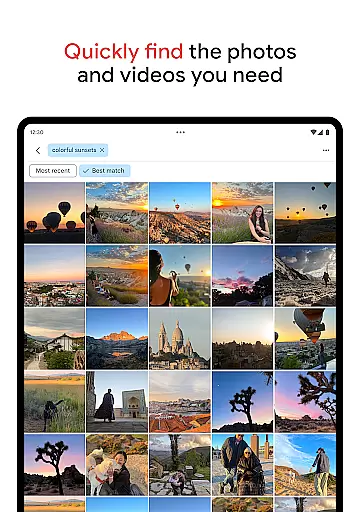
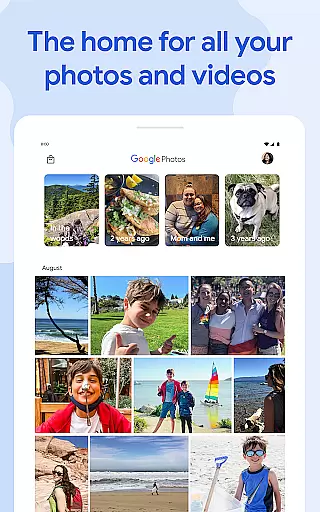
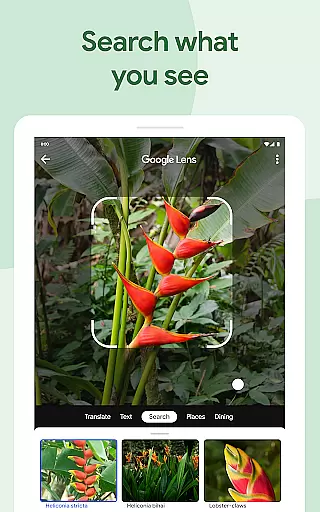
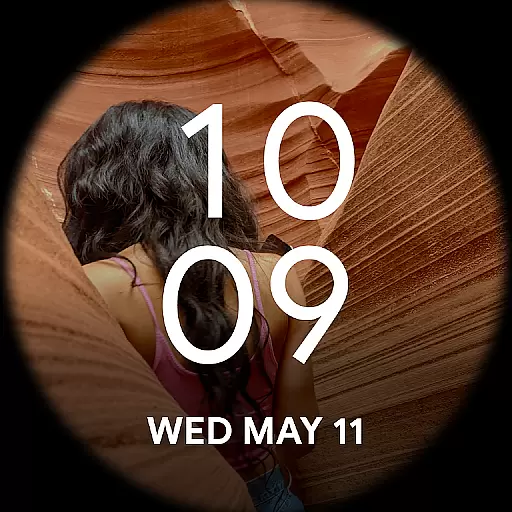
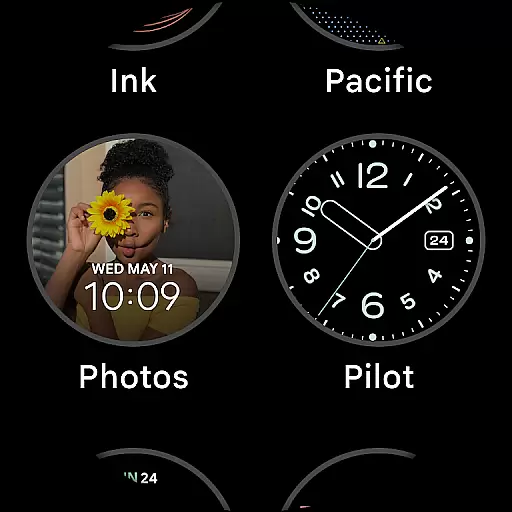
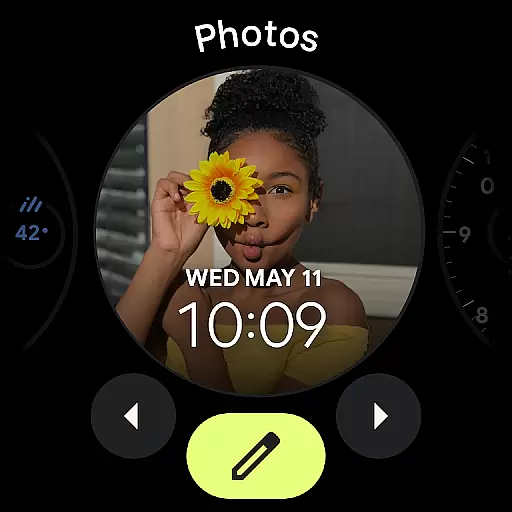
Google Photos is a comprehensive photo and video management application that leverages Google AI to help users back up, edit, organize, and search their memories. The app provides 15 GB of free cloud storage for every Google account, ensuring automatic backup across all devices. With features like AI-powered editing tools, users can make complex edits easily, such as removing distractions with Magic Eraser or enhancing lighting with Portrait Light.
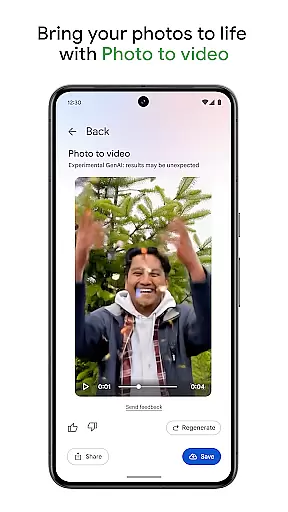
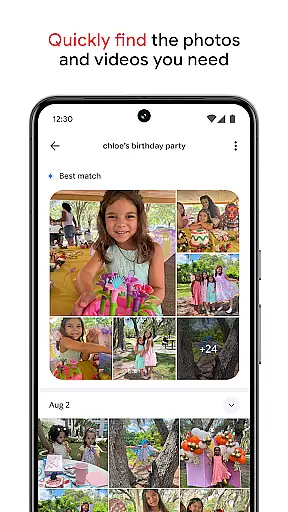
The app also offers creative tools like Remix and Photo to video, which transform static images into dynamic content. Its powerful search functionality allows users to find specific photos quickly, even with complex queries. Additionally, Google Photos helps declutter galleries by organizing duplicates and similar photos into stacks, while providing personalized folders for different types of content. Users can relive and share favorite memories effortlessly, making it an essential tool for managing digital memories securely and efficiently.
Google Photos stands out with its advanced AI-powered editing tools that simplify complex photo edits. Features like Magic Eraser allow users to remove unwanted objects seamlessly, while Unblur improves the quality of out-of-focus images. Portrait Light enhances brightness and lighting conditions in portraits, offering professional-grade edits at users' fingertips.
Beyond editing, Google Photos facilitates creativity with tools like Remix and Photo to video, enabling users to animate static images into engaging videos. The app's search functionality is equally impressive, supporting both simple and complex queries to help users locate specific memories without endless scrolling. Moreover, the app's organizational capabilities are robust, automatically sorting duplicates and similar photos into stacks and offering smart folders for screenshots, documents, and more. These features collectively ensure a streamlined, personalized gallery experience.
Companion app integration is essential for wearable devices to function seamlessly with smartphones. Google Photos ensures that your photos and videos are automatically backed up and synchronized across all your devices, providing a cohesive experience.
With Google Photos, users can easily transfer their memories from their smartwatches or other Android Wear devices to their smartphones or the cloud. This means you can capture moments on the go and have them instantly available on your other devices for viewing or editing.
The application's ability to keep all content in one place allows for effortless management of your digital library. Whether you're using a wearable or a mobile device, your gallery remains consistent and up-to-date, ensuring that no matter where you are, your cherished memories are always at your fingertips.
Ensuring compatibility with Wear OS and various devices is crucial for apps like Google Photos. The app supports a wide range of devices, allowing users to enjoy their photos and videos on any compatible smartphone or wearable technology.
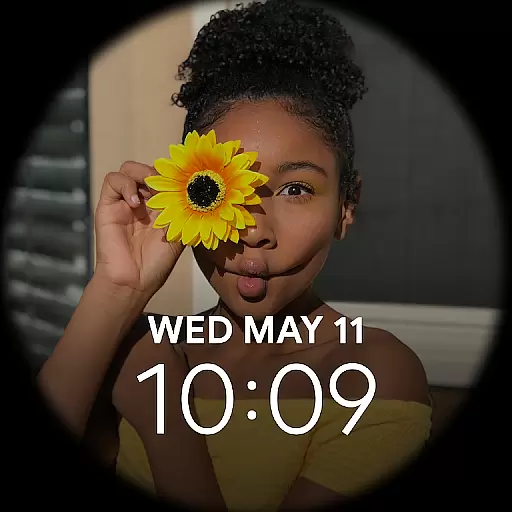
Google Photos offers features tailored for Wear OS, such as quick access to recent memories and the ability to control what content is stored on your watch. This flexibility enhances user interaction without compromising on quality or performance.
Moreover, the app's optimization for different screen sizes and resolutions guarantees an optimal viewing experience. Regardless of whether you're using a smartwatch or a phone, Google Photos adapts to provide clear, vibrant images and smooth navigation through your collection.
User-friendly interface
Advanced AI tools
Secure cloud storage
Efficient organization
Versatile sharing options
Limited free storage
Paid subscription required
Occasional sync issues
Privacy concerns
Feature overload for beginners

A customizable Christmas watch face for Wear OS with a countdown.
 4.20
4.20
an Analog Watch Face for winter season with freeze winter background for Wear OS
4.2
Precision analog watch face with 7 complications and style options
4.2
Nutrition, Macro tracker: Food, fitness & healthy diet tracking for weight loss
4.60
Funny animated watch face for Thanksgiving
4.3
Connect, create, and collaborate with Gmail, part of Google Workspace.
4.10
Fast and smart typing with Emojis, GIFs, and more
4.50
Spam call blocker and caller ID for automatic call protection!
4.40
From periods to pregnancy & perimenopause, Flo helps you track it all. Try now.
4.70
The Chevron App allows you to pay for fuel from the comfort of your car!
4.80
Diet tracker for weight loss - track calories, food and macros. Simple and easy!
4.70
The most customizable minimal watch face. For Wear OS 5.0, API 34+ and later
4.70
Monitor health with the stress test and pulse checker in the heart rate app.
4.60
Bold, Modern Hybrid Watch Face for Wear OS. 10 Colors, Rich Info Display.
4.30
sleep, alarm, snoring, stress, healing, focus, sound therapy, circadian rhythm
4.10
Professional weather radar and more
3.90
Watch the sharpness of the sky on your wrist..
3.70
Stay in touch with your friends and family using LINE!
3.40
Wear Os Watch Face - Animated Snow - Sesonal for Christmas & Winter
4.4


User Reviews