
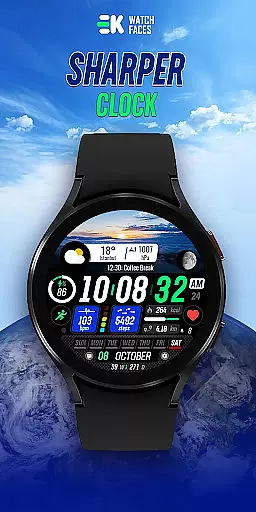
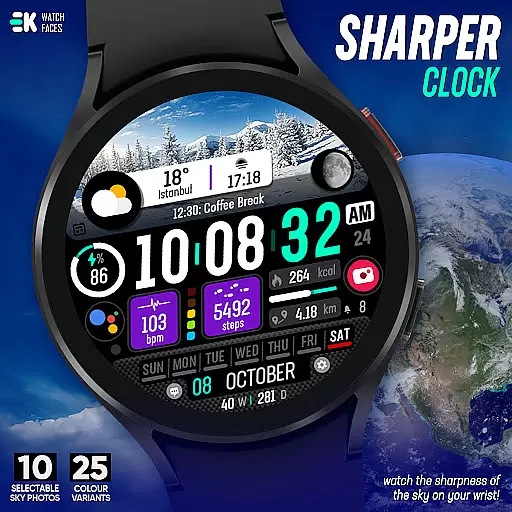
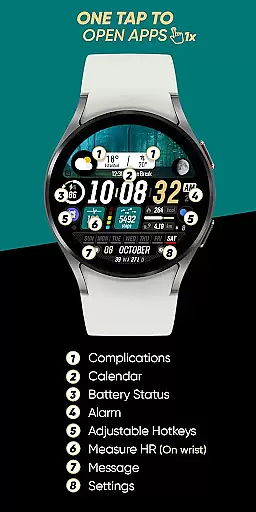
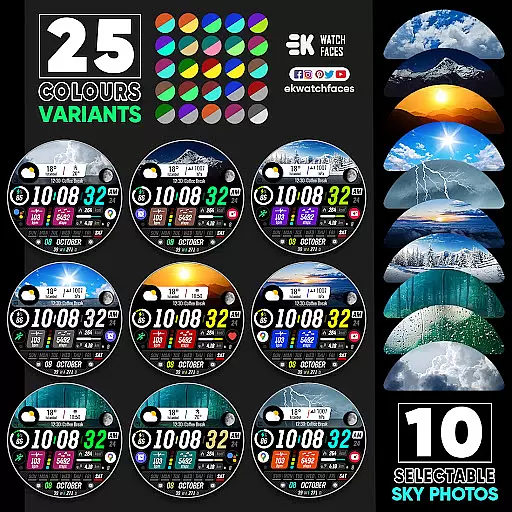
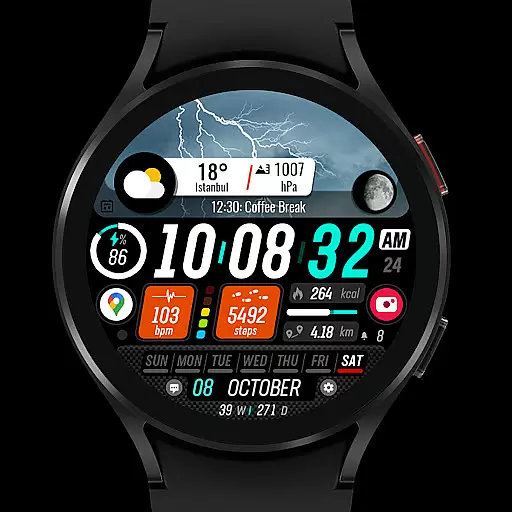
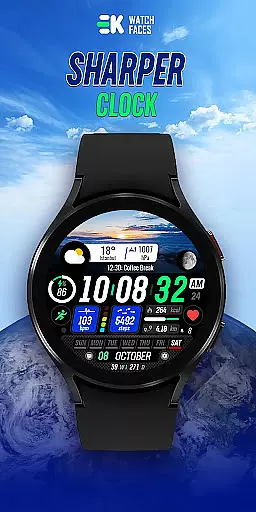
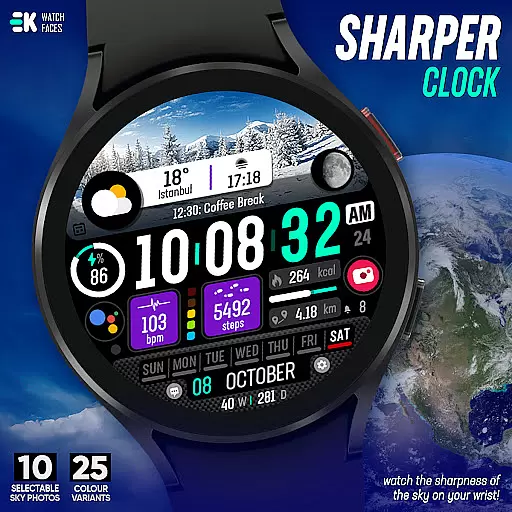
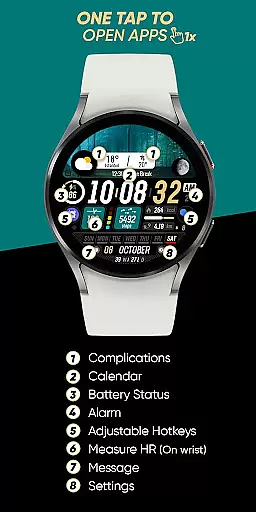
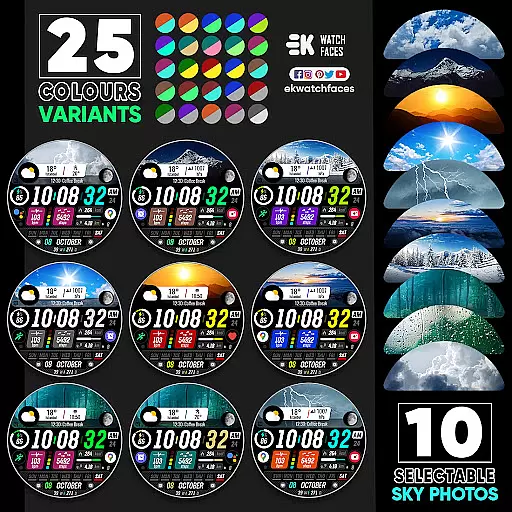
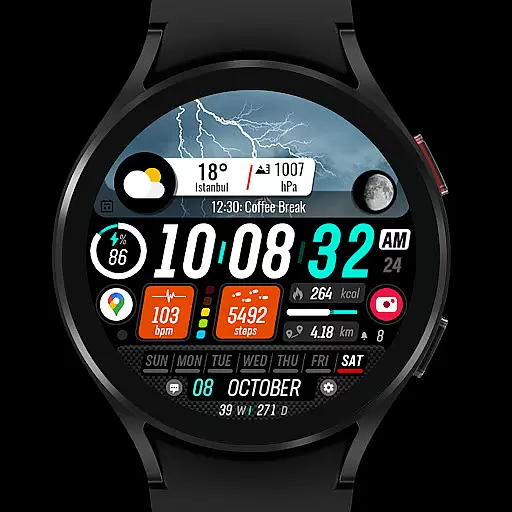
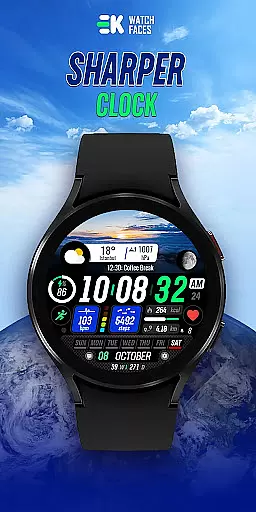
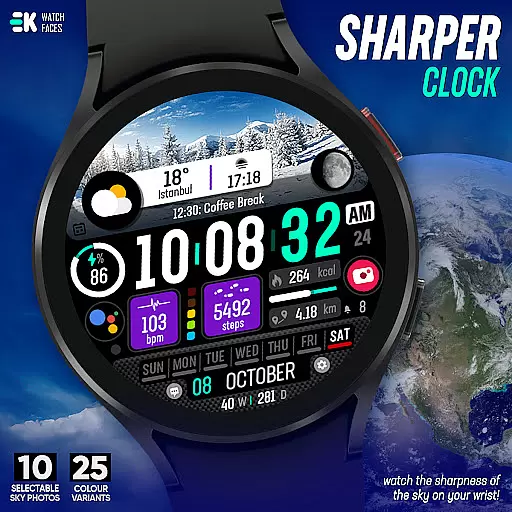
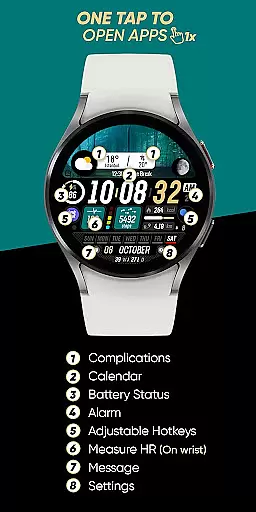
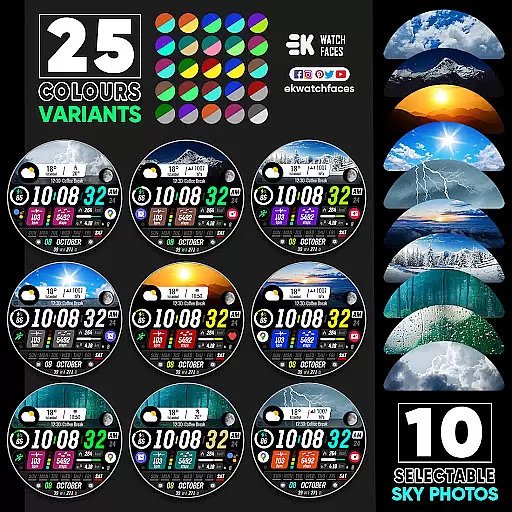
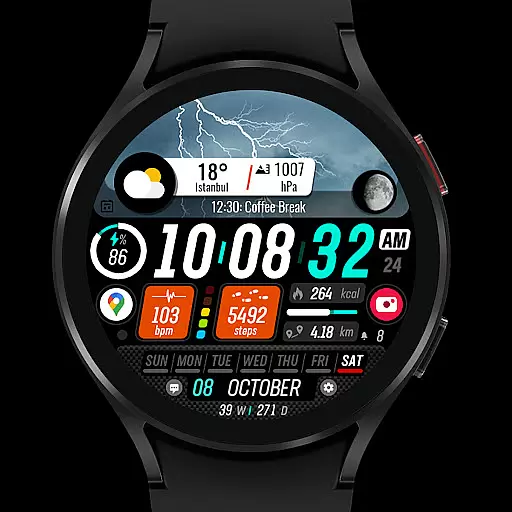
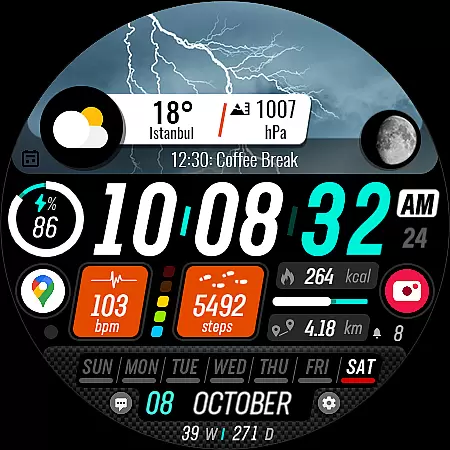
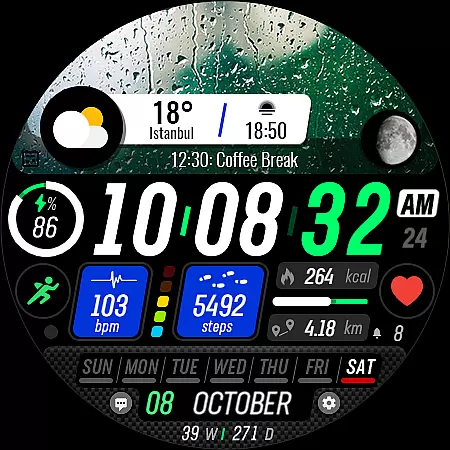
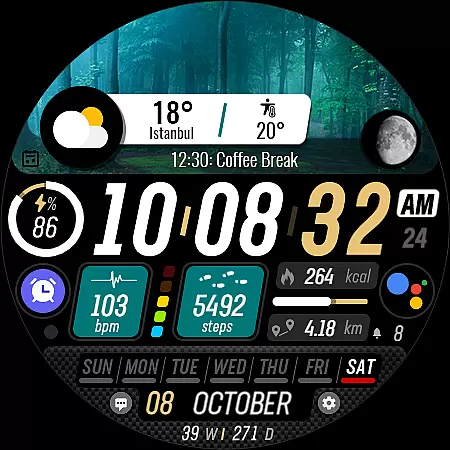
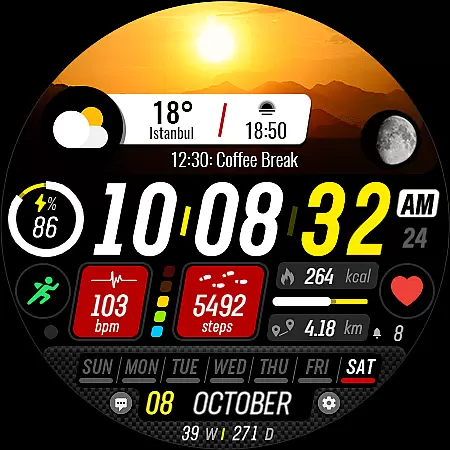
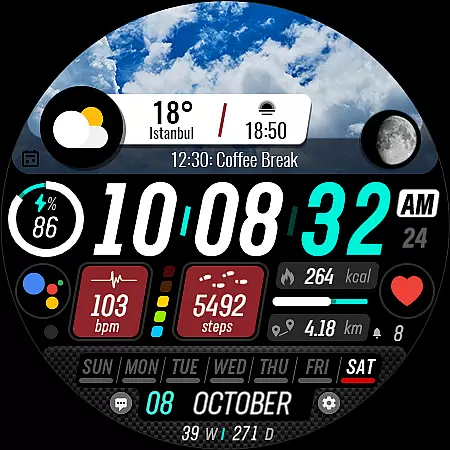
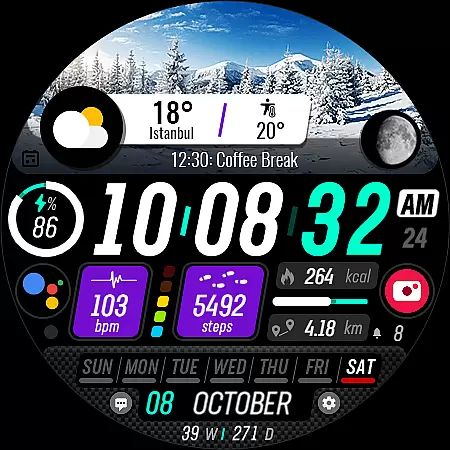
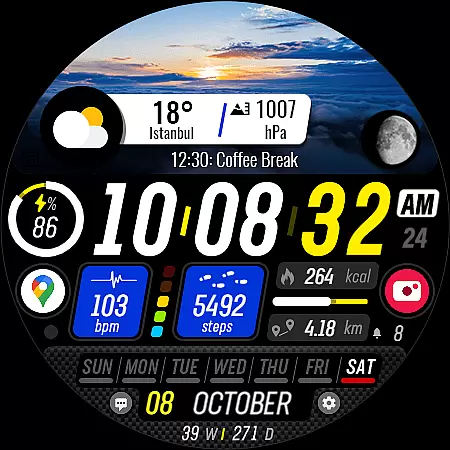
Sharper Clock is a premium watch face app designed exclusively for Wear OS devices, offering users a unique and visually striking timekeeping experience. The app features 10 selectable sky photos with 25 color variants, creating a dynamic and customizable appearance that brings the beauty of the sky to your wrist.
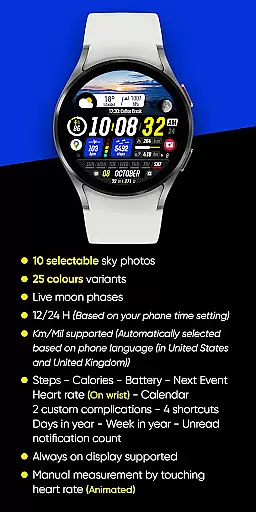
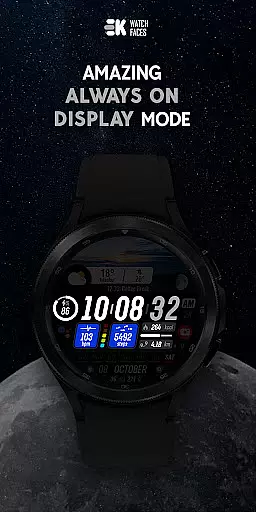
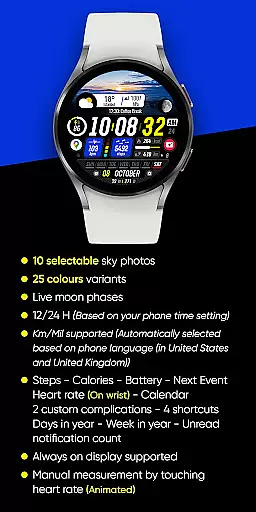
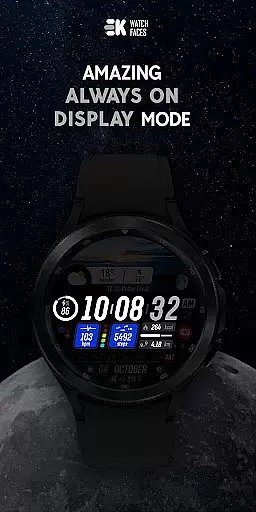
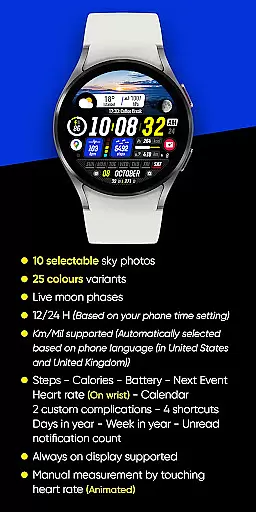
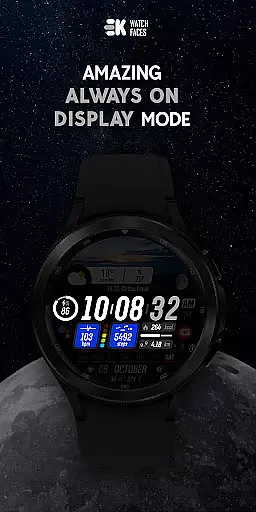
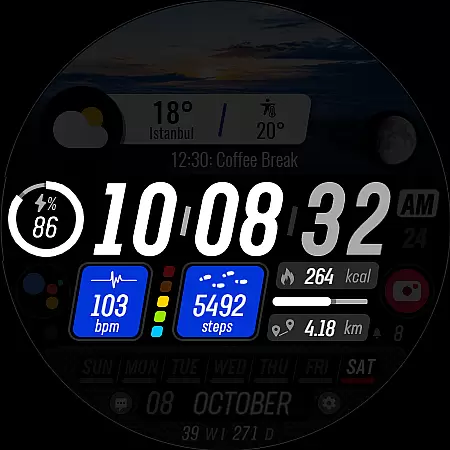
In addition to its aesthetic appeal, Sharper Clock provides practical functionality with live moon phases, automatic time format selection (12/24H), and distance measurement in Km/Mil based on phone language settings. Users can access essential information through various complications including steps, calories, battery status, next event, heart rate, calendar, and more. The always-on display feature ensures constant accessibility while four shortcuts provide quick access to frequently used functions.
This sophisticated watch face requires proper installation procedures and permissions setup for full functionality. While primarily serving as a visually appealing timepiece, it also delivers valuable health and productivity tracking features, making it an ideal choice for users seeking both style and substance in their wearable technology.
Sharper Clock distinguishes itself through its comprehensive feature set tailored specifically for Wear OS users. The application showcases 10 carefully selected sky photographs, each available in 25 different color variations, allowing for extensive personalization options. This visual diversity ensures that users can find a design that perfectly matches their personal style or mood.
The inclusion of live moon phases adds an astronomical element to the watch face, providing real-time lunar information directly on the wrist. Practical features such as automatic time format selection (12/24H) based on phone settings and distance measurement in either kilometers or miles (depending on phone language) demonstrate the developer's attention to international usability. The watch face supports up to two custom complications and offers four shortcuts for quick access to preferred functions.
Advanced functionality includes support for always-on display technology, ensuring important information remains visible at all times. To maximize these capabilities, users must manually enable sensor permissions and allow complication data reception. The watch face integrates seamlessly with health and productivity metrics, displaying steps, calories burned, battery status, upcoming events, heart rate, calendar information, and unread notification counts, making it a comprehensive tool for both fitness tracking and daily organization.
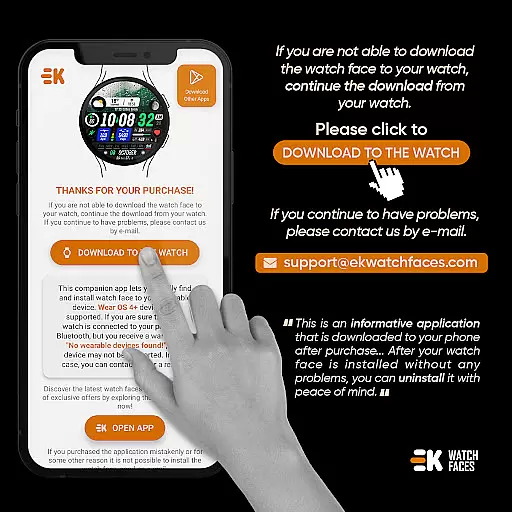
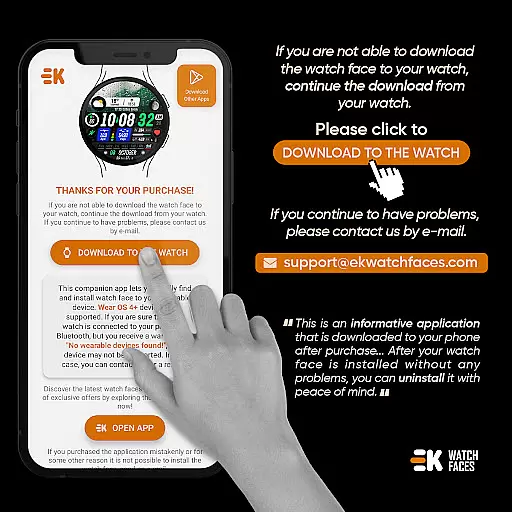
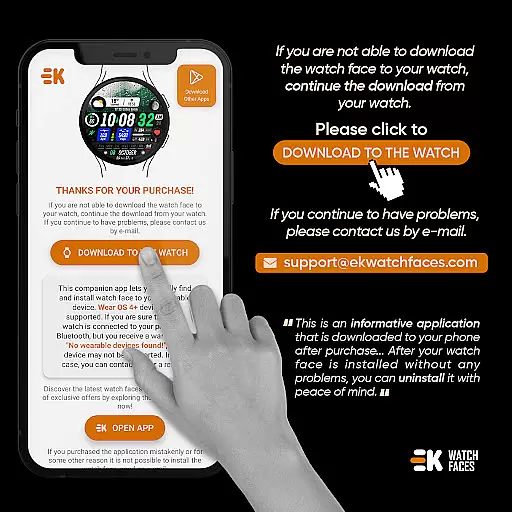
Sharper Clock - Watch Face offers seamless companion app integration, ensuring that your watch and phone work in harmony. The phone app acts as a placeholder to simplify the installation process and helps you locate the watch face on your Wear OS device effortlessly.
By connecting your watch to your phone, users can tap on 'DOWNLOAD TO THE WATCH' within the phone app, initiating an easy installation process. This connection ensures that all features of the watch face are accessible directly from your wrist, providing convenience and efficiency.
The synchronization between devices means that settings such as time format (12/24H) and distance measurement units (Km/Mil) are automatically adjusted based on your phone's language and regional settings. This smart adaptation enhances user experience by maintaining consistency across devices.
Designed specifically for Wear OS devices with API 33+, Sharper Clock - Watch Face guarantees optimal performance and compatibility. Users can enjoy advanced features like live moon phases, always-on display support, and health tracking metrics including steps, calories, heart rate, and more.
This application supports a wide array of functionalities tailored for Wear OS, such as selectable sky photos, color variants, complications, shortcuts, and calendar integrations. These elements come together to create a personalized and visually appealing watch face.
For full functionality, users must manually enable sensors and grant permissions for receiving complication data. With comprehensive social media and web presence, users can explore additional content and stay updated with the latest enhancements, ensuring they make the most out of their Wear OS experience.
Visually stunning design
Extensive customization options
Live moon phase tracking
Comprehensive health metrics
Always-on display support
Complex installation process
Requires manual permissions setup
Potential payment synchronization issues
Limited to Wear OS devices
API 33+ requirement

Highly customizable hybrid watch face for Wear OS, perfect for everyday use.
 4.60
4.60
Snowflake Rose Gold Watch Face - Digital, modern, & sleek with GYRO effect.
4.10
Embrace the festive spirit with our Christmas Countdown watchface for Wear OS
4.10
A heartwarming Christmas scene featuring a cute image of Santa and Rudolf
4.4
Stay in touch with your friends and family using LINE!
3.40
Real-time weather radar with temperatures, warnings, hurricanes, and widgets
4.80
Simple, helpful messaging by Google
4.60
Back up your contacts & access them anywhere
4.30
From periods to pregnancy & perimenopause, Flo helps you track it all. Try now.
4.70
Hyperlocal rain alerts by MyRadar using patent-pending technology, radar & more
4.80
The most customizable hybrid watch face. For Wear OS 5.0, API 34+ and later
4.70
To-Do List: daily schedule planner, task organizer, to do reminder app, calendar
4.60
Connect to your Bluelink equipped Hyundai vehicle from your smartphone.
4.50
Christmas watch face. For Wear OS devices.
4.30
Wear Os Watch Face - Animated Snow Effect & Magic Spark - 6 Scenes
4.10
Hyper-Realistic Airplane Dashboard Watch Face With 10 Skins and Custom AOD
4.00
A full-featured Amazon Alexa voice assistant that can show you things.
3.70
Wear Os Watch Face - Animated Snow Effect & Christmas Lights
4.4
Sleek, highly customizable watch face inspired by Galaxy Watch Circle Dashboard.
4.4


User Reviews