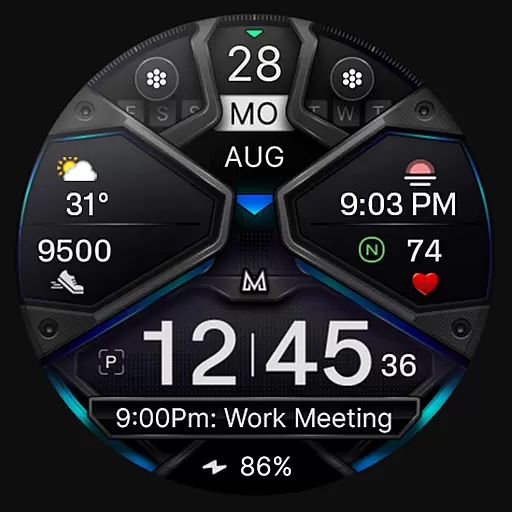
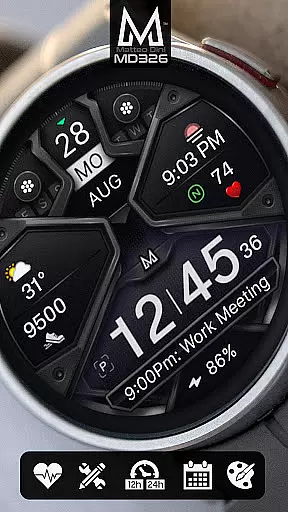
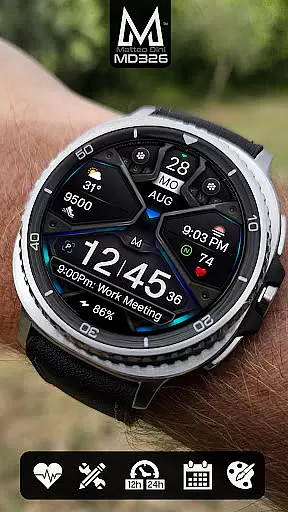
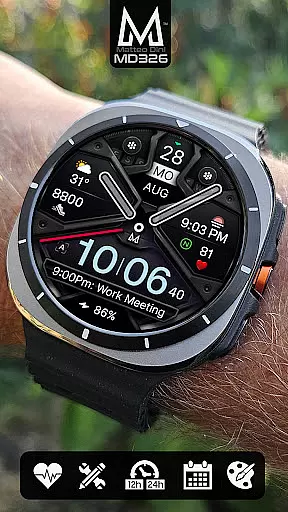
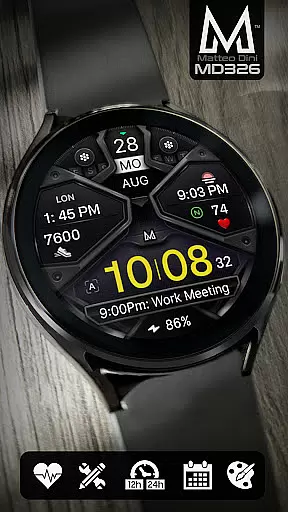
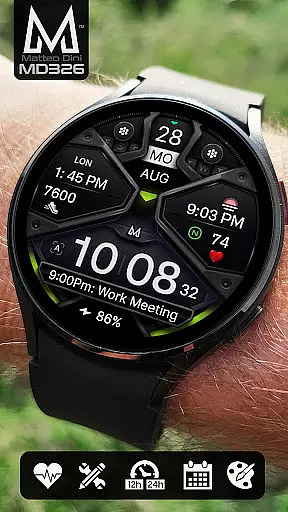
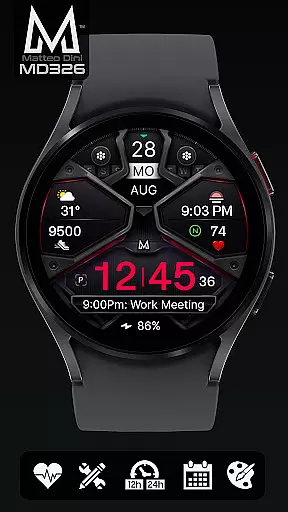
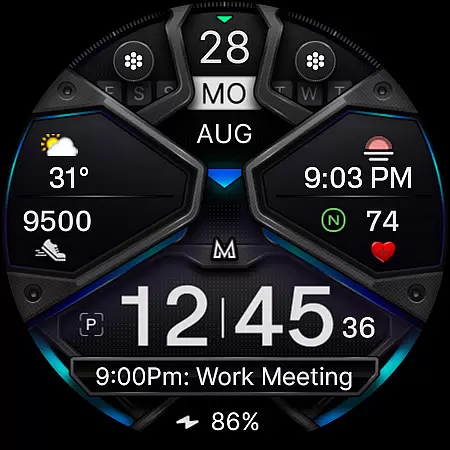
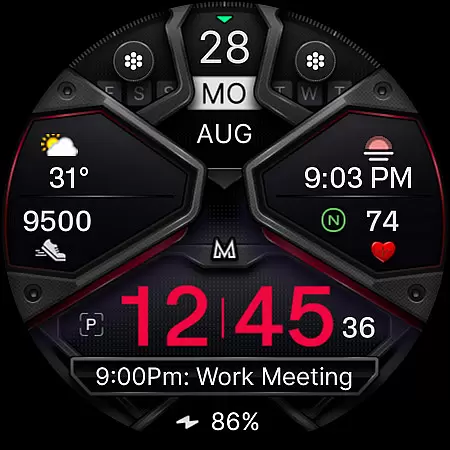
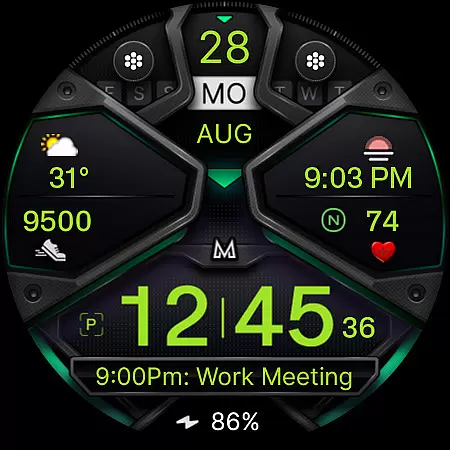
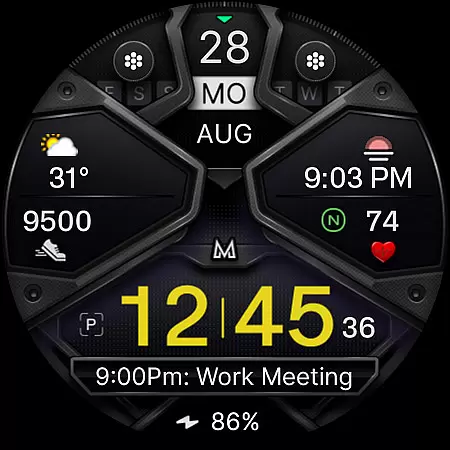
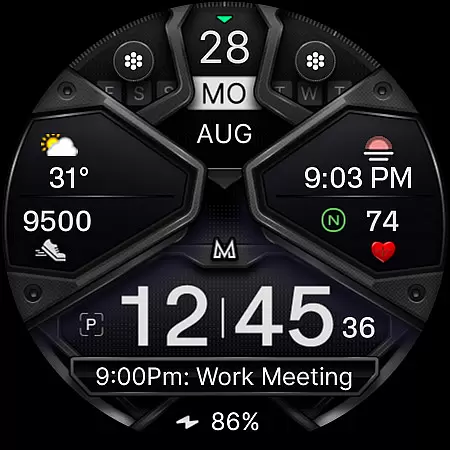
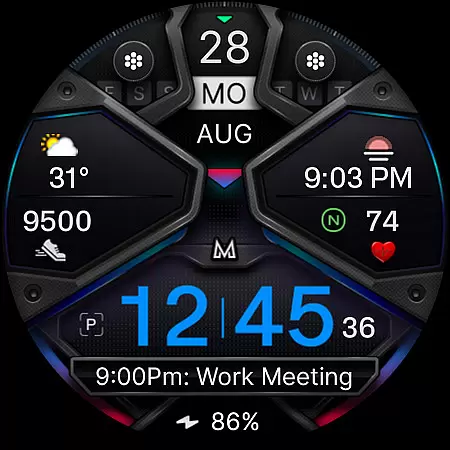
MD326 3D Modern Watch Face offers a sophisticated and customizable timekeeping solution for Wear OS devices. Designed with advanced features, this watch face supports all Wear OS devices running API Level 33+ (Wear OS 4 and later), including Samsung Galaxy Watch 4-8, Ultra, and Pixel Watch models.
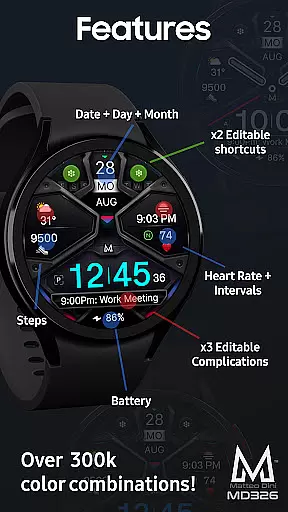
The watch face includes three preset app shortcuts, two customizable shortcuts, and three complications that can display various data types such as weather, barometer readings, UV index, and chance of rain. Users can personalize the appearance by changing colors of the time display, bezel, background, and more. The Always ON Display feature ensures visibility even when the watch is idle.
Ideal for users seeking both functionality and style, MD326 enhances the smartwatch experience by providing essential information at a glance while allowing extensive customization to suit individual preferences.
MD326 3D Modern Watch Face stands out with its comprehensive feature set tailored for tech-savvy users. It automatically adjusts to 12/24-hour formats based on phone settings and displays date, day, month, battery status, step count, and heart rate with intervals. The inclusion of five total shortcuts - three preset and two customizable - allows quick access to frequently used apps like Calendar, Battery monitor, and Heart Rate measurement.
One of the key highlights is the ability to customize three complications, enabling users to choose from a variety of data sources such as weather forecasts, world clocks, and barometric pressure readings. This flexibility ensures that wearers have access to the most relevant information for their lifestyle.
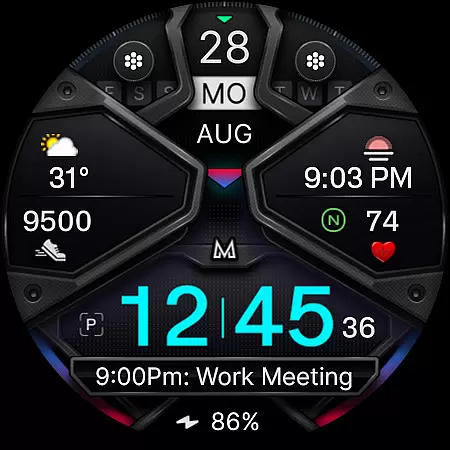
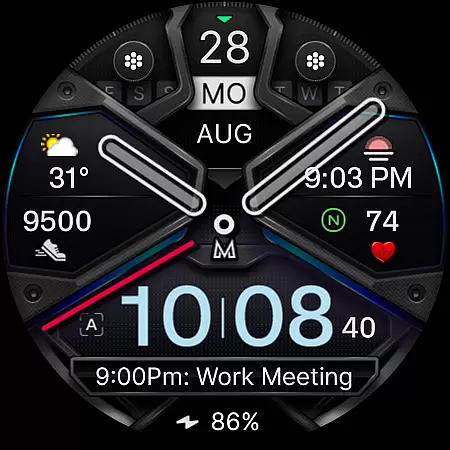
Additional features include an Always ON Display with optional minimal style, hideable hands for unobstructed viewing, and extensive color customization options for time, bezel, background, and general elements. These capabilities empower users to tailor their watch face to match personal aesthetics and functional needs, making MD326 a versatile choice for modern smartwatch enthusiasts.
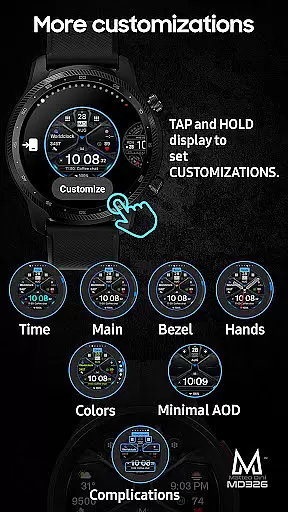
For smartwatch users, seamless companion app integration is essential for a unified experience. The MD326 3D Modern Watch Face offers direct on-watch customization, circumventing potential issues with the Samsung Wearable app's editor.
This approach ensures that even if the editor fails to load complex designs, users can still personalize their watch face effortlessly. By tapping and holding the screen on the watch itself, you can access customization options without relying on the companion app.
The ability to customize directly on the device demonstrates the watch face's adaptability and user-centric design. This feature allows users to modify shortcuts, complications, and aesthetic elements like colors and always-on display settings.
With this direct customization capability, users maintain complete control over their watch face's functionality and appearance, ensuring a tailored experience that meets their specific needs.
Compatibility across various devices and operating systems is crucial for wearable technology. The MD326 3D Modern Watch Face supports all Wear OS devices with API Level 33+ including Wear OS 4 and later versions.
This wide compatibility range ensures that users of popular models such as Samsung Galaxy Watch 4-8, Ultra, and Pixel Watch can enjoy the advanced features of this watch face. It leverages the latest software capabilities to deliver an optimized experience.
By supporting both new and existing Wear OS devices, the watch face remains accessible to a broad audience. Users benefit from consistent performance regardless of their specific device model or software version.
This commitment to compatibility highlights the developer's dedication to quality and inclusivity, allowing more users to enhance their smartwatch experience with this sophisticated 3D watch face.
Highly customizable design
Supports latest Wear OS versions
Comprehensive feature set
User-friendly interface
Active social media presence
Complex setup process
Limited customer support
Preset shortcut limitations
Occasional compatibility issues
No free trial available

Embrace the holiday spirit with this magical animated watch face!
 4.40
4.40
Embrace the festive spirit with our Christmas Countdown watchface for Wear OS
4.10
Contemporary digital watch face with five complications
4.1
Wear Os Watch Face - Animated Snow Effect & Magic Spark - 6 Scenes
4.10
3 Complications. All shadow on/off. 30 Themes color palette...
4.3
Digital watch face. For Wear OS devices.
4.40
Hybrid watch face for Wear OS with customizable complications by Matteo Dini MD
4.70
Fast and smart typing with Emojis, GIFs, and more
4.50
Start and succeed with PAP
4.10
Christmas - Festive - Christmas Village - Winter - Christmas lights
5.00
A modern premium sporty hybrid watch face for Wear OS by Ballozi
4.70
Monitor health with the stress test and pulse checker in the heart rate app.
4.60
Nutrition, Macro tracker: Food, fitness & healthy diet tracking for weight loss
4.60
MyNISSAN® lets you remotely control your car from your phone.*
4.50
Ideal for surviving in the wasteland left after nuclear fallout
4.50
Your music, your playlists, and more—offline and unlimited.
4.20
sleep, alarm, snoring, stress, healing, focus, sound therapy, circadian rhythm
4.10
Your local weather forecast, storm tracker, radar maps & live weather news
3.40
Simple Analog-Digital Watchface For Wear OS 3.0 and Up Smartwatches
4.2


User Reviews