
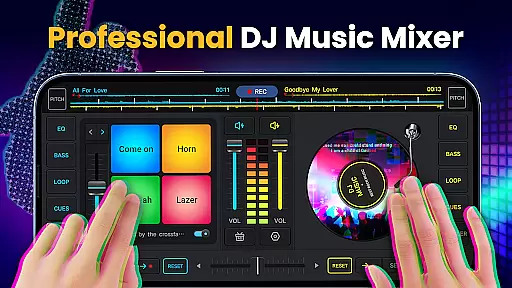
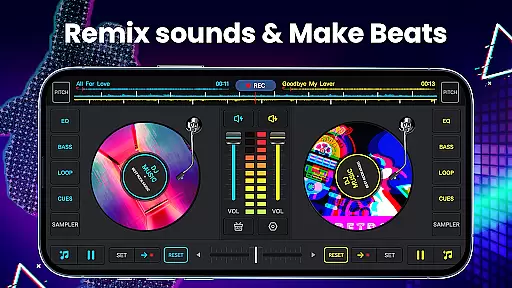
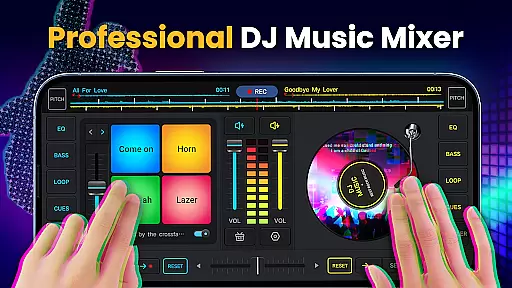
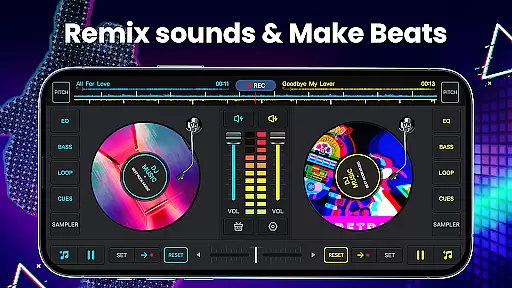
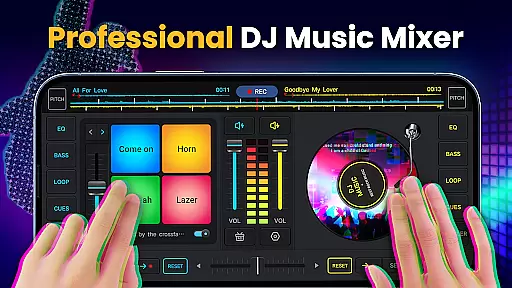
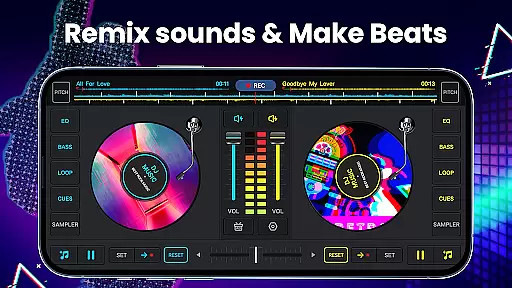
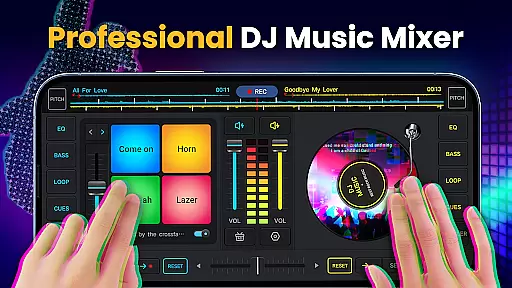
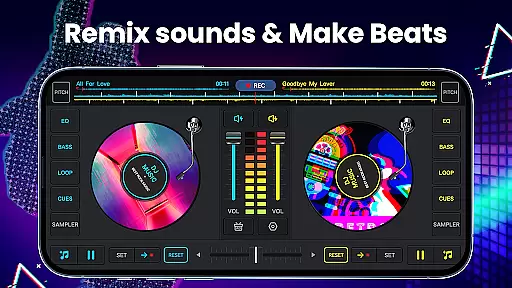
DJ Music Mixer - DJ Mix Studio is a feature-rich virtual DJ application designed for both professional and amateur music enthusiasts. This app allows users to create, customize, and record high-quality music mixes using advanced mixing tools, effects, and loops. With its intuitive interface, the app provides seamless access to essential features such as a crossfader with two virtual turntables, adjustable EQs, and bass boosters.
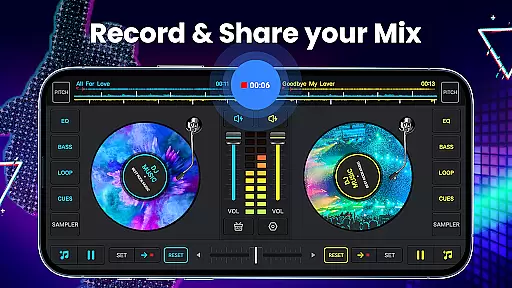
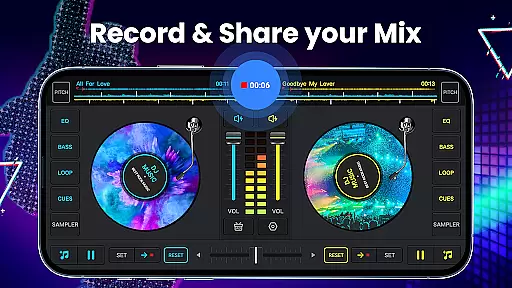
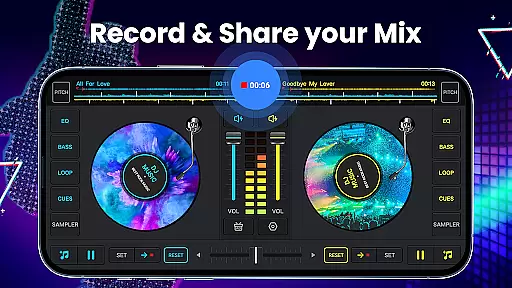
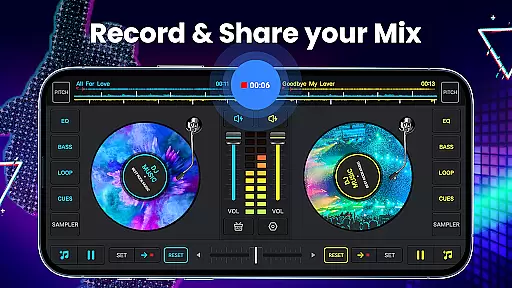
One of the standout features of this app is its ability to cater to different skill levels, from beginners to seasoned DJs. Whether you're looking to remix songs for a party or experiment with sound effects and beats, DJ Music Mixer offers an extensive suite of tools to enhance creativity. The app also supports HD recording in MP3 format, enabling users to save their creations and share them effortlessly.
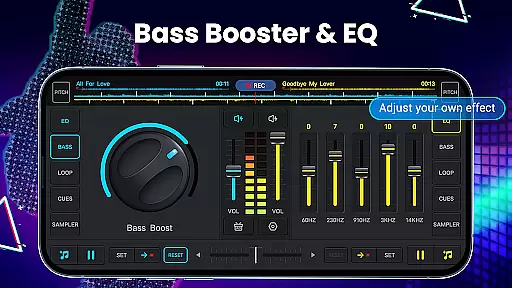
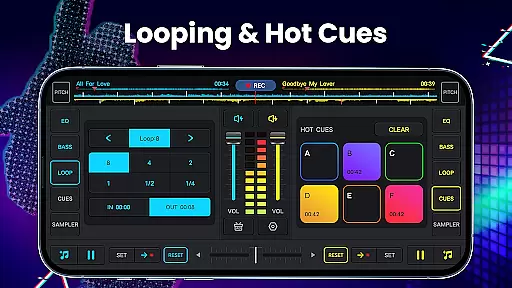
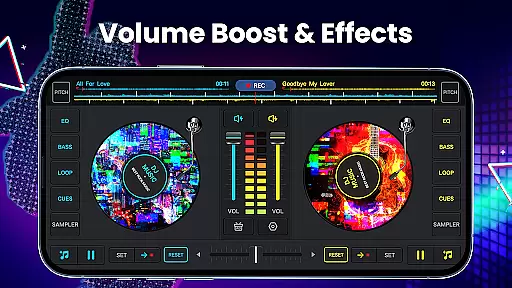
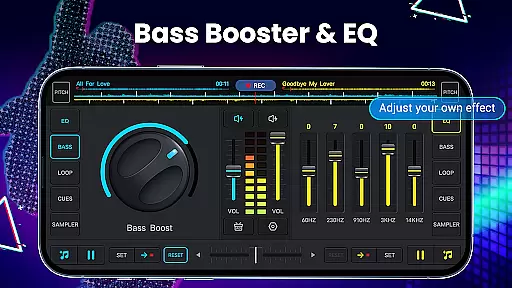
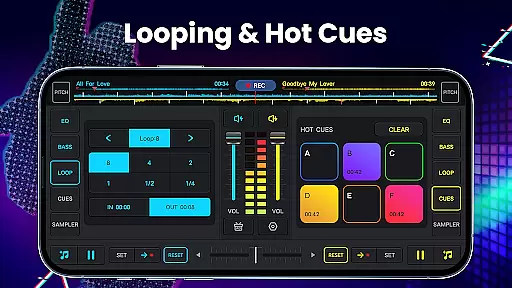
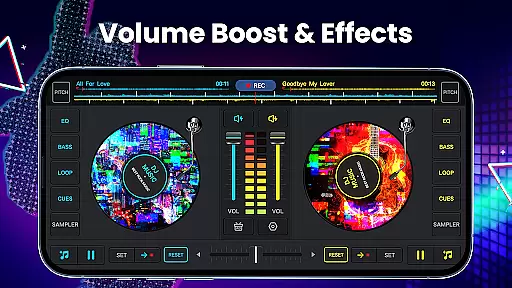
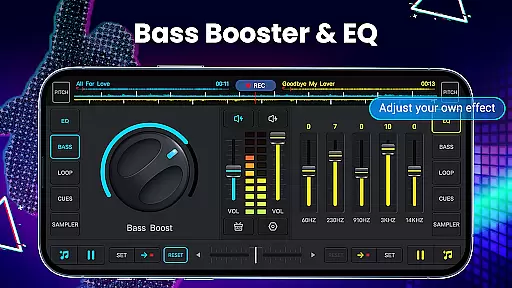
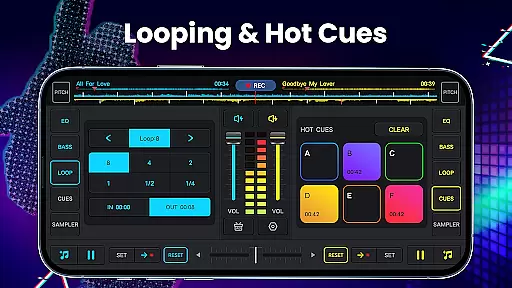
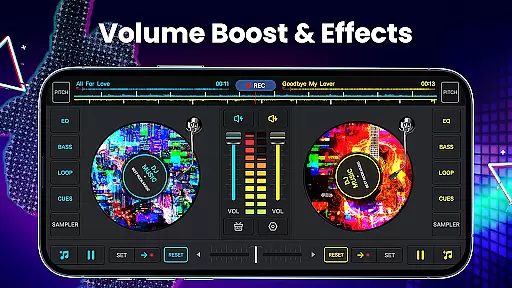
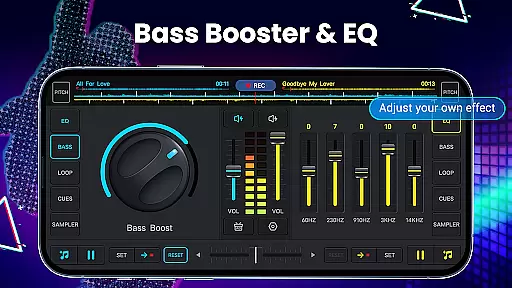
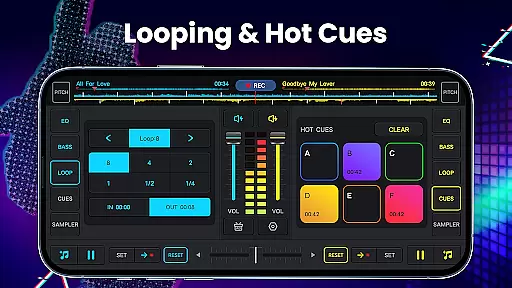
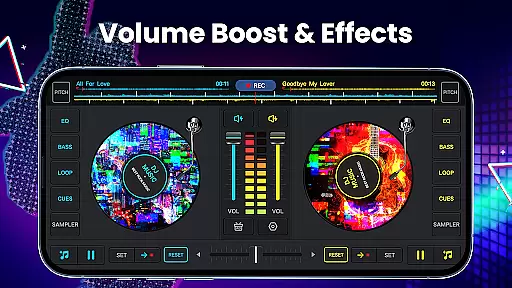
DJ Music Mixer stands out with its comprehensive set of features tailored for music production. It includes a professional-grade mixer equipped with five-band equalizers, bass boost, and adjustable pitch controls. Users can take advantage of up to six hot cues per deck and a wide range of loop options, from 1/64 to 128 beats, allowing for precise control over their mixes.
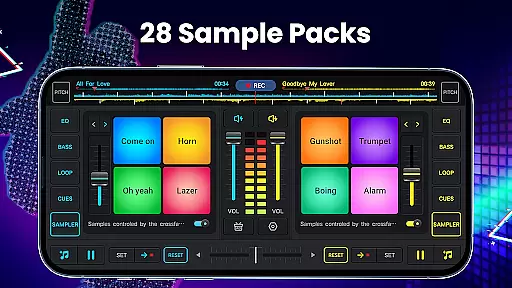
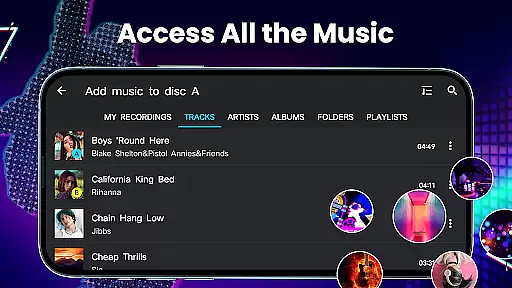
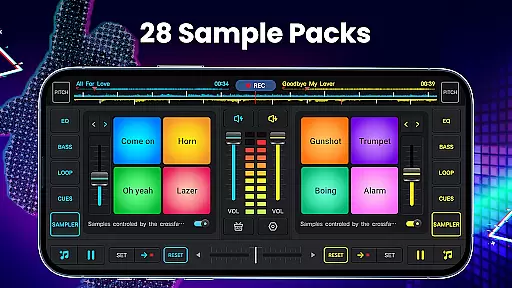
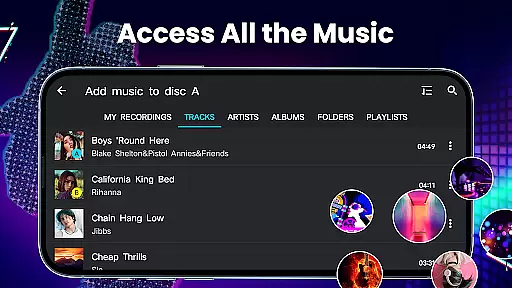
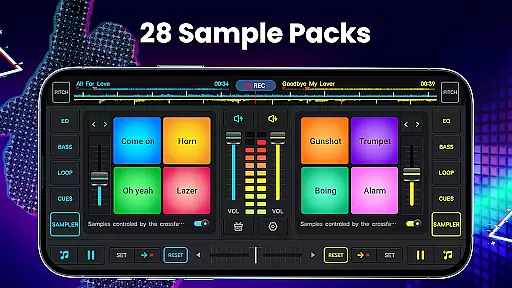
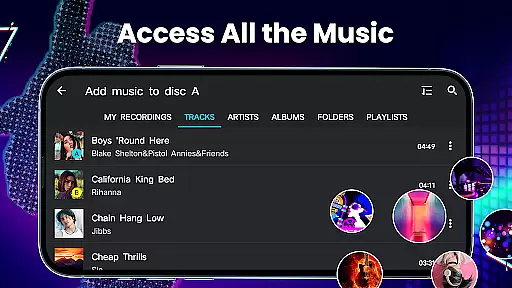
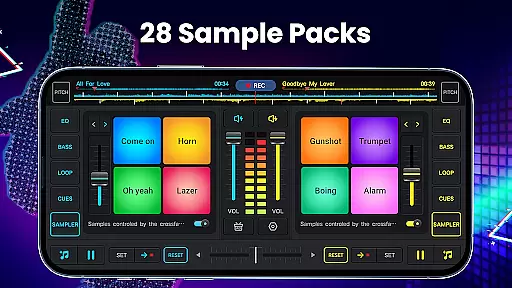
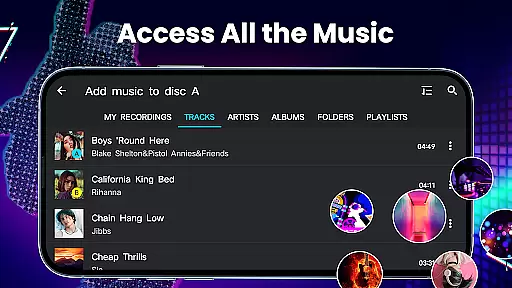
In addition to its robust mixing capabilities, the app offers 28 free sample packs with various sound effects like gunshots, claps, and scratches. These samples can be easily integrated into your tracks, providing endless creative possibilities. The app also supports direct access to all music stored on your device, organized by tracks, artists, albums, and folders, making it easy to manage and import songs into your playlists.
In the realm of digital music creation, having access to a vast and varied music library is crucial for any DJ or music producer. DJ Music Mixer - DJ Mix Studio offers an extensive library that taps into all music stored on your device, categorizing tracks by ARTISTS, ALBUMS, and FOLDERS, thus ensuring a broad spectrum of choices for music mixing and remixing.
Moreover, the app facilitates easy importing of music into a playlist library, enhancing accessibility and ease of use. This comprehensive approach not only saves time but also expands creative possibilities, allowing users to experiment with different genres and styles effortlessly.
Regarding copyright authenticity, while the app itself does not provide music files, it respects the copyrights of all music by allowing users to mix and remix their personally owned tracks. This ensures that creators can utilize the app without infringing on legal rights, making it a reliable tool for both amateur and professional DJs.
The combination of an extensive music library and stringent adherence to copyright laws positions DJ Music Mixer - DJ Mix Studio as a trustworthy companion in music production, empowering users to explore their creativity within legal boundaries.
Audio quality is paramount when producing music, especially in a DJ mixer application where clarity and depth can significantly impact the final output. DJ Music Mixer - DJ Mix Studio addresses this need by offering high-quality audio processing capabilities, including a five-band equalizer and bass boost features, which allow precise control over the sound profile.
The app supports HD recording of mixes and scratch routines in .mp3 format, ensuring that the quality of recordings matches that of studio productions. With options to adjust mix volume and pitch, users have the flexibility to fine-tune their creations to meet professional standards.
Furthermore, the inclusion of advanced audio features such as wide audio spectrum optimization for beat detection and simple equalizers to manage turntable effects underscores the app's commitment to delivering top-notch audio experiences. These tools enable users to manipulate sound with precision, adding depth and character to their mixes.
By prioritizing audio quality options, DJ Music Mixer - DJ Mix Studio stands out as a premier choice for those seeking to produce high-fidelity music mixes, rivaling the output of traditional DJ equipment.
User-friendly interface
Wide range of sound effects
High-quality recording options
Supports multiple audio formats
Regular updates and improvements
Occasional bugs in older devices
Limited tutorial resources
Some features require in-app purchases
Interface may overwhelm beginners
Heavy app size

Pay Once, no monthly payment
 4.60
4.60
Gorgeous UI, Powerful music Search and Equalizer, the great choice for you!
4.70
Most Advanced AI Song Generator and Music Creator. Rap, Pop, Rock, Gospel & more
4.70
The ultimate media player for Android devices
3.90
Recording studio w/ 10k beats, pro vocal FX and a network of 20M rappers & fans!
4.60
Enjoy singing any song, no matter how high or low it is
4.30
Offline Music Player & MP3 Player.Powerful equalizer, Lyrics, Themes, Tag Editor
4.80
Slow music down without changing pitch.
3.70
Offline Tunes, Unlimited Vibes
3.90
The best music and audio player, with beautiful UI, music search and equalizer.
4.60
Formerly known as Spotistats! View your top tracks, artists, albums and more!
4.40
DJ Music Mixer Pro is a real DJ controllers and DJ Music Studio to remix DJ.
4.40
Powerful 10-Band equalizer pro with sound booster improves Android audio quality
4.30
Master Salsa Rhythm quickly and with a lot of fun!
4.30
A High-Precision Audio Spectrum Analysis App
4.20
Sheet music reader, piano & music note player. Play music score & learn to read.
3.90
Powerful beat maker & DJ mixer to remix tracks, make music, & perform DJ mix
3.70
The Skullcandy App Experience
3.20
Simply convert wav to mp3. Clear. Reliable. Safe.
4.0


User Reviews