
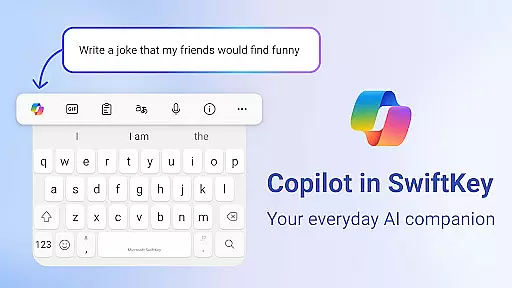
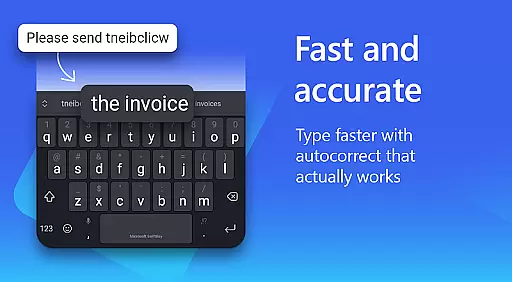
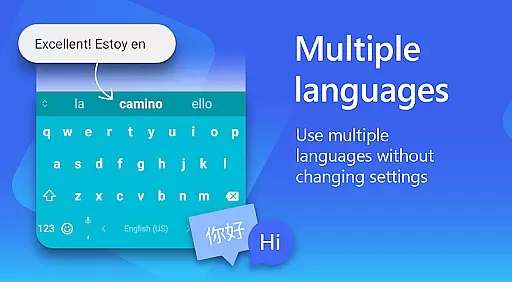
Microsoft SwiftKey AI Keyboard is a cutting-edge personalization tool designed to enhance typing efficiency and style. This intelligent keyboard learns your unique writing patterns, offering personalized autocorrect and predictive text features. With support for over 700 languages and the ability to enable up to five languages simultaneously, it caters to multilingual users effectively.
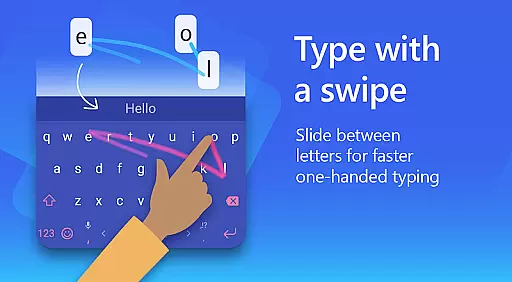
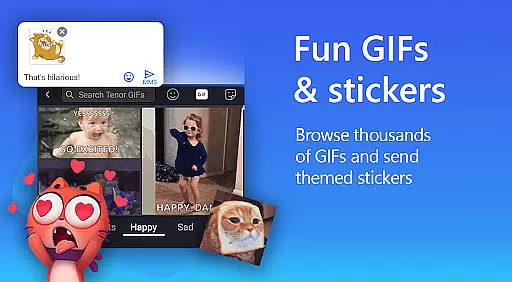
The app goes beyond basic typing by integrating rich content options such as adaptive emojis, GIFs, and stickers. Its AI-powered Copilot feature allows users to interact with AI in their favorite apps, while the swipe-to-type functionality and custom keyboard themes provide a tailored typing experience. Whether you're looking to type faster or express yourself more creatively, Microsoft SwiftKey offers a complete personalization solution.
Microsoft SwiftKey stands out with its advanced AI-driven features that continuously adapt to user behavior. The app's swipe-to-type functionality and tap-to-type options are powered by machine learning, ensuring accurate predictions and autocorrect suggestions. The inclusion of an AI assistant, Copilot, enables users to ask questions and compose text effortlessly within their preferred applications.
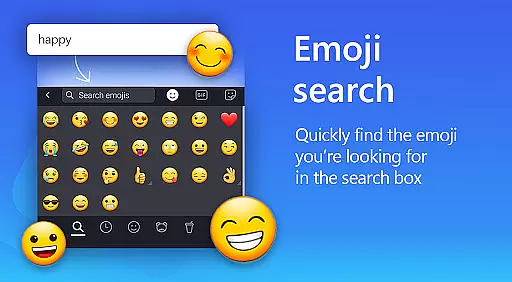
Customization is at the core of Microsoft SwiftKey's offerings. Users can choose from over 100 colorful keyboard themes or create their own using personal photos. The app also provides tools like an expandable menu of quick shortcuts and the ability to rewrite text in different tones. With searchable emojis, GIFs, and stickers, alongside multilingual support, this keyboard ensures both functionality and personal expression are maximized.
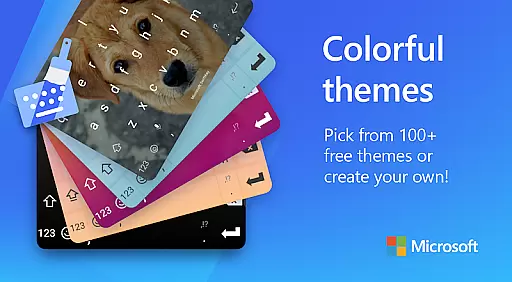
Microsoft SwiftKey AI Keyboard offers an extensive range of customization options that cater to individual preferences and styles. With over 100 colorful keyboard themes, users can select a design that best matches their personal taste or mood.
Beyond the preset themes, the application allows for a more personalized touch by enabling users to create their own custom keyboard theme. You can use your photo as the background, ensuring that your keyboard is truly unique and representative of your style.
In addition to aesthetic customization, Microsoft SwiftKey provides functional personalization. Users can adjust their keyboard size and layout, which enhances comfort and typing efficiency. This flexibility ensures that the keyboard can be tailored to fit various devices and hand sizes.
The ability to customize extends to the typing experience itself, with adaptive features learning your slang, nicknames, and even favorite emojis. This means that the more you use Microsoft SwiftKey, the more it adapts to your writing style, offering a smooth and intuitive typing experience.
Theme compatibility in Microsoft SwiftKey AI Keyboard ensures that regardless of the device or operating system version, your chosen theme will maintain its appearance and functionality. This seamless integration across platforms provides a consistent user experience.
Users can switch between different themes without losing any functionality or visual appeal. Whether you prefer a minimalist design or vibrant colors, each theme is crafted to work harmoniously with the keyboard's predictive text and swipe features.
Moreover, Microsoft SwiftKey supports high-resolution displays, ensuring that all themes look crisp and clear on any screen. The attention to detail in theme design guarantees that icons and text remain legible and aesthetically pleasing.
With regular updates and new theme additions, Microsoft SwiftKey keeps the typing experience fresh and engaging. This commitment to compatibility and variety ensures that users can always find a theme that resonates with their personality while enjoying the full benefits of the keyboard's advanced features.
AI-powered predictions
Customizable themes
Multilingual support
Swipe-to-type feature
Rich content integration
Optional permissions needed
Feature limitations exist
Some features unavailable
Premium design costs
Learning curve present

Winter's Journey: digital watch face for Galaxy Watch & Wear OS
 4.80
4.80
Realistic animated snow on your wrist, with 10 images landscapes to choose from
4.00
Themes - Widget & Wallpaper: Customize home screen, icon changer w unique themes
4.30
Personalize your phone with stunning HD and 4K wallpapers!
4.70
The definitive Icon pack maker and editor
4.30 4.10
4.10
Choose your keyboard with RGB colors effect, themes, fonts, emojis.
4.60
300+ widgets inspired by Material You and Material 3 expressive design.
4.60
Your home screen, just the way you like it.
4.30
Stunningly Different look with Line Icons and Neon Colors
4.60
Embrace the Night. Unleash the power of darkness with Raven Dark Icon Pack
4.60
Beautiful realistic hybrid watch face with numerous customization options.
4.50 4.50
4.50
Launcher OS™ Pro without ads help make your phone simple and pretty
4.30
Wear Os Watch Face - Seasonal - Animated Snow Effect - 9 Animals
4.20
Adult video chat, dating, making friends, random matching
4.20
Unleash Your Creativity and Connect with Loved Ones with Lockscreen Drawing!
4.20
Crystal-clear, square icon provides a sleek and sophisticated visual upgrade
4.00
Your go to Weather App & Home Screen. Get your weather at a swipe of a finger!
3.80


User Reviews