
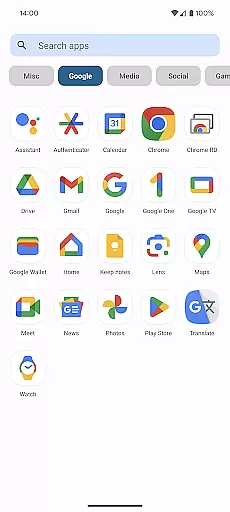
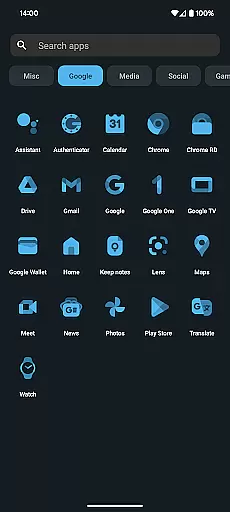
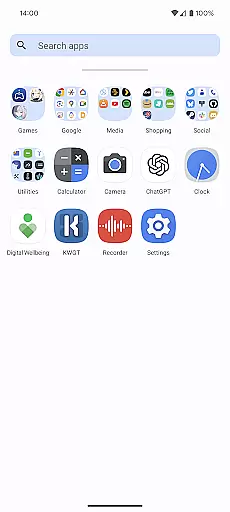
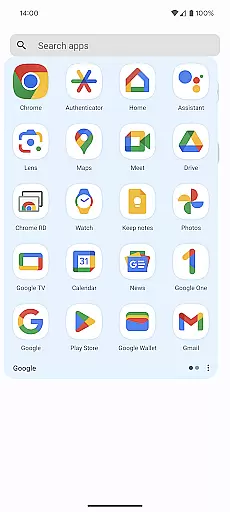
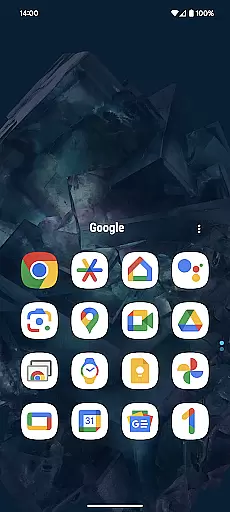
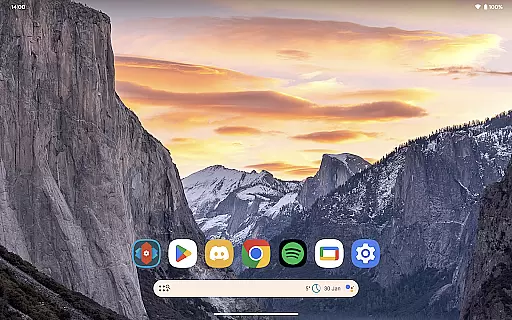
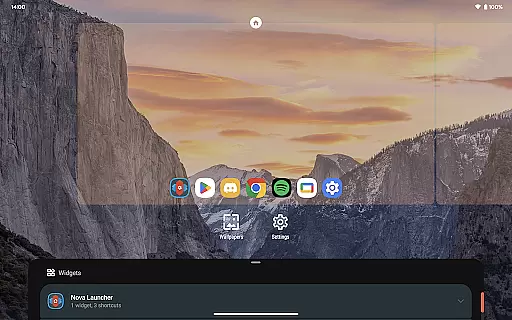
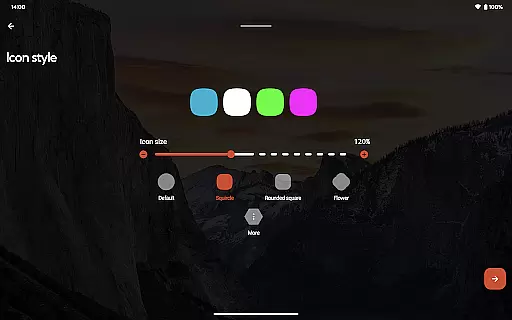
Nova Launcher Prime is a premium version of the popular Nova Launcher application, designed to enhance your Android home screen experience. This app acts as a license key that unlocks advanced customization features in the free version of Nova Launcher.
With Nova Launcher Prime, users can access powerful functionalities such as custom gestures, app drawer organization, and icon swipe actions. These features allow for a highly personalized and productive mobile experience. Whether you want to create custom tabs in the app drawer or hide specific apps, Nova Launcher Prime provides the tools to tailor your device exactly how you want it.
The app is particularly useful for power users who value both aesthetics and functionality in their smartphone interface. By enabling advanced scrolling effects, notification badges, and more, Nova Launcher Prime ensures your Android device remains both visually appealing and highly efficient.
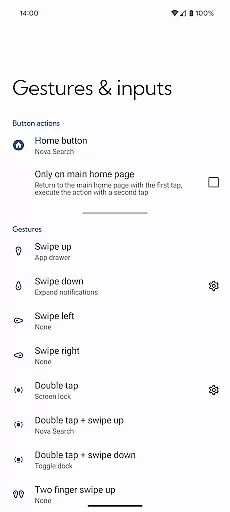
Nova Launcher Prime offers an impressive array of features that significantly expand the capabilities of the standard Nova Launcher. One standout feature is the ability to use custom gestures on the home screen. Users can execute commands through swipes, pinches, double taps, and other intuitive motions, streamlining navigation and boosting productivity.
Another notable feature is the app drawer customization. You can organize apps into custom tabs or folders, creating a clutter-free and logical structure that suits your workflow. Additionally, the option to hide apps from the app drawer without uninstalling them adds a layer of privacy and personalization.
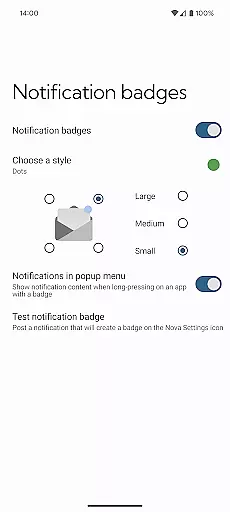
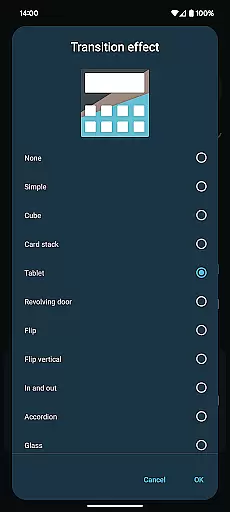
Custom icon swipe gestures further enhance usability by allowing users to perform actions directly from their home screen icons. Swiping up or down on an icon can trigger specific commands, saving valuable screen space. With additional enhancements like notification badges and various scrolling effects, Nova Launcher Prime delivers a polished and versatile user experience.
Nova Launcher Prime offers an extensive range of customization options that allow users to tailor their Android home screen experience precisely to their liking. This includes the ability to create custom gestures, which enable users to execute commands such as launching apps or accessing settings through intuitive motions like swipes and pinches.
Moreover, the app drawer can be organized into custom tabs and folders, providing an unprecedented level of organization for those who have a multitude of apps installed on their device. Users also have the option to hide apps from the app drawer without uninstalling them, ensuring a clutter-free and personalized interface.
The inclusion of custom icon swipe gestures adds another layer of functionality, allowing users to perform actions such as opening shortcuts or toggling settings with simple up or down swipes on icons. These features collectively ensure that Nova Launcher Prime delivers a highly customizable and productive user experience.
Theme compatibility is a crucial aspect of personalizing your smartphone, and Nova Launcher Prime excels in this area by offering seamless integration with various themes. Users can apply different visual styles across their entire home screen, ensuring a consistent look and feel that matches their personal aesthetic preferences.
In addition to supporting a wide array of third-party icon packs, Nova Launcher Prime allows for nuanced adjustments within each theme. This means users can fine-tune elements such as colors, fonts, and layout parameters to achieve the perfect balance between form and function.
By leveraging these capabilities, Nova Launcher Prime not only enhances the visual appeal of your device but also maintains operational coherence. The result is a harmonious blend of style and usability that elevates the overall user experience.
Highly customizable
Intuitive gesture controls
Efficient app drawer management
Enhanced privacy options
Versatile icon swipe actions
Requires separate app installation
Premium price point
Complex for beginners
Limited iOS compatibility
Occasional performance issues

Classic analogue watch face. For wear os devices.
 4.60
4.60
A Colorful and Minimal icon pack in an Outline Style - Over 13,600 icons!
4.70
A light in the dark, a unique style and an andless cutomization!
4.30
A launcher for Samsung Good Lock and Good Guardians modules without ads
4.70
Unique Android Launcher
4.60
Adorable pets roam and play right on your phone screen!
3.30
Struggling to find apps? Use this app to locate and open any app on your phone!
2.20
Install amazing sticker packs: endless styles, always cool.
4.70
Cool custom fonts & keyboard themes! Symbols & font changer for Instagram
4.50
Winter's Journey: digital watch face for Galaxy Watch & Wear OS
4.80
Nothing Icon pack with more than 3750+ highly crafted icons.
4.70
Make your phone look simple & luxury, like iDevice
4.60
Bring adorable pets to life on your screen. Playful, interactive and full of fun
4.60
Add cute Shimeji pets to screen, interact with them and relax with cute motions
4.60
Ultra realistic gold analog watch face with lots of customization options.
4.50 4.50
4.50
Art & Emoji Keyboard with Cool Fonts, Cute Themes and Custom Designs.
4.40
Themes - Widget & Wallpaper: Customize home screen, icon changer w unique themes
4.30
Adaptive Dot Style IconPack with Light & Dark Theme.
3.70


User Reviews