
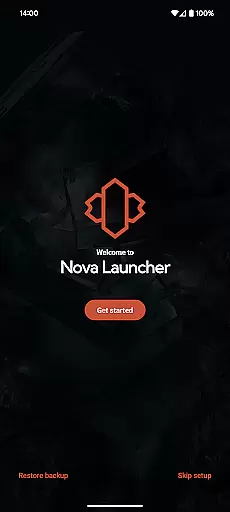
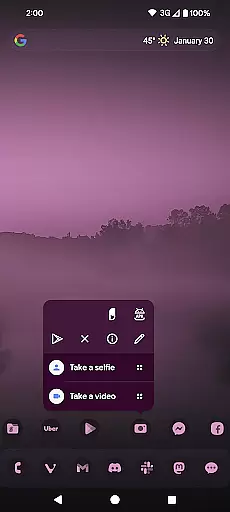
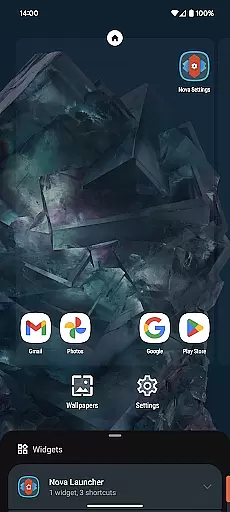
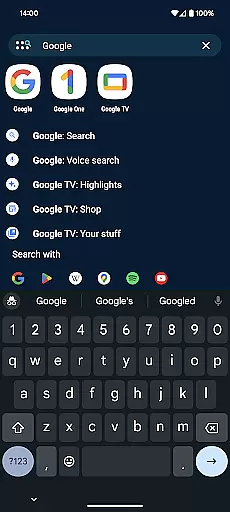
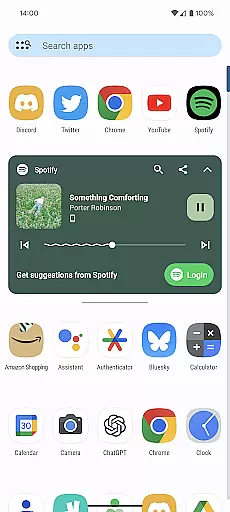
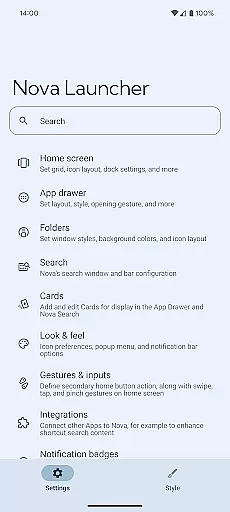
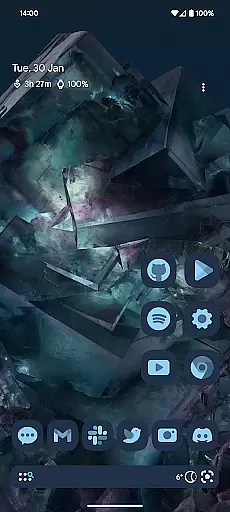
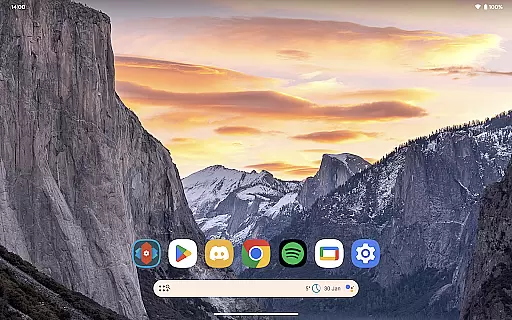
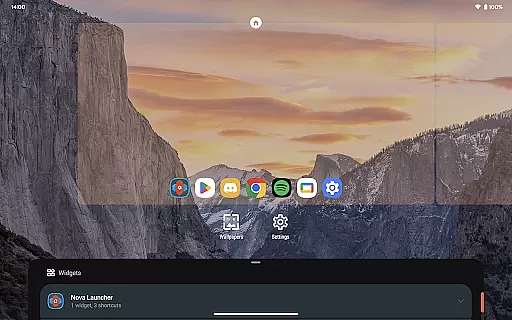
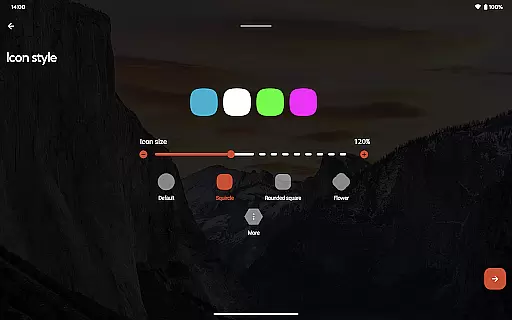
Nova Launcher is a highly customizable home screen replacement for Android devices, offering advanced features while maintaining user-friendliness. It allows users to personalize their home screens with custom icons, extensive color options, and light or dark themes. The app supports subgrid positioning for precise layout control and includes a powerful search system that integrates app content, contacts, and other services.
Designed for both casual users and power users, Nova Launcher enables complete home screen overhauls or simply provides a cleaner, faster experience. Its backup and restore feature makes phone transfers seamless, while the optional Nova Launcher Prime unlocks gestures, app drawer groups, and more productivity-enhancing functions. With active support and regular updates, Nova ensures a personalized and efficient home screen experience.
Nova Launcher stands out with its extensive customization options, allowing users to tailor every aspect of their home screen experience. Users can choose from thousands of icon themes, reshape icons, and apply Material You colors for a personalized look. The app offers customizable light and dark modes, vertical or horizontal scrolling, and innovative app drawer cards that display essential information.
The launcher also includes advanced features like subgrid positioning, which allows precise placement of icons and widgets between grid cells. Its powerful search system provides instant results for calculations, unit conversions, and package tracking. Additionally, Nova Launcher Prime adds gestures, app drawer groups, and custom icon swipe actions, enhancing productivity without cluttering the home screen. These features collectively create a versatile and user-centric home screen solution.
Nova Launcher stands out in the realm of personalisation with its vast array of customization options, making it a top choice for users seeking to tailor their Android experience. The app allows for intricate adjustments ranging from icon size and label colors to the positioning of the search bar, offering a personalized home screen setup that caters to individual preferences.
One of Nova's most compelling features is its support for thousands of icon themes available in the Play Store, alongside the ability to reshape all icons to a uniform shape of your choosing. This level of icon customization ensures a consistent aesthetic across your device, enhancing visual appeal.
Beyond icons, Nova embraces an extensive color system, enabling users to apply Material You colors from their system or select unique colors for a truly personalized interface. Coupled with customizable light and dark themes, users can synchronize their display settings with their system configurations or opt for a permanent setting that suits their lifestyle.
The app further extends its customization prowess to the app drawer and folders, introducing innovative cards that provide necessary information promptly. With subgrid positioning, users achieve precise layouts for icons and widgets, a feature rarely seen in other launchers. These capabilities collectively ensure Nova Launcher not only meets but exceeds user expectations for a personalized Android experience.
Theme compatibility is at the heart of Nova Launcher's design philosophy, ensuring seamless integration with a wide range of themes and icon packs. This compatibility empowers users to overhaul their device's appearance effortlessly, aligning with their personal style or mood without compromising on functionality or performance.
Nova supports custom icons and themed icon packs, such as the OneYou Icon Pack by PashaPuma Design, used with permission in promotional materials. This flexibility in theme application allows for a cohesive look across the deviceu2019s interface, elevating the overall user experience through visually pleasing aesthetics.
In addition to supporting third-party themes, Nova Launcher offers built-in customization options for light and dark modes. Users can sync these modes with their system settings, adjust them according to sunrise and sunset, or maintain a constant preference, showcasing the app's adaptability to various user needs and environmental considerations.
Furthermore, Nova's backup and restore feature ensures that personalization settings are preserved when transitioning between devices. This means users can carry over their meticulously crafted themes and customizations, maintaining their unique digital environment across upgrades or changes in hardware. Such comprehensive theme compatibility underscores Nova Launcher's commitment to delivering a versatile and user-centric Android experience.
Highly customizable
User-friendly interface
Regular updates
Active community support
Optional Prime features
Prime version is paid
Some features complex for beginners
Requires setup time
Limited iOS functionality
Advanced options may overwhelm

Gun Chase - Let the chase begin.
 4.80
4.80
Turn your lock screen into fun with smile live wallpapers & animated wallpapers!
2.50
Interactive Miniature Painting Catalogue
3.30
Unique Fonts, typefaces and stylish text. Fonts for Instagram, Whatsapp & others
4.20 4.50
4.50
Organize and manage your photos and videos effortlessly with Photo Gallery
4.20
Modern Glass Icon Pack with glossy icons, clean minimal theme & aesthetic style
4.1
Your home screen, just the way you like it.
4.30
Transform your phone with stunning video wallpapers and a unique, personal touch
3.80
Sparkle your screen with Glitter Wallpapers For Girls and Cute Backgrounds!
4.80
One 8 icons glass color version
4.80
A retro cartoon style watch face and a punch right in the face of the copyright
4.60
200+ Material Inspired Widgets
4.50
Fingerprint Lock Screen & Live Animations with 4K Wallpapers as Live Wallpaper
4.40
Transform your device in a game console
4.40
The definitive Icon pack maker and editor
4.30
App Icon Changer & Shortcut Creator. Customize your icons without any watermarks
4.30
Customizable flower power digital watch face for Wear OS watches.
4.00
Your go to Weather App & Home Screen. Get your weather at a swipe of a finger!
3.80


User Reviews